
Accounting & ERP Integration
Your accounts know the company. Archdesk knows the projects. Connect them.Archdesk syncs with Xero, Sage and QuickBooks, and with ERPs including SAP, Oracle NetSuite and Microsoft Dynamics 365, so invoices, payments and costs are entered once and land in both systems, project-coded. Finance keeps the ledger they trust. Operations gets numbers that match it. The reconciliation meeting loses its agenda.
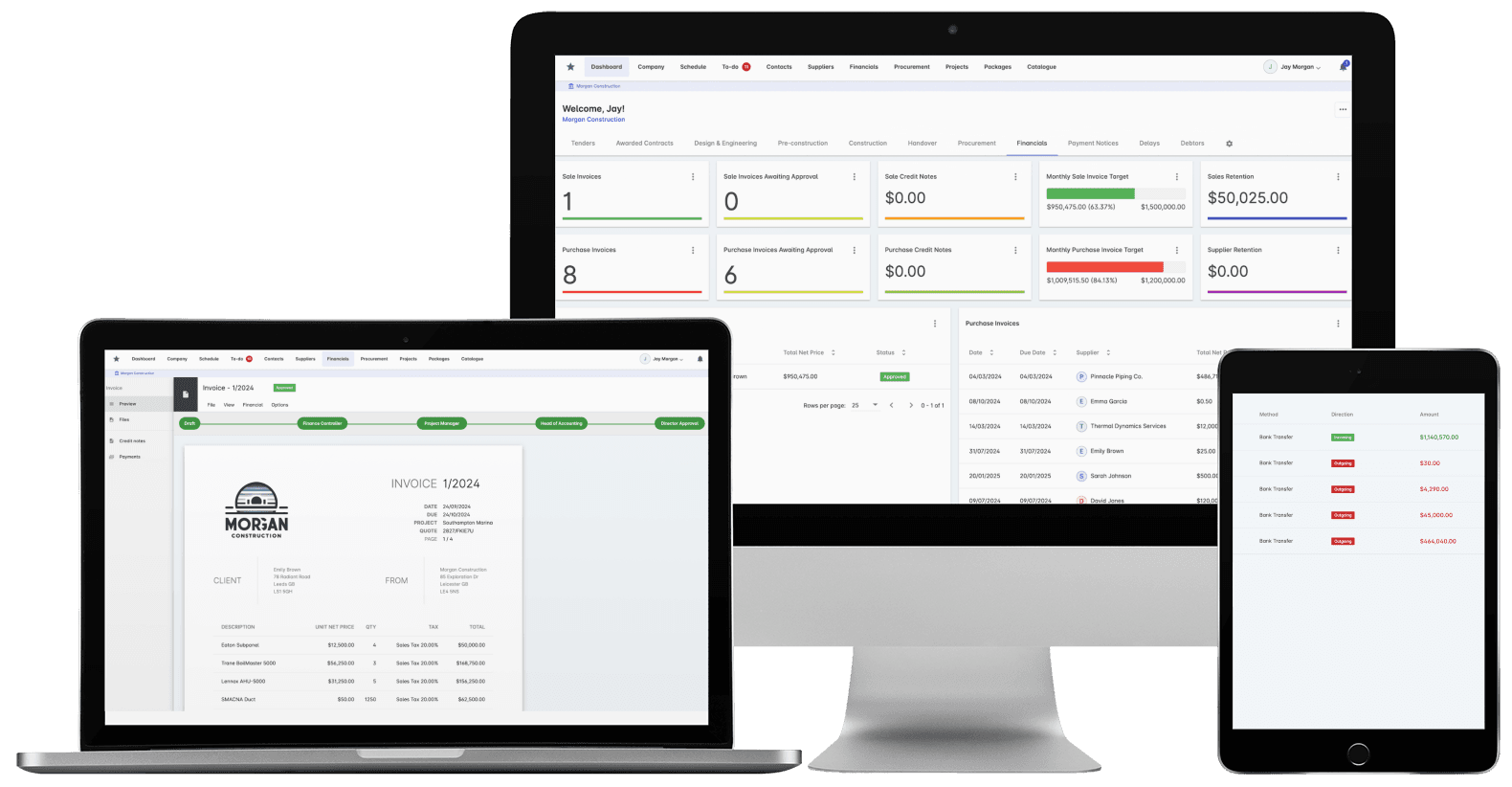
Trusted by construction companies of every size, worldwide


























Enter it once. It lands in both systems, project-coded.
Construction accounting integration software removes double entry by syncing invoices, payments and costs two ways between the construction system and the ledger, in real time. Archdesk syncs with Xero as a Certified Partner, plus Sage, QuickBooks, Zoho, Oracle NetSuite, MS Dynamics 365 and SAP, with an Open API for anything else.

Clean data in both directions
Validation rules, audit trails and compliance monitoring check every transaction as it syncs, with error notifications and reconciliation tools catching exceptions before they spread.
Cost codes and the ledger stay aligned
Project cost codes map to the chart of accounts, with project codes and WBS structure aligned, so the ledger reads by project without rekeying.
The paperwork travels with the transaction
Invoice attachments, receipts and original scans as PDFs sync alongside the numbers, so the backup is always where the entry is.
One report across both systems
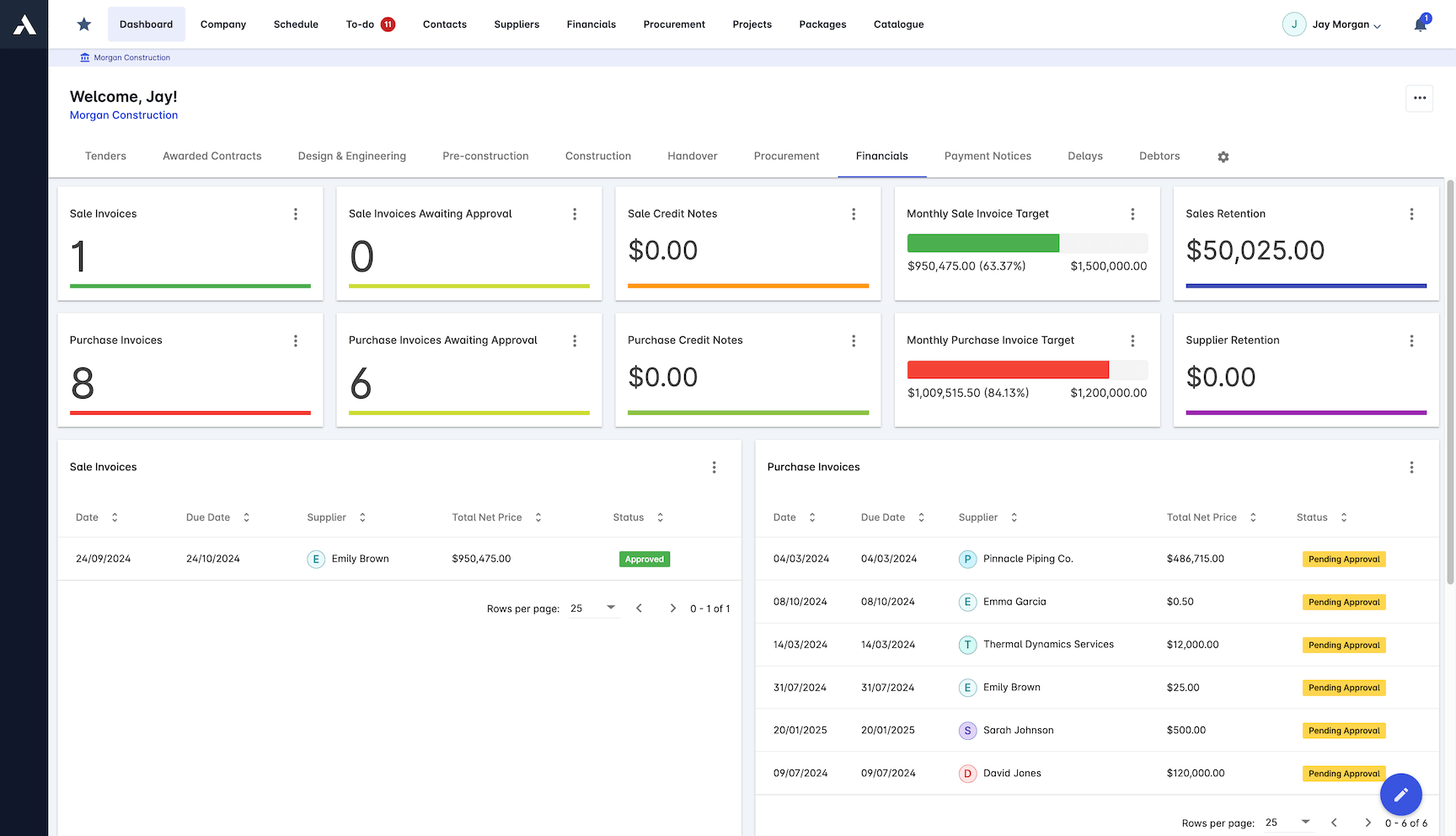
Consolidated dashboards and a custom report builder combine construction and accounting data, so the cost position the project team acts on matches the accounts.
The reconciliation meeting loses its agenda
Two-way, real-time sync means invoices, payments and costs are entered once and land in both systems project-coded. Finance keeps the ledger it trusts, and site and commercial teams work from numbers that match it.

Real-time Synchronization
Two-way sync posts transactions between Archdesk and the accounting package as they happen, so neither side waits on an export or retypes an invoice.
Xero (Certified Partner), Sage, QuickBooks and more
ERPs: SAP, Oracle NetSuite, Microsoft Dynamics 365
Real-time transaction posting
Error notifications and reconciliation tools
Open API for other systems
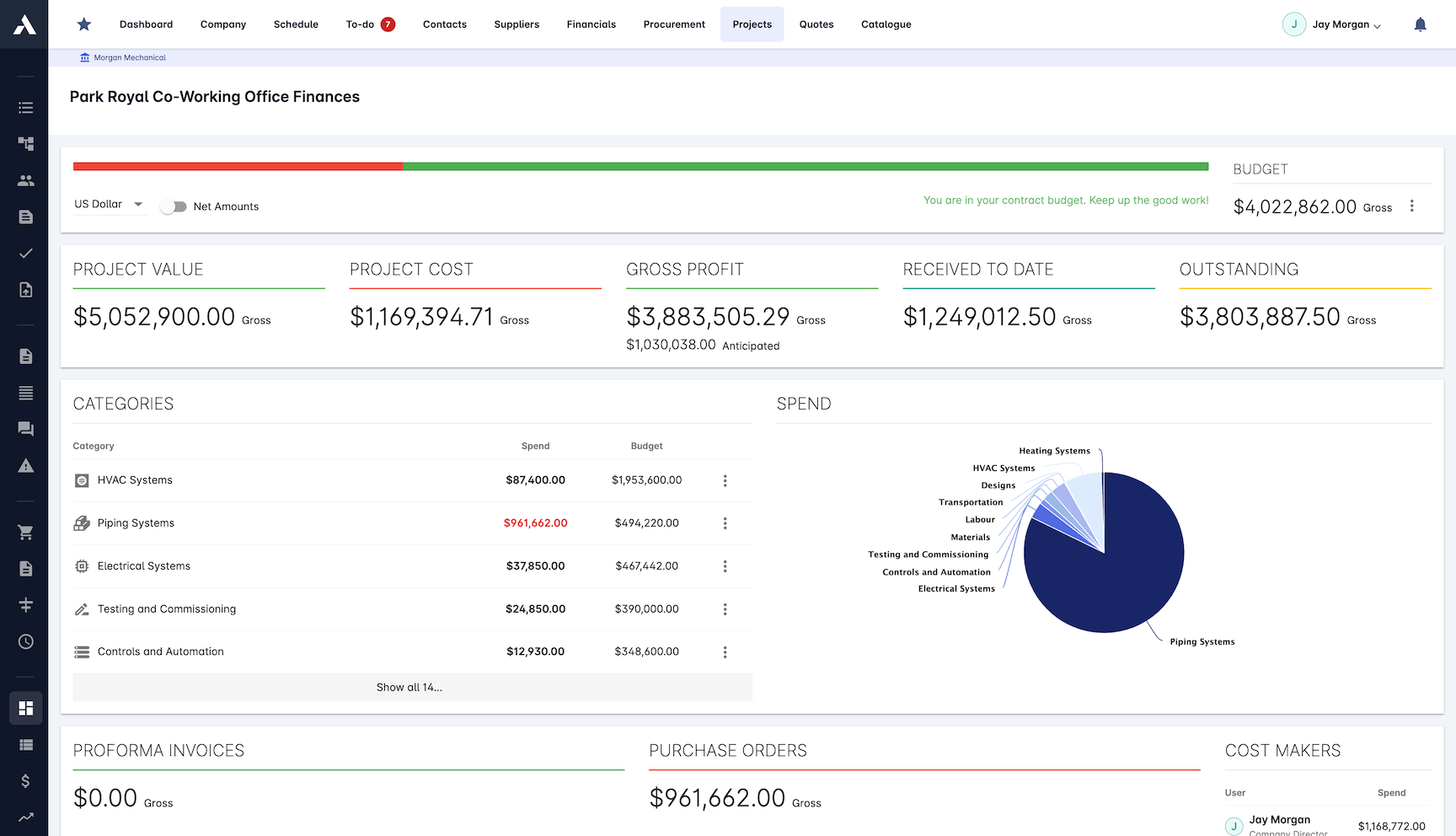
Cost Code Integration
Map cost codes to the chart of accounts once, and every transaction lands coded to the right project and account from then on.
Cost code mapping
Chart of accounts sync
Project code integration
WBS structure alignment
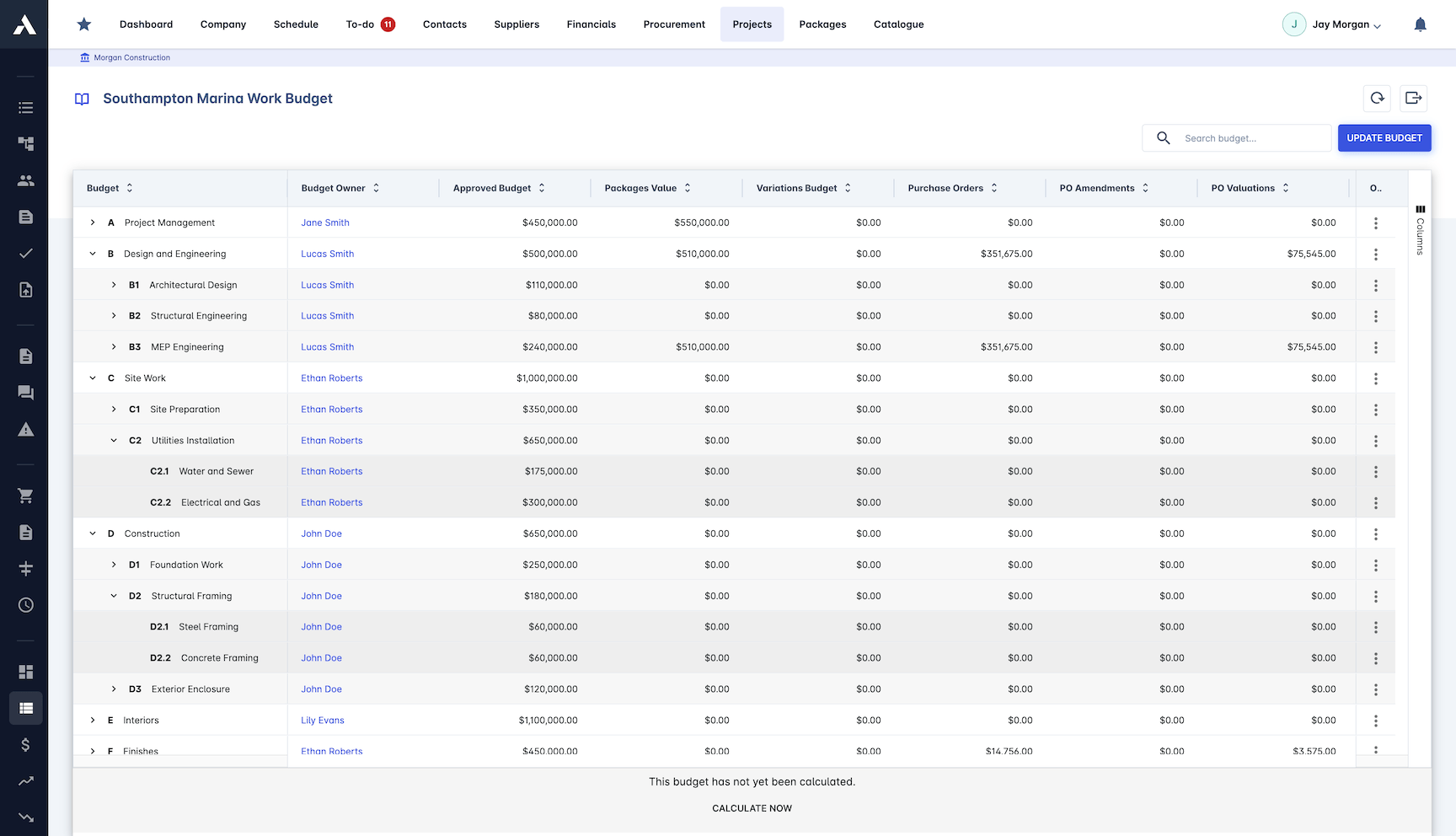
Financial Controls
Automated validation and compliance checks run on the data as it moves between systems, so what lands in the ledger can be trusted.
Data validation rules
Audit trail tracking
Compliance monitoring
Security controls
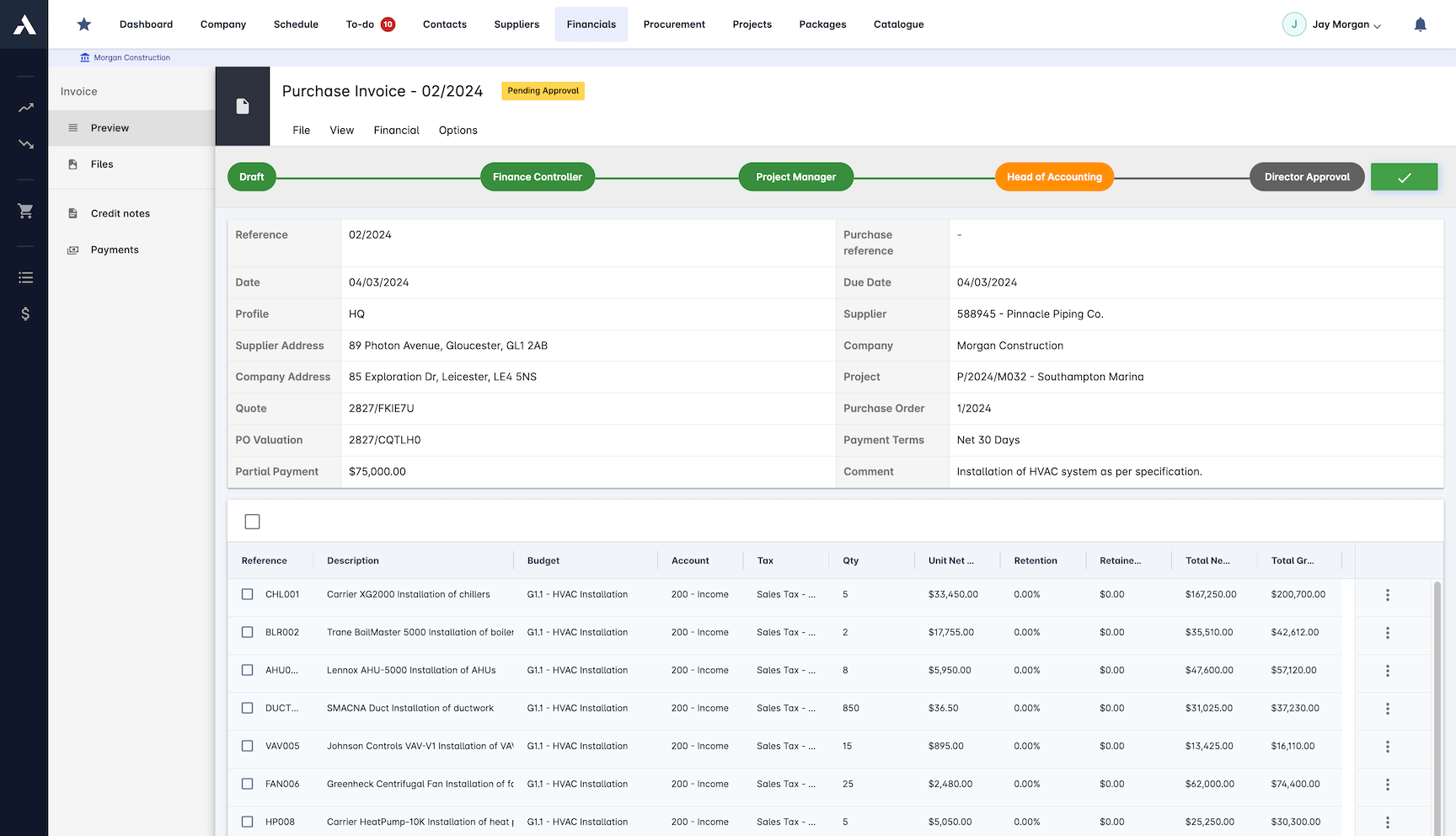
Document Synchronization
Supporting documents travel with the transactions, so the invoice and its backup are never in two different places.
Invoice attachment sync
Payment documentation
Receipt management
Original scan attached as PDF
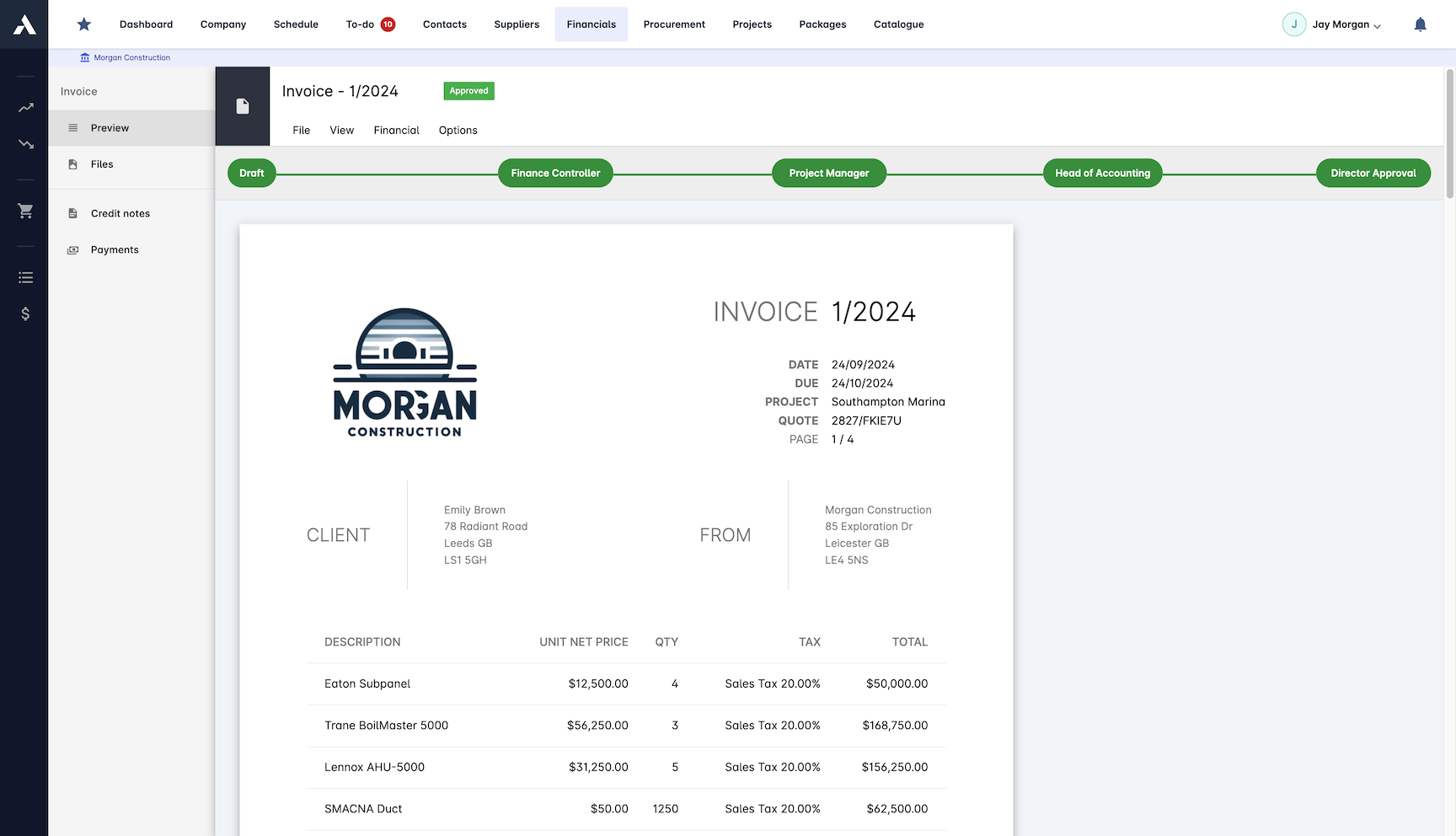
Financial Reporting
Reports combine construction and accounting data as one dataset, so commercial and finance read the same position without a reconciliation exercise.
Consolidated cross-system reporting
Cost value reconciliation (CVR) reporting
Custom report builder
Financial dashboards, Power BI style
Cross-system analytics
Every integration, explained on its own page
What exactly is exchanged, how the connection is set up and what it changes for the project team: Xero (certified partner), QuickBooks Online, Sage 50, Microsoft Dynamics and SAP. These are the most requested systems, not the full list: Archdesk regularly builds integrations with customers' own ERP and accounting platforms during implementation.
Frequently Asked Questions: Accounting & ERP Integration
Which accounting systems does Archdesk integrate with?
Archdesk syncs with Xero as a Certified Partner, plus Sage, QuickBooks and Zoho, and with ERPs including SAP, Oracle NetSuite and Microsoft Dynamics 365. An Open API is available for other systems.
Is the accounting sync two-way and real time?
Yes. Two-way sync posts transactions between Archdesk and the accounting package as they happen, so invoices, payments and costs are entered once and land in both systems project-coded. Error notifications and reconciliation tools catch exceptions before they spread.
How do project cost codes map to the chart of accounts?
You map cost codes to the chart of accounts once, with project codes and WBS structure aligned, and from then on every transaction lands coded to the right project and account. The ledger reads by project without rekeying.
Do supporting documents sync with the transactions?
Yes. Invoice attachments, payment documentation, receipts and the original scan as a PDF travel with the transaction, so the invoice and its backup are never in two different places.
Can I report across construction and accounting data together?
Yes. Consolidated reporting combines construction and accounting data as one dataset, with cost value reconciliation (CVR) reporting, a custom report builder and financial dashboards, so commercial and finance read the same position without a reconciliation exercise.
Explore Related Solutions
Everything below runs in the same system, working from the same live data.
Certificates of Work
Issue work completion certificates and get paid
Milestone Payments
Track and process milestone payments
Project Cost Controls
Monitor overall project finances and other KPIs
Labor Cost Tracking
Track labor expenses and compare with your estimates
Work in Progress Reporting
Monitor completion costs across your whole project portfolio
Invoicing
Manage sale and purchase invoices
Payment Tracking
Monitor incoming and outgoing payments
Discover more
Explore the full range of solutions and find the right fit for your business.
See your next project on Archdesk
Book a demo and walk through a fully worked example project: one platform running everything from winning the work to closing it out.
Book a Demo

