The Best Alternative to IBM Maximo (EAM) in 2026
Switch to Archdesk for cloud-native architecture, unified project + asset controls, and predictable pricing.
Get estimation, procurement, financials, resource planning, work orders, and asset lifecycle management in one platform, without legacy complexity from IBM Maximo.

Archdesk vs IBM Maximo Comparison
See why organizations choose Archdesk over IBM Maximo (EAM) to unify construction project controls and asset operations on a modern, configurable platform.
Comparing the wider field? See every Archdesk head-to-head on the alternatives comparison hub.
Last reviewed: 22 July 2026. IBM Maximo information on this page is based on publicly available documentation as of this date.
Key Advantages of Archdesk vs IBM Maximo
Discover why Archdesk is the preferred modern alternative to IBM Maximo for unified project and asset lifecycle control.
Superior Financial & Commercial Control
Real-time budgets, commitments, change orders, and forecast-to-complete, natively connected to execution and procurement. Maximo’s maintenance-centric focus often requires customizations for project financial controls.
Predictable User-Based Pricing
Transparent, user-based or unlimited-user pricing without enterprise licensing surprises or asset-volume tiers. Budget with confidence.
Integrated Resource Management
Plan labor, equipment, and materials across projects and assets with capacity, conflicts, and utilization: functionality not native in traditional EAM-centric approaches.
Configurable Workflows
A powerful no-code engine tailors approvals, handoffs, and compliance steps, without heavy maintenance, scripting, or specialized administrators.
End-to-End Solution
From bid to closeout and into operations: estimation, delivery, financials, procurement, resources, work orders, and reporting all connected.
Advanced Analytics & Reporting
Configurable dashboards, KPIs, and portfolio analytics across projects and assets: BI-ready without extensive external reporting stacks.
Why Switch from IBM Maximo to Archdesk?
Legacy EAM Complexity & TCO
Reduce complexity and cost. Archdesk is cloud-native with rapid configuration and lower total cost of ownership compared to multi-module enterprise-style Maximo deployments.
Customization & Maintenance Overhead
Avoid brittle customizations and admin-heavy scripting. Archdesk’s no-code workflows and adaptable data model fit your processes without specialized administrators.
Siloed Project Controls vs Asset Ops
Unify delivery and operations. Archdesk connects construction project controls with asset work orders and lifecycle data so finance and operations work from the same truth.
Limited Construction-Specific Workflows
Archdesk delivers construction-first workflows natively: estimation, procurement, change management, and commercial governance, minimizing external tools and workarounds.
Integration Overhead
Reduce tool sprawl. Archdesk integrates with ERP, accounting, and BIM while natively connecting field operations to financials, without complex marketplaces and licensing layers.
Usability & Mobility
Easy-to-use web and mobile experiences that keep teams moving, with field updates directly influencing commercial controls and asset performance.
Frequently Asked Questions: IBM Maximo Alternative
Is Archdesk a full replacement for IBM Maximo?
For teams seeking to unify construction project controls with asset operations, yes: Archdesk centralizes delivery, financials, procurement, resources, work orders, and reporting. Owners and operators with construction programs benefit from a single, modern platform.
How long does migration take?
Most teams transition quickly thanks to guided implementation, data import support, and role-based training. The exact timeline depends on your scope and data, and there is no system integrator phase before your team can start on real projects.
Can Archdesk integrate with our existing systems?
Archdesk supports integrations for common construction and asset workflows along with financial systems. Our team maps data flows so upstream and downstream processes remain connected.
Will our costs increase with portfolio or asset growth?
No. Pricing is not tied to construction volume or asset counts. Choose user-based or unlimited-user options to keep costs predictable as your operations grow.
Can Archdesk be customized to our processes?
Archdesk’s no-code configuration lets you tailor workflows, approvals, fields, and automations to your operating model, without custom development.
Built for Large-Scale Projects & Asset Portfolios
End-to-End Lifecycle Management
Archdesk supports the full delivery lifecycle across preconstruction, execution, handover, and operations. Estimating connects to budgets and procurement; delivery workflows update costs and progress in real time; closeout hands over structured documentation and asset registers; and operations continue with planned maintenance and performance tracking, all within one platform.
Unlike legacy EAM tools such as IBM Maximo, Archdesk’s cloud-native architecture keeps financials, documents, and operational data synchronized across phases, reducing handoff friction and eliminating parallel spreadsheet processes.
Project Controls at Enterprise Scale
Commercial controls include budgets, cost codes, commitments, accruals, forecast-to-complete, and change management tied directly to live execution. Risk registers, variance alerts, and configurable approvals provide governance without heavy custom scripting.
Portfolio dashboards and KPIs surface performance across programs and regions, enabling leadership to track margin, schedule, and resource trends at scale. Operations and finance work from the same data, minimizing reconciliation effort and month-end friction.
Asset Management for Owners and Operators
Maintain a centralized asset registry with lifecycle status, condition, warranty docs, and maintenance plans. Assets link to projects, vendors, and costs, so teams can track total cost of ownership and performance over time.
Planned maintenance, inspections, and compliance workflows ensure uptime and auditability. With Archdesk, handover isn’t the end: it’s the start of a managed asset lifecycle connected to commercial controls and field operations.
Archdesk vs IBM Maximo: Features and Benefits
A side-by-side comparison to evaluate capabilities and business impact when switching from IBM Maximo (EAM) to Archdesk. The table highlights how features translate into operational and commercial outcomes.
| Category | Archdesk Features | Archdesk Benefits | IBM Maximo Features | Impact |
|---|---|---|---|---|
| Financial Management | Budgets, cost codes, commitments, change orders, forecast-to-complete, procurement integration. | Real-time margin control, fewer spreadsheets, faster month-end. | Maintenance costs and work orders; project-centric financials via customization or external tools. | Commercial controls often externalized; slower close. |
| Pricing Model | User-based or unlimited users; not tied to construction volume. | Predictable OPEX and multi-year cost planning. | Often module- or asset-volume based enterprise licensing. | Costs can rise with scale and portfolio growth. |
| Resource Management | Labor, equipment, materials with capacity, conflicts, and utilization across projects and assets. | Higher utilization and controlled delivery costs. | Resourcing oriented around maintenance scheduling and work orders. | Limited portfolio-level capacity visibility for construction programs. |
| Workflows & Configurability | No-code approvals, handoffs, compliance steps, forms, automations. | Fits existing processes, reduces workarounds; stronger governance. | Application designer and automation scripts; admin-heavy configuration. | Higher maintenance burden; slower change velocity. |
| Procurement | RFQs, vendor management, POs, goods receipt, three-way matching. | Controlled spend, fewer variances; vendor performance visibility. | POs and inventory within maintenance context; ERP linkage common. | Partial coverage; project procurement often externalized. |
| Analytics & Reporting | Configurable dashboards, KPIs, drilldowns, portfolio analytics. | Faster decisions, better portfolio-level control. | Standardized reporting with external BI options. | More manual analysis or heavy report setup. |
| Document Management | Integrated docs, versioning, approvals tied to workflows. | Single source of truth across teams and phases. | Attachments and records centered on assets/work orders. | Construction doc workflows and financial linkage limited. |
| Asset Management | Asset registry, lifecycle status, planned maintenance, warranty docs; linked to projects, vendors, and costs. | Total cost of ownership visibility; unified handover-to-operations. | Robust asset registry, work orders, and preventive maintenance. | Strong asset focus; project/commercial unification often limited. |
| Integrations | Accounting, ERP, BIM, common construction tools. | Connected financials and operations; less tool sprawl. | Broad ERP and EAM connectors, marketplace. | Higher subscription complexity and overhead. |
| Implementation | Guided onboarding, role-based training, rapid configuration. | Fast time-to-value; minimal disruption. | Multi-module enterprise deployments. | Longer deployments depending on scope and modules. |
| Mobile & Field | Mobile workflows for timesheets, QA/QC, approvals, inspections. | Real-time updates connected to commercial controls. | Maximo Mobile for inspections and work orders. | Field-to-finance linkage may require extra steps. |
Seamless Switch to Archdesk
Our experienced team ensures a smooth transition from IBM Maximo to Archdesk, with minimal disruption to your operations.
Data Migration Support
Our specialists help transfer your existing data from IBM Maximo to Archdesk, ensuring no critical information is lost during the transition.
Comprehensive Training
Full training program for your team, customized to your specific needs and processes. Get your team up and running quickly.
Quick Implementation
A quick, structured transition. Our implementation process ensures you can start using Archdesk at full capacity without a drawn-out deployment.
Trusted by construction companies of every size, worldwide






One system, from first estimate to final payment
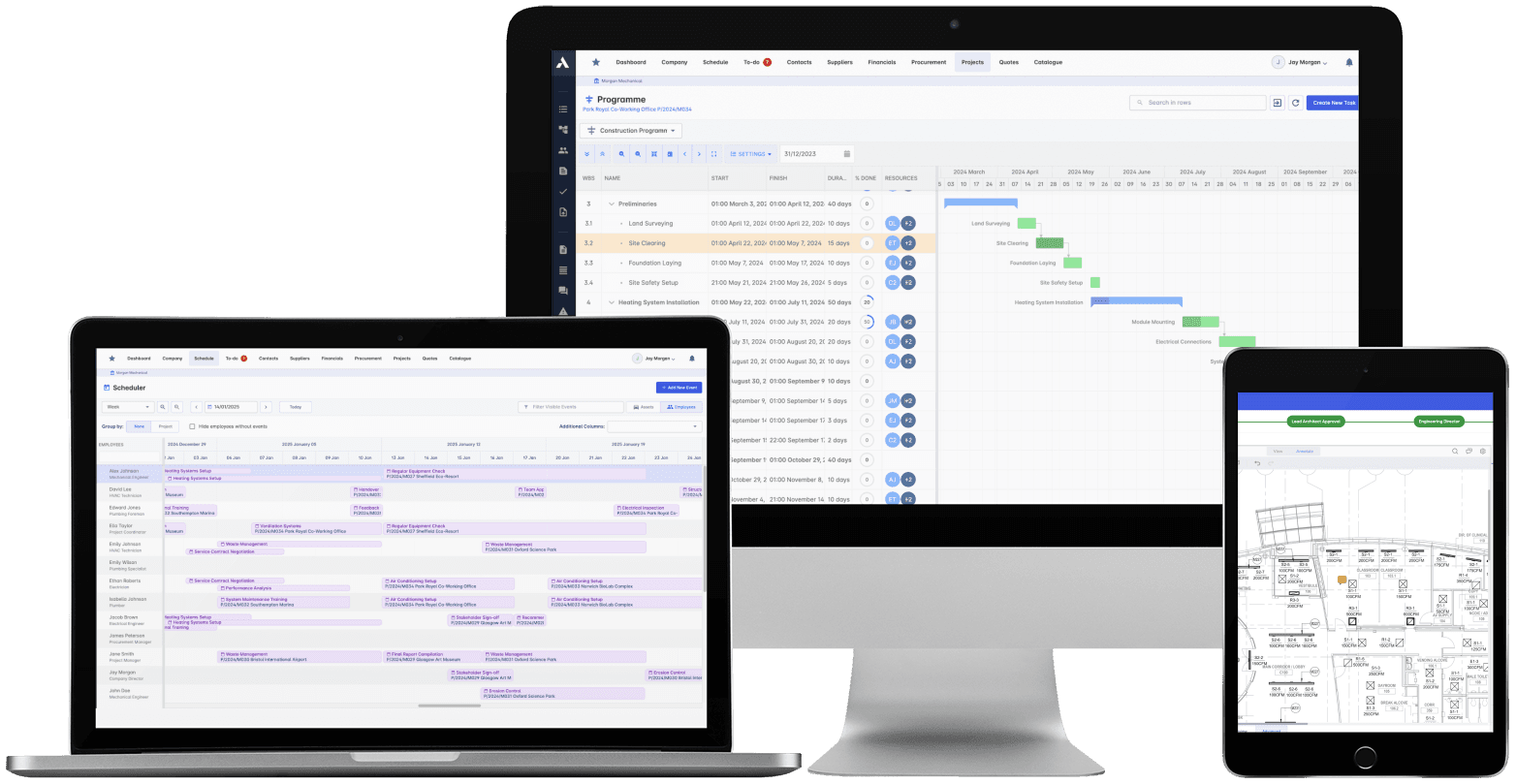
Construction Project Management
The schedule, the progress and the money in one system. When a task slips you see what it costs, and when scope changes you see what it does to the schedule. 'On track' means the Gantt chart and the bank account.
Explore Project ManagementRelated solutions
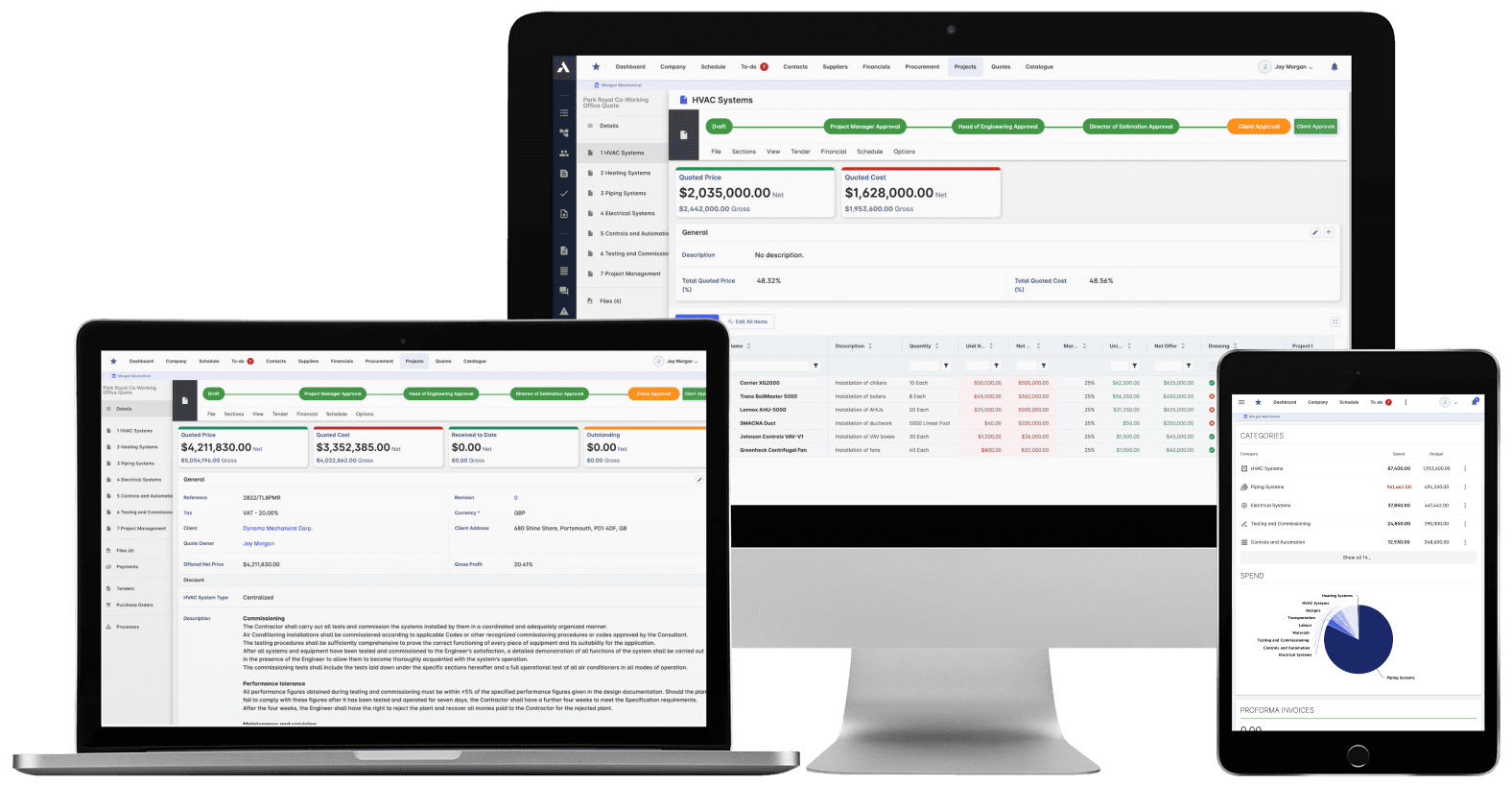
Construction Job Costing
What you priced is what you track. The winning estimate becomes the budget, actuals land against it line by line, and what jobs really cost feeds the next bid.
Explore Job CostingRelated solutions
Construction Procurement
Buy-out without the gaps: RFQs from your BOQ lines, bids back comparable, exclusions visible before award. Then every PO and subcontract lands on the budget the moment it's raised.
Explore Procurement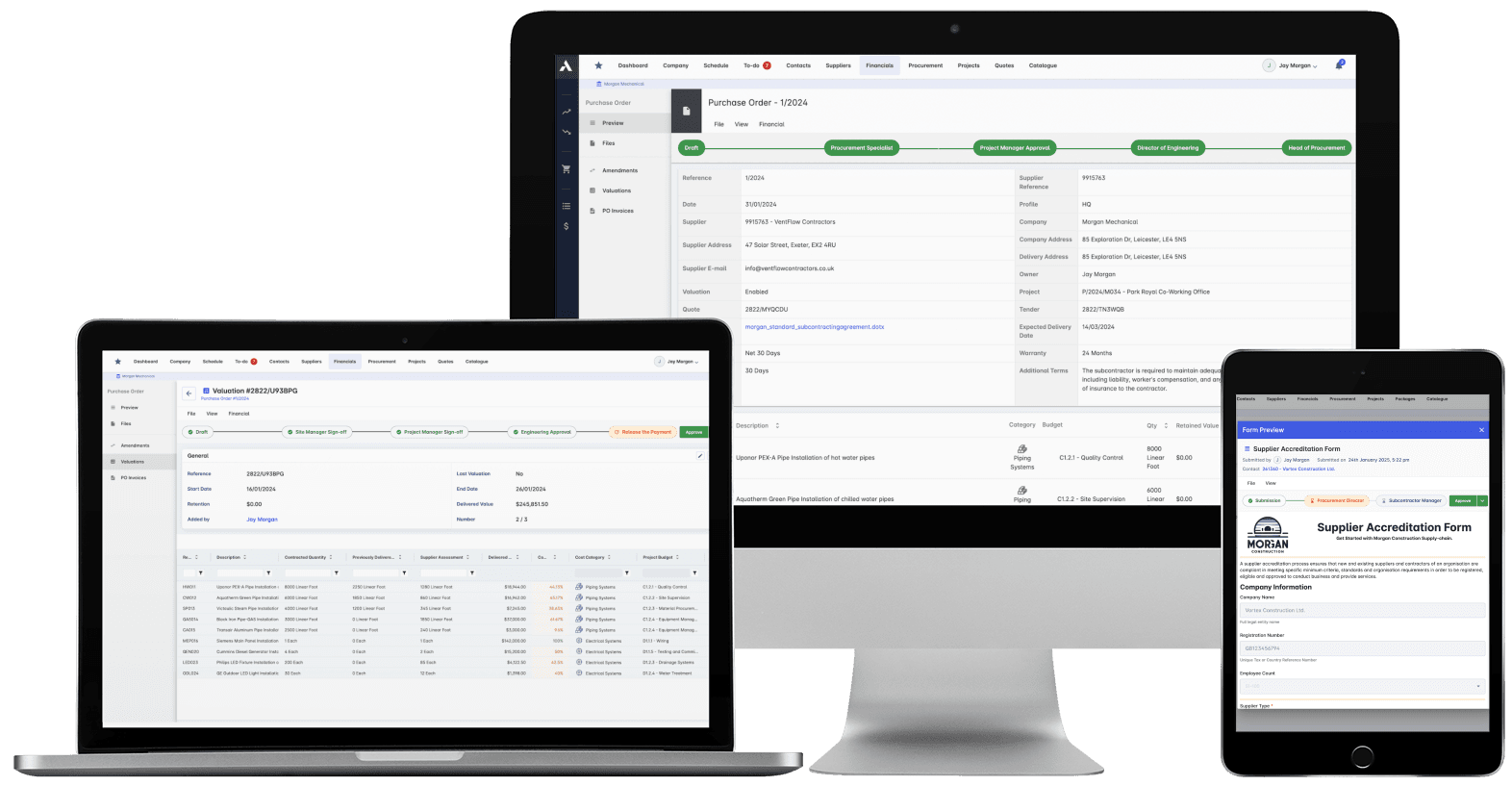
Construction Document Management
Nobody builds from a superseded drawing. Revision control, approvals and distribution with proof of who received what, when. The record that wins the dispute instead of losing it.
Explore Document ManagementRelated solutions
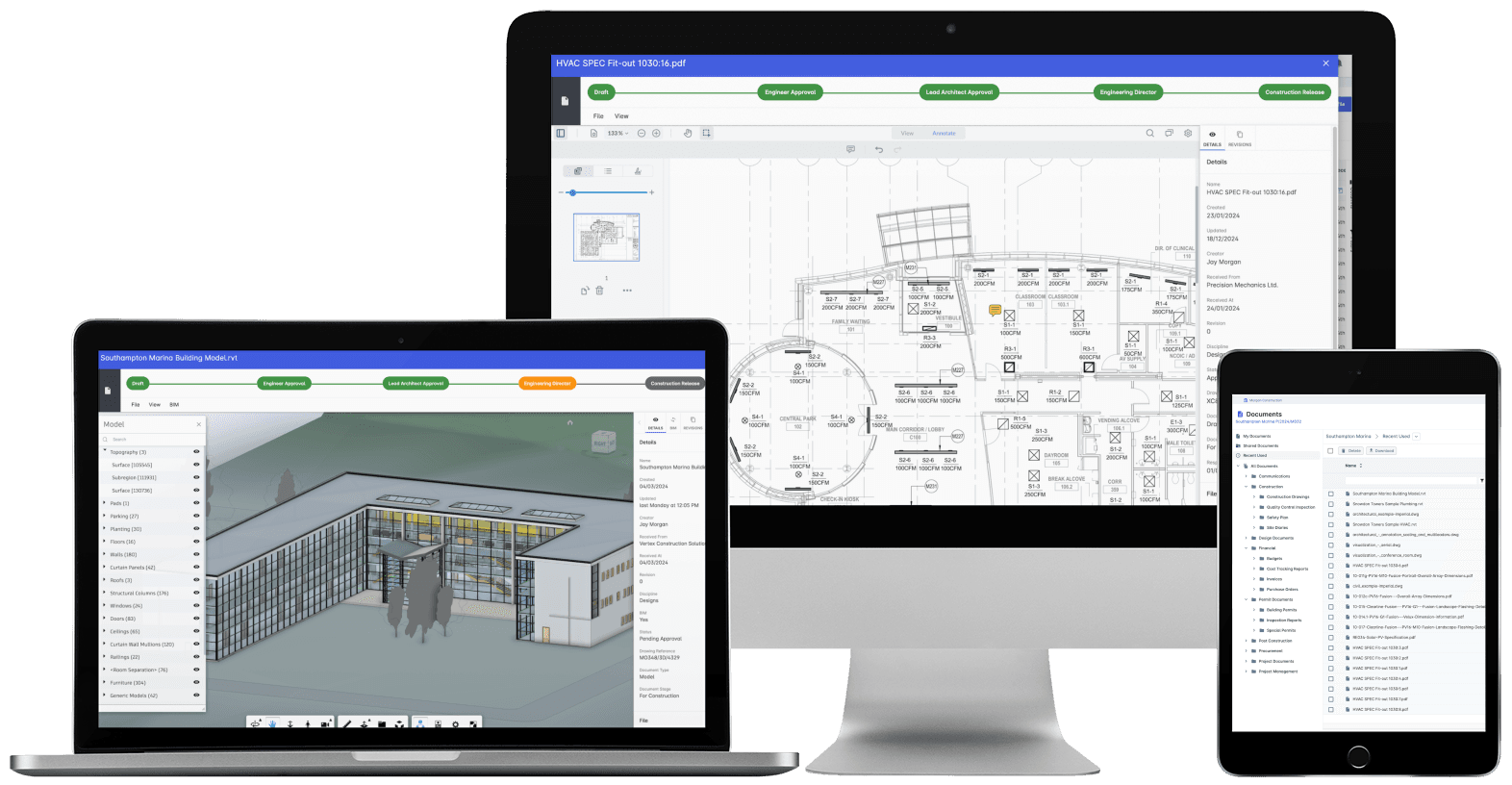
Construction Scheduling
The schedule connected to what it depends on: long-lead deliveries on the tasks they gate, crews planned across every live job, slippage shown with its cost.
Explore Scheduling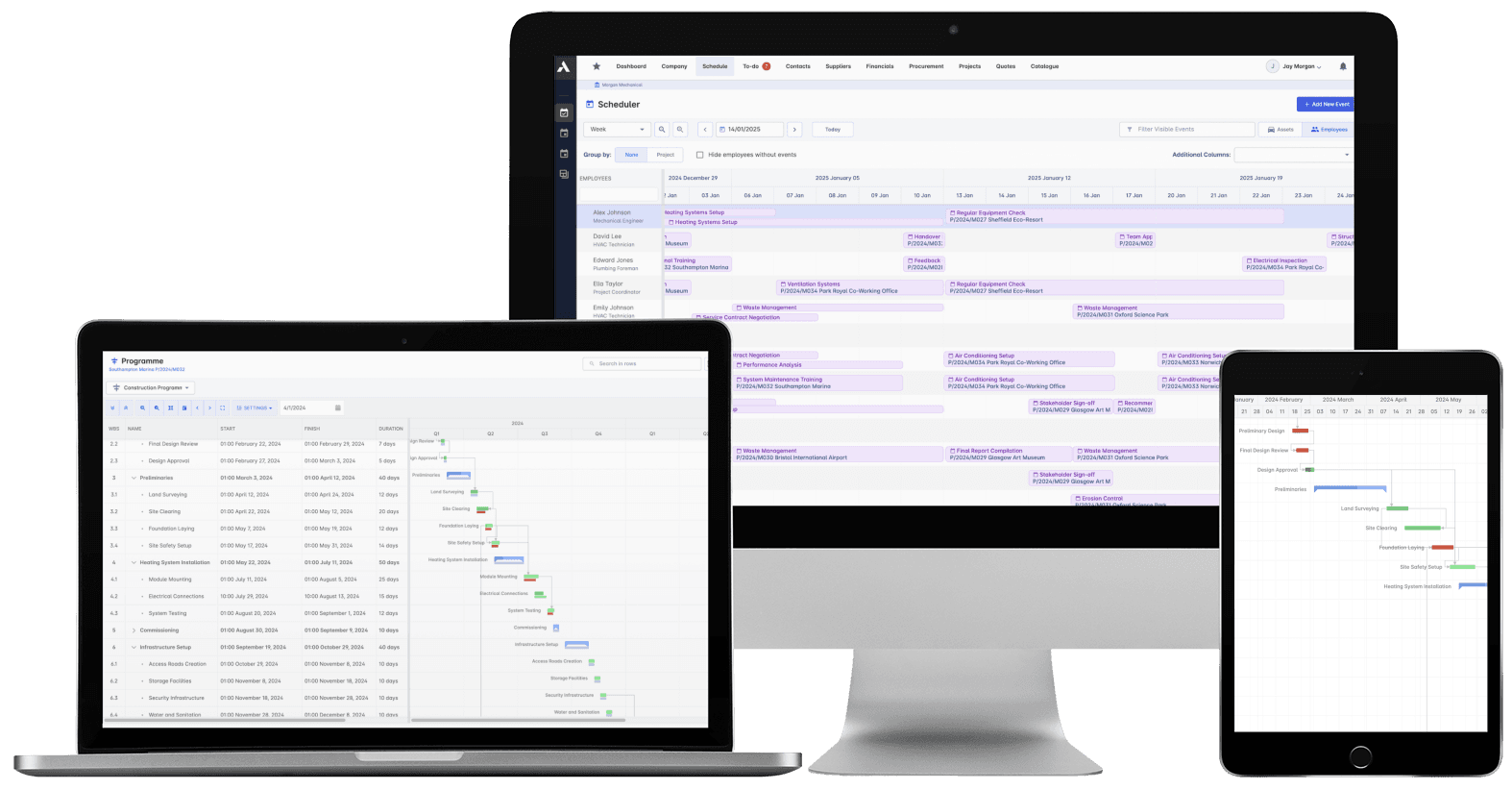
Construction Cost Controlling
Committed at the PO, earned as work is delivered, invoiced months later. See all three stages against every budget line, so variance is a decision you make, not a number you explain.
Explore Cost ControllingRelated solutions
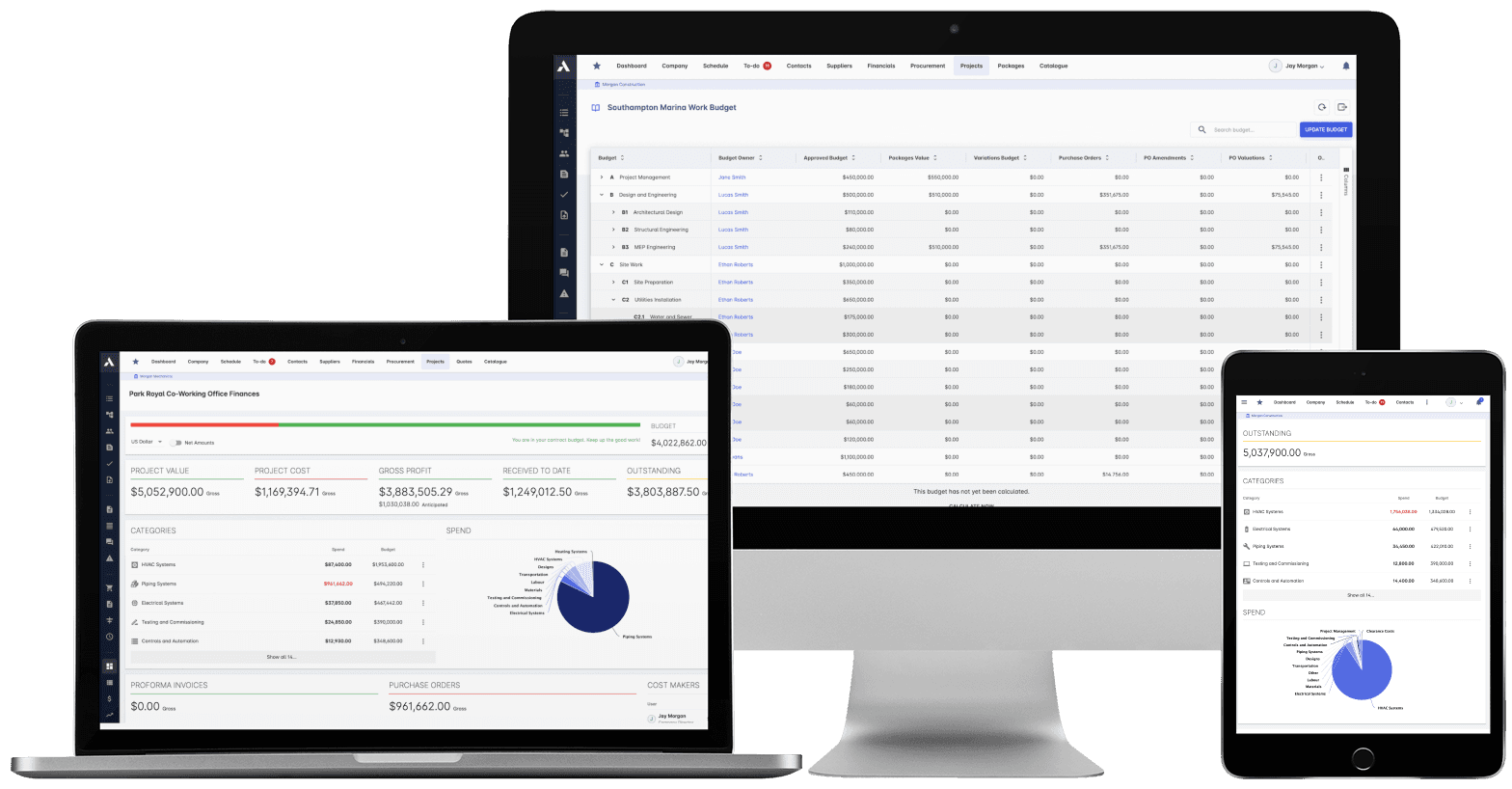
Construction Financials
Certify subcontractor pay applications down, build client applications up, from the same records. Invoices, payment notices and retainage released on time, with the audit trail attached.
Explore FinancialsRelated solutions
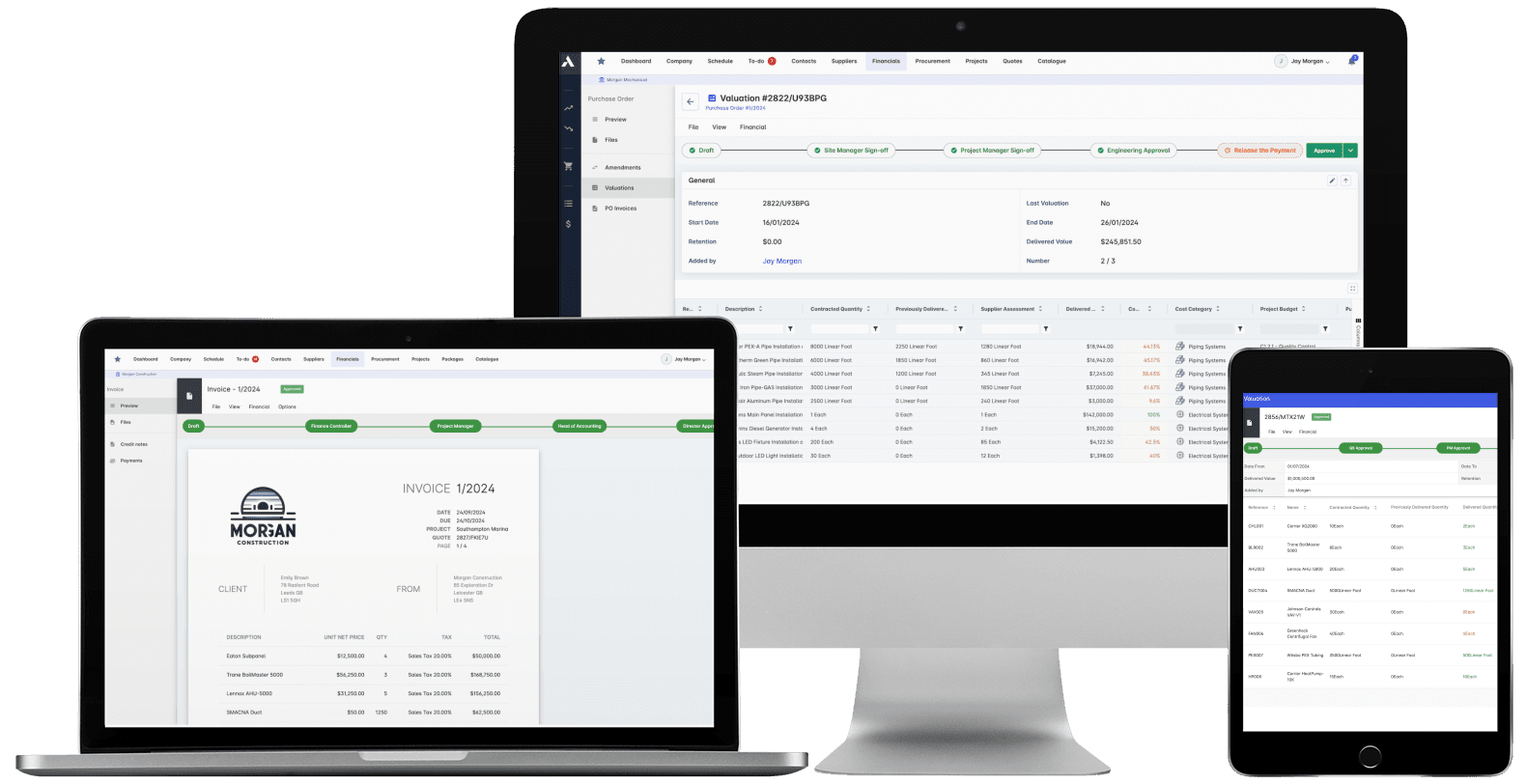
Construction Live Data
Every project's position, live, from the data that ran the work. Cost, schedule and cash agree with each other because they're the same records. There's nothing to assemble and nothing to reconcile.
Explore Live Data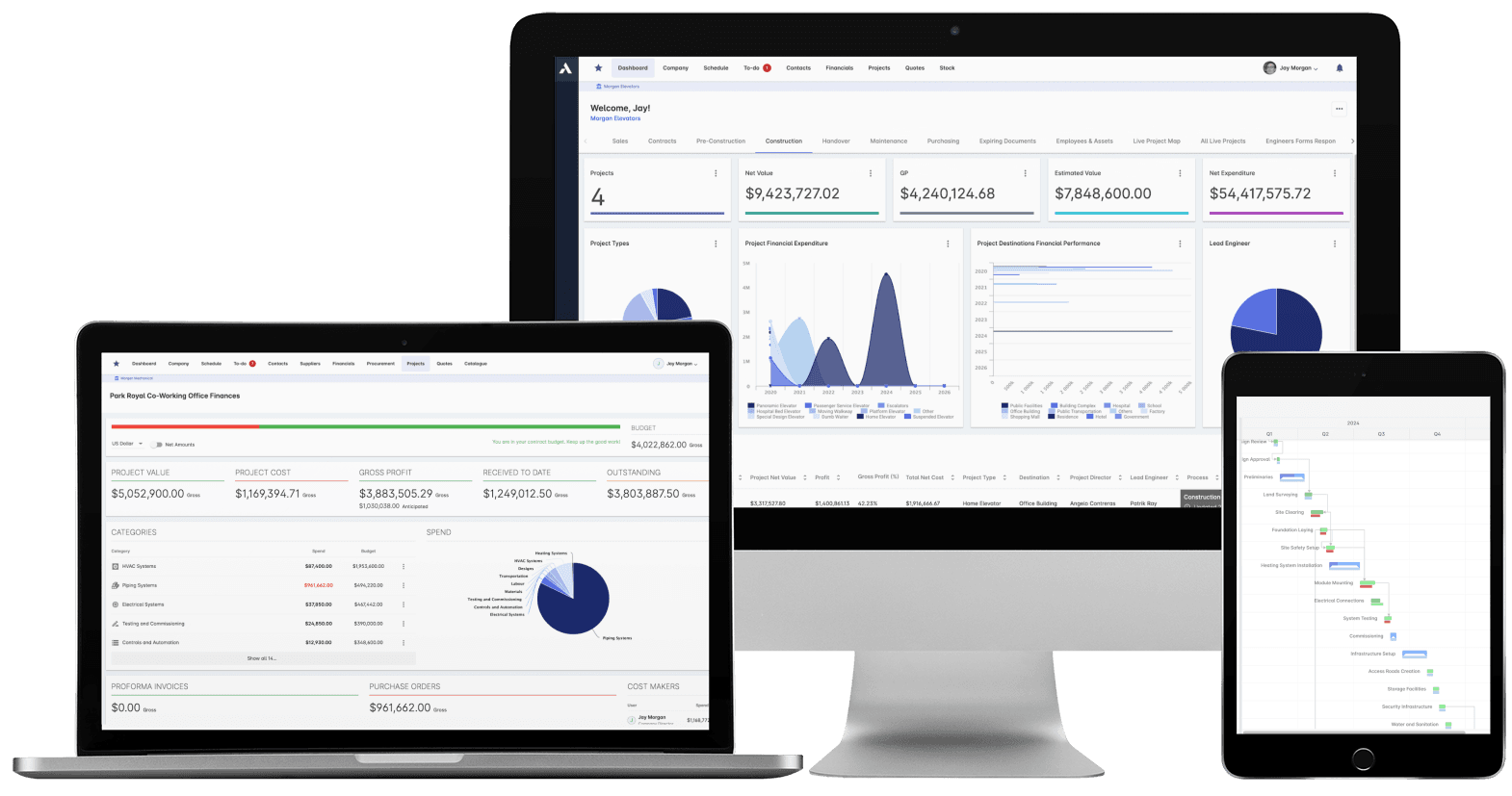
See your next project on Archdesk
Book a demo and walk through a fully worked example project: one platform running everything from winning the work to closing it out.
Book a Demo