Construction BIM Software
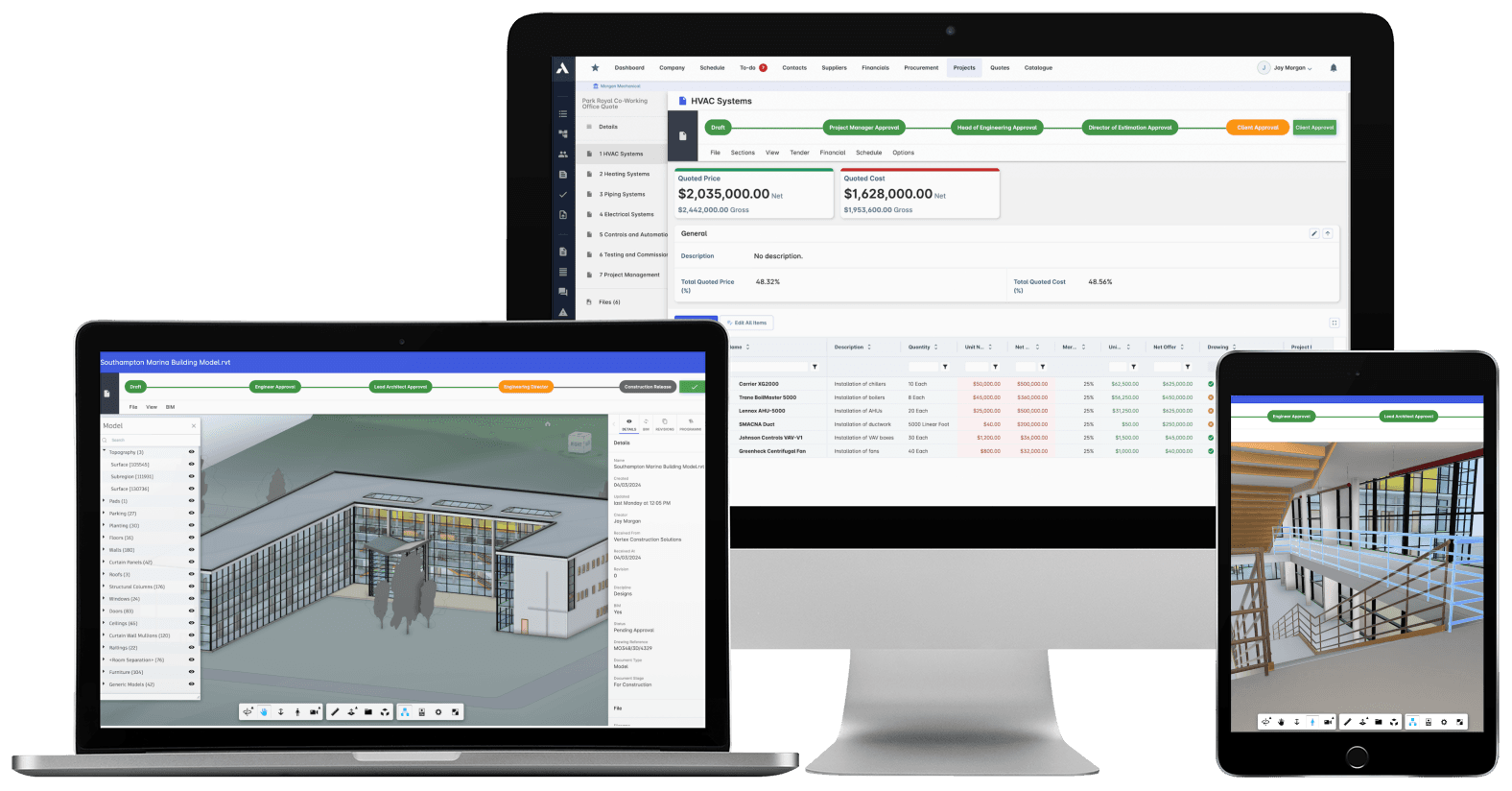
The model meets the money.Take quantities and specs straight from the model into the estimate. View and interrogate models in the browser, no authoring seat needed. And keep model elements connected to the packages, costs and schedule they become. Your BIM team keeps their tools. Everyone else finally gets the information.
Trusted by construction companies of every size, worldwide











The model becomes the project's asset, not just the design team's
BIM integration software puts models in the same platform as cost and delivery, so quantities and progress tie back to the model instead of staying locked in design tools. Archdesk takes quantities and specs from BIM models straight into the estimate, links elements to cost databases and packages, and lets anyone interrogate the model in a browser.

The QS prices from the model, not 2D takeoffs
Quantities and material specs extract automatically from BIM models into the estimate, with component-based takeoff and custom measurement rules.
Elements stay linked to the money
BIM elements map to cost databases and assembly libraries, so pricing follows the model and updates when prices move.
Progress and procurement read in 3D
Project progress, procurement status and cost-value reconciliation display on the model itself, so the whole team reads the job the same way.
Designers keep their tools
IFC and RVT files come in from the major BIM platforms, with property mapping keeping data consistent and no re-entry between systems.
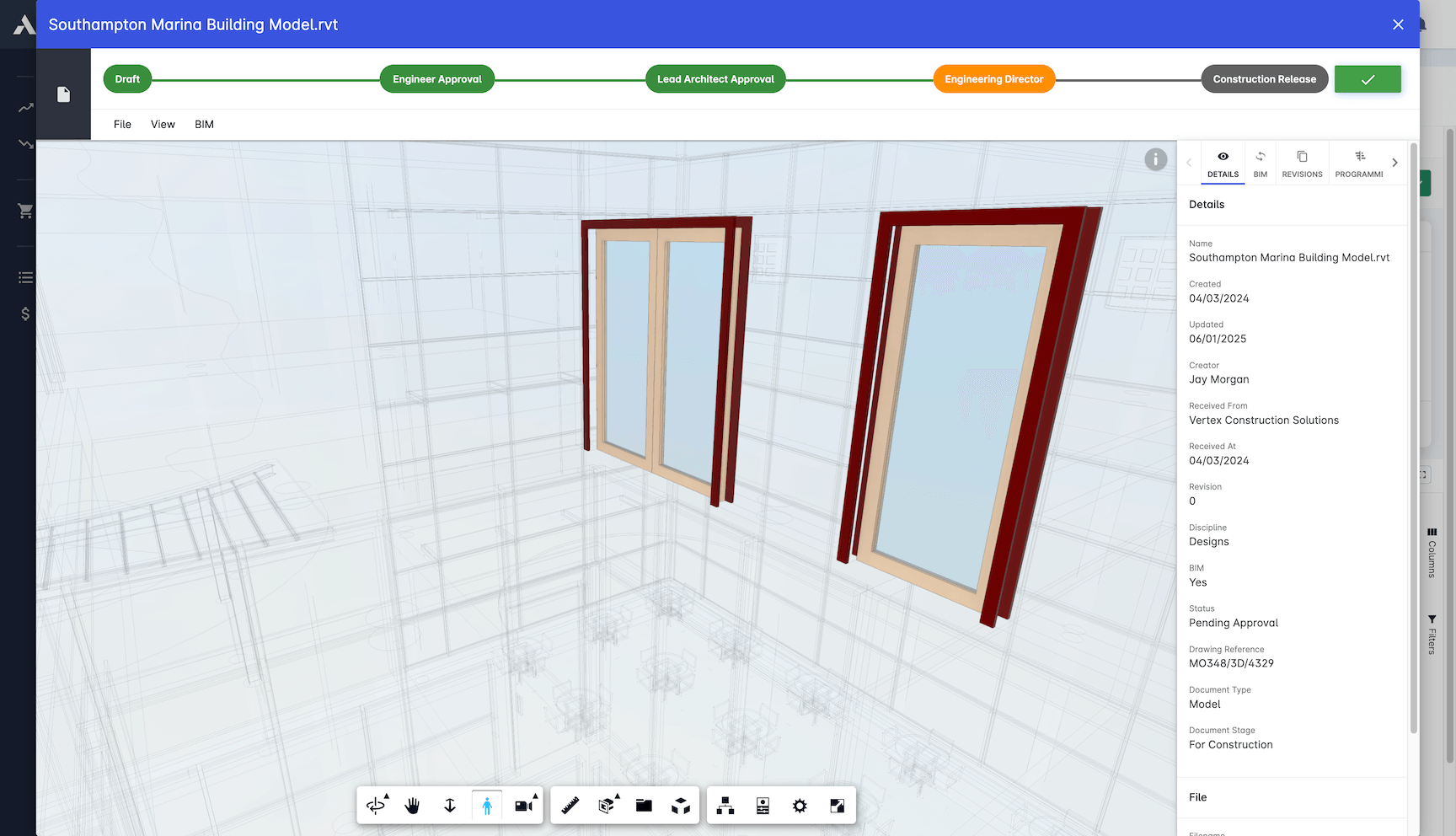
Interrogate BIM in the browser. No authoring seat.
Commercial and site teams open, filter, section and measure the same models the design team produces, and 4D links to MS Project and Primavera P6 connect the model to the schedule.

3D Take-off Estimation
Quantities and measurements come straight from the model, not a scale rule and a spreadsheet. The estimate starts from numbers you can trace back to elements.
Automatic quantity extraction
Material specification analysis
Component-based takeoff
Custom measurement rules
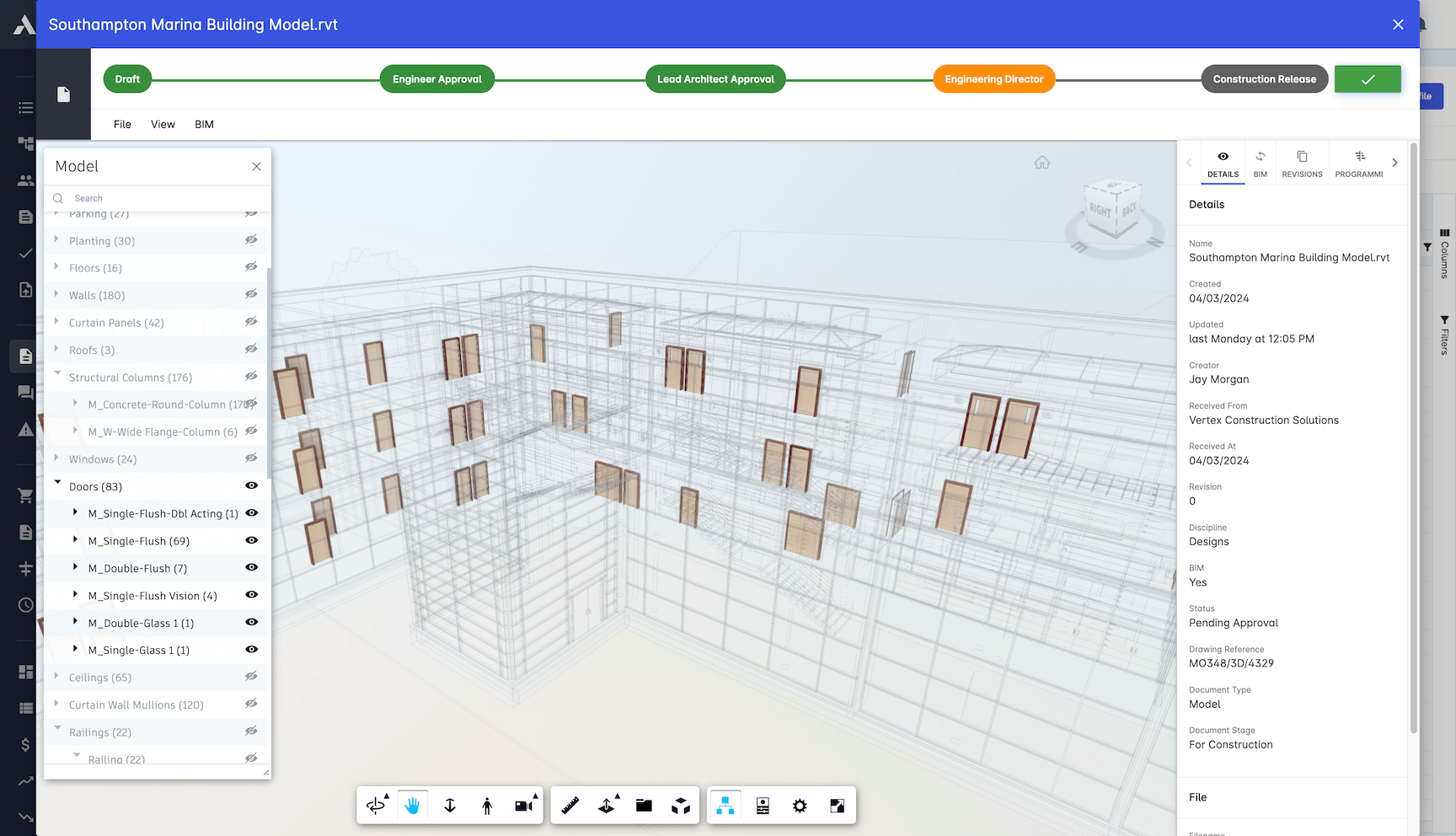
Model Visualization
Open, question and present 3D models inside the platform. Nobody needs an authoring seat to check a dimension or settle an argument.
Interactive 3D viewer in the browser
Cross-section analysis
Element filtering and isolation
Measurement verification tools
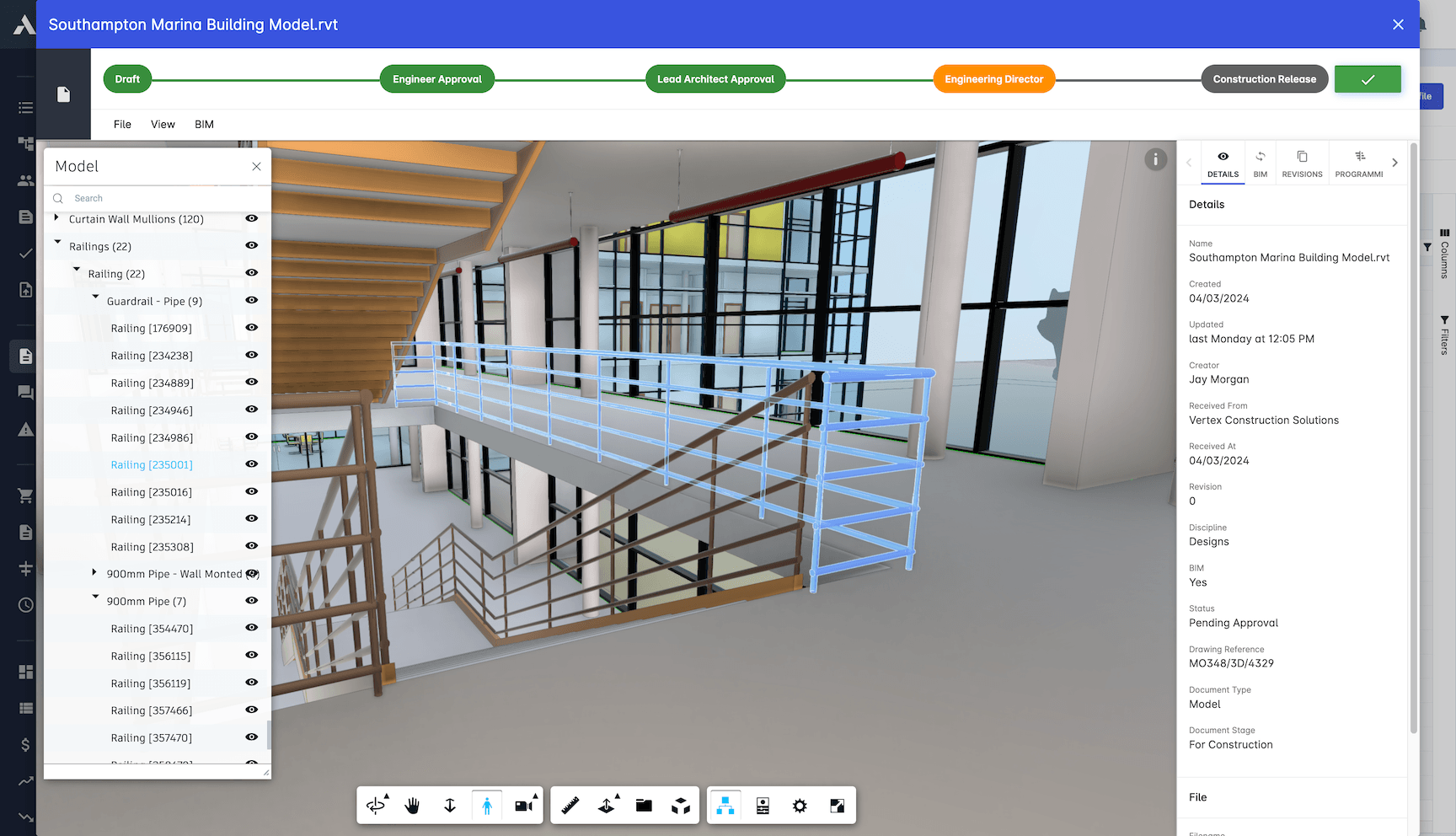
Cost Database Integration
BIM elements link directly to your cost data. Pricing follows the model automatically and stays current when prices move.
Automated cost association
Material price mapping
Assembly cost libraries
Real-time price updates
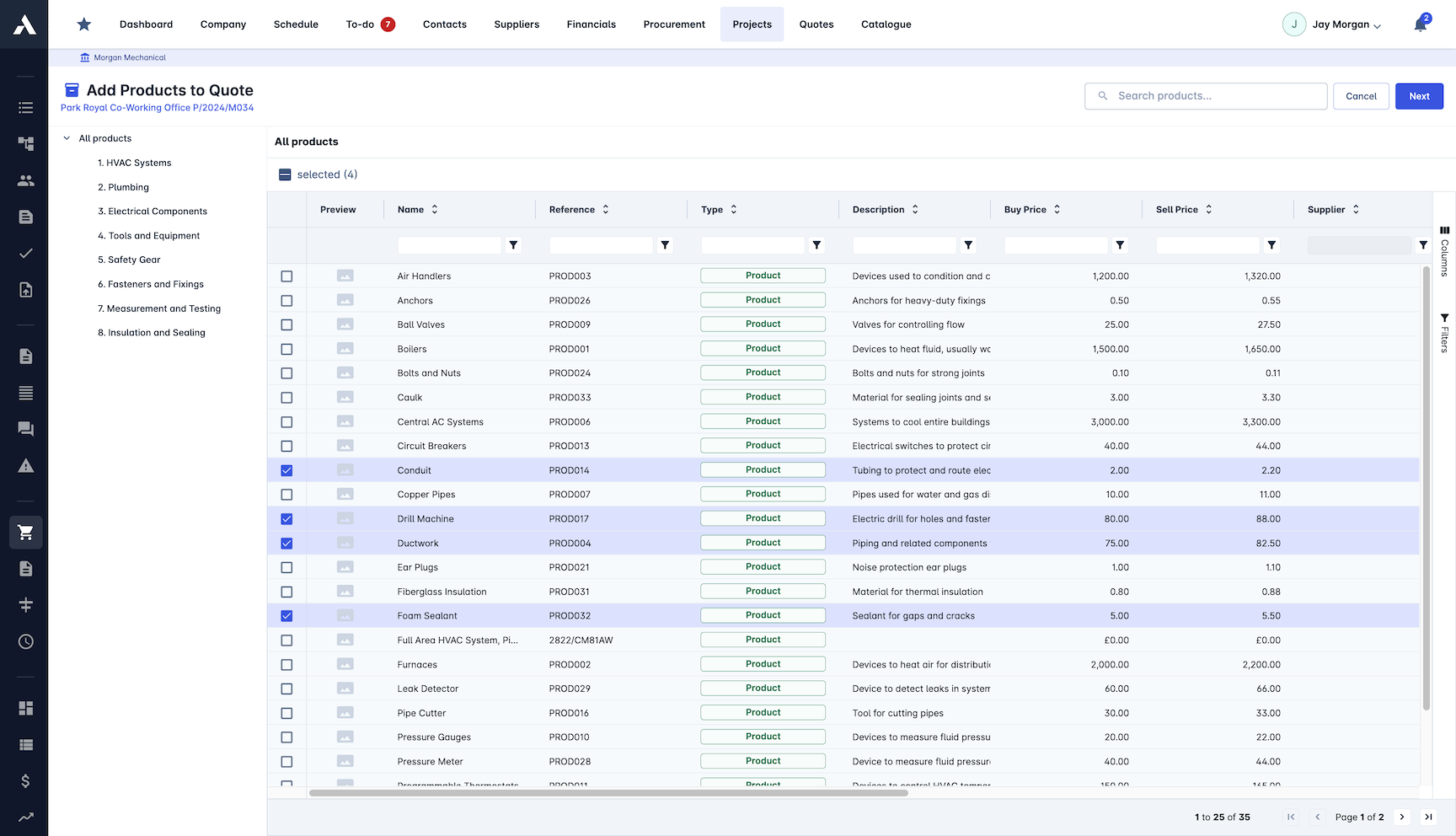
BIM Data Exchange
Works with the BIM platforms your designers already use. Data stays consistent between systems, with no manual re-entry.
Multi-platform compatibility
IFC and RVT format support
Property mapping tools
No-code workflow engine
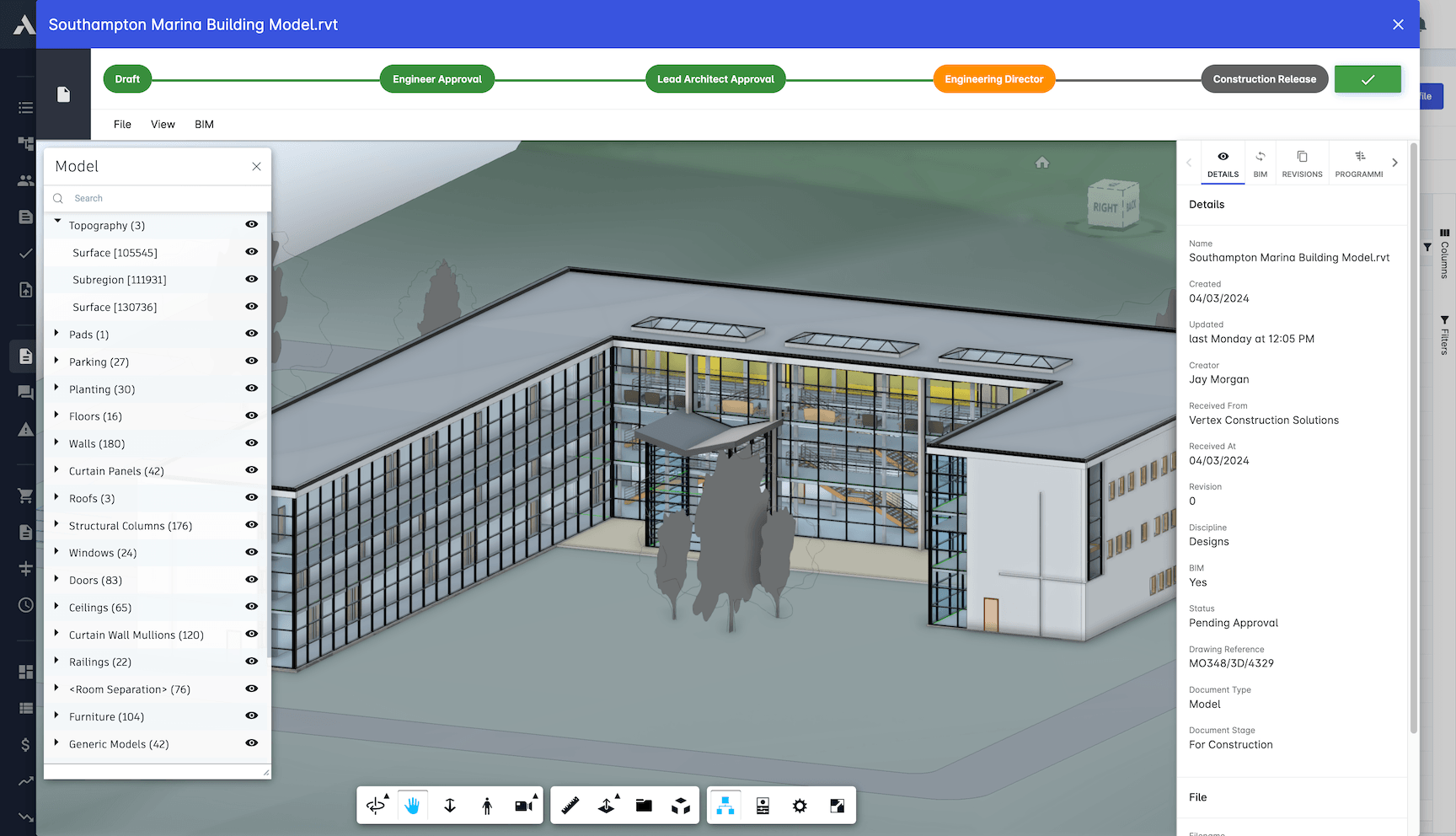
BIM-based Analytics
Project data drawn on the model itself. Progress, procurement status and cost-value reconciliation show up in 3D, where everyone can read them.
Model-based cost reports
Element-level cost breakdown
Schedule progress shown on the model
4D links to MS Project and Primavera P6
Frequently Asked Questions: BIM Integration
What is BIM integration software?
BIM integration software puts models in the same platform as cost and delivery, so quantities and progress tie back to the model instead of staying locked in design tools. Archdesk takes quantities and specifications from BIM models straight into the estimate, links elements to cost databases and packages, and lets anyone interrogate the model in a browser.
Can quantities be taken off directly from the BIM model?
Yes. Quantities and material specifications extract automatically from the model into the estimate, with component-based takeoff and custom measurement rules. The estimate starts from numbers you can trace back to individual model elements, not a scale rule and a spreadsheet.
Do site and commercial teams need an authoring seat to view models?
No. Models open in an interactive 3D viewer in the browser, where anyone can filter, isolate and section elements or run a cross-section analysis. Commercial and site teams work with the same models the design team produces, and designers keep their own authoring tools.
Which BIM formats does Archdesk work with?
Archdesk supports IFC and RVT formats from the major BIM platforms, with property mapping tools keeping data consistent between systems. There is no manual re-entry when models move from the design environment into the platform.
How does the model connect to costs and the schedule?
BIM elements link directly to cost databases and assembly cost libraries, so pricing follows the model and stays current when prices move. Progress, procurement status and cost-value reconciliation display on the model itself, and 4D links to MS Project and Primavera P6 connect the model to the schedule.
Quantities taken from the model land in the estimate, linked to cost databases and packages. The models themselves are held and controlled in the common data environment with the drawings and documents.
Explore Related Solutions
Everything below runs in the same system, working from the same live data.
Estimation
Accurate project cost estimation
Bid Management
Streamline your bidding process and win more jobs
Change Order Management
Handle project changes efficiently and accurately
Client Proposals
Create professional client facing proposals
Job Costing
True cost per job, live against the estimate
Project Cost Controls
Monitor and compare your actuals with the estimate
Discover more
Explore the full range of solutions and find the right fit for your business.
See your next project on Archdesk
Book a demo and walk through a fully worked example project: one platform running everything from winning the work to closing it out.
Book a Demo