
Invoicing Software for UK Contractors
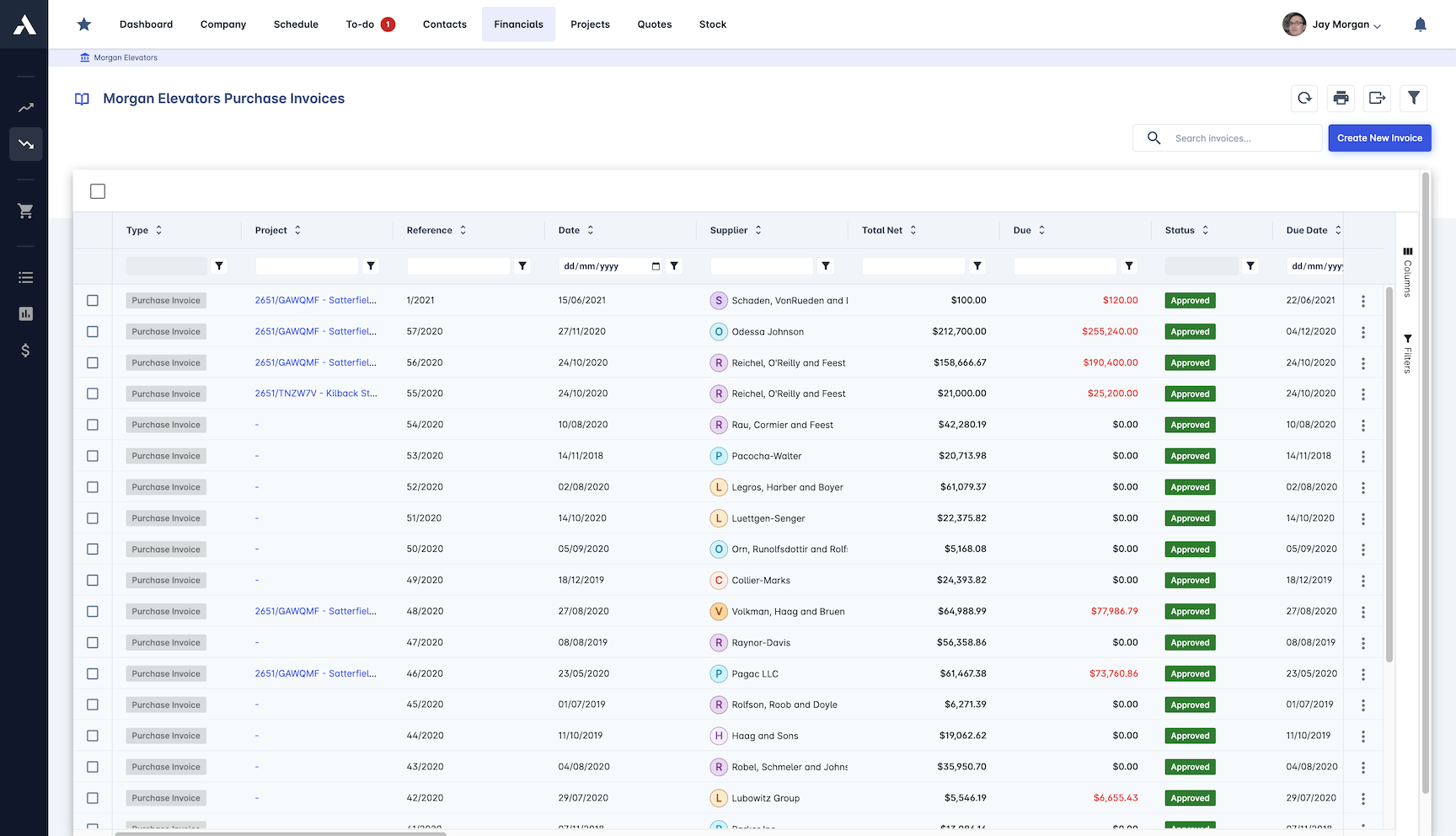
Every invoice answers to a certified valuation.Sales invoices generate straight from certified valuations, applications for payment and milestones, with retention calculated automatically. Every purchase invoice is matched against the PO, the certified valuation and the delivery note before it is approved, then it all syncs to your accounts, coded to the project.
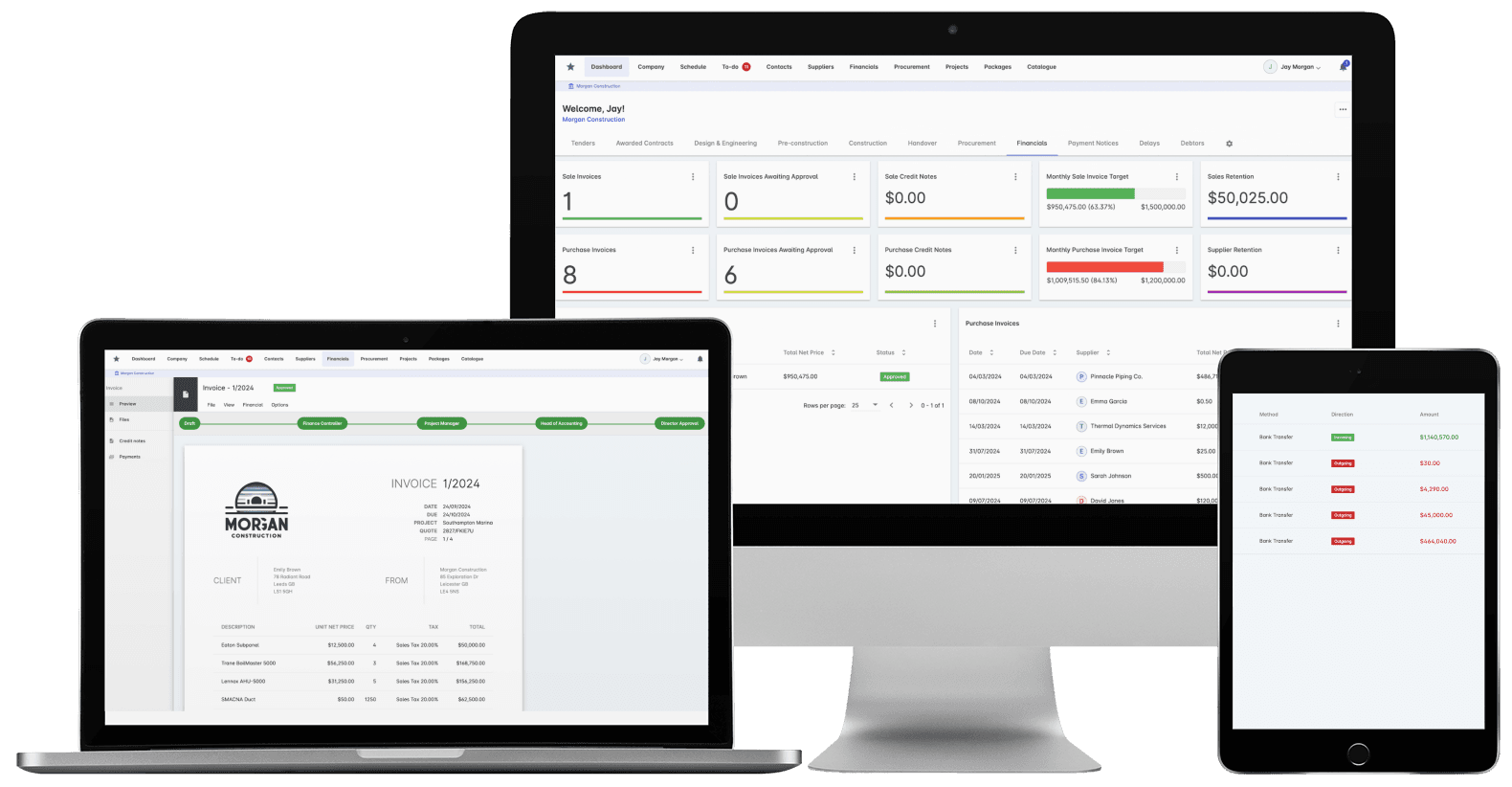
Trusted by construction companies of every size, worldwide


























Billing errors stopped before approval, not found at month end
Construction invoicing software for UK contractors keeps the billing tied to the commercial record. Applications for payment run in the platform, sales invoices generate from certified valuations, variations and milestones, and retention is calculated automatically and tracked per subcontract through to release. On the cost side, three-way matching checks every supplier invoice against the purchase order, the certified valuation and the delivery note before it reaches approval, so nobody pays for work that was not delivered. Everything then syncs to the accounting system finance already runs: Archdesk is a certified Xero partner and integrates with Sage, and every invoice arrives coded to its project and cost heads.

No paying for work that was not done
Three-way matching checks every supplier invoice against the purchase order, the certified valuation and the delivery note before it reaches approval, so the commercial team sees the mismatch before the payment run does.
Billed as certified, line by line
Sales invoices generate straight from certified valuations, applications for payment, variations and milestones, with retention calculated automatically, so what lands on the invoice is what the QS certified.
Chasing starts before the money is late
Payment status and due dates are tracked per project, with cashflow analysis built from the same invoice data, so overdue invoices get chased before the money is late, not discovered after it.
Approvals that keep moving
Custom approval logic routes each invoice to the people who can confirm the work on site, and automated notifications keep it moving instead of letting it sit in an inbox until the payment run.
Finance keeps its own system and stops receiving mysteries
Every invoice syncs to the accounting system finance already runs: Archdesk is a certified Xero partner and integrates with Sage, and each invoice arrives coded to its project and cost heads, so nothing lands in the accounts without the certified record behind it.

Purchase Invoice Management
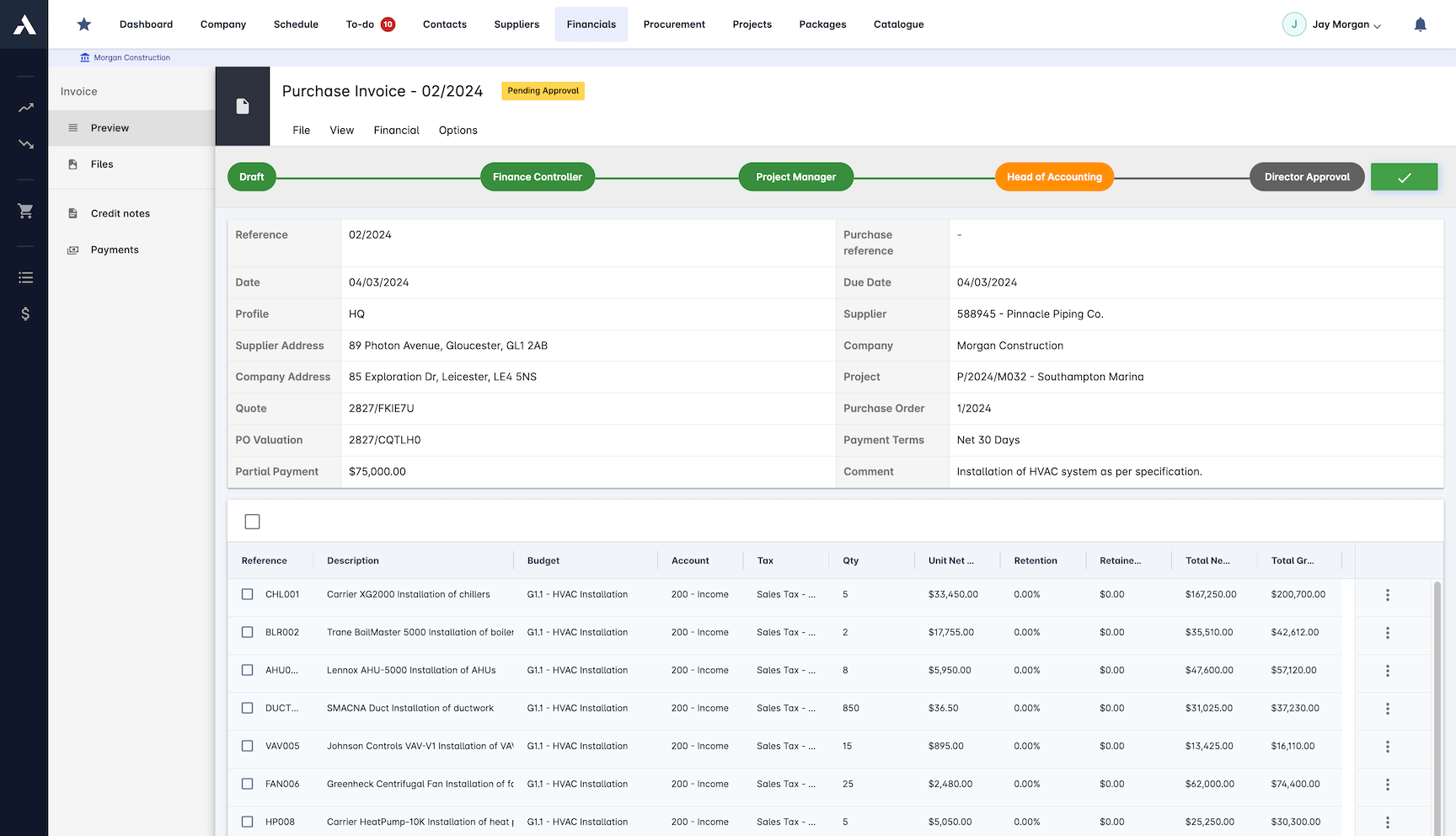
Supplier invoices are checked against the records before anyone approves payment. Three-way matching verifies each one against the PO, the valuation and the delivery note.
Three-way matching against PO and valuation
Delivery notes reconciled before approval
Subcontractor payments supported
Approval routing follows your own logic
Financial Integration
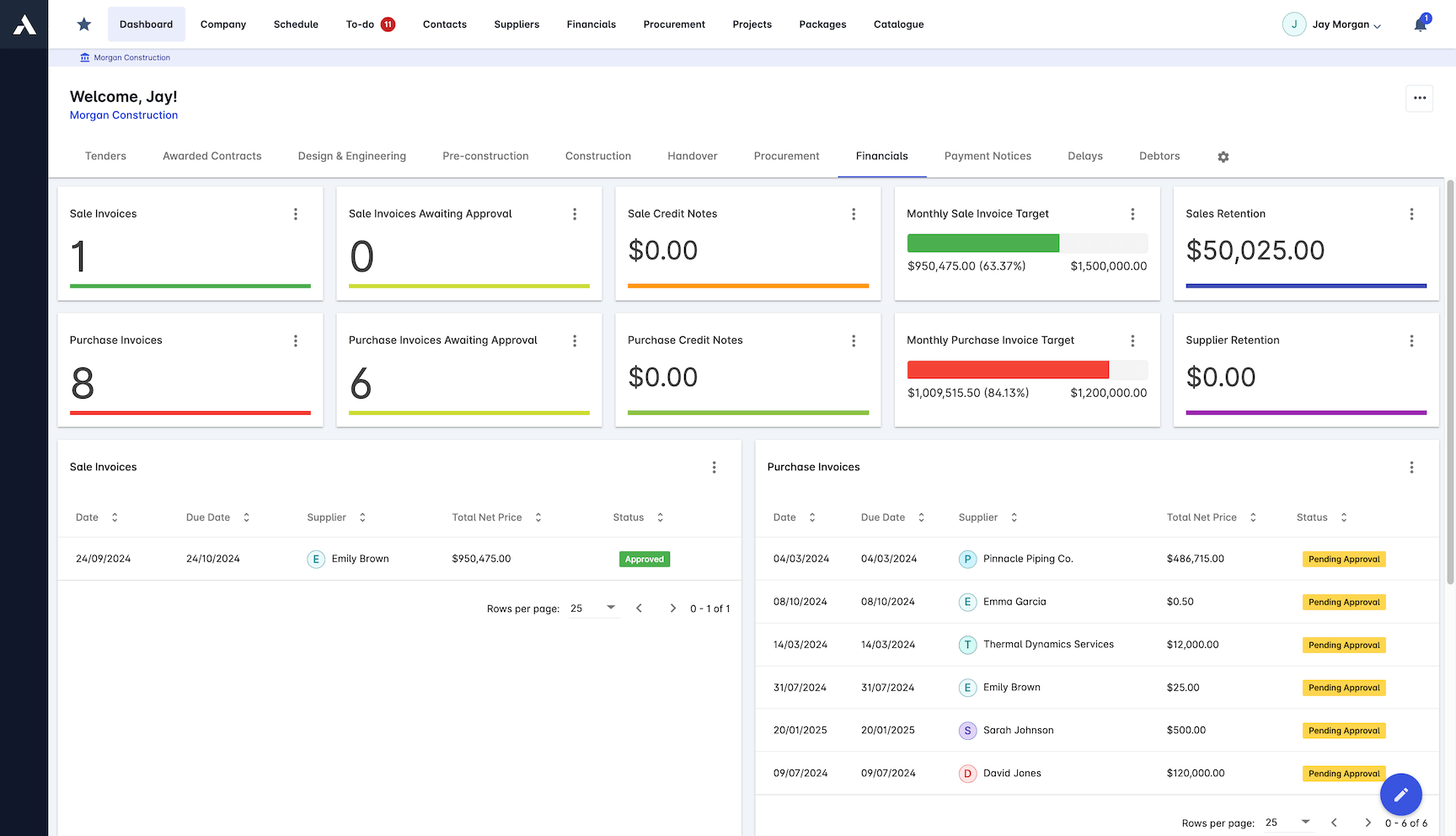
Invoices sync to the accounting system finance already runs, coded to the project and cost heads, so month-end stops being a reconciliation exercise.
Sage, Xero, QuickBooks, NetSuite and more
MS Dynamics 365, SAP and Zoho supported
Cost codes mapped to your ledger
Every invoice coded to its project
Sales Invoice Management
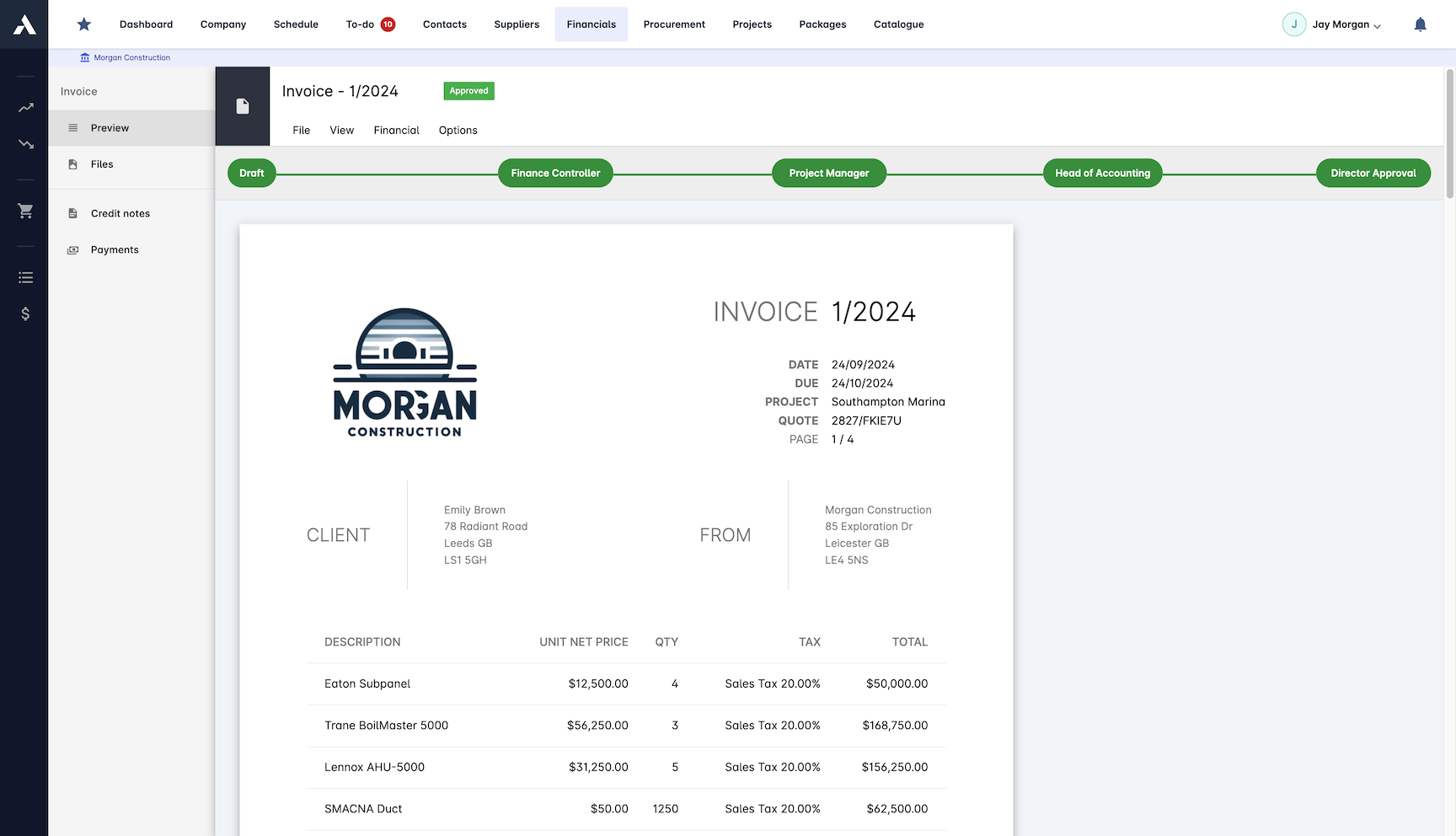
Sales invoices generate from certified valuations, variations and milestones, with retention calculated automatically. What lands on the invoice is what was agreed and delivered.
Invoices built from certified payment applications
Variations and milestones billed as agreed
Retention calculated on every invoice
Credit notes and returns supported
Invoice Automation
The processing runs itself. Templates generate outgoing invoices, OCR reads incoming ones, and approval workflows keep both moving without anyone chasing.
Template-based invoice generation
OCR reads incoming invoices
Batch processing for volume
Notifications keep approvals moving
Payment Processing
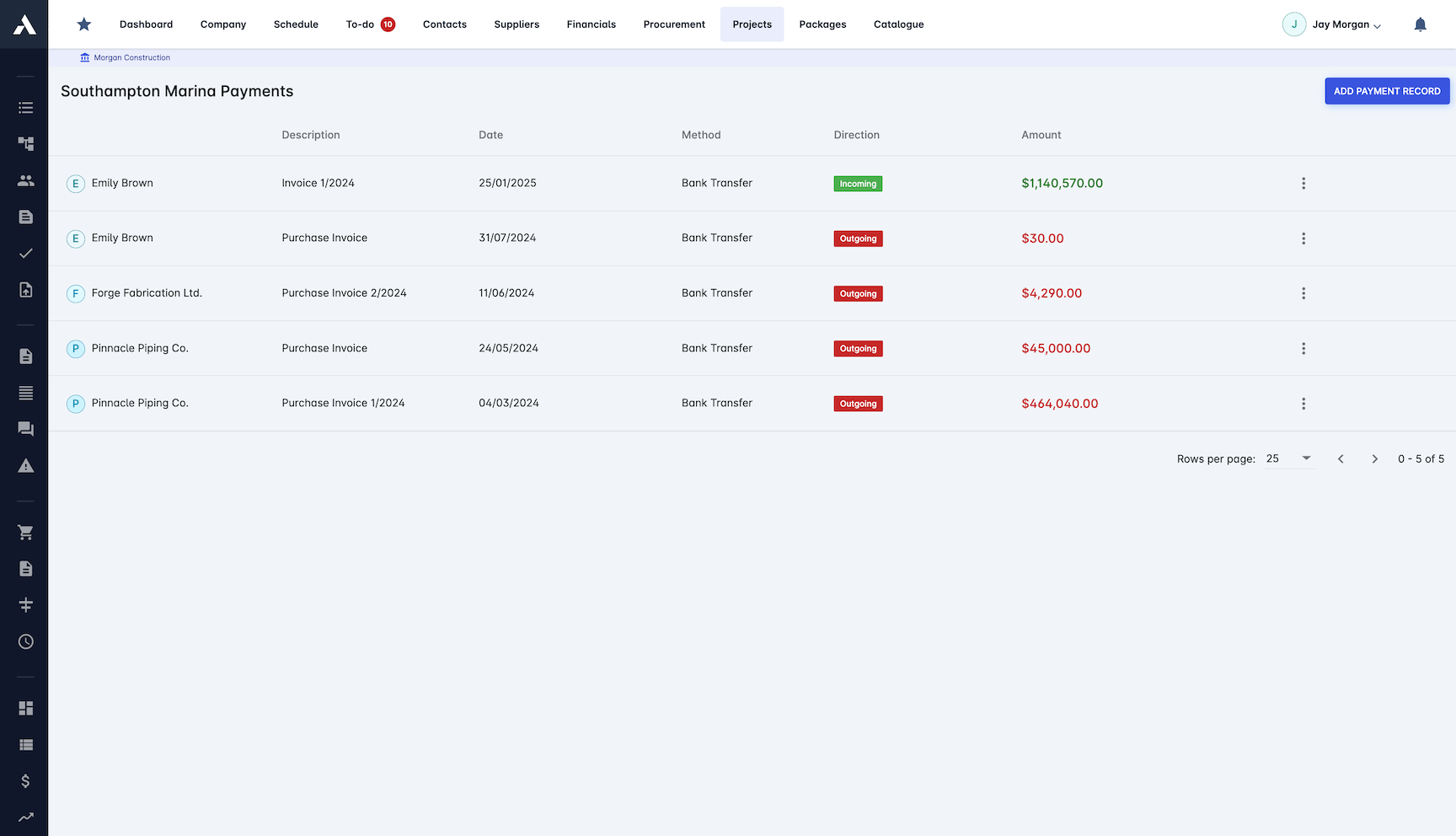
Every invoice tracked to payment, in and out. Status, due dates and early payment discounts sit per project, with cashflow analysis built from the same data.
Payment status and due dates per project
Early payment discounts tracked
Project statements and cashflow analysis
Open API for connected systems
Frequently Asked Questions: Construction Invoicing
What does construction invoicing software do?
It checks every invoice against the records that justify it before anyone approves payment. Archdesk generates sales invoices from certified applications, variations and milestones, matches purchase invoices against the PO, the valuation and the delivery note, and syncs everything to your accounting system coded to the project.
What is three-way matching on purchase invoices?
Each supplier invoice is verified against the purchase order, the certified valuation and the delivery note before it reaches approval, so nobody pays for work or materials that were not delivered. Subcontractor payments are supported in the same process.
Which accounting systems does Archdesk sync invoices to?
Sage, Xero, QuickBooks, NetSuite, MS Dynamics 365, SAP and Zoho, among others, with an open API for connected systems. Cost codes map to your ledger and every invoice arrives coded to its project, so month-end stops being a reconciliation exercise.
How is retention handled on invoices?
Retention is calculated automatically on every sales invoice. Because invoices generate from certified valuations, variations and milestones, what lands on the invoice is what was agreed and delivered.
Can invoice processing be automated?
Yes. Templates generate outgoing invoices, OCR reads incoming ones, batch processing handles volume, and approval workflows with automated notifications keep both directions moving without anyone chasing.
Does Archdesk handle progress invoicing?
Yes. Invoicing runs on the project record: sales invoices generate from certified payment applications, variations and milestones, progress invoicing runs against the certified value, and approval workflows and payment tracking sit with the same records.
How do payment notices and retention fit into the invoicing cycle?
In UK practice, paying a subcontractor runs on the application and certification cycle: a payment notice sets out what will be paid, a pay less notice any difference, and retention is held and released under the subcontract. Invoices, approvals and payment records live on the same project record in Archdesk, so the paper trail sits with the numbers it belongs to.
Do applications for payment run inside Archdesk?
Yes. Applications for payment run in the platform on the same project records the invoices generate from, and payment certification goes through multi-level approvals. Sales invoices then generate from the certified valuation, so the application, the certificate and the invoice tell one story.
How is retention handled on UK invoices?
Retention is calculated automatically on every sales invoice and tracked per subcontract, so balances and release timing stay visible alongside the invoicing record rather than in a side spreadsheet nobody opens until the defects period ends.
Does Archdesk integrate with Xero and Sage?
Yes. Archdesk is a certified Xero partner and integrates with Sage, so every invoice syncs to the ledger coded to its project and cost heads, and finance keeps the system it already runs without re-keying.
Can cashflow be read straight from the invoicing data?
Yes. Payment status and due dates are tracked per project, in and out, with cashflow analysis built from the same invoice data, so the position on each job and across the whole portfolio reads from live records rather than a month-end export.
Does invoicing support CIS for UK subcontractor payments?
Yes. Subcontractor payments and CIS are supported throughout, with retention calculated automatically and every invoice coded to its project.
The purchase orders and valuations that invoices are matched against come from construction procurement.
Certified valuations convert to invoices on the same record, so the billed figure is the certified figure. Stage-based contracts raise their invoices as milestone payments when the triggering task completes. Once an invoice is out, payment tracking follows it through to cash received.
Explore Related Solutions
Everything below runs in the same system, working from the same live data.
Certificates of Work
Issue work completion certificates and get paid
Milestone Payments
Track and process milestone payments
Project Cost Controls
Monitor overall project finances and other KPIs
Labour Cost Tracking
Track labour expenses and compare with your estimates
Work in Progress Reporting
Monitor completion costs across your whole project portfolio
Payment Tracking
Monitor incoming and outgoing payments
Accounting Integration
Integrate with your accounting software
Discover more
Explore the full range of solutions and find the right fit for your business.
See your next project on Archdesk
Book a demo and walk through a fully worked example project: one platform running everything from winning the work to closing it out.
Book a Demo

