
Document Management Software for UK Contractors
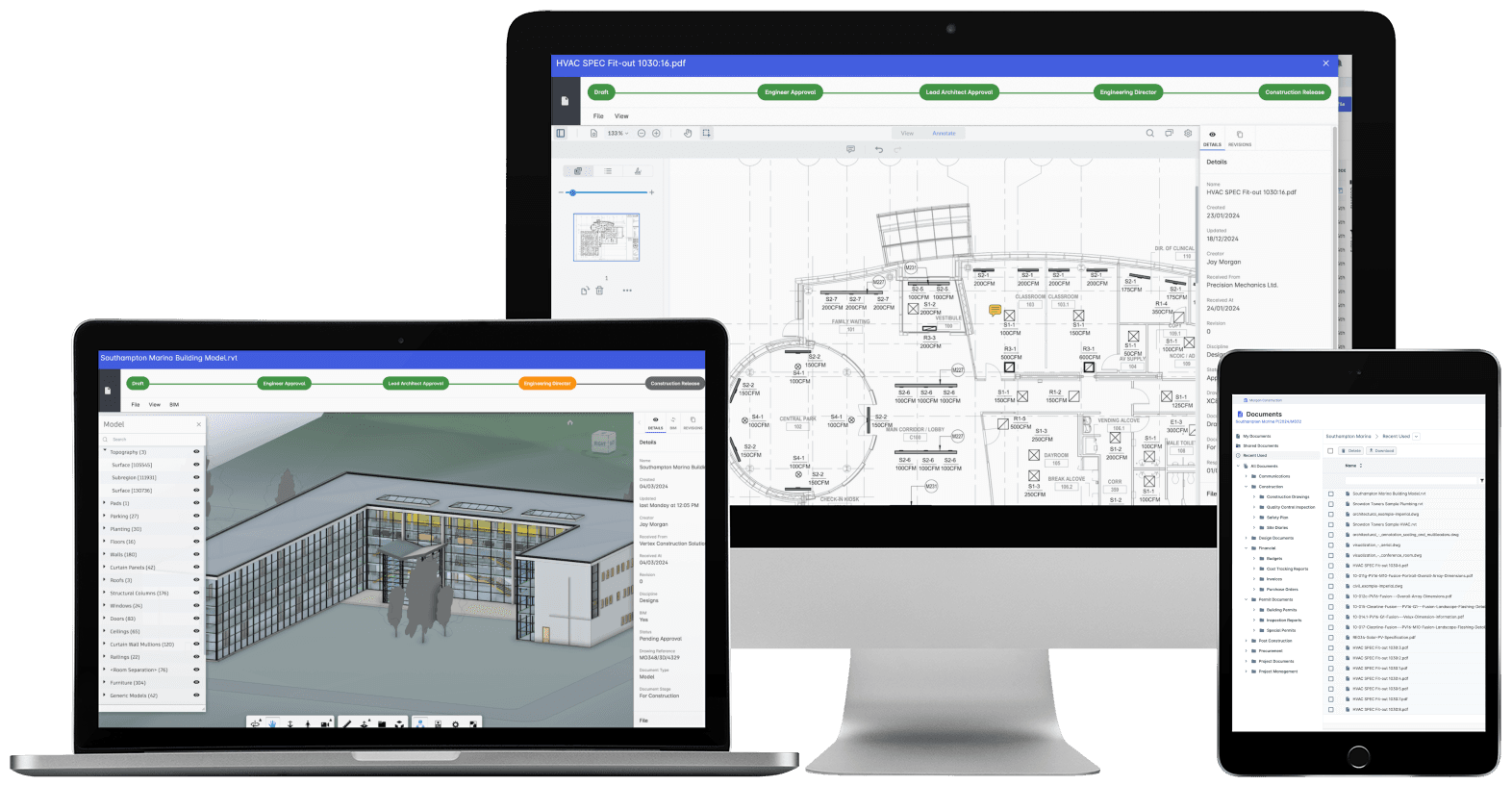
One current set of drawings, and site builds from nothing else.Full revision control across drawings, models and documents, with approvals and distribution on the record instead of buried in email chains. CAD, BIM and 60+ file types, every issue tracked, every access auditable, and site records held on the same project record as the packages, variations and valuations they affect.
Trusted by construction companies of every size, worldwide


























One controlled set of documents, and the current revision always wins
Document management software for UK contractors has one job above the rest: keep a single current set of documents, so the drawing site pulls up is the revision in force. Archdesk gives every project a controlled register across 60+ file types, numbers each revision automatically with change history and user attribution, and puts approvals and distribution on the record rather than in an email chain nobody can search. Site records, drawings and correspondence sit on the same project record as the packages, variations and valuations they affect, so the document trail and the commercial trail are one trail, from first issue to final account.

Nobody builds from a superseded drawing
Automatic revision numbering with change history and user attribution keeps one current set in force, so a superseded issue never makes it to site.
Approvals and distribution on the record
Approval workflows with digital signatures and an audit trail of every access replace the email chain: what was issued, approved and seen, and by whom, is a matter of record.
Documents that feed the money
Quantity take-offs run straight from drawings and 3D models into bills of quantities and estimates, so the numbers the QS prices from come off the current revision.
Found in the register, not on a laptop
Search filters by project, date and status across the whole register, so the answer comes out of the controlled repository rather than whichever laptop last saved a copy.
Documents on the same record as the money
Drawings and models live in the platform that runs your packages, variations and valuations, so a new revision or an approval lands where the commercial team already works. The CVR (cost value reconciliation) is produced from the same platform the drawings live in, and nothing sits in a separate document silo.

Version Control
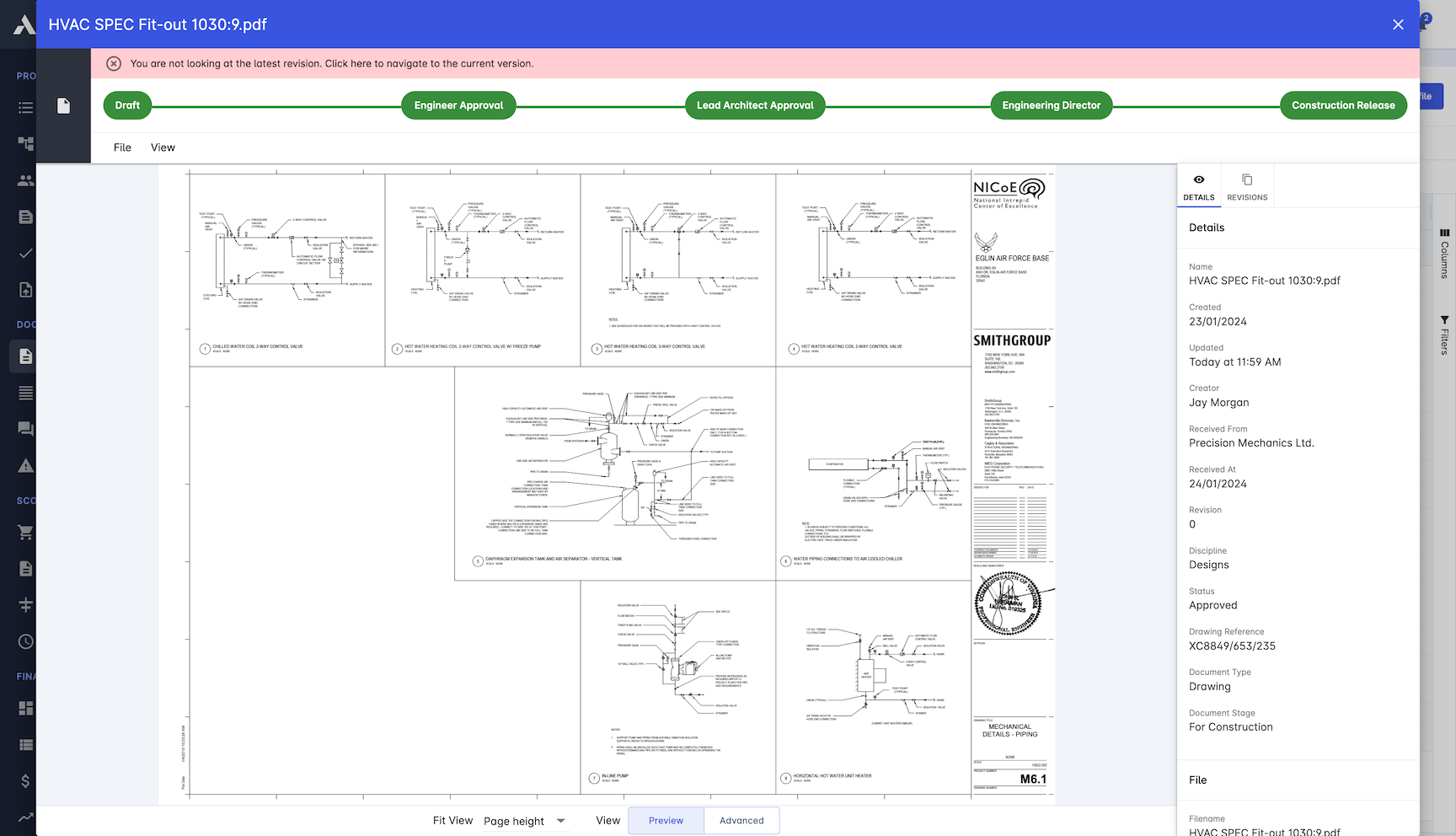
Every edit becomes a numbered revision with a full history. The version people find is the version in force, and superseded drawings stay out of circulation.
Automatic revision numbering on every file
Change history with user attribution
Revisions tracked on drawings and specs
Current version always found first
Access Control
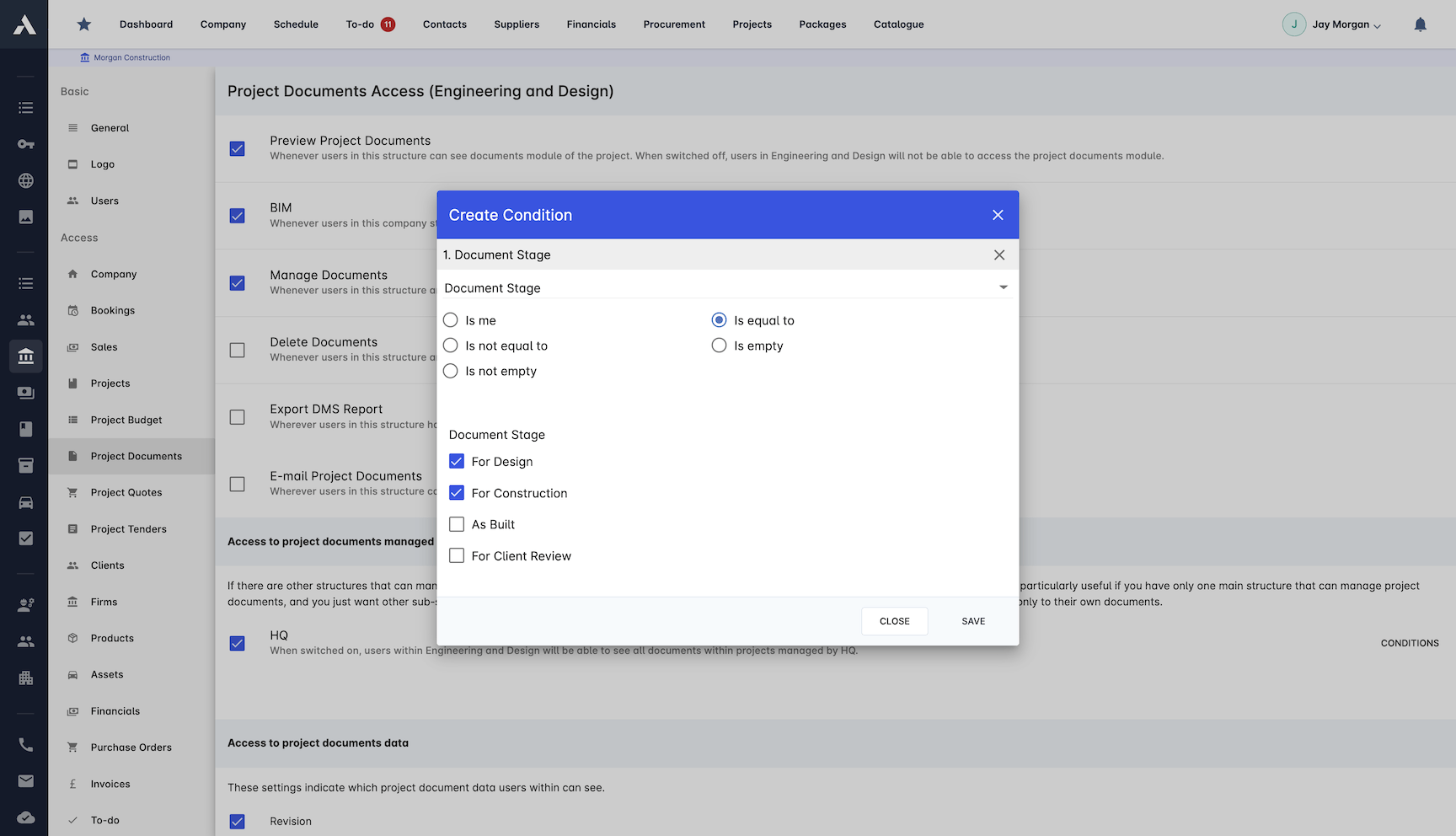
The right people see the right documents, and you can prove it. Permissions follow roles, and every access is on the record.
Role-based access for subcontractors
Secure sharing with external stakeholders
Digital signatures and approval workflows
Audit trail of every document access
Centralised Storage
Every drawing, contract and permit in one repository instead of five inboxes and a shared drive. Files stop going missing, and duplicates stop circulating.
Unlimited storage in a common data environment
Drawing and document registers per project
Custom metadata fields for filing and retrieval
Cloud storage with automatic backup
Large-format drawings and 60+ file types
Search Functionality
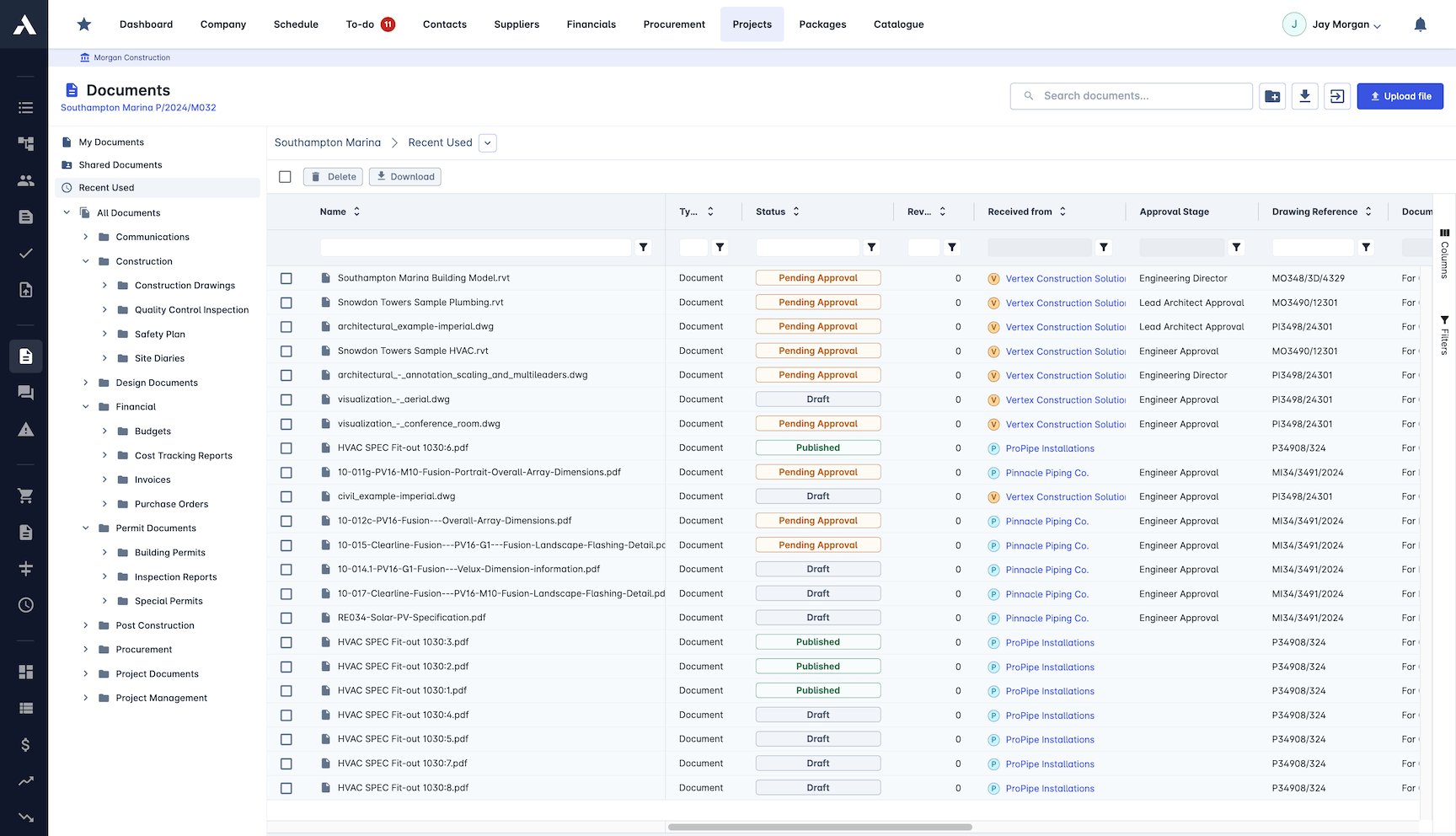
Find the document in seconds instead of phoning around. Search covers the whole repository, including the text inside CAD and BIM annotations.
Every document indexed and searchable
Filter by project, date and status
Search inside CAD and BIM annotations
One place to look for every file
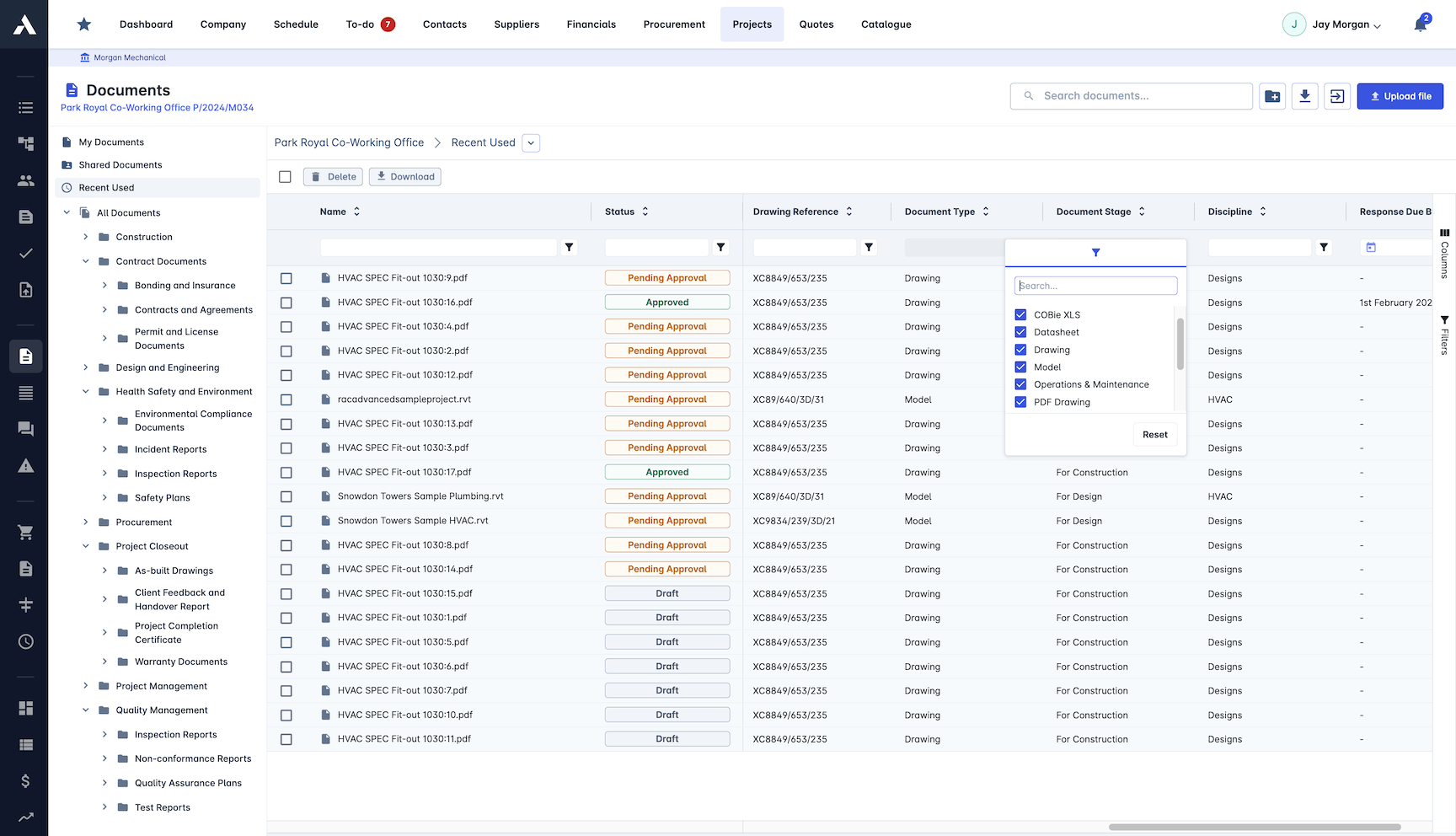
3D BIM Support
BIM models live alongside the drawings they relate to, with quantity takeoff straight from the model. The quantities come from the geometry, not a retyped spreadsheet.
Direct integration with major BIM platforms
Automated quantity takeoff from 3D models
Estimates generated from model quantities
Work progress visible in 3D
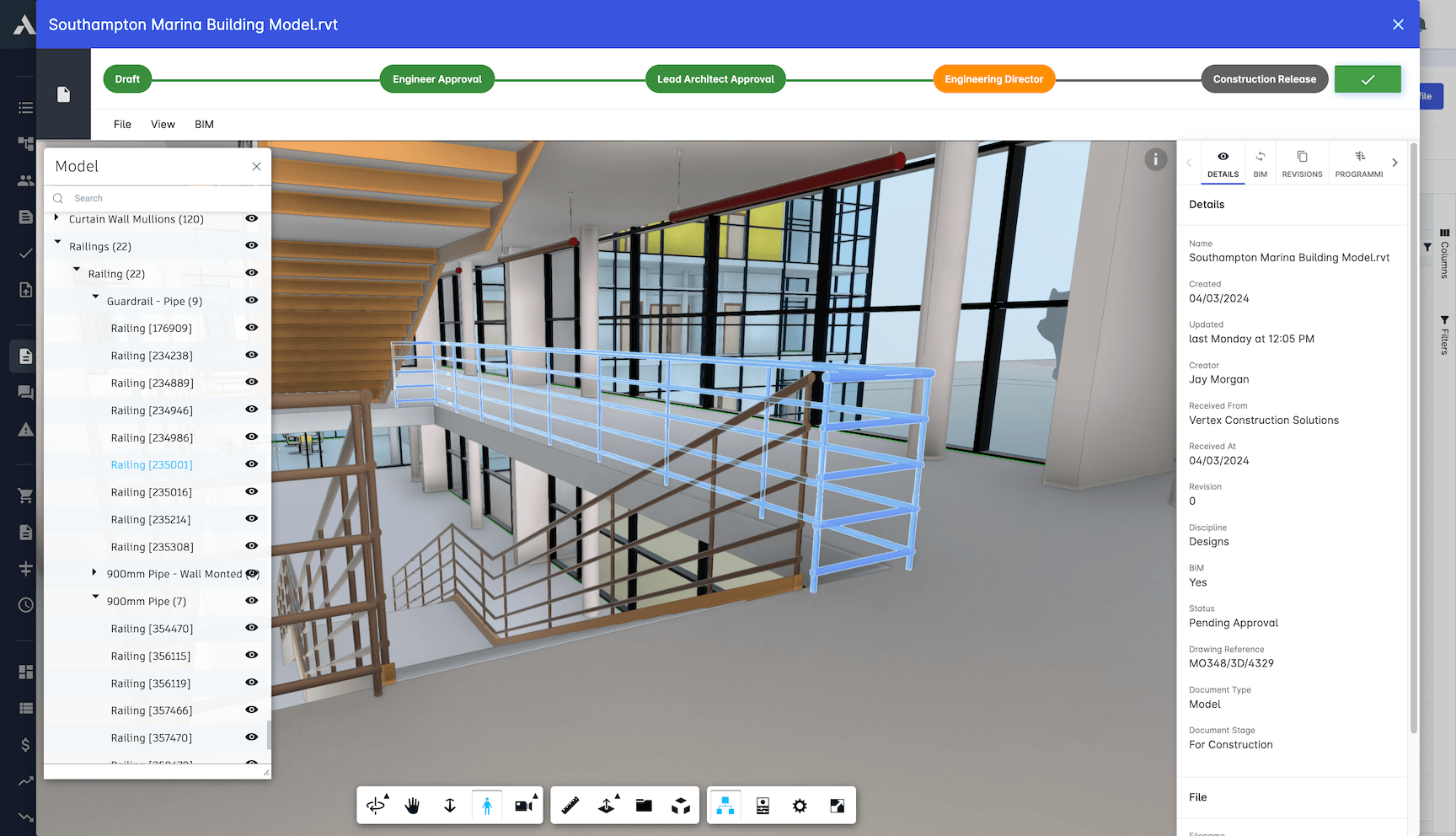
Quantity Takeoff
Measure quantities and price them directly from drawings and models. Fewer manual takeoffs, fewer errors carried into the estimate.
Quantities measured from 3D models
Automatic material calculations and pricing
Detailed quantity reports exported to Excel
Takeoff feeds the estimate directly
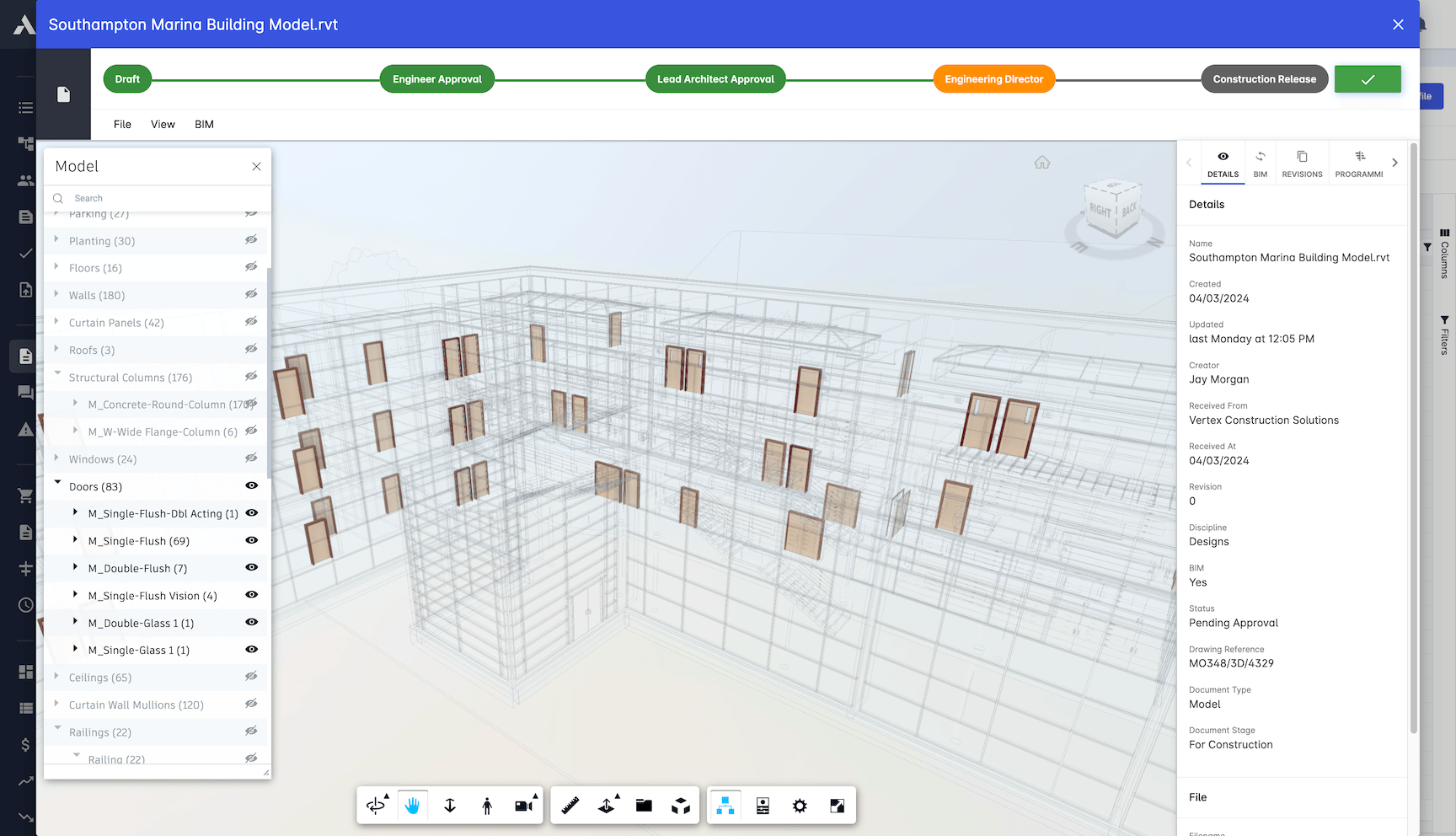
Compliance Tracking
Certificates and regulated documents watch themselves. Anything approaching expiry raises a flag before it holds up the job.
Automated compliance checking
Expiry notifications before documents lapse
Safety certification tracking
Templates for regulatory requirements
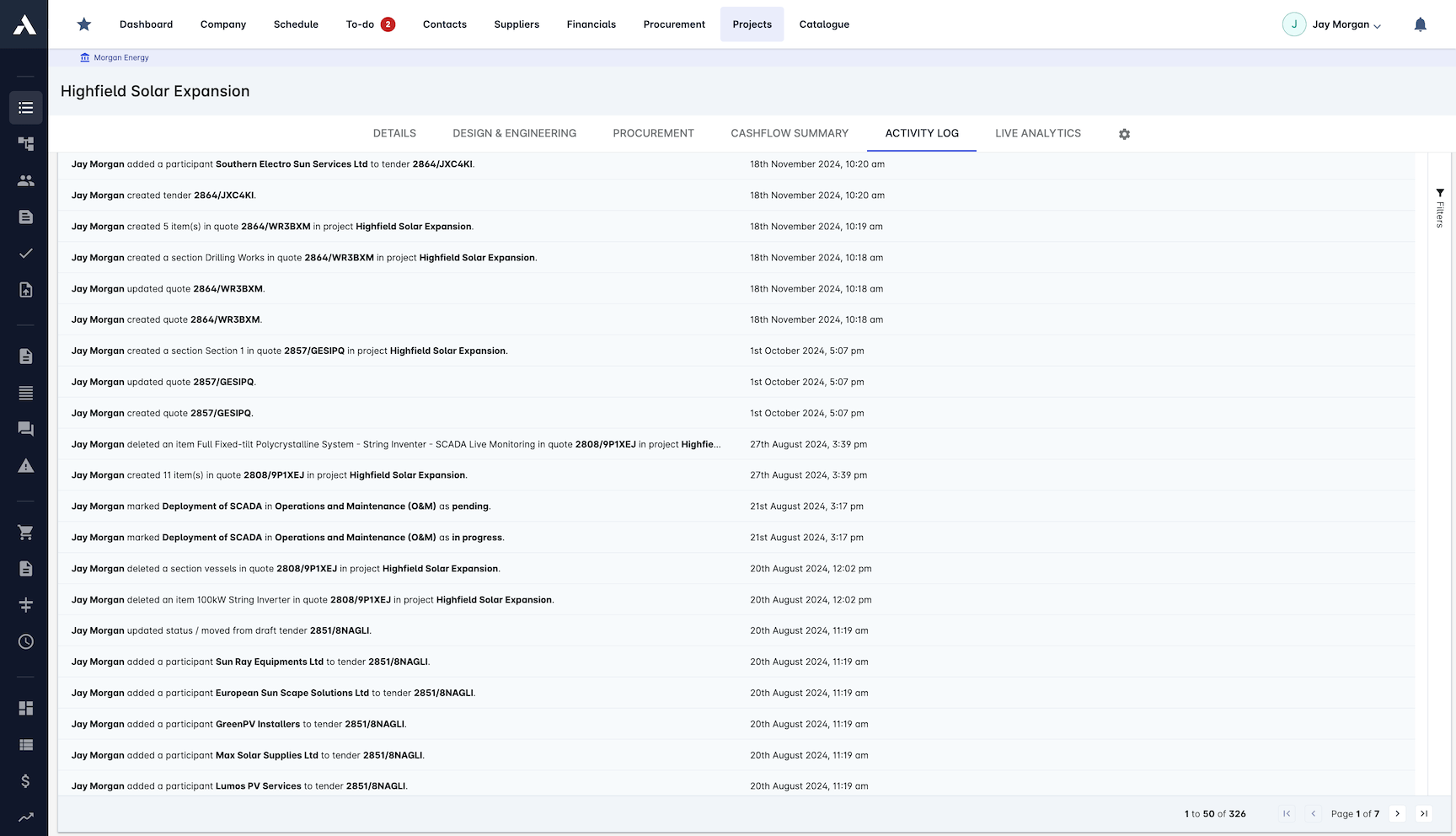
Want the deeper reading? Read the construction document management guide, and see how construction RFIs stay on the same project record as your documents.
Frequently Asked Questions: Construction Document Management
What is construction document management software?
Construction document management software keeps drawings, contracts, permits and models in one controlled repository with revision control, approval workflows and distribution tracking, so every team works from the current version instead of a superseded copy on someone's laptop.
How does drawing revision control work in Archdesk?
Every edit becomes a numbered revision with full change history and user attribution. The current revision is always the one people find first, and superseded drawings stay out of circulation, so nobody builds from an out-of-date issue.
Which file types does Archdesk support?
Archdesk stores over 60 file types, including large-format drawings, CAD files and BIM models, with unlimited storage in a common data environment and search that reads the annotations inside CAD and BIM files.
Can subcontractors and clients access our documents?
Yes. Role-based access controls what each party sees, sharing with external stakeholders is secure and auditable, and external collaborators such as subcontractors, clients and consultants are free of charge.
How do documents connect to the rest of the project?
Documents live in the same system as your packages, variations and valuations, and RFIs are raised and answered on the same project record. Quantity takeoffs run straight from drawings and models into bills of quantities and estimates.
How does Archdesk keep superseded drawings off site?
Every edit becomes a numbered revision with change history and user attribution, and the register always serves the current revision first. Distribution is tracked as well, so you can see who was issued the new revision and who has opened it, rather than hoping an email chain reached the site cabin.
Can Archdesk replace the email chain for issuing drawings?
Yes. Documents are issued through the platform with approval workflows and digital signatures, and every access lands on the audit trail. When the question is what was issued, to whom and when, the answer sits on the project record instead of being reconstructed from inboxes.
Do site records sit with the drawings?
Yes. Site records, drawings, correspondence and RFIs are held on the same project record as the packages, variations and valuations they affect, so one search covers the whole job and the document trail reads alongside the commercial one, from first issue to final account.
What does document access cost for the supply chain?
Nothing. External collaborators such as subcontractors, clients and consultants are free of charge, so issuing drawings to the supply chain never adds licences. Pricing for your own team is quote-based, and every quote includes all modules, unlimited data, implementation and support.
Want the background first? Browse all document control and RFI guides.
Explore Related Solutions
Everything below runs in the same system, working from the same live data.
RFIs
Raise, track and answer RFIs on the project record
BIM Integration
2D & 3D Support for Building Information Modeling
Common Data Environment (CDE)
Issue documents to external stakeholders
Discover more
Explore the full range of solutions and find the right fit for your business.
See your next project on Archdesk
Book a demo and walk through a fully worked example project: one platform running everything from winning the work to closing it out.
Book a Demo

