

Archdesk for IT Managers
One platform to govern, not ten to chaseThe construction stack consolidated, access controlled, and the maintenance on the vendor.
A look at Archdesk from the IT seat: what it replaces, how access and data are governed, and straight answers to the questions IT asks before anything touches the company's systems.
Trusted by construction companies of every size, worldwide


























We know what the current stack costs you
Construction companies accumulate tools the way sites accumulate offcuts: a scheduler here, spreadsheets everywhere, and business data in personal drives. Archdesk consolidates the operational core into something you can actually govern. Side by side:
Fewer moving parts, clearer ownership, and a vendor whose job is keeping it running.
Not just fewer tools. A platform IT can stand behind.
Archdesk runs the operations of construction companies across six continents. The governance expectations of those companies, their IT teams and their auditors have shaped the platform.
Governance by configuration
Roles, permissions and approval workflows are configured centrally and apply everywhere. Policy stops depending on training slides and starts being how the system behaves.


Cloud, maintained for you
Archdesk is web-based. Updates, hosting and platform security are the vendor's job, not another server under your desk.
Adoption that holds
Field tools people actually use mean the data stays in the platform, not in shadow spreadsheets.
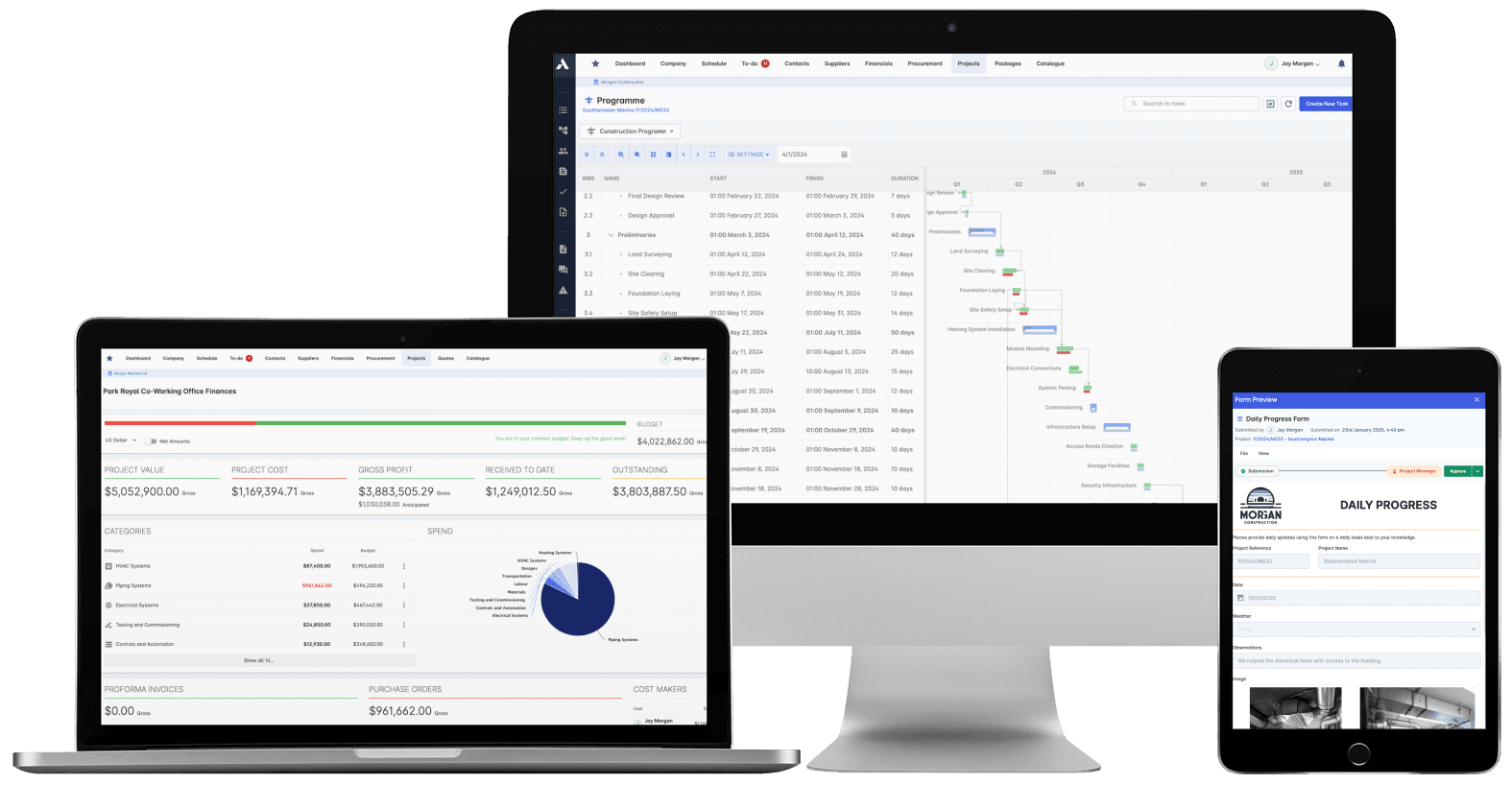
One platform: projects, cost, documents and field data under one access model.
Where IT evaluates Archdesk
Questions IT managers ask us
What does Archdesk actually replace?
Typically the operational sprawl: project trackers, scheduling tools, cost spreadsheets, form apps, shared-drive document chaos and the homemade glue between them. Accounting systems stay and are integrated, not replaced.
How is access controlled?
Role-based access control, managed centrally, applied per module and per project. Internal staff, subcontractors and clients each get scoped access, and revoking someone is one action in one system.
How do the accounting integrations work?
Archdesk integrates with Xero (as a certified partner), Sage, QuickBooks and other accounting systems as maintained product features. Mapping is configured during onboarding with the Archdesk team; you are not writing or babysitting middleware.
What is the deployment model?
Cloud, accessed through the browser and mobile devices. There is no on-premise footprint to patch, and platform updates ship without your involvement.
What does rollout demand from IT?
Less than most systems: user provisioning decisions, permission design and integration mapping, done together with the Archdesk onboarding team. Structure setup, data migration and training are carried by the vendor with your business teams.
How does Archdesk handle data security?
The platform is built for companies whose clients and auditors ask exactly this question. Access control, data segregation between organizations, and encrypted connections are standard; the Archdesk team walks through the current security documentation as part of any evaluation.
Put Archdesk through your evaluation
In the demo we walk through the platform from the IT seat: access model, integrations, deployment and governance. Bring your checklist. Book a demo and see.
Book a Demo

