Subcontractor Bidding & Bid Leveling Software
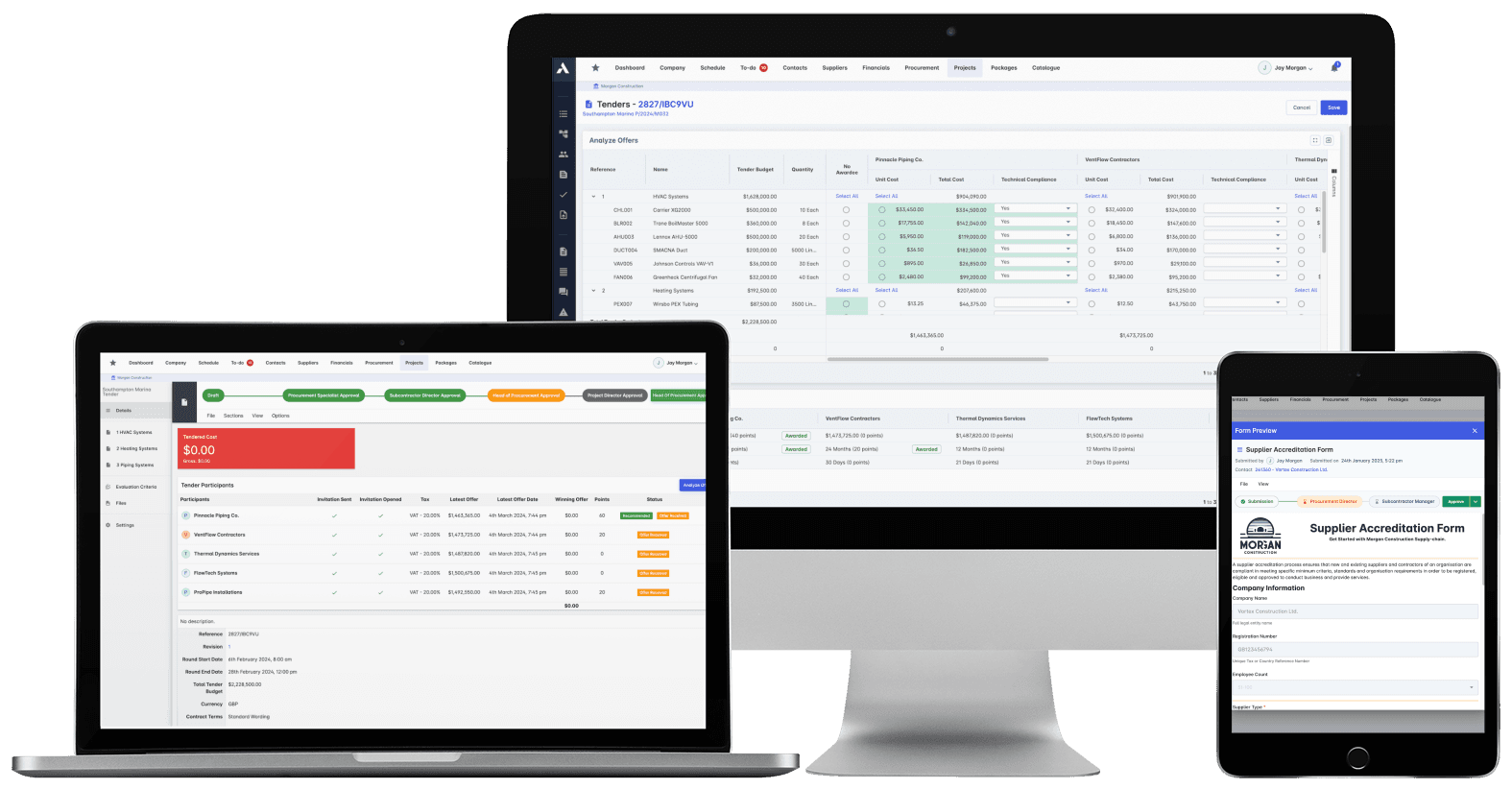
Three quotes, three formats, one spreadsheet of pain.Send RFQs built from your actual BOQ lines, so every quote comes back comparable: item by item, exclusions visible, gaps obvious. Level bids side by side against budget, and turn the award into the subcontract without re-keying a line.
Trusted by construction companies of every size, worldwide




















From bill of quantities to signed subcontract, no spreadsheet in between
Subcontractor bid management software makes quotes comparable by sending every RFQ from the same bill of quantities lines, so bids return against identical items with exclusions and scope gaps visible. Archdesk builds RFQs from your BoQs, tracks submissions against deadlines, scores bids against your evaluation criteria, and generates the contract directly from the winning bid.

Scope gaps show up before award
Bids sit side by side on identical BoQ lines, with rate analysis exposing exclusions and missing items while you can still ask the question, not after the subcontract is signed.
The award becomes the contract
The subcontract generates directly from the winning bid, so what was quoted is what gets contracted, without re-keying a line.
Package budgets hold
Every tender is compared against the package budget as bids come in, with variance alerts and over-budget warnings before you commit.
Only qualified subs get the RFQ
Distribution lists come from a database that tracks trades, performance history, insurance and certifications, with compliance verified during the tender.
Live bidding when you want competitive tension
Run e-auctions and live bidding rounds on the same BoQ lines, with automatic scoring against your evaluation criteria, so the pressure stays on price, not on your team.

RFQ Management
Build RFQs directly from your bill of quantities and send them from one place. Every quote comes back against the same lines, tracked against the deadline.
RFQs built from your BoQ lines
Invitation letters and automated distribution
Submission deadlines tracked automatically
E-auction and live bidding rounds
Subcontractor Database
Every subcontractor on one record: trades, project history, insurance and qualifications. Invitation lists come from data, not from whoever remembers a good groundworker.
Subcontractors grouped by trade
Performance and tender history on file
Insurance and certification tracking
Financial health monitoring
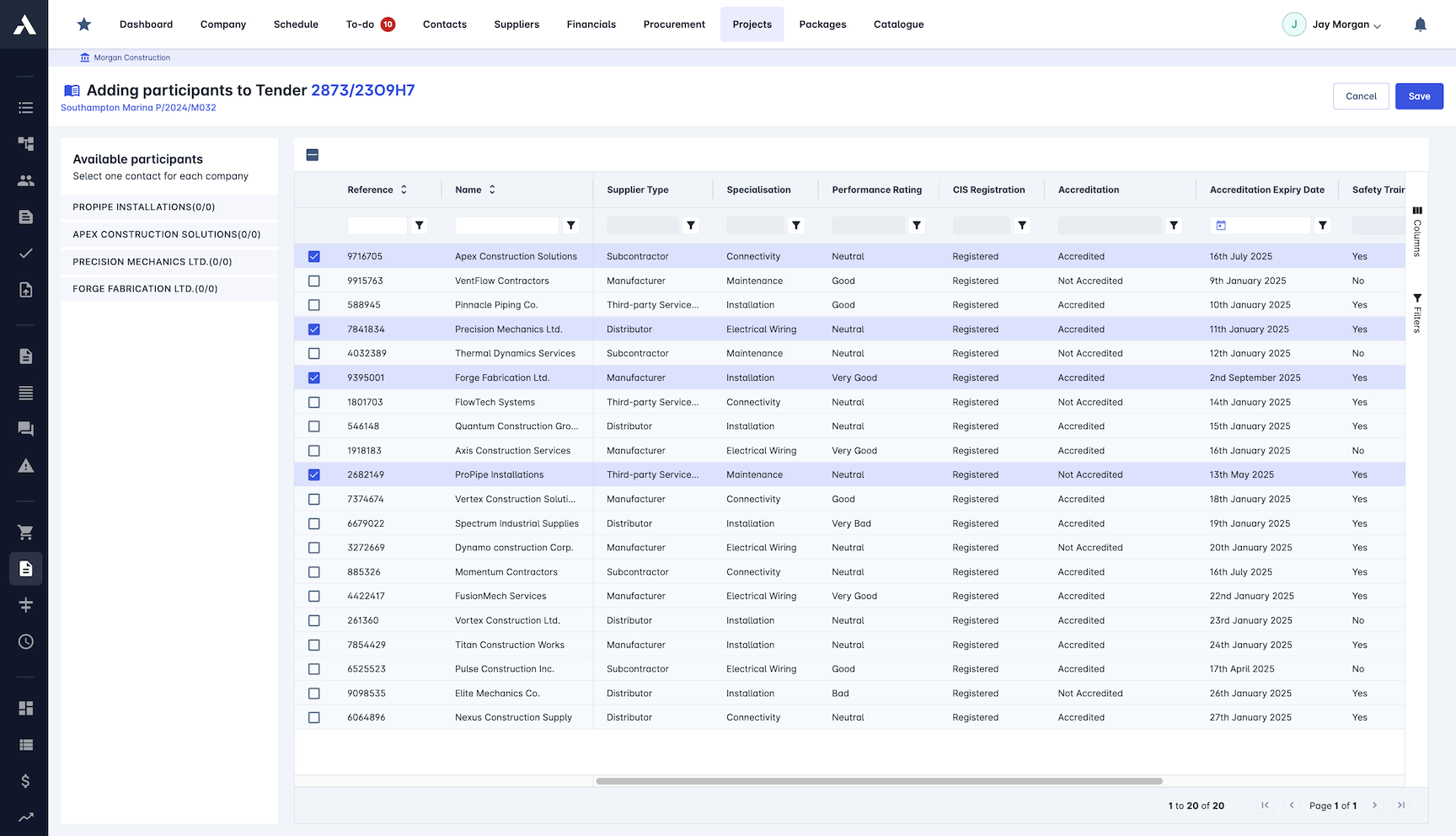
Bid Leveling
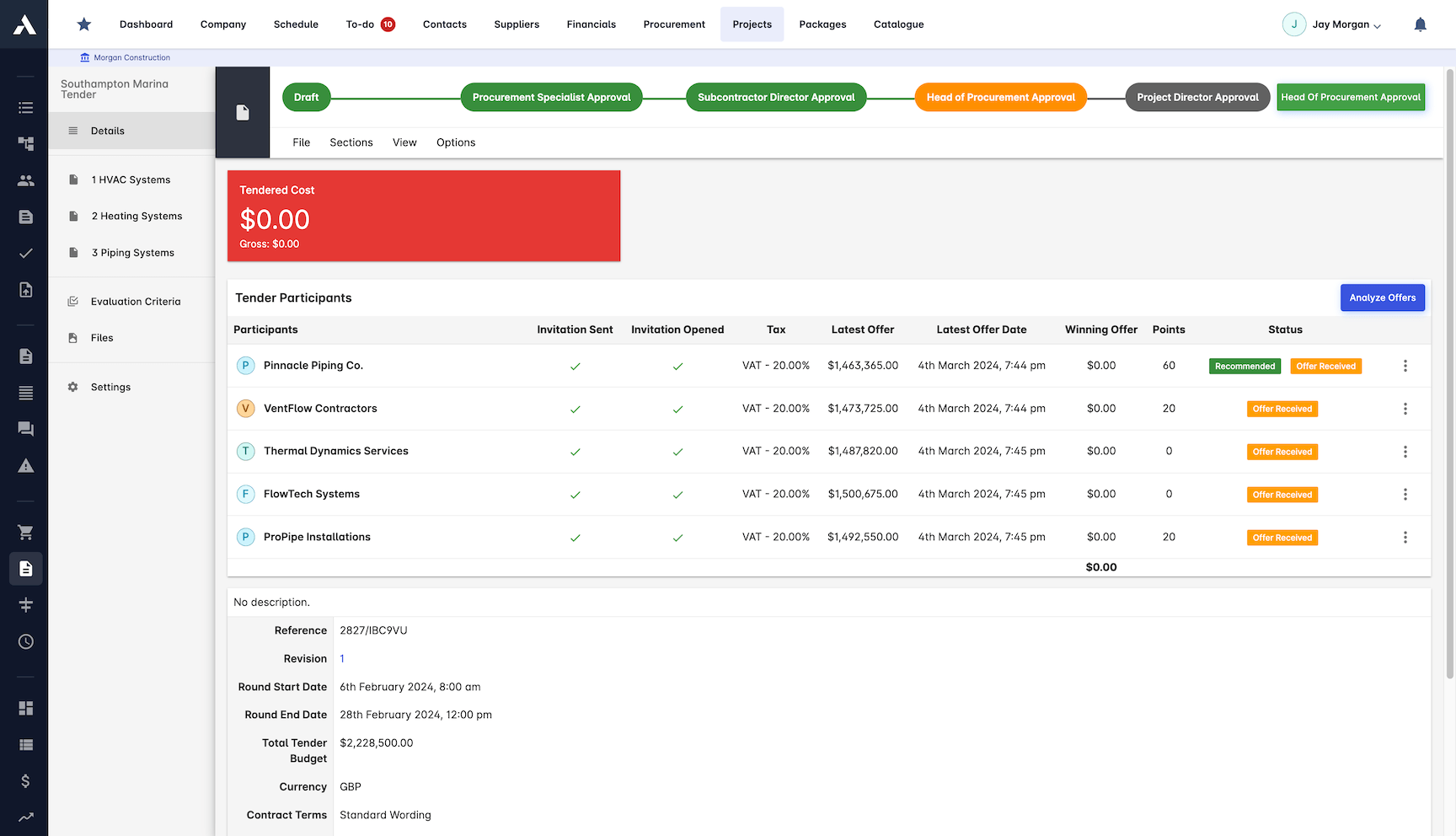
Level bids on identical lines: true bid leveling instead of three PDFs and a guess. Rate analysis and evaluation scoring make the real differences visible: price, scope and exclusions.
Side-by-side bid comparison
Rate analysis on every line
Scope gaps flagged before award
Commercial evaluation scoring
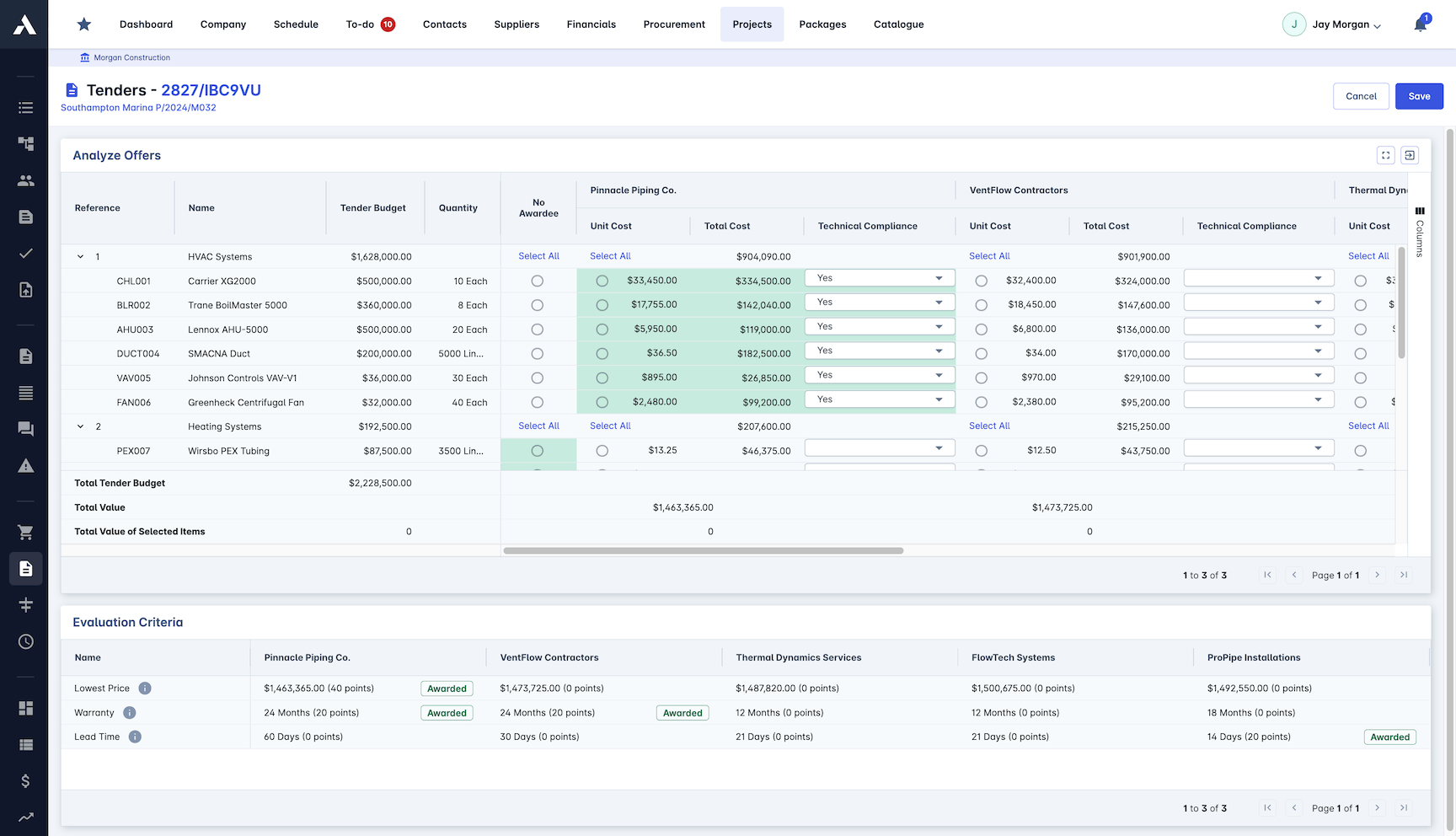
Compliance Checking
Qualifications and insurance are checked during the tender, not after the award. A non-compliant bid is visible before it wins.
Qualifications verified in the tender
Document completeness checks
Insurance requirements validated
Technical compliance scoring
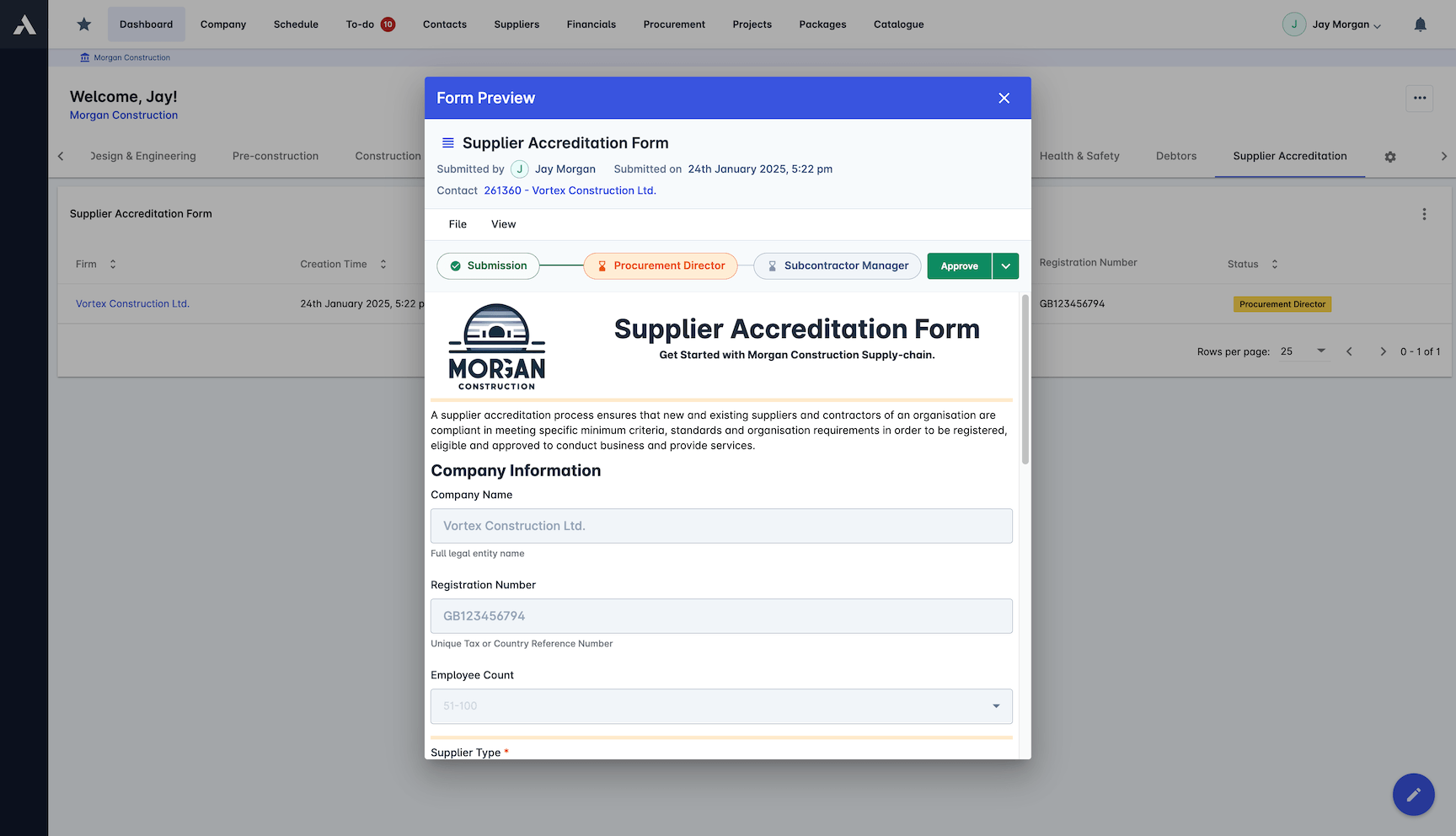
Award Management
Award the package and the contract generates directly from the winning bid. What was quoted is what gets contracted, with the paper trail attached.
Award recommendation workflow
Contract generated from the winning bid
Award notifications to every bidder
Post-tender documentation on record
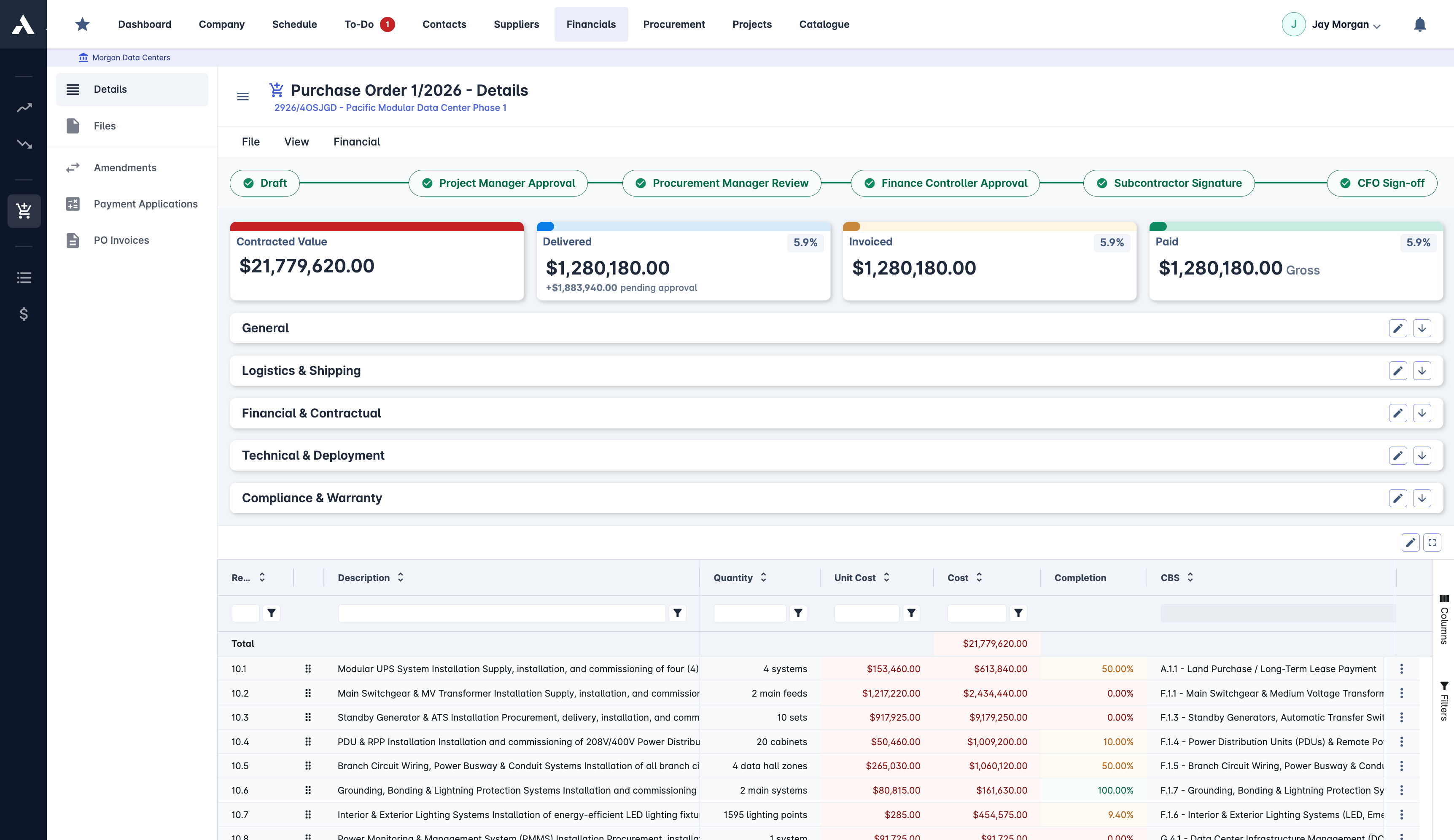
Budget Control
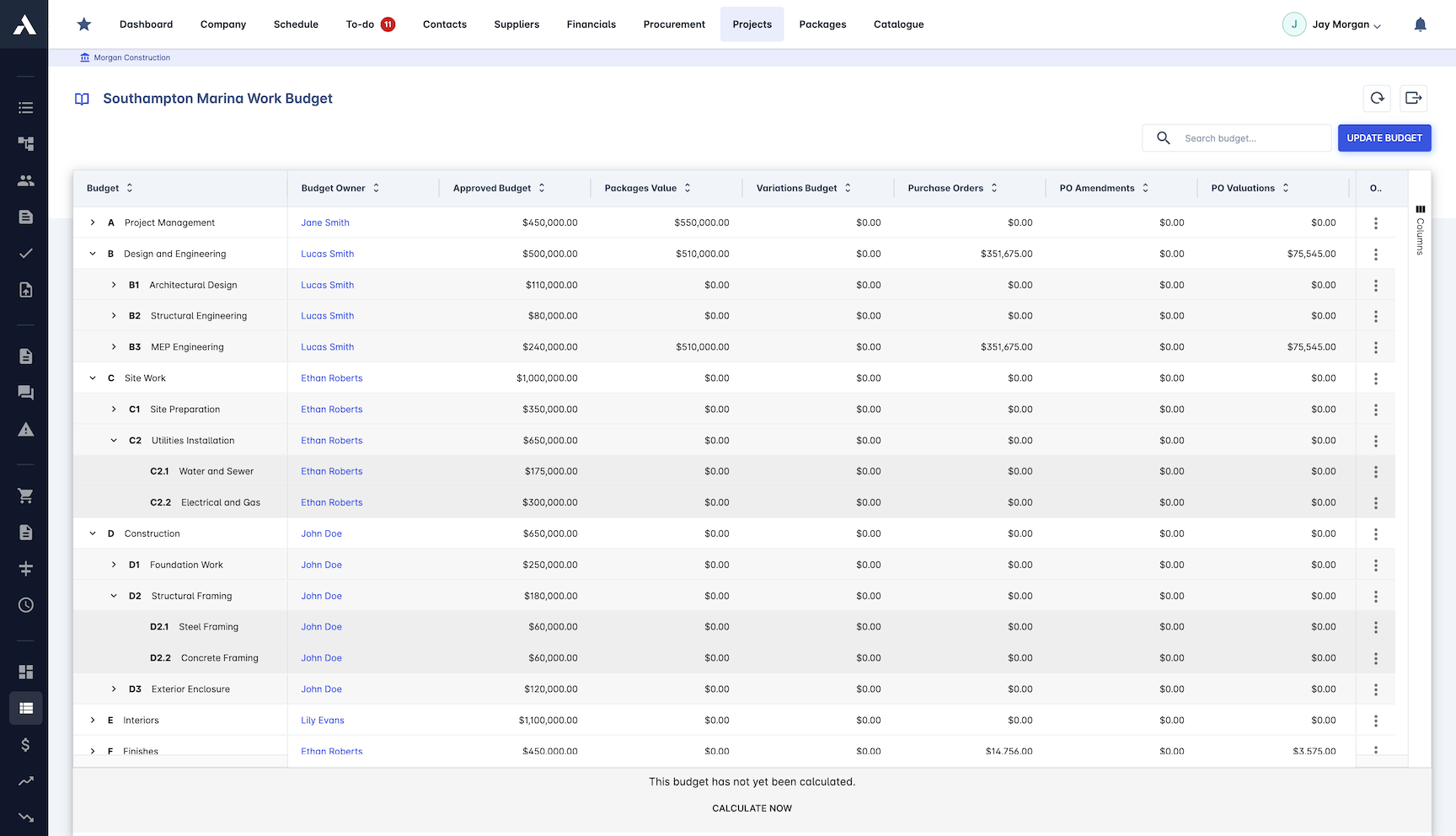
Every bid is compared against the package budget as it comes in. Over-budget awards raise a warning before they are committed, not at final billing.
Budget vs tender on every package
Cost codes allocated and tracked
Automated over-budget warnings
Alternative pricing analysis
Frequently Asked Questions: Subcontractor Bidding & Bid Leveling
What is subcontractor bid management software?
Software that helps main contractors run subcontract tendering from one place: RFQs are built from your bill of quantities, sent to selected subcontractors, and every quote comes back against the same lines. Bids sit side by side on identical lines, exclusions and scope gaps are visible, and the award turns into the subcontract without re-keying.
How does Archdesk make subcontractor bids comparable?
Every RFQ is sent from the same bill of quantities lines, so bids return against identical items. Side-by-side comparison, rate analysis on every line and commercial evaluation scoring make the real differences visible: price, scope and exclusions, with scope gaps flagged before award rather than after the subcontract is signed.
How do I decide which subcontractors to invite?
Invitation lists come from a subcontractor database that tracks trades, performance and tender history, insurance, certifications and financial health. Qualifications and insurance are checked during the tender, not after the award, so a non-compliant bid is visible before it wins.
How does bidding stay within the package budget?
Every bid is compared against the package budget as it comes in, with cost codes allocated and tracked. Over-budget awards raise an automated warning before they are committed, not at final billing.
What happens after a package is awarded?
The contract generates directly from the winning bid, so what was quoted is what gets contracted, with no re-keying. Award notifications go to every bidder and the post-tender documentation stays on record, so the paper trail is attached to the package.
What is bid leveling and does Archdesk support it?
Bid leveling means standardizing subcontractor quotes onto identical scope lines so they compare like for like: same items, same quantities, exclusions and gaps visible. Archdesk levels bids side by side from RFQ to award: every quote returns against the same BoQ lines, rate analysis exposes the differences, and the leveled comparison carries through to the award decision.
This page covers the quotes you collect from subcontractors. The bids you send to clients to win work live in bid and tender management. Weighing up tools first? Compare the best bid leveling software before you book a demo.
Explore Related Solutions
Everything below runs in the same system, working from the same live data.
Procurement
Streamline purchasing and stay in budget
Subcontractor Management (SRM)
Manage subcontractors and stay compliant
Subcontractor Pay Applications
Evaluate subcontractor work progress and payments
RFIs
Handle subcontractor questions with owners and deadlines
Discover more
Explore the full range of solutions and find the right fit for your business.
See your next project on Archdesk
Book a demo and walk through a fully worked example project: one platform running everything from winning the work to closing it out.
Book a Demo