

Archdesk for Accountants
Month end without the chaseCosts, commitments and invoices that arrive with their context attached.
A look at Archdesk from the accountant's seat: what changes about invoices, accruals and month end, and straight answers to the questions finance teams ask before connecting it to their books.
Trusted by construction companies of every size, worldwide


























We know what month end feels like
Archdesk was built with finance teams who close the books for contractors. It is not another system to reconcile against. It is where the project side finally produces the numbers you need, in the shape you need them. Side by side:
No shadow ledgers, no parallel truth. One set of numbers that finance and the project teams both work from.
Not just a cleaner close. A better financial rhythm.
Thousands of construction companies have shaped how Archdesk handles money. The result is a system that already speaks both languages: projects and accounts. Reporting follows the International Business Communication Standards (IBCS), and month end works the same whether you close one company or consolidate a group.
Built to match your chart
Budget structures and cost codes are configured to mirror how your accounts are organized, so project costs land where finance expects them and nothing needs translating at month end.


Committed, not surprised
Cost appears when it is committed, not when the invoice shows up. Forecasts stop being archaeology.
An audit trail by default
Orders, approvals, invoices and payments keep their history. When the auditor asks who approved what and when, the answer is a click, not a hunt.
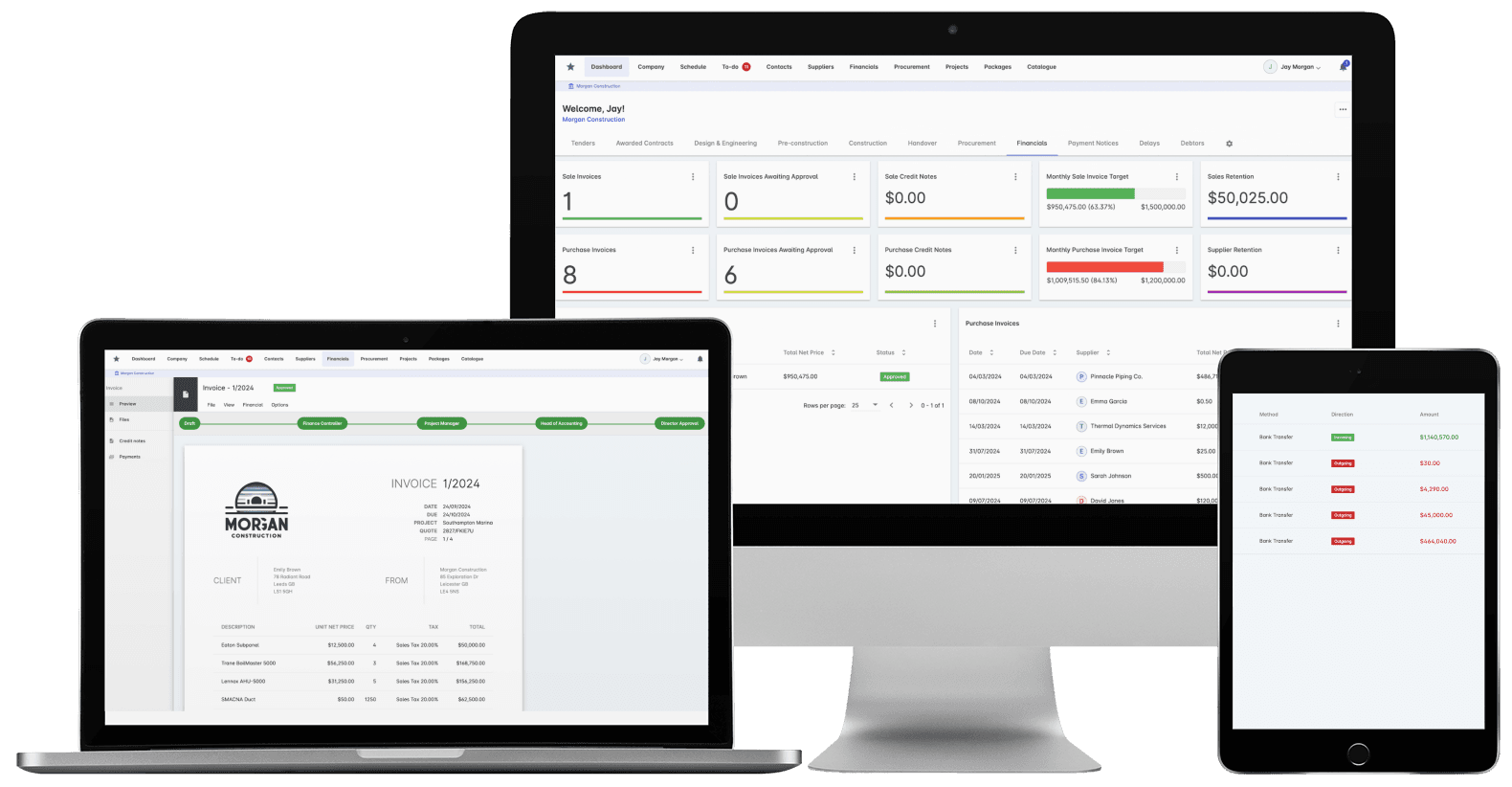
Invoices in Archdesk: matched to orders, coded to budgets, ready for the ledger.
Where accountants spend their time in Archdesk
Questions accountants ask us
Does Archdesk replace our accounting system?
No, and it does not try to. Your ledger stays where it is. Archdesk runs the project side, purchase orders, budgets, pay applications, project invoicing, and integrates with Xero (as a certified partner), Sage, QuickBooks and other systems, so the two sides stay in step without re-keying.
How does the integration actually work?
Invoices, payments and cost data flow between Archdesk and your accounting package, mapped to your chart of accounts. What is coded on the project side arrives in the books in the structure finance expects.
Can we control who raises and approves spend?
Yes. Approval workflows are configured to your delegation rules: who can raise an order, at what value, with whose sign-off. Spend that has not been through the workflow does not become a commitment.
We run several companies in the group. Can Archdesk handle that?
Yes. Each entity keeps its own ledger, chart of accounts mapping and accounting integration, while project data rolls up into consolidated group reporting. You close per company and report across the group from the same records, presented to the International Business Communication Standards (IBCS).
What does this do to month end?
The chasing largely disappears. Committed costs, received invoices and work-in-progress (WIP) positions are already in the system, coded consistently across jobs, so the close starts from live records instead of a collection exercise.
How do we handle subcontractor payments and retainage?
Subcontractor pay applications, certificates and retainage are tracked per package through to release, and the resulting payables flow to your accounting system. The commercial record and the ledger stop disagreeing.
Will the project teams actually keep it up to date?
That is the point of the design: the project side keeps records because the records run their work, not as a favor to finance. Costs, orders and site data are captured as part of doing the job, which is why the numbers you draw from it are current.
See month end without the chase
In the demo we walk you through a fully worked project in Archdesk from the finance seat: commitments, invoices, pay applications and the accounting integration. Book a demo and see.
Book a Demo

