

Archdesk for Draftsmen
Your drawings, built as drawnIssued once, current everywhere, with the feedback loop finally closed.
A look at Archdesk from the technical team's seat: how drawings move to site and back, what happens to revision chaos, and straight answers to the questions drafting teams ask first.
Trusted by construction companies of every size, worldwide


























We know where your drawings end up
You produce precise work, and then it enters the wild: forwarded, printed, superseded, misquoted. Archdesk keeps the thread between your desk and the site intact. Side by side:
Your drawing tools stay your drawing tools. Archdesk manages what happens to the output.
Not just version control. A working technical record.
Thousands of projects have taught Archdesk how technical information survives construction: controlled, connected to the work, and traceable when questions come.
The revision discipline is built in
Every drawing carries its history: revisions, approvals, who received what and when. The discipline that protects your work from misuse is the system's default behavior, not an extra chore.

Site sees what you see
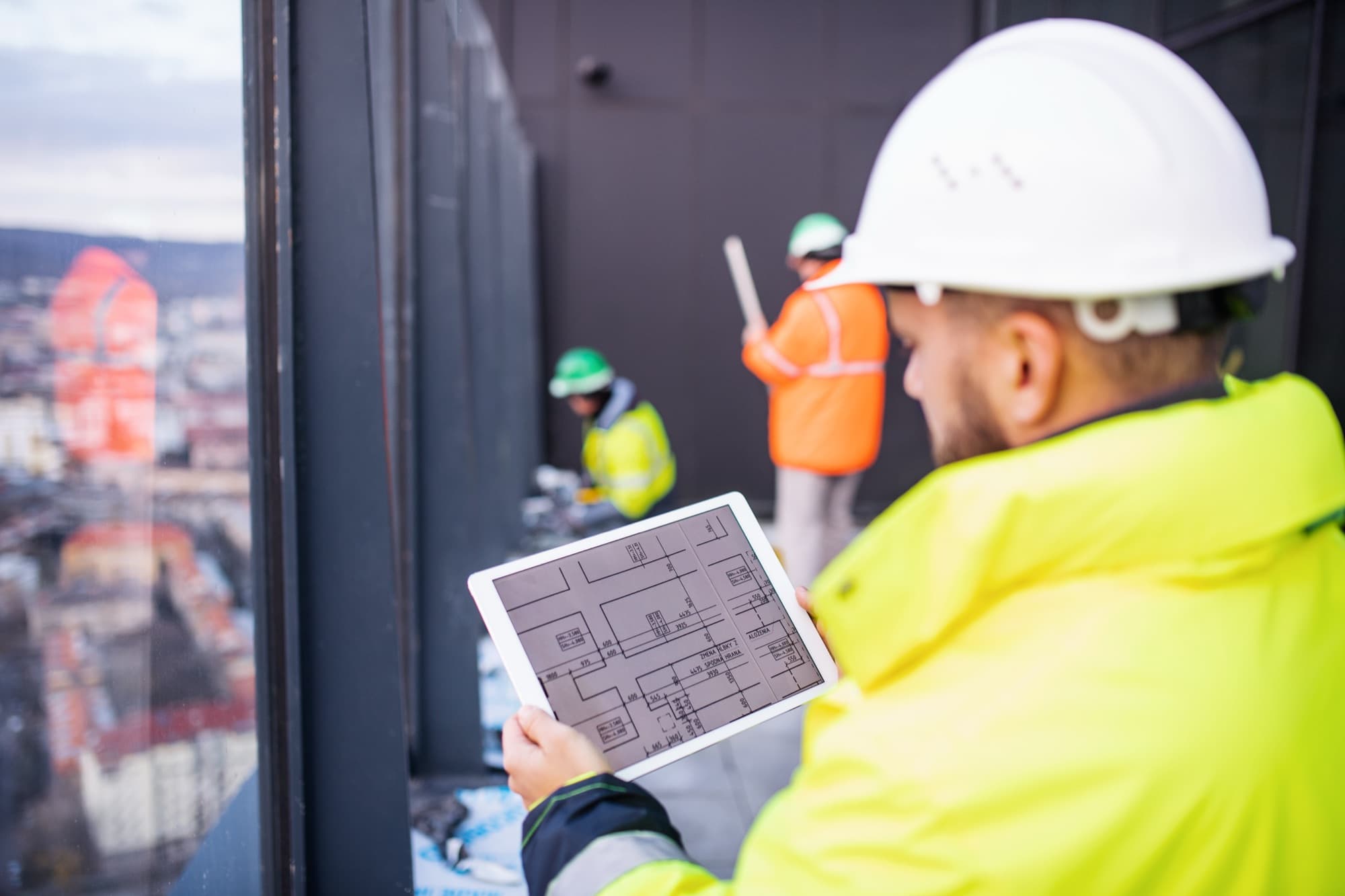
The field opens documents from phones and tablets, so the current revision is the convenient one.
Connected to the build
Drawings sit against the project alongside forms, photos and progress, so technical questions from site come back with their context.
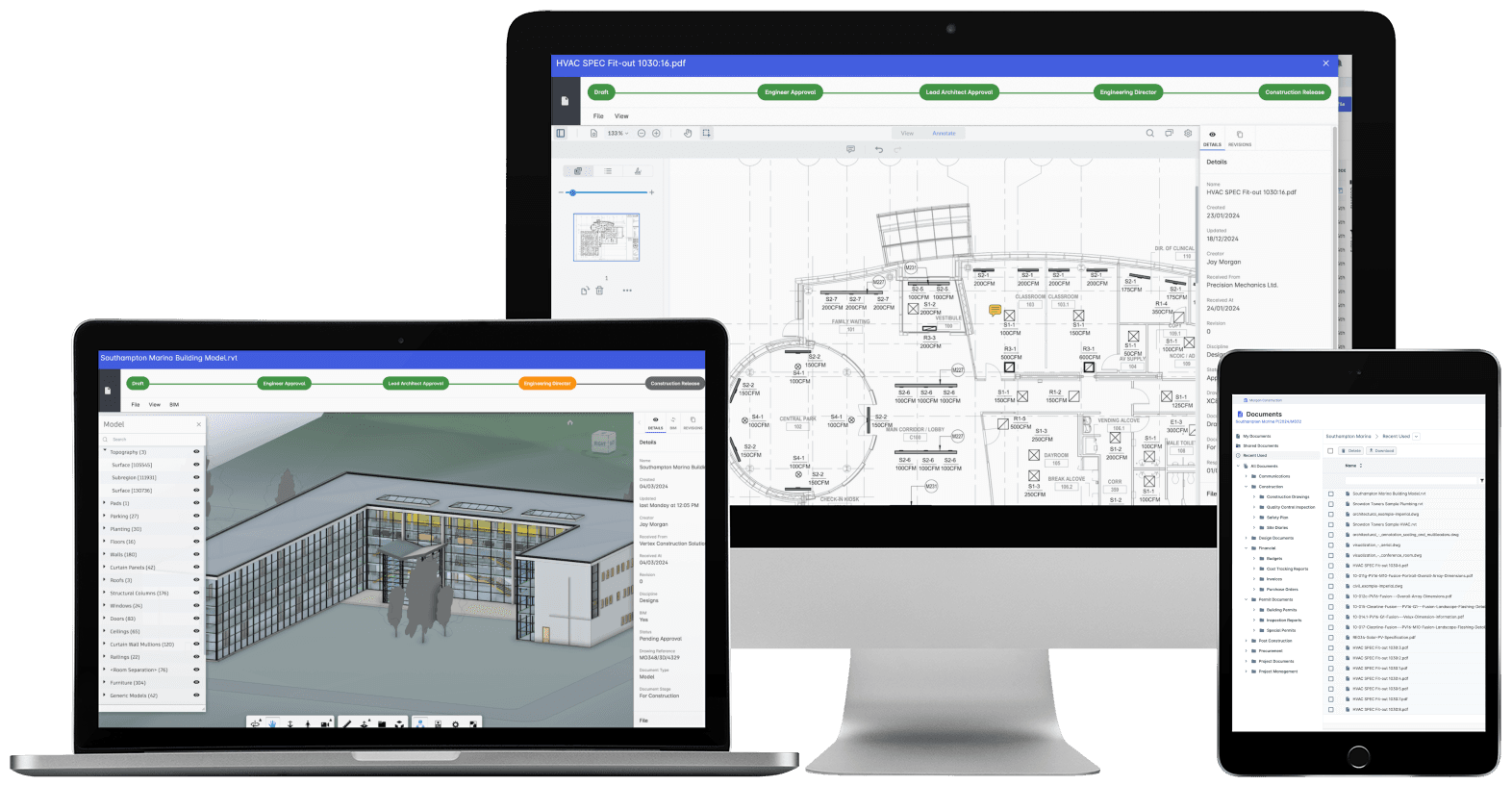
Drawings in Archdesk: revision history, approval status and distribution, per project.
Where technical teams spend their time in Archdesk
Questions drafting teams ask us
Does Archdesk replace our CAD or BIM tools?
No. You keep drawing in the tools you draw in. Archdesk manages the issued output: revision control, approvals, distribution and the connection to the project record, which is where drawings usually escape control.
How do drawings get to site?
Through controlled issue in the system. Site teams open the current revision on a phone or tablet, and the issue record notes who received which revision and when. The forwarded-PDF economy dries up on its own.
What happens when a drawing is superseded?
The new revision takes its place visibly, and the old one is retired but retained for the record. Anyone opening the document gets the current version by default; the history stays available when questions come later.
How does feedback from site reach us?
Site records, forms and photos land against the project connected to the work they describe, so a query about a detail arrives with the photo and location attached instead of as a fragment in a text message.
Can approval workflows match our review process?
Yes. Review and approval routes are configured to your procedures, with status visible at each step, so you always know where a drawing sits without chasing.
Who controls access to technical documents?
Permissions are role-based per project: internal teams, subcontractors and clients each see what is meant for them. Your working files stay yours until you issue.
See your drawings survive the site
In the demo we walk you through a fully worked project in Archdesk from the technical seat: issue, distribution, feedback and the record. Book a demo and see.
Book a Demo

