Construction Bid & Tender Management Software
Every bid costs money. Chase the right ones.Run every enquiry and tender through one pipeline: deadlines, documents, pricing from your estimating team and sign-offs before submission. And decide what to chase with real history, what similar jobs actually made, for clients who actually paid.
Trusted by construction companies of every size, worldwide

























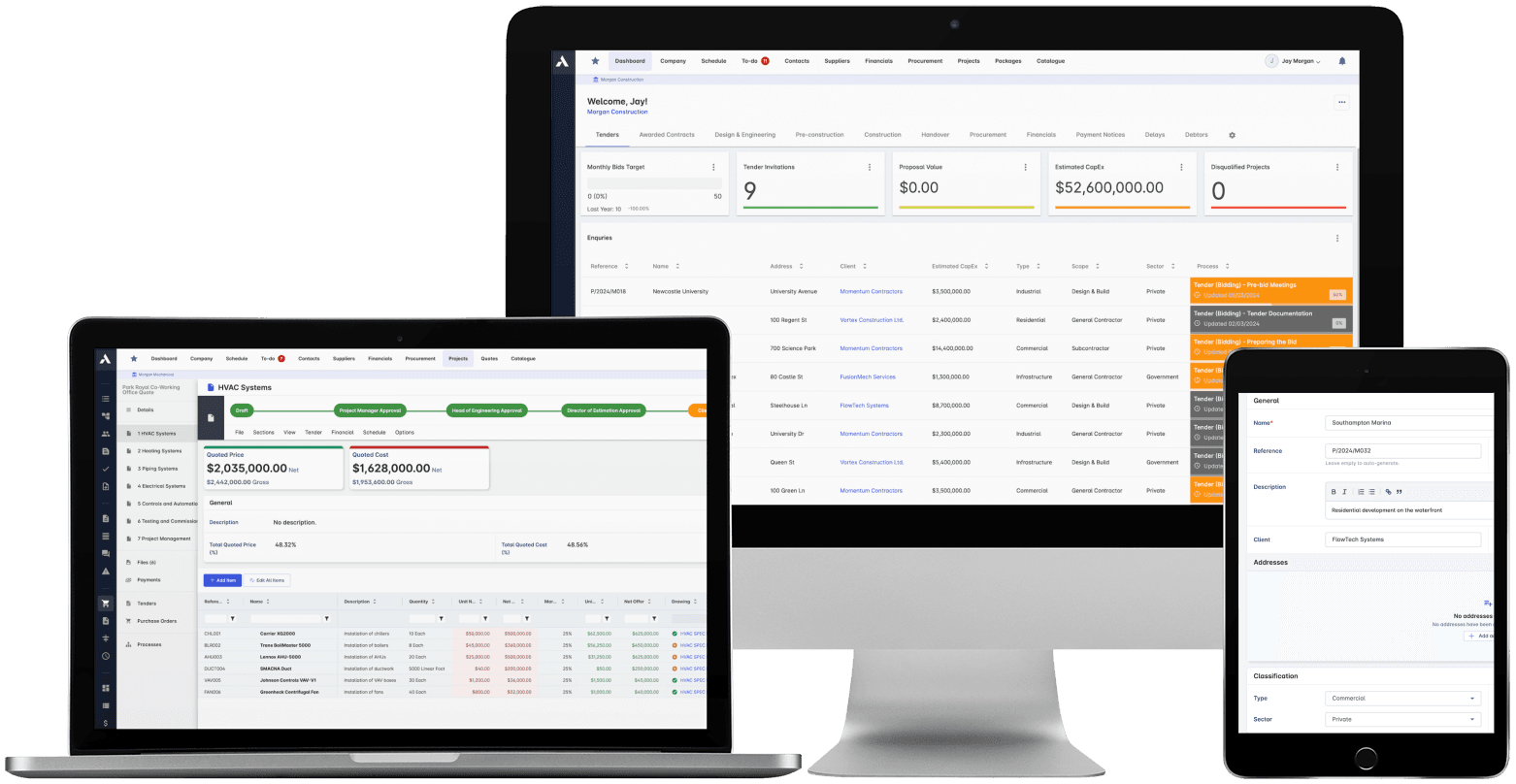
Every live tender in one pipeline, with a deadline and an owner
Construction bid management software raises tender win rates by running every enquiry through one controlled pipeline instead of scattered inboxes and spreadsheets. Archdesk holds every invitation, deadline, document and approval in a repeatable workflow, and because it also holds your delivered projects, bid or no-bid decisions draw on what similar jobs actually made.

Nothing dies in an inbox
All tender invitations sit in one pipeline with real-time status, and automated reminders fire before deadlines, so no submission slips past unnoticed.
Bid or no-bid, decided on data
The same platform holds your delivered work, so you chase the tenders that similar jobs for similar clients actually made money on.
Priced from live rates, not old spreadsheets
Estimators price from a real-time catalogue of products and services with custom formulas: one source of truth instead of siloed files.
Submitted right the first time
Every bid document sits in a version-controlled repository, and internal sign-off happens before anything reaches the client.
Estimating hours go where the margin is
Bid tracking shows the whole pipeline at a glance, while history from delivered projects tells you which opportunities are worth the estimator's week. Bid less, win more.

Bid Creation
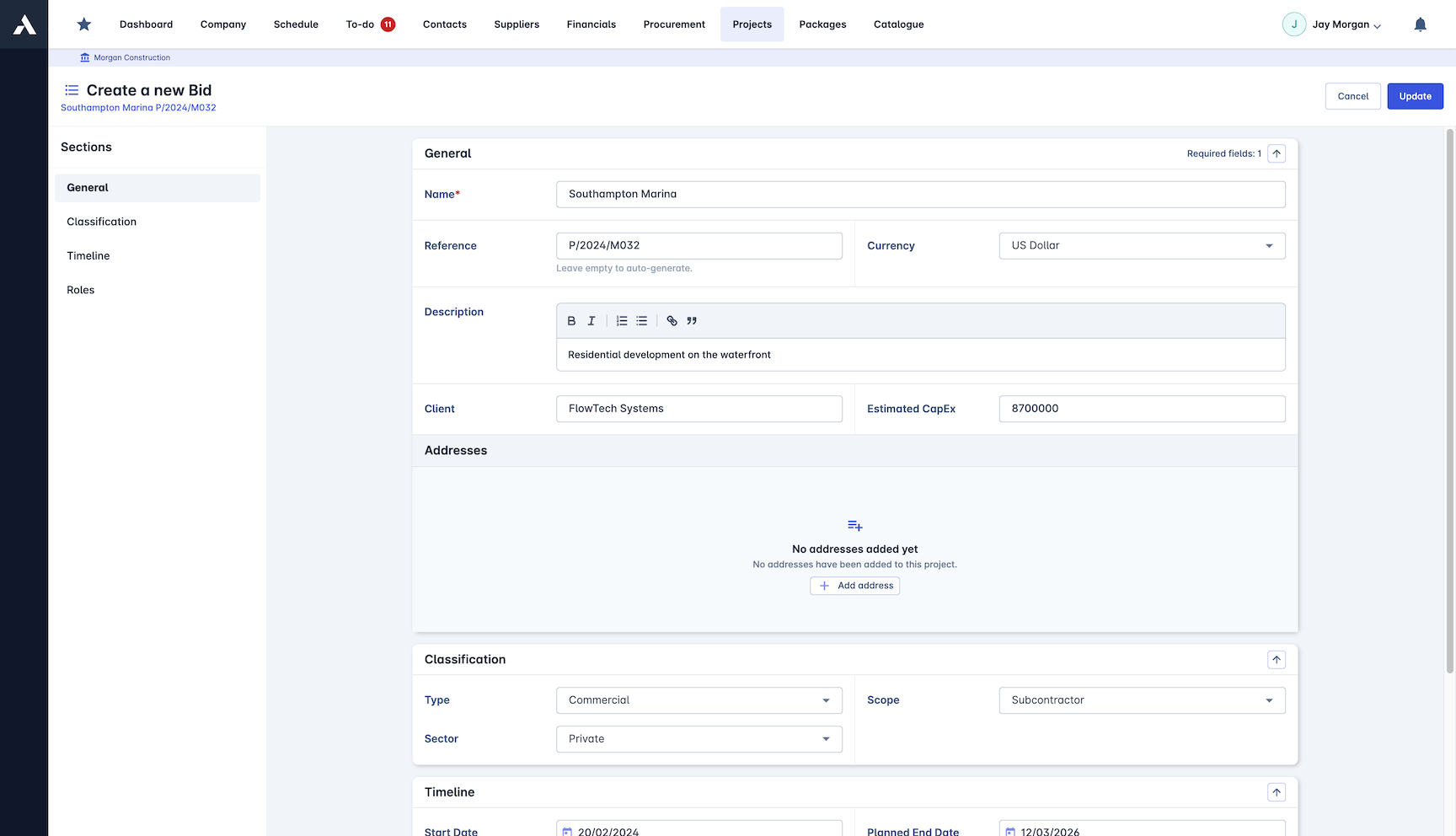
Build every bid the same proven way. Templates keep the presentation consistent, project data pulls in accurately, and sign-off happens before anything is submitted.
All tender invitations (ITTs) in one place
One repeatable bid workflow
Consistent, professional presentation
Collaboration and approvals built in
Cost Estimation
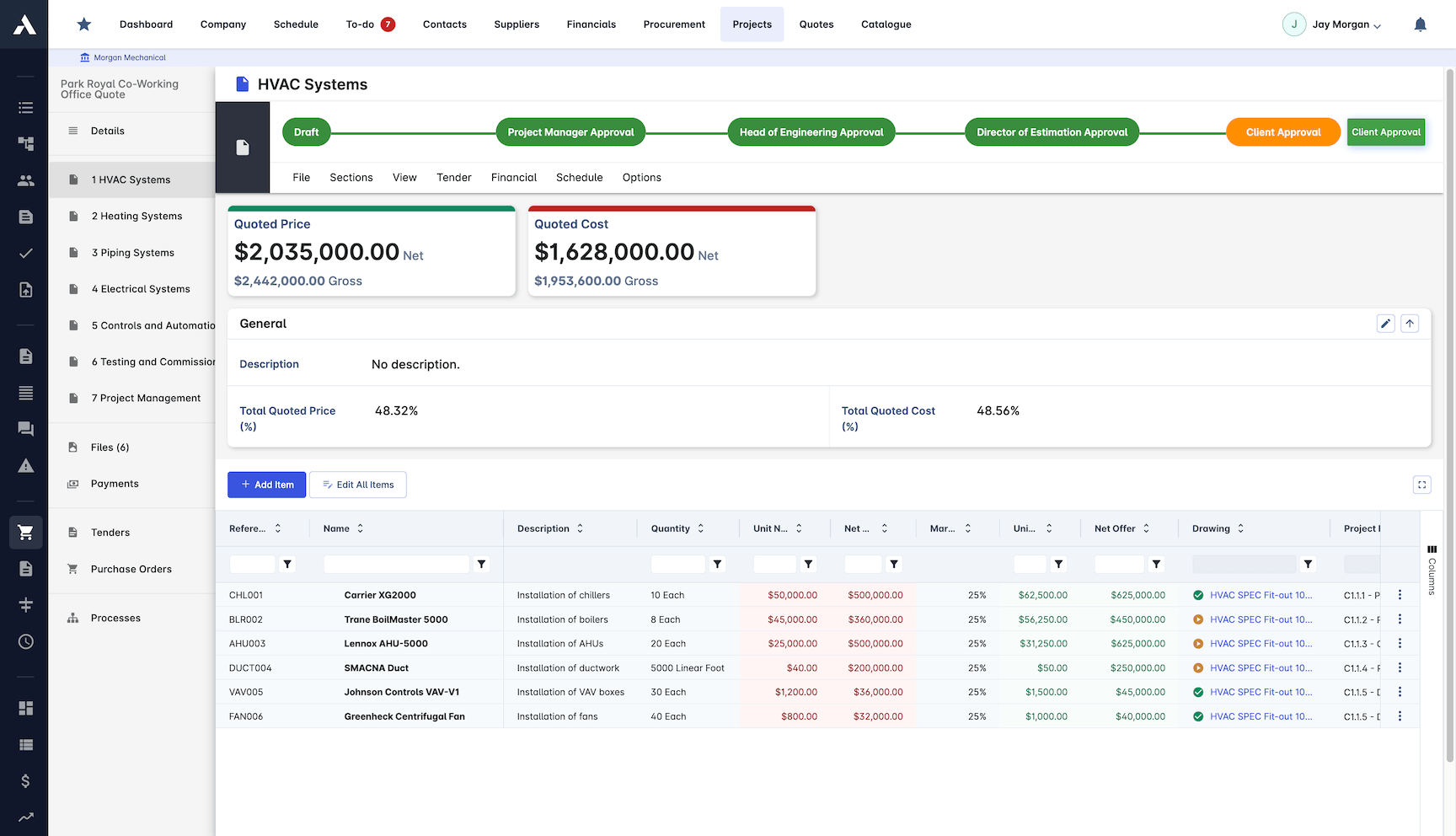
Price bids from a live catalogue instead of a stack of spreadsheets. Custom formulas work the way Excel does, and every estimator prices from the same data.
Live catalogue of products and services
One source of truth for pricing
Custom formulas for precise calculations
Estimation systems for every project type
Document Management
Every bid document in one repository, always the latest version. Estimators find what they need fast and submit without version errors.
One repository for every bid document
Version control prevents costly errors
Automatic naming and tagging
Internal and external approvals
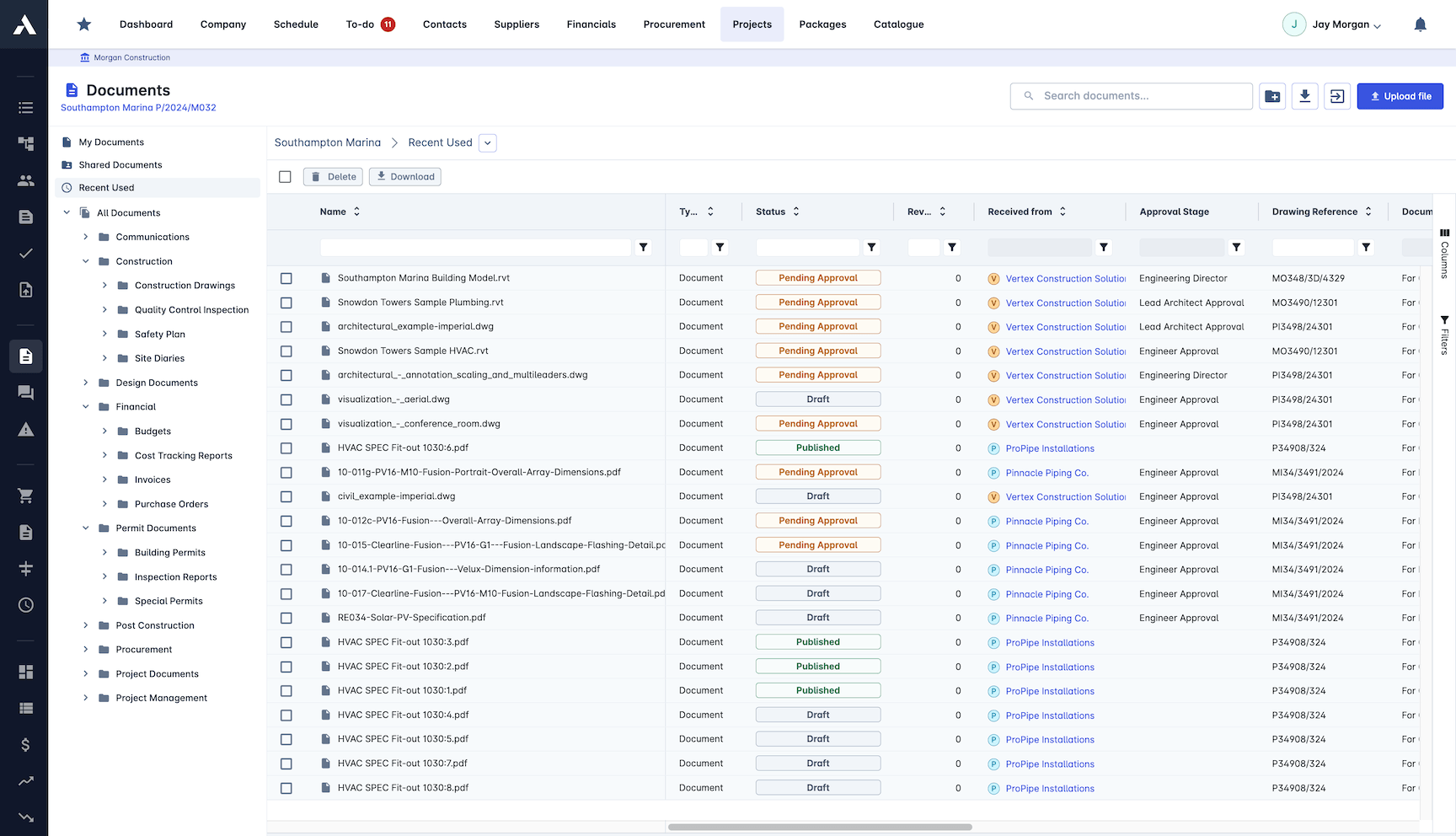
Proposal Submission
Send professional proposals with scope of work, pricing breakdowns and terms included. Clients approve online, and the record shows exactly what was sent.
Custom proposal templates
PDF, Excel or web link formats
Prices compiled automatically
Online approval with your terms
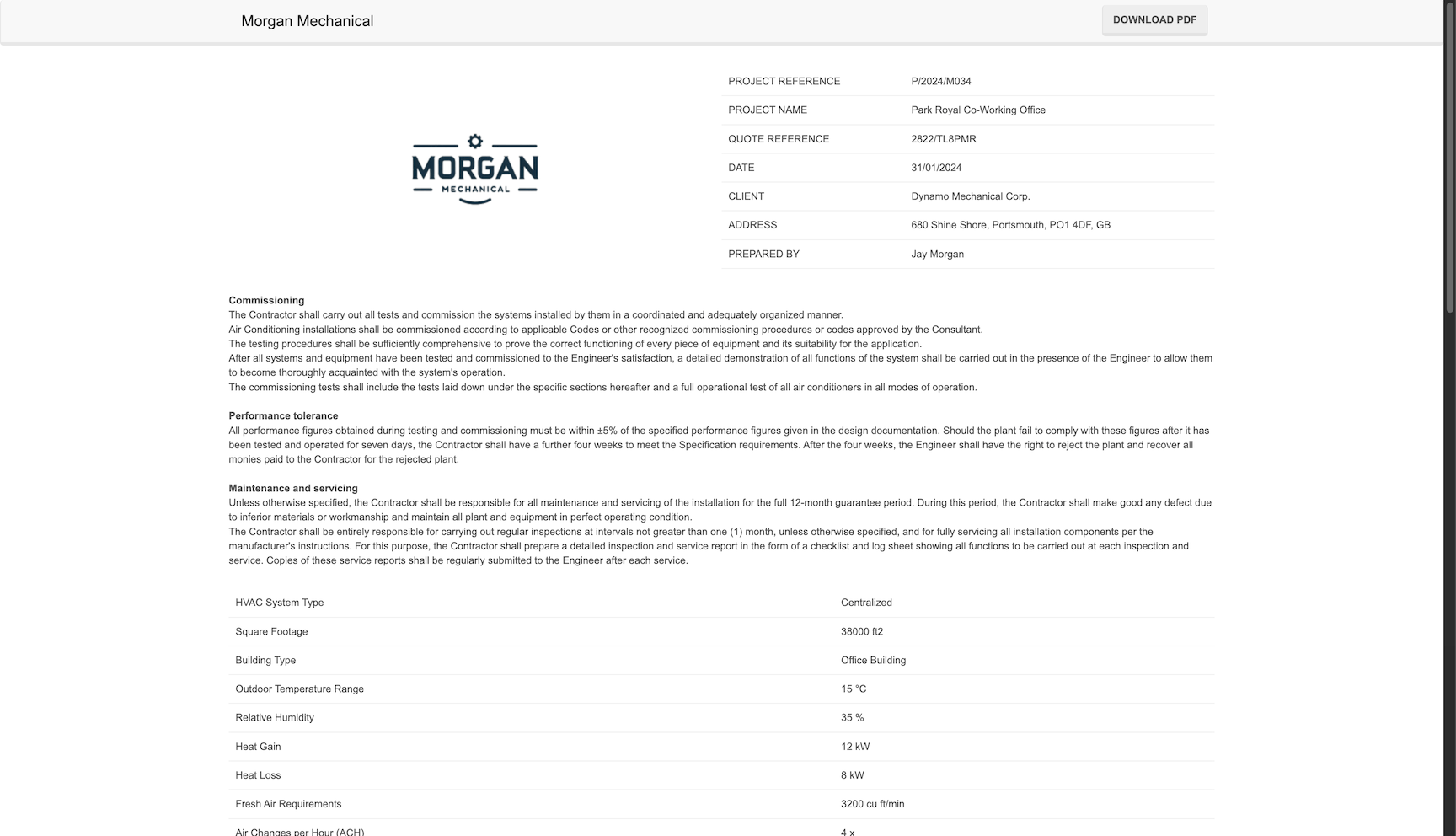
Bid Tracking
The whole pipeline at a glance: what is out, what is due, what is decided. Reminders fire before deadlines, not after.
Real-time bid status at a glance
Submissions and documents in one place
Automated deadline reminders
Progress shared with stakeholders

Pricing the work is half the job: construction estimating software feeds every bid in this pipeline.
This pipeline is for winning work from clients. Collecting and comparing subcontractor quotes (bid leveling) lives in subcontractor bidding.
Frequently Asked Questions: Bid & Tender Management
What is construction bid management software?
Construction bid management software runs every enquiry and tender through one controlled pipeline: invitations, deadlines, documents, pricing and sign-offs, instead of scattered inboxes and spreadsheets. Archdesk adds real-time status and automated deadline reminders so no submission slips past unnoticed.
Can Archdesk help us decide which tenders to bid on?
Yes. Because the same platform holds your delivered projects, bid or no-bid decisions draw on what similar jobs for similar clients actually made, so estimating hours go to the opportunities most likely to pay back.
How is pricing handled during bidding?
Estimators price from a live catalogue of products and services with custom formulas that work the way Excel does. Everyone prices from the same data, one source of truth instead of siloed files.
How are bid documents kept under control?
Every bid document sits in one version-controlled repository with automatic naming and tagging, and internal sign-off happens before anything reaches the client, so submissions go out right the first time.
Can clients approve proposals online?
Yes. Proposals go out from custom templates as a PDF, Excel file or web link, with scope of work, pricing breakdowns and your terms included. Clients approve online and the record shows exactly what was sent.
Explore Related Solutions
Everything below runs in the same system, working from the same live data.
Estimation
Accurate project cost estimation
Change Order Management
Handle project changes efficiently and accurately
Client Proposals
Create professional client facing proposals
BIM Integration
3D take-off estimation
Job Costing
True cost per job, live against the estimate
Project Cost Controls
Monitor and compare your actuals with the estimate
Discover more
Explore the full range of solutions and find the right fit for your business.
See your next project on Archdesk
Book a demo and walk through a fully worked example project: one platform running everything from winning the work to closing it out.
Book a Demo