Software for Home Builders & Residential Developers
The best home builders run on Archdesk
The rest find out the margin on each lot after the last home closes.
One system for every community: lot budgets, build schedules, trades and materials, site records, closeouts. You can see where every lot stands, every day, from foundation to closing.
Trusted by construction companies of every size, worldwide
Built for how communities actually get built
You price the land months before the first foundation. Then costs move, trades juggle three communities at once and every buyer has a closing date.
Every lot, every trade, one schedule
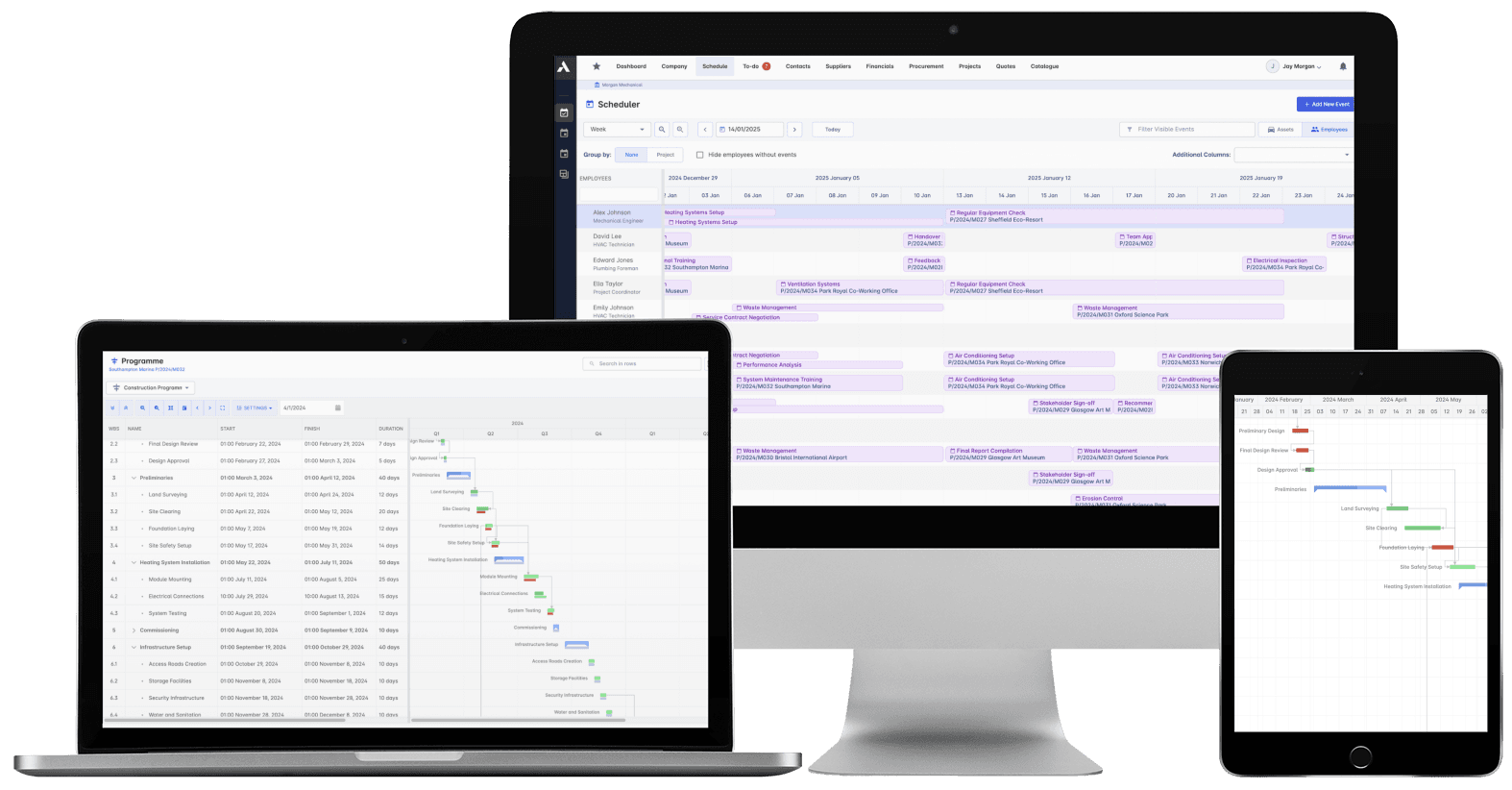
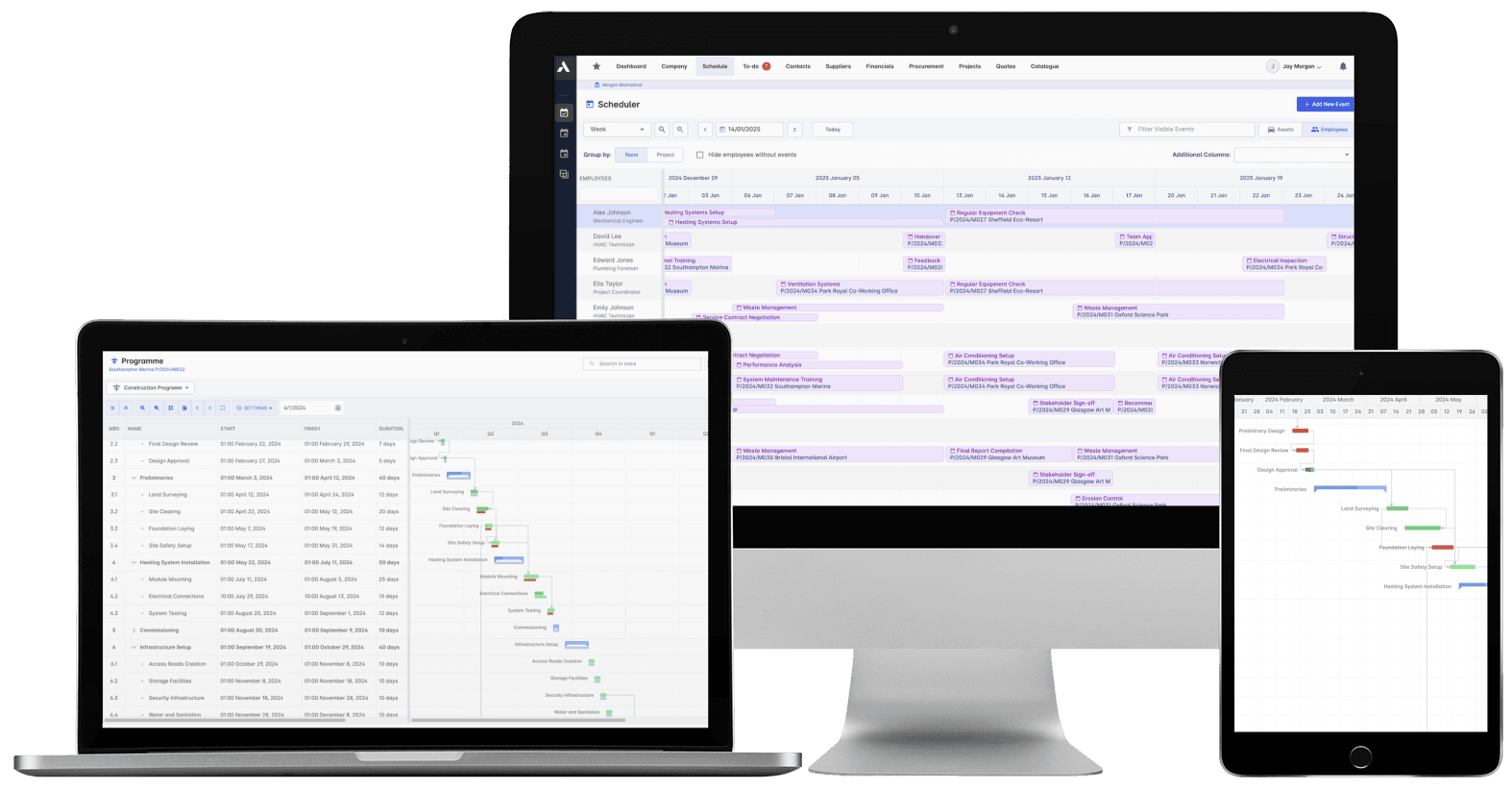
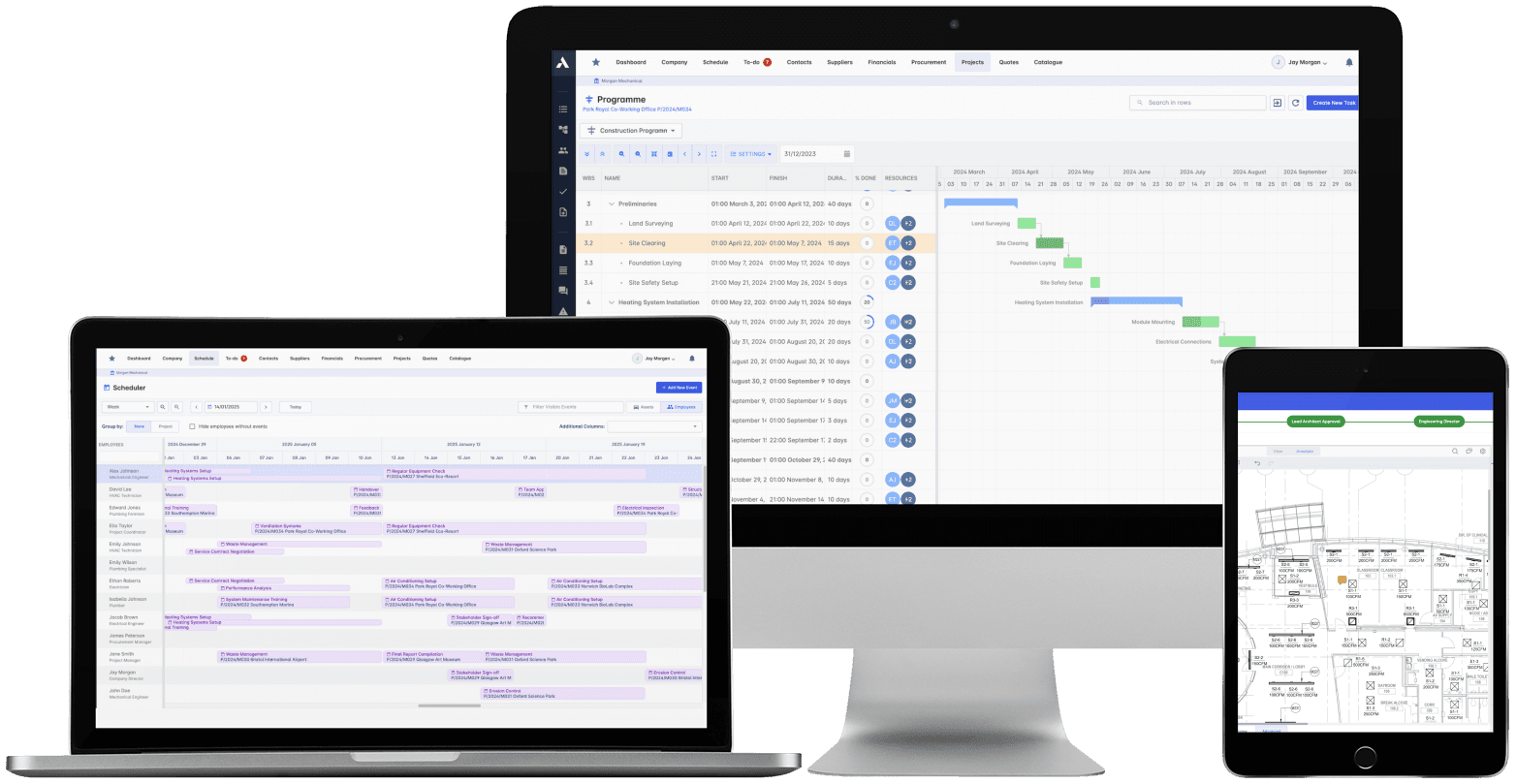
Lots are sequenced across your communities in one schedule, with trades booked against them. Progress lands from site daily, so when a trade slips you replan across lots in one place, and closing dates stay honest.
Margin per lot, not per year end
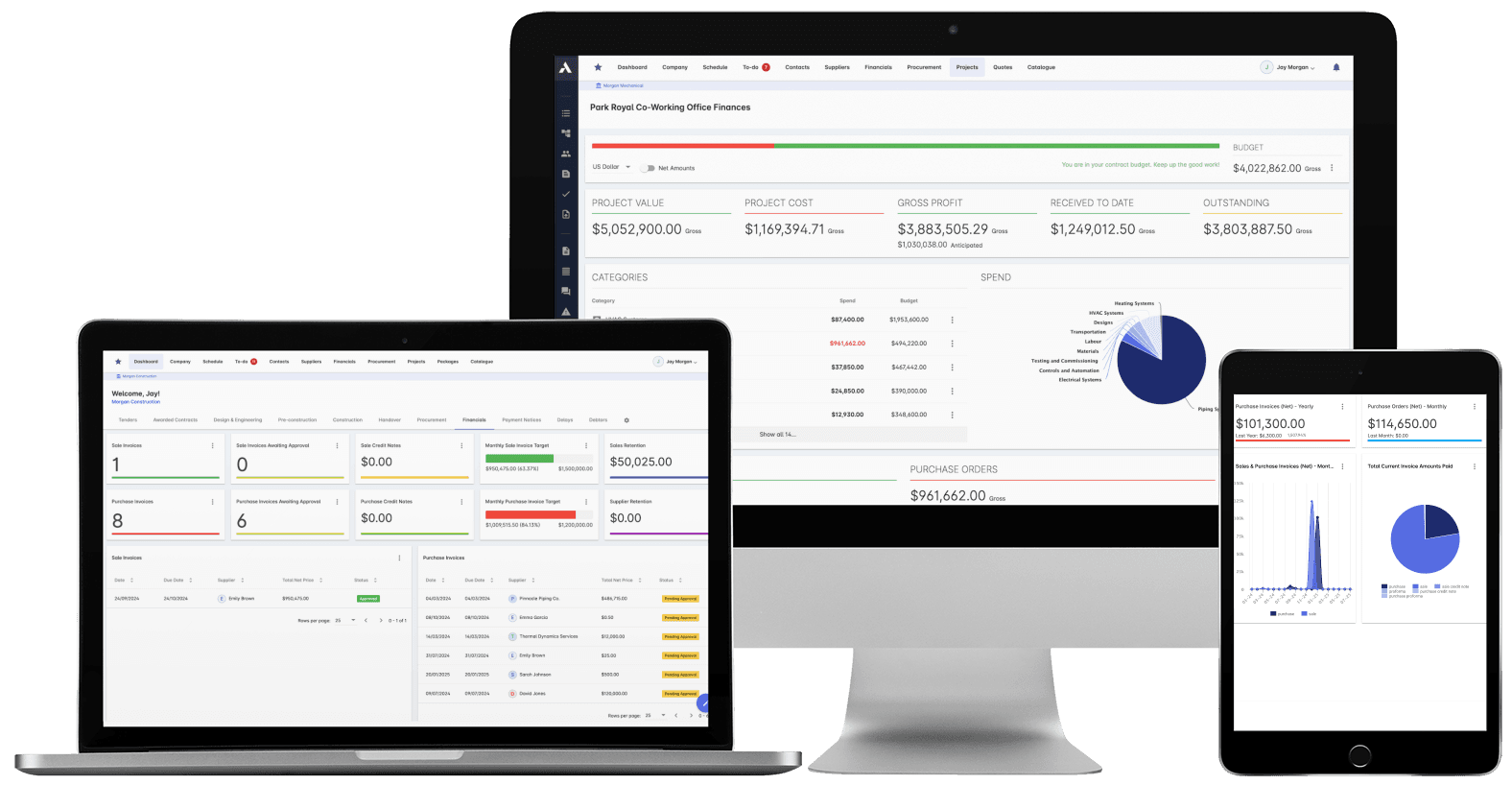
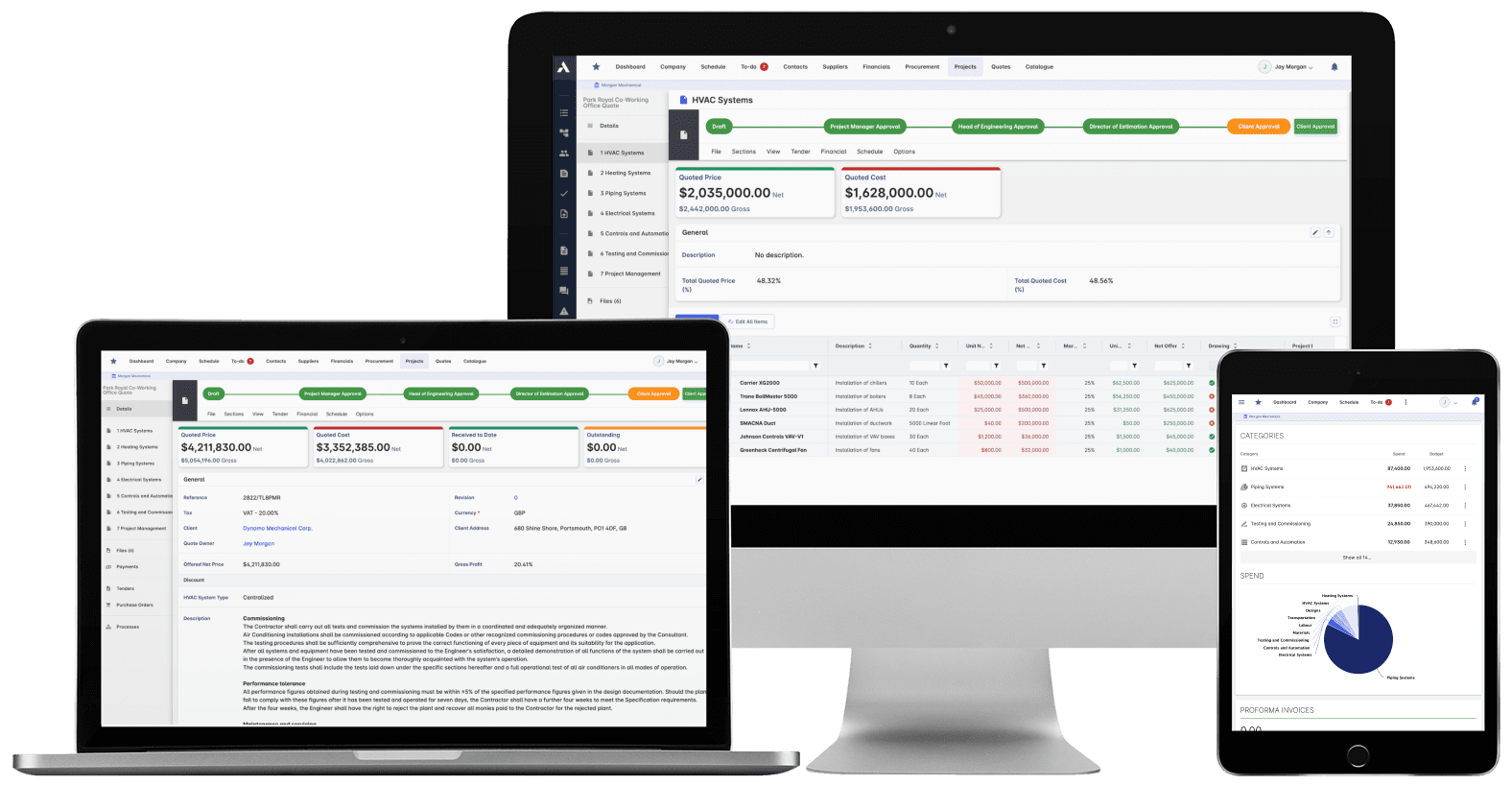
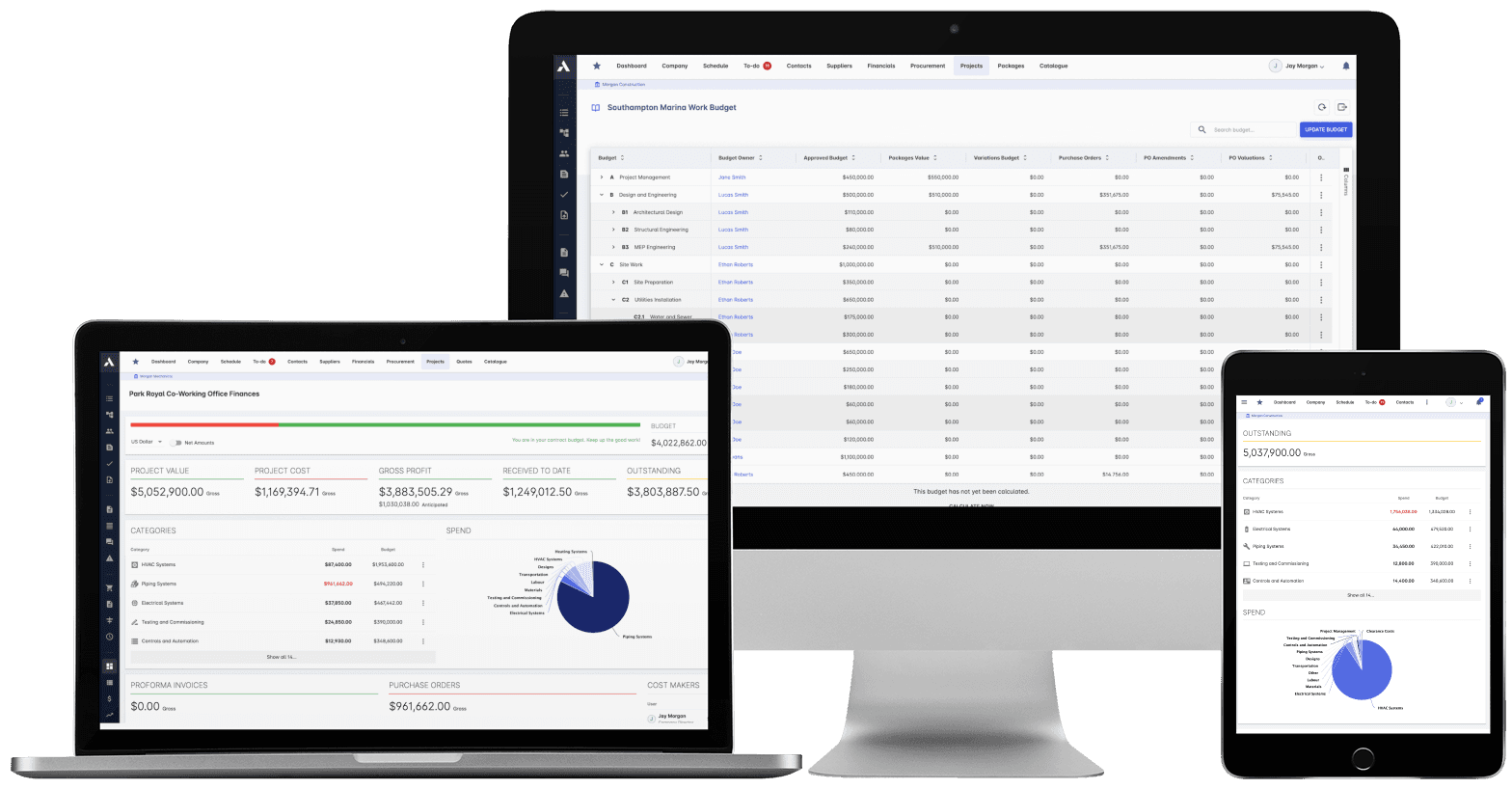
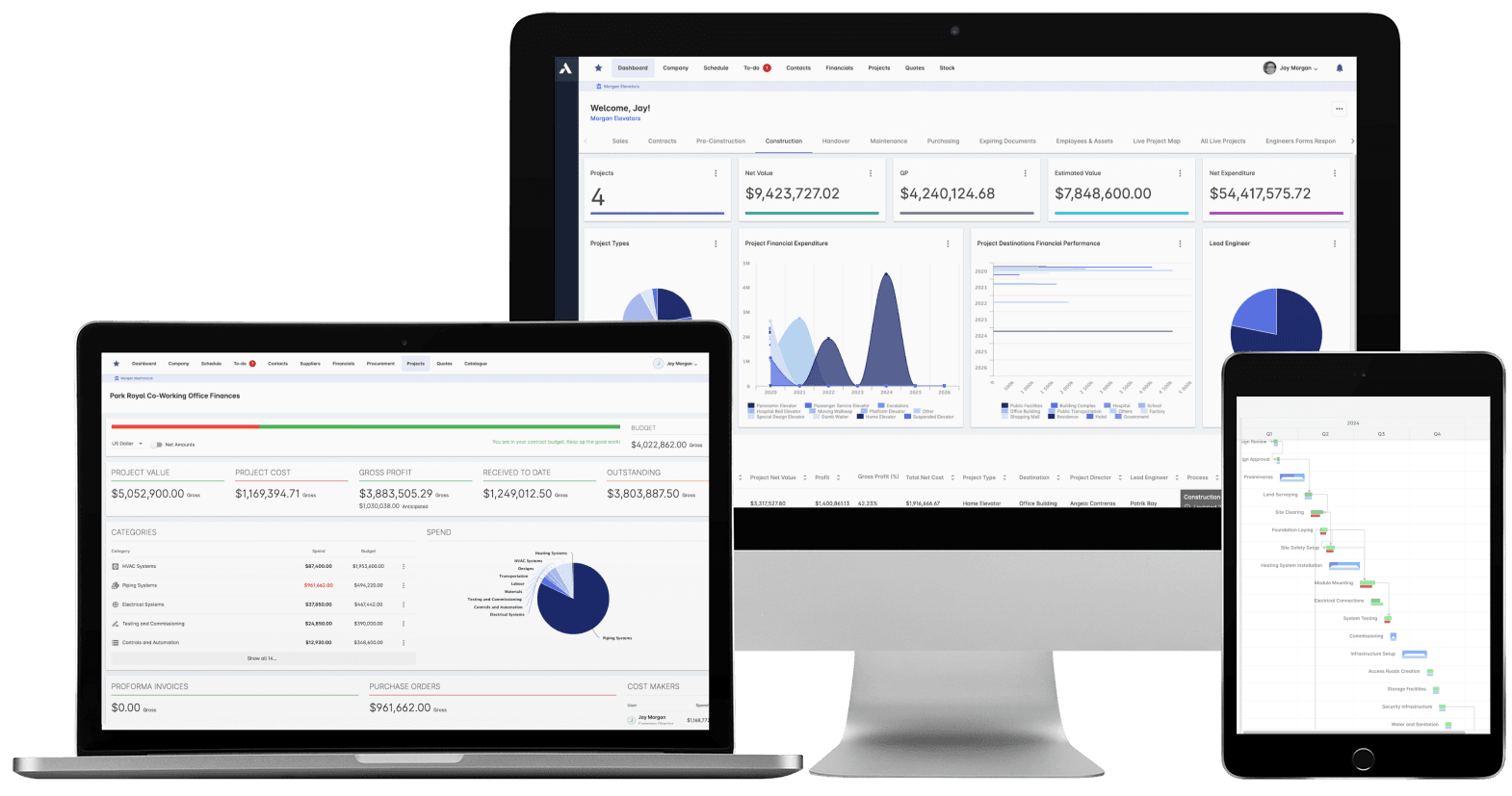
Every lot builds against a house-plan budget. Materials and trade packages hit it as committed cost the moment they are ordered, so you see cost against budget lot by lot while the roof is still open, not in the year-end financials.
Every home delivered with its record
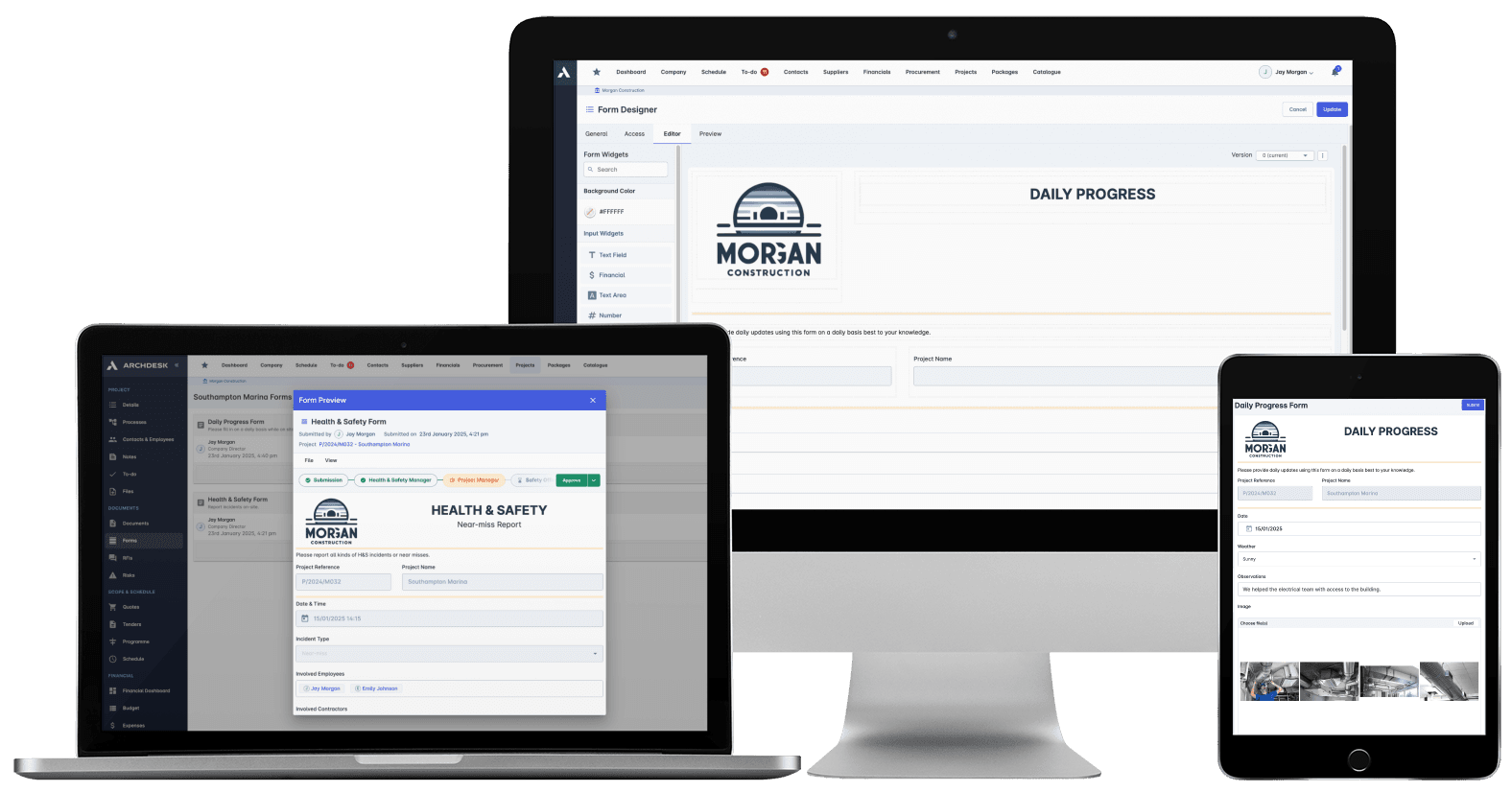
Stage inspections, punch lists and photo evidence are captured lot by lot as the build moves. The record behind each home builds as you build, so closing day is a check, not a scramble, and warranty queries are answered from records.
One system for the whole community
Archdesk is built for home builders and residential developers delivering single-family subdivisions, townhome and apartment communities and mixed developments, whether you build for sale, build to rent or deliver affordable housing. Estimators and purchasing managers, superintendents, project managers and the accounting team work from the same records, so every lot builds against a house-plan budget, every trade and material order lands as committed cost the day it is placed, and the record of each home builds from foundation to closing.
Working with specialist trades on your communities? Archdesk also serves:
Most of every home is built by trades. Each package sits against the community with its orders, pay applications and payments, so you always know what has been committed, approved and paid, lot by lot.
One system from land to closing
The pro forma you bought the land on and the margin you finish with are the same record. Every stage in between writes to it.
1
Feasibility & budget
The community pro forma built from real cost data on your house plans, with the assumptions behind the numbers on the record.
2
Design & permits
House plans applied to lots, with permit conditions and approvals tracked against the dates that gate each phase.
3
Procurement & trades
Materials and trade packages bought against house-plan budgets, landing as committed cost lot by lot.
4
Build
Progress, hours and site records land daily against each lot, so the schedule reflects the site, not the last meeting.
5
Inspections & punch lists
Stage inspections and punch lists tracked to closure with photo evidence, lot by lot, as the build moves.
6
Closeout & closing
Homes delivered with certificates and warranties on record, and the margin per lot already known.
Solutions for a Modern Home Builder
Construction Job Costing
What you priced is what you track. The winning estimate becomes the budget, actuals land against it line by line, and what jobs really cost feeds the next bid.
The schedule connected to what it depends on: long-lead deliveries on the tasks they gate, crews planned across every live job, slippage shown with its cost.
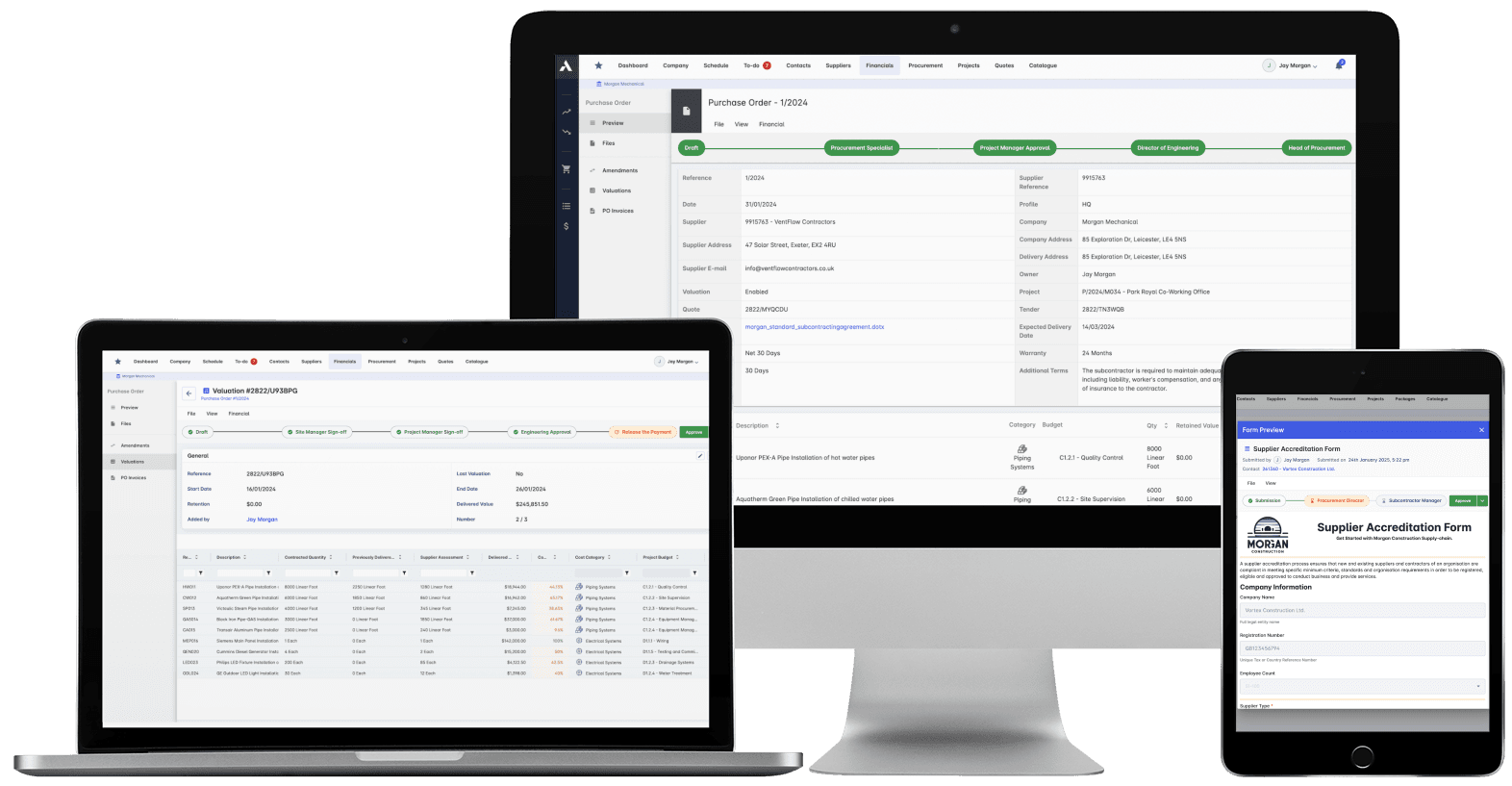
Buy-out without the gaps: RFQs from your BOQ lines, bids back comparable, exclusions visible before award. Then every PO and subcontract lands on the budget the moment it's raised.
Committed at the PO, earned as work is delivered, invoiced months later. See all three stages against every budget line, so variance is a decision you make, not a number you explain.
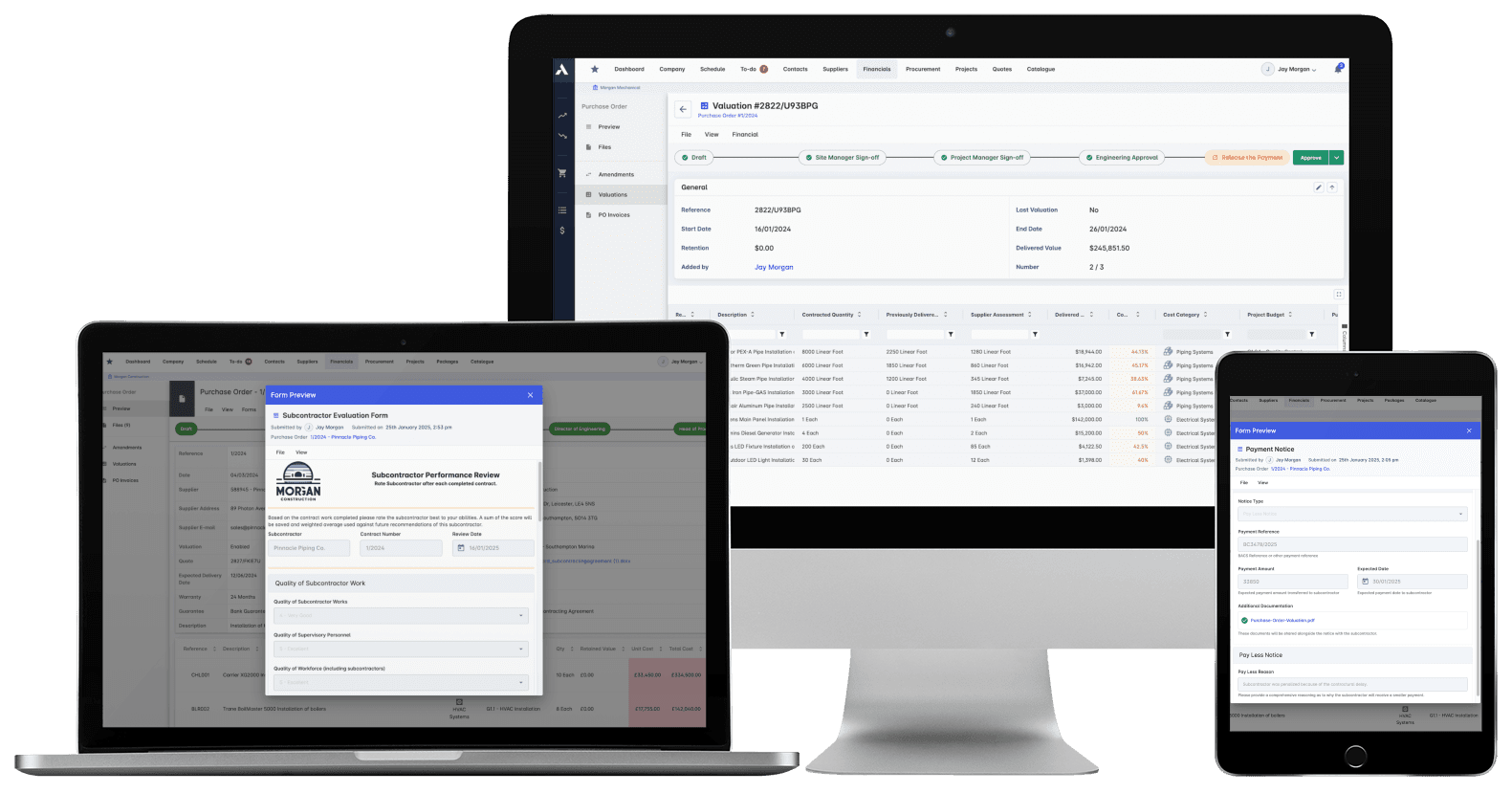
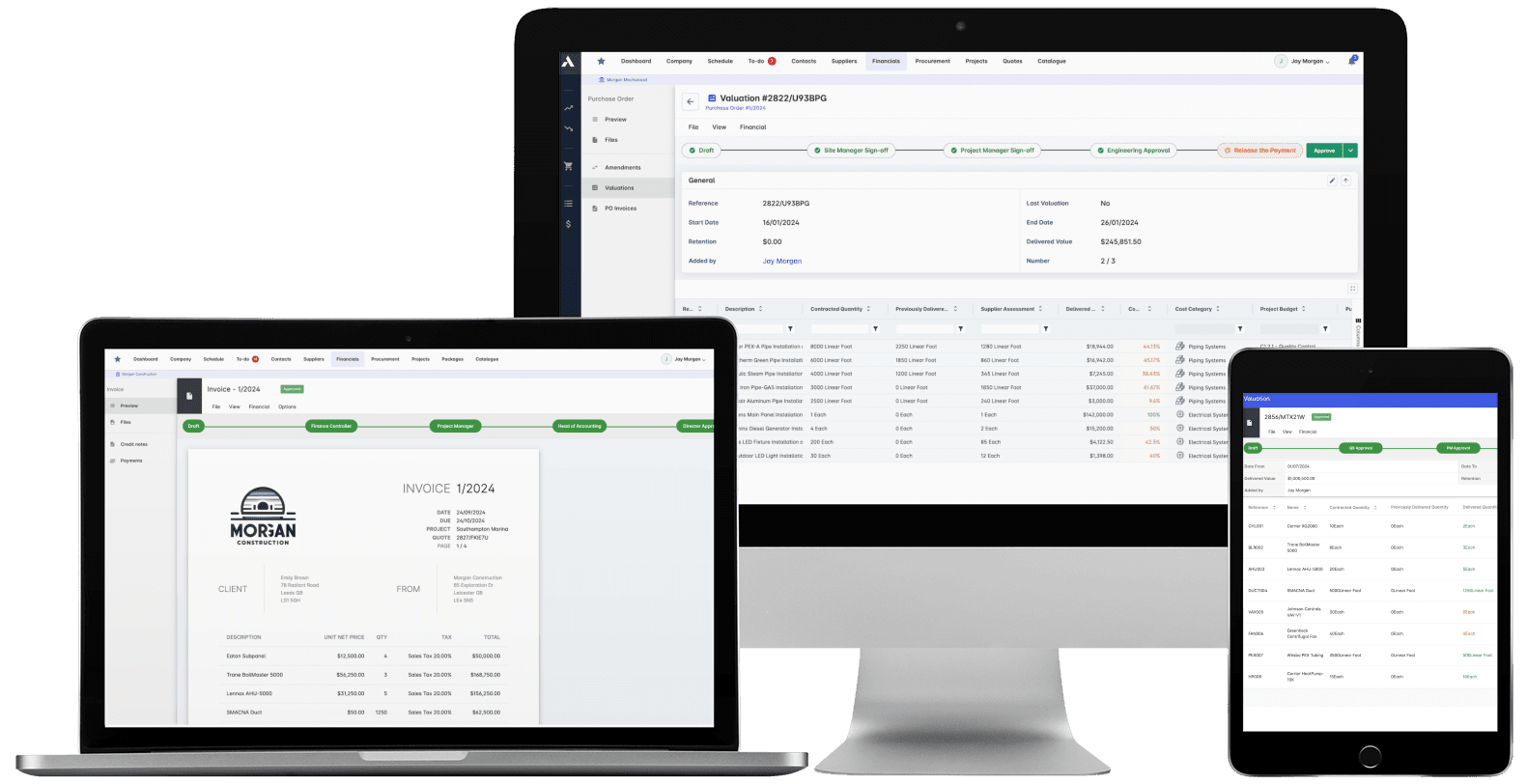
Certify subcontractor pay applications down, build client applications up, from the same records. Invoices, payment notices and retainage released on time, with the audit trail attached.
The schedule, the progress and the money in one system. When a task slips you see what it costs, and when scope changes you see what it does to the schedule. 'On track' means the Gantt chart and the bank account.
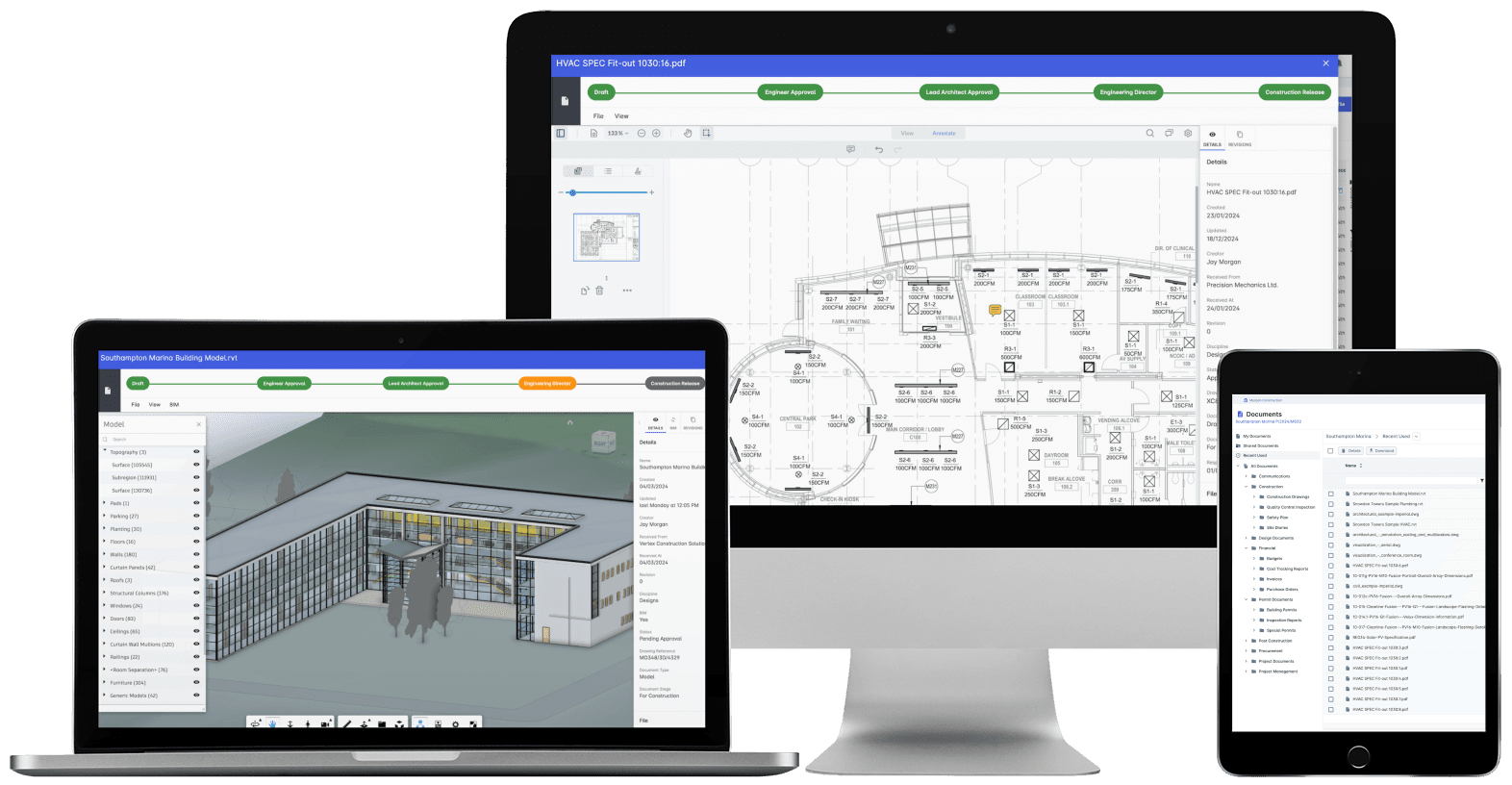
Nobody builds from a superseded drawing. Revision control, approvals and distribution with proof of who received what, when. The record that wins the dispute instead of losing it.
Every project's position, live, from the data that ran the work. Cost, schedule and cash agree with each other because they're the same records. There's nothing to assemble and nothing to reconcile.
Archdesk helps home builders and residential developers manage communities end to end: lot and house-plan budgets, build schedules, subcontract trades, materials procurement, site records, inspections and punch lists, and closeout and delivery records, in one connected platform.
Who is Archdesk for in residential construction?
Home builders and residential developers delivering single-family subdivisions, townhome and apartment communities and mixed developments, whether you build for sale, build to rent or deliver affordable housing.
Can Archdesk track cost and margin per lot?
Yes. Every lot builds against a house-plan budget, and materials and trade packages hit it as committed cost the moment they are ordered. You see cost against budget lot by lot while the build is live, so margin per lot is something you manage, not something you discover at year end.
How does scheduling work across communities?
Lots and phases are sequenced in one schedule across all your communities, with trades booked against them. Progress lands from site daily, so when a trade slips you replan across lots in one place, and closing dates stay honest.
How does Archdesk manage subcontractor trades?
Trade packages are ordered against house-plan budgets, pay applications are approved against recorded progress, and payments and retainage are tracked through to release. Every trade's cost and delivery record builds across the lots they work on.
How does materials procurement work?
Purchase orders are raised against house-plan budget lines and land as committed cost the day they are placed, with deliveries tracked to the lots they gate. The gap between the price you allowed and the price you paid shows up as it opens, not at reconciliation.
Can site teams use Archdesk in the field?
Yes. Superintendents complete forms, record stage inspections, log progress and capture photos from their phones, and what they record lands against each lot in real time, so the office sees the site as it is, not as it was at the last meeting.
How does Archdesk handle inspections and punch lists?
Stage inspections and punch lists are captured lot by lot with photo evidence and tracked to closure. The record behind each home builds as you build, so closing is a check, not a scramble.
Does the record stay with each home after closing?
Yes. Certificates, warranties and the build record live against each lot after closing, so when a warranty claim or homeowner query lands two years later, the answer comes from records, not memory.
Does Archdesk integrate with accounting software?
Yes. Archdesk integrates with QuickBooks, Xero (as a certified partner), Sage and other accounting systems, so orders, invoices and payments flow between purchasing and accounting teams without re-keying.
See a community run end to end
In the demo we walk you through a fully worked community in Archdesk, from the first budget, through build on site, to closeout and closing. Book a demo and see.




























-377x320.webp&w=3840&q=75&dpl=dpl_ZEjiaZKcFRjdDYmgXMkKRCmP4Cky)
-377x320.webp&w=3840&q=75&dpl=dpl_ZEjiaZKcFRjdDYmgXMkKRCmP4Cky)


