Construction Software for Specialty Contractors
The best specialty contractors run on ArchdeskThe rest chase payment for work they delivered months ago.
Win the bid, plan the crews, record the work and get paid for every change order. One system for every package your teams deliver, from first bid to final payment.

Trusted by construction companies of every size, worldwide
























Every package, crew and change order accounted for
Archdesk is construction project management software built for subcontractors and specialty contractors who run many packages at once. Bidding, labor planning, site records, document control and cost tracking sit in one platform, so the work your crews deliver is recorded as it happens and priced before it erodes the margin. When the pay application goes in, the evidence behind it is already there.

Crews planned across every live job
Labor is your biggest cost and your tightest constraint. Plan crews across sites, see who is committed where next week, and stop two projects claiming the same team.
Site records that stand up
Timesheets, work reports, site forms and photos land against the package the day they happen. Extra work and delay claims rest on records, not recollection.
The current revision, on every site
Drawings, RFIs and correspondence with the general contractor live in one place, with revision tracking so nobody prices or builds from a superseded issue.
Margin visible package by package
Labor, materials and equipment tracked against the estimate on every package, with change order exposure flagged while there is still time to act.
Paid for the work you actually did
Change orders, extra work and pay applications are built from site records already in the system. What was instructed, done and delivered is documented, so getting paid stops depending on whose memory wins.

Purpose-built for specialty contractors
Most construction software is built for the general contractor running one big job. Archdesk is built for the specialist running twenty at once: shorter durations, tight labor, and a general contractor between you and payment. Your bid pipeline, live packages and site delivery sit in one system, sized for how specialty businesses actually run.
Office and site teams work from the same records, so reporting to general contractors is consistent, closeout documentation comes from what was captured during delivery, and the commercial team sees problems while they can still be priced.
If you also operate as a principal contractor on some projects, explore Archdesk for general contractors and compare workflows. And when you bring in your own subcontractors, the subcontractor management module tracks their compliance, pay applications and payments on your packages.

Archdesk works across many disciplines
Specialty contractors do not all work the same way. Archdesk is used by mechanical, electrical, fit-out, envelope and civils businesses, set up around how each trade prices, delivers and gets paid for its work.

HVAC / Mechanical
Your trade, your terminology
Cost structures, site forms and reports set up around how your discipline prices and delivers work, not a generic template.
Power / Electrical
Commercial Fit-out

Roofing
One platform across all of them
Many specialist businesses run more than one discipline. M&E alongside fit-out, roofing alongside cladding: each runs in the same system, with margin visible per discipline and per package.
Don't see your discipline?
These are the trades we serve most, not all of them.

Cladding
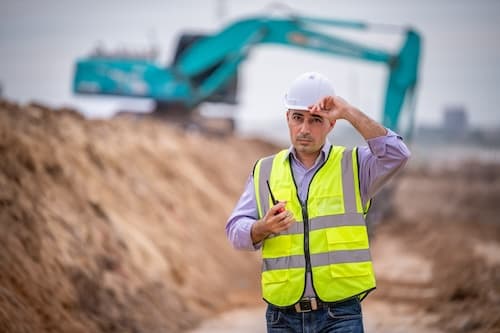
Civil Engineering
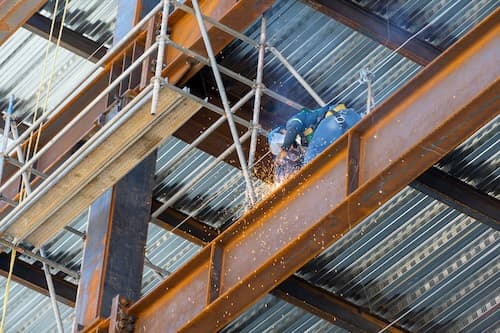
Structural Steel
What specialty contractors run on Archdesk
Construction Project Management
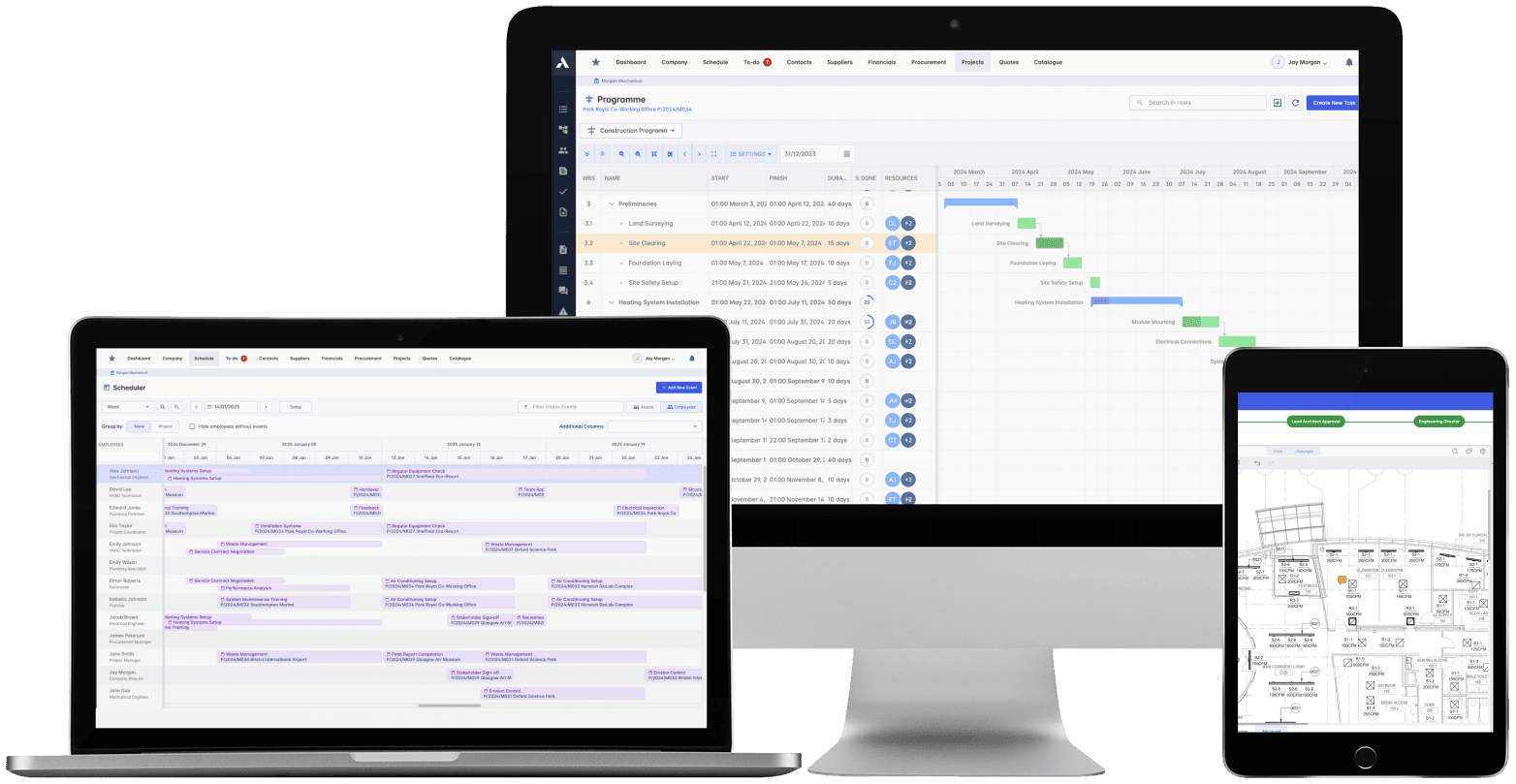
The schedule, the progress and the money in one system. When a task slips you see what it costs, and when scope changes you see what it does to the schedule. 'On track' means the Gantt chart and the bank account.
Explore Project ManagementRelated solutions
Construction Job Costing
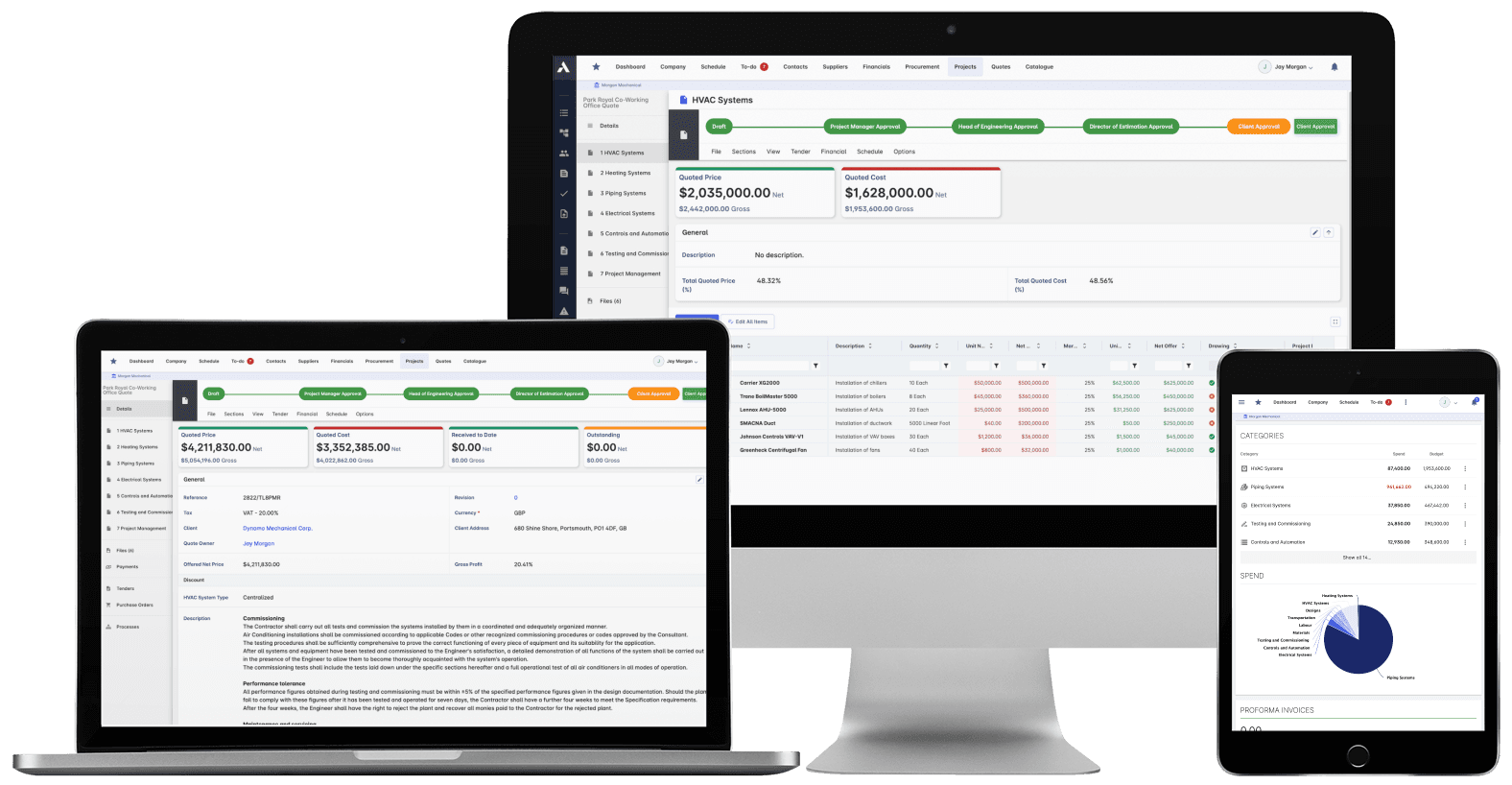
What you priced is what you track. The winning estimate becomes the budget, actuals land against it line by line, and what jobs really cost feeds the next bid.
Explore Job CostingRelated solutions
Construction Procurement
Buy-out without the gaps: RFQs from your BOQ lines, bids back comparable, exclusions visible before award. Then every PO and subcontract lands on the budget the moment it's raised.
Explore Procurement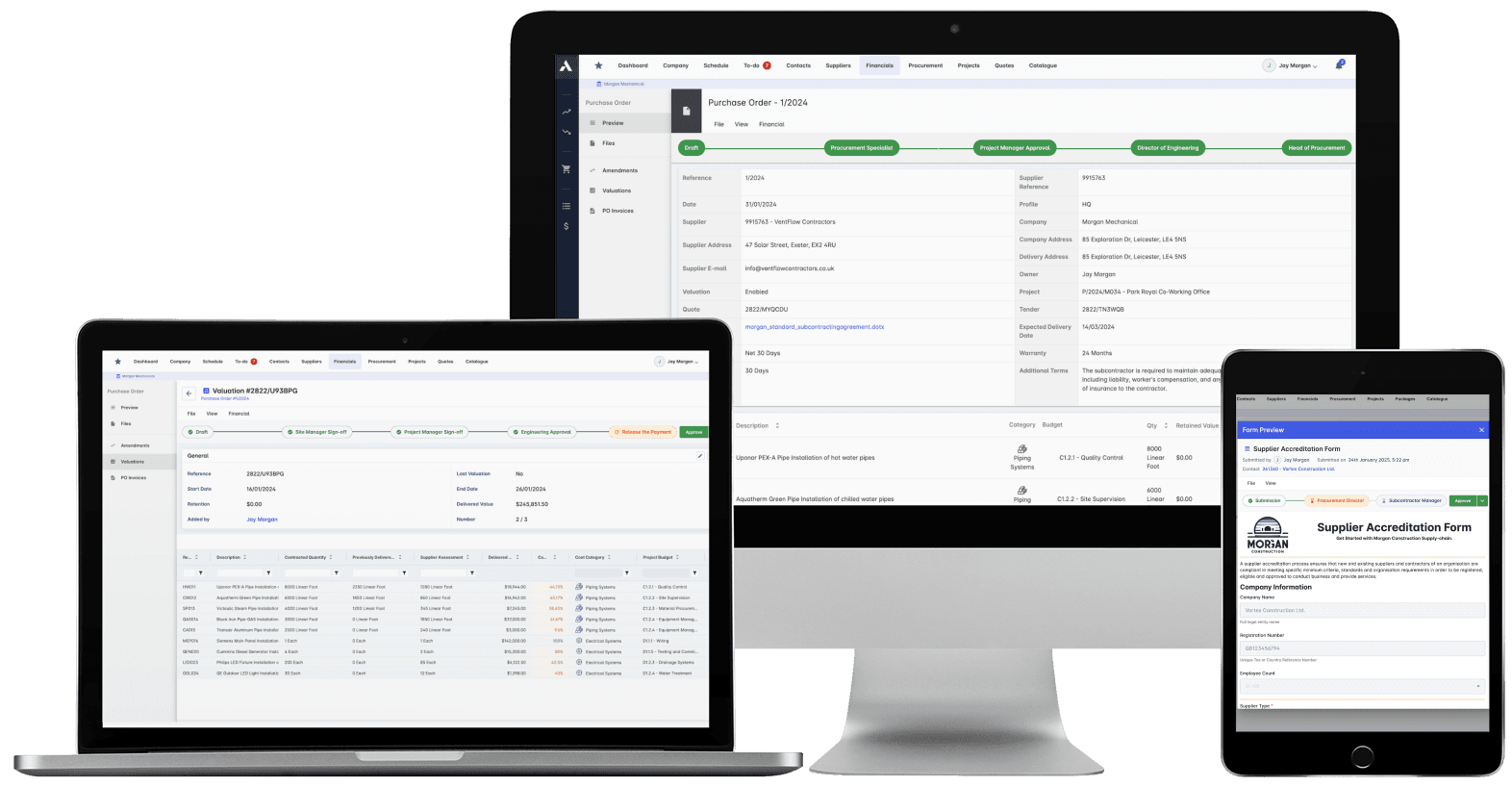
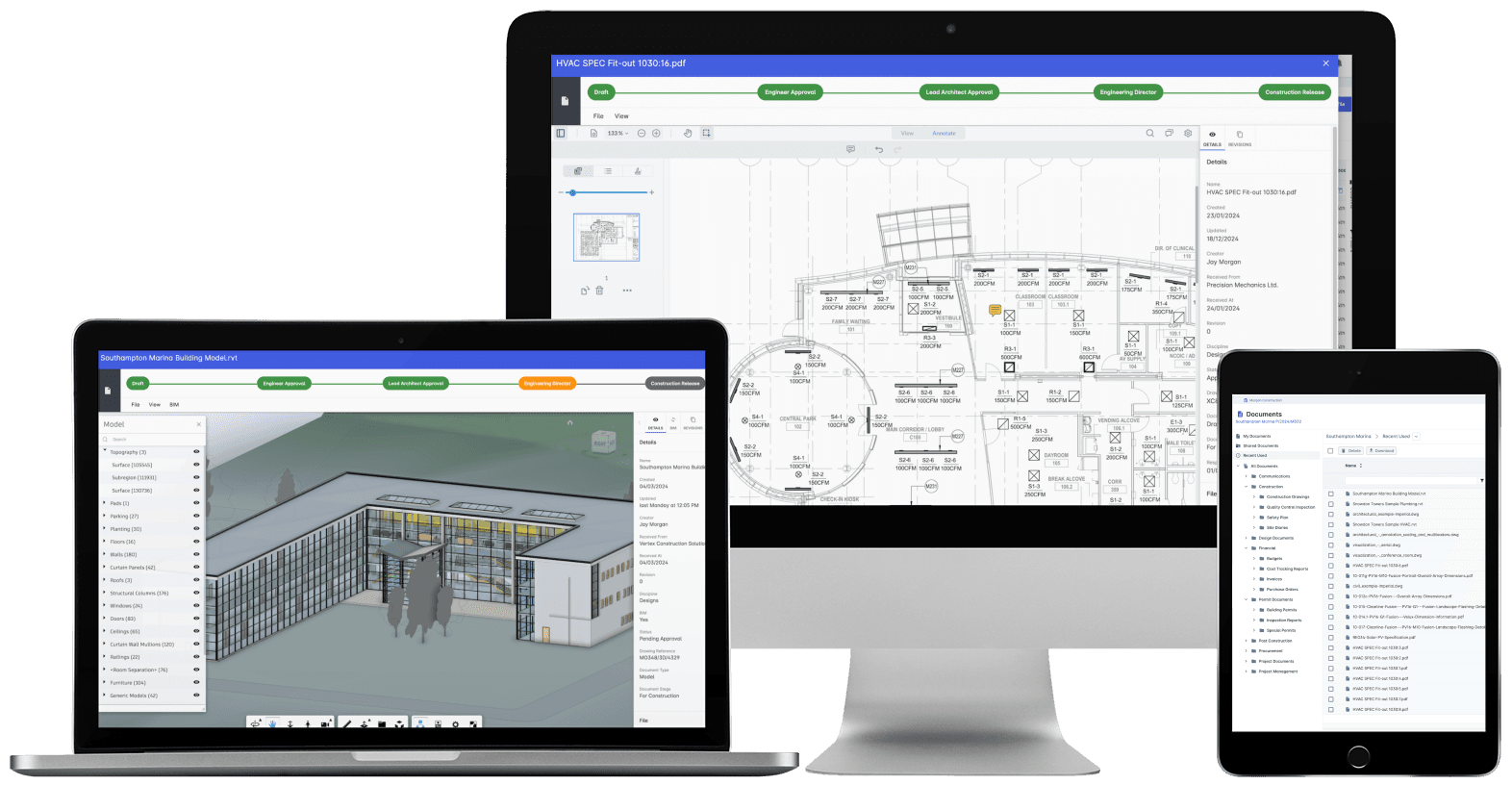
Construction Document Management
Nobody builds from a superseded drawing. Revision control, approvals and distribution with proof of who received what, when. The record that wins the dispute instead of losing it.
Explore Document ManagementRelated solutions
Construction Scheduling
The schedule connected to what it depends on: long-lead deliveries on the tasks they gate, crews planned across every live job, slippage shown with its cost.
Explore Scheduling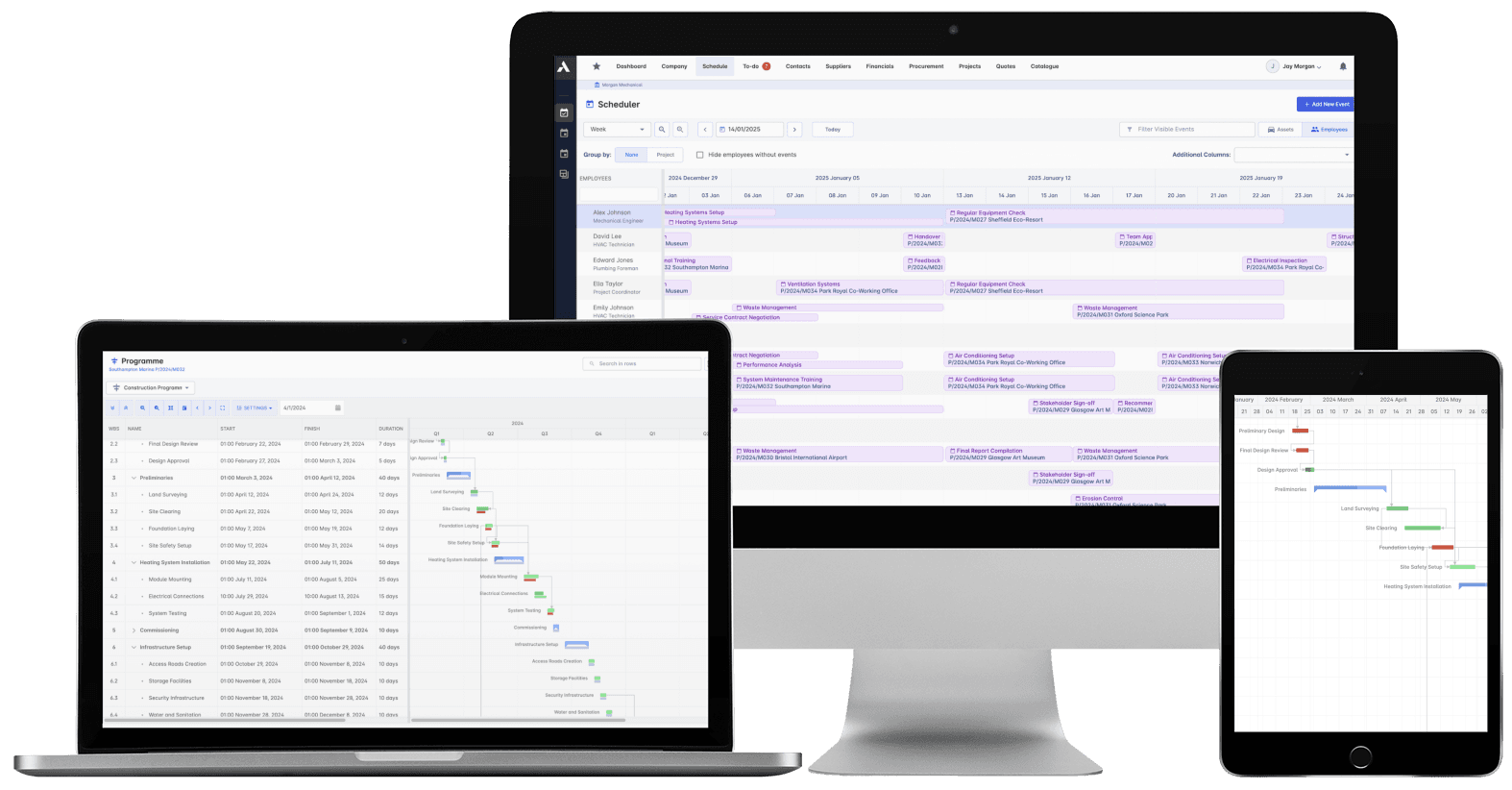
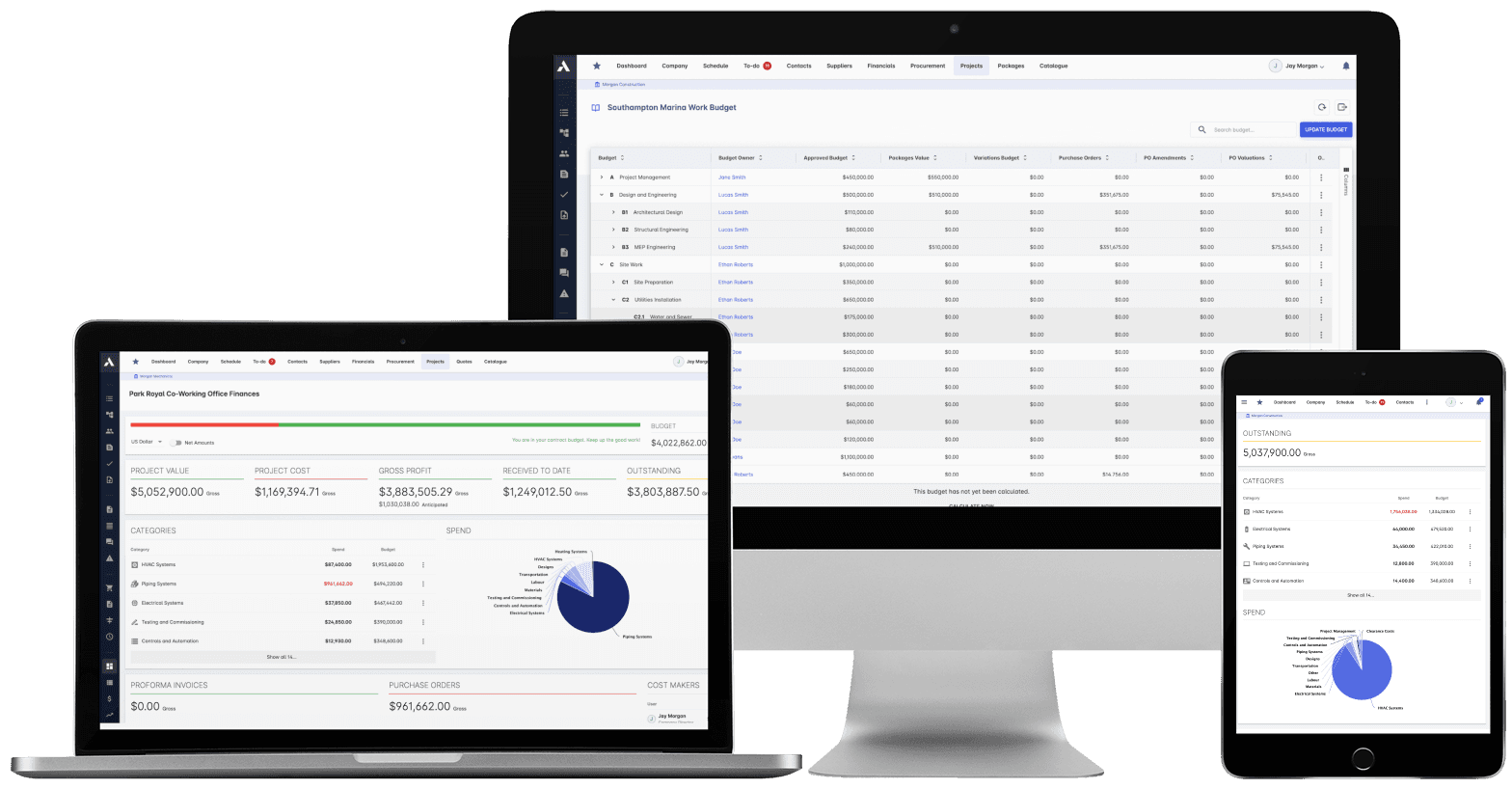
Construction Cost Controlling
Committed at the PO, earned as work is delivered, invoiced months later. See all three stages against every budget line, so variance is a decision you make, not a number you explain.
Explore Cost ControllingRelated solutions
Construction Financials
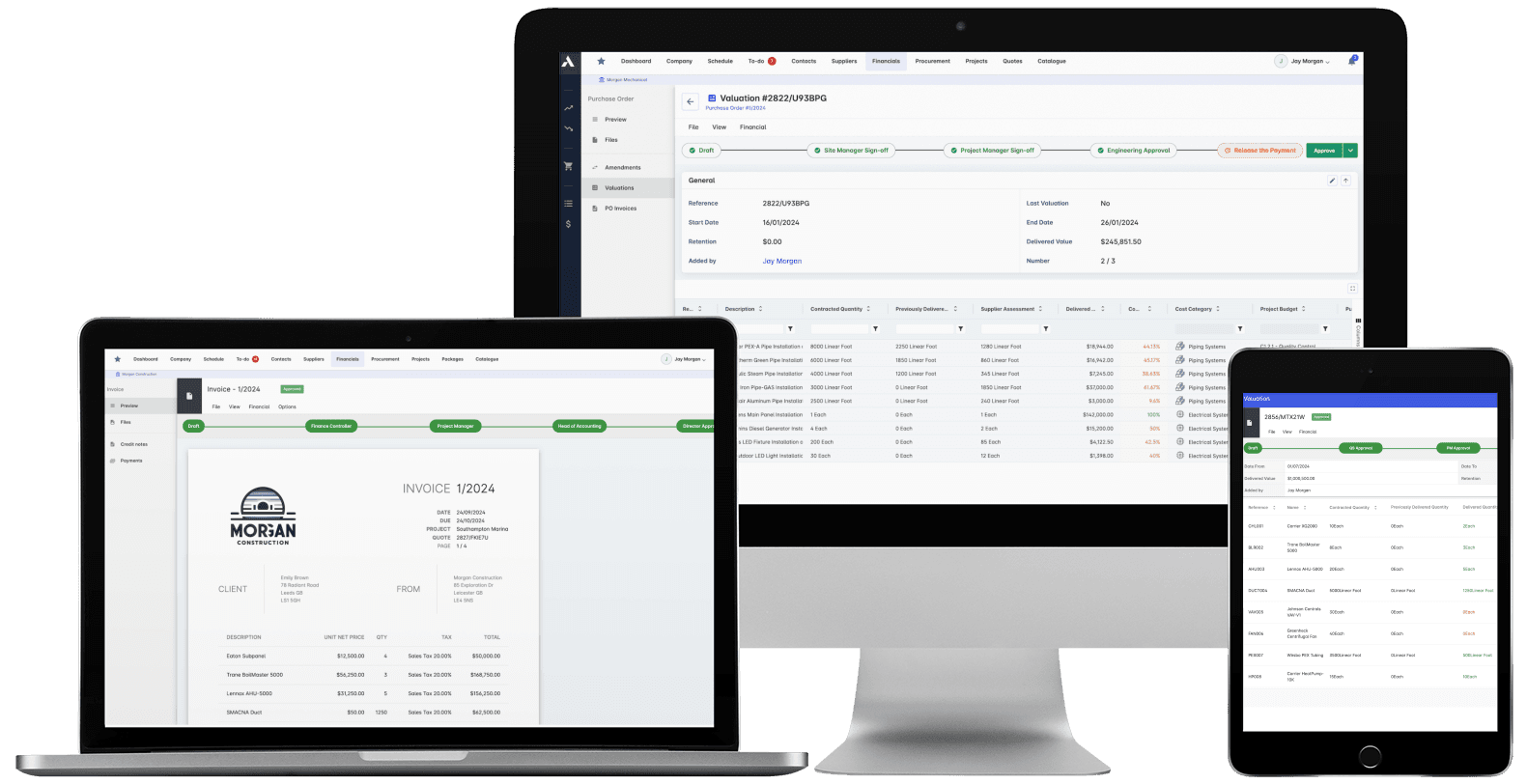
Certify subcontractor pay applications down, build client applications up, from the same records. Invoices, payment notices and retainage released on time, with the audit trail attached.
Explore FinancialsRelated solutions
Construction Live Data
Every project's position, live, from the data that ran the work. Cost, schedule and cash agree with each other because they're the same records. There's nothing to assemble and nothing to reconcile.
Explore Live Data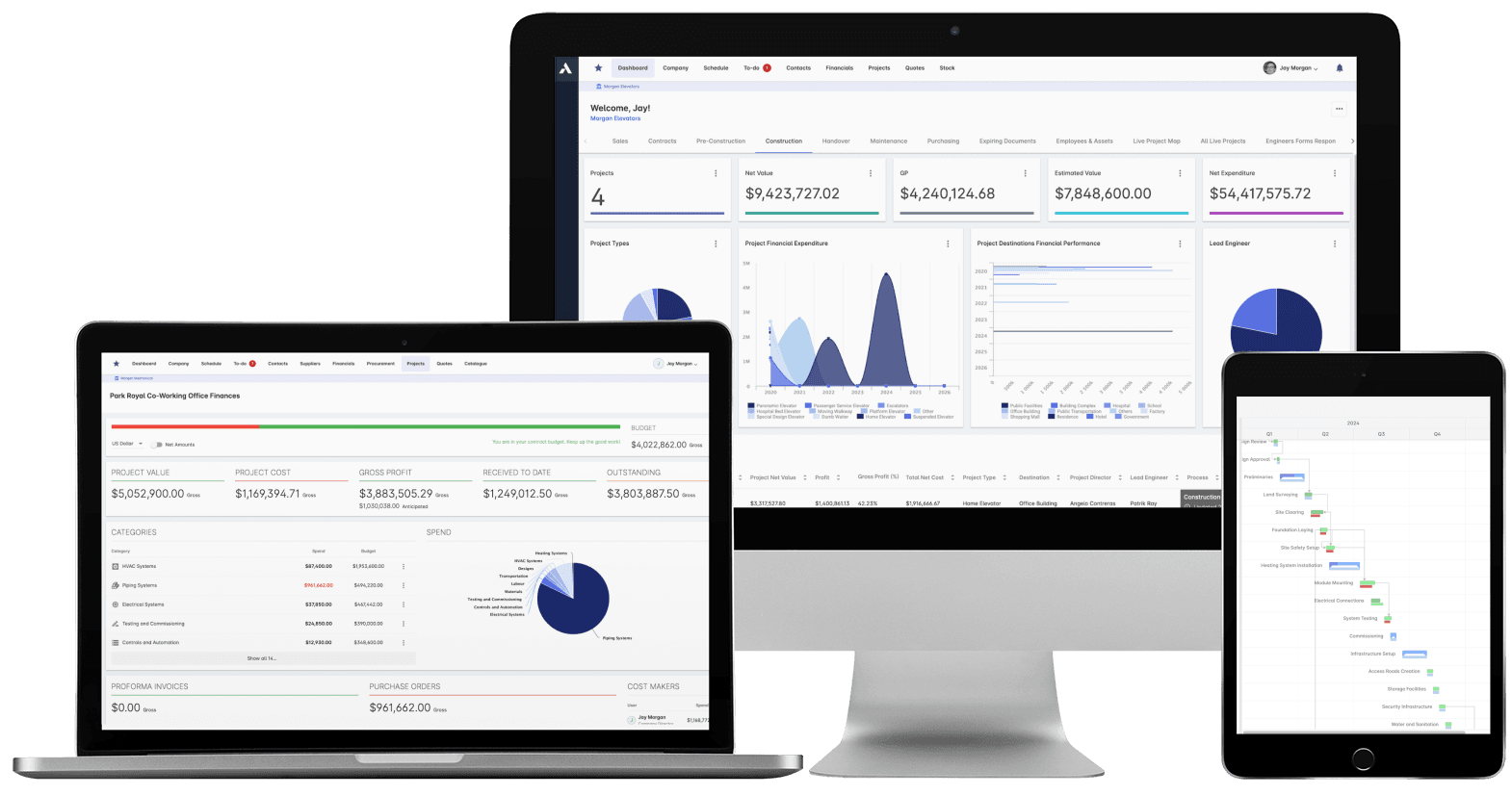
Calculate your ROI
Construction Volume
£10M
Average Administrative Cost
£500k
Average Annual Savings
Subcontractor FAQs
How does Archdesk help subcontractors manage specialist work?
Archdesk helps subcontractors manage bids, labor allocation, material planning, site progress, and documentation in one platform, improving consistency across specialist projects.
Can specialty contractors use Archdesk for cost and margin control?
Yes. Archdesk gives specialty contractors visibility into budgets, committed costs, labor spend, change order exposure, and project performance so teams can control margin on every package and react quickly to risk.
Does Archdesk support collaboration with general contractors?
Yes. Archdesk supports structured communication, shared project records, and standardized workflows that improve coordination between subcontractors and general contractor teams, and give pay applications a documented basis.
Can Archdesk manage change orders and pay applications?
Yes. Change orders are recorded and priced against the package as they arise, and pay applications are built from timesheets, work reports and delivery records already in the system, so every application has a documented basis.
Can I plan labor across multiple sites with Archdesk?
Yes. Archdesk shows where every crew is committed across live projects, so you can plan labor across sites, avoid double-booking teams, and see labor cost landing against each package as timesheets come in.
Does Archdesk integrate with accounting software?
Yes. Archdesk integrates with Xero (as a certified partner), Sage, QuickBooks and other accounting systems, so invoices, payments and costs flow between commercial and finance teams without re-keying.
See your next project on Archdesk
Book a demo and walk through a fully worked example project: one platform running everything from winning the work to closing it out.
Book a Demo