Construction Site Diary & Daily Report Software
What happened on site today, on the record by tonight.Site diaries and daily progress reports filled in on a phone at the workface, landing as structured data on the right project. The office stops chasing paper, and the project keeps a daily record it can stand behind months later.
Trusted by construction companies of every size, worldwide




























The daily record is the cheapest insurance a project buys
Construction site diary software captures the day's labour, plant, progress, weather and events on a phone at the workface, and turns them into structured project data instead of a pile of PDFs. Archdesk lands every entry on the right project and package the moment it is submitted, feeding dashboards and reports, and building the contemporaneous record that decides delay and variation arguments long after everyone's memory has faded.

Captured where the work is
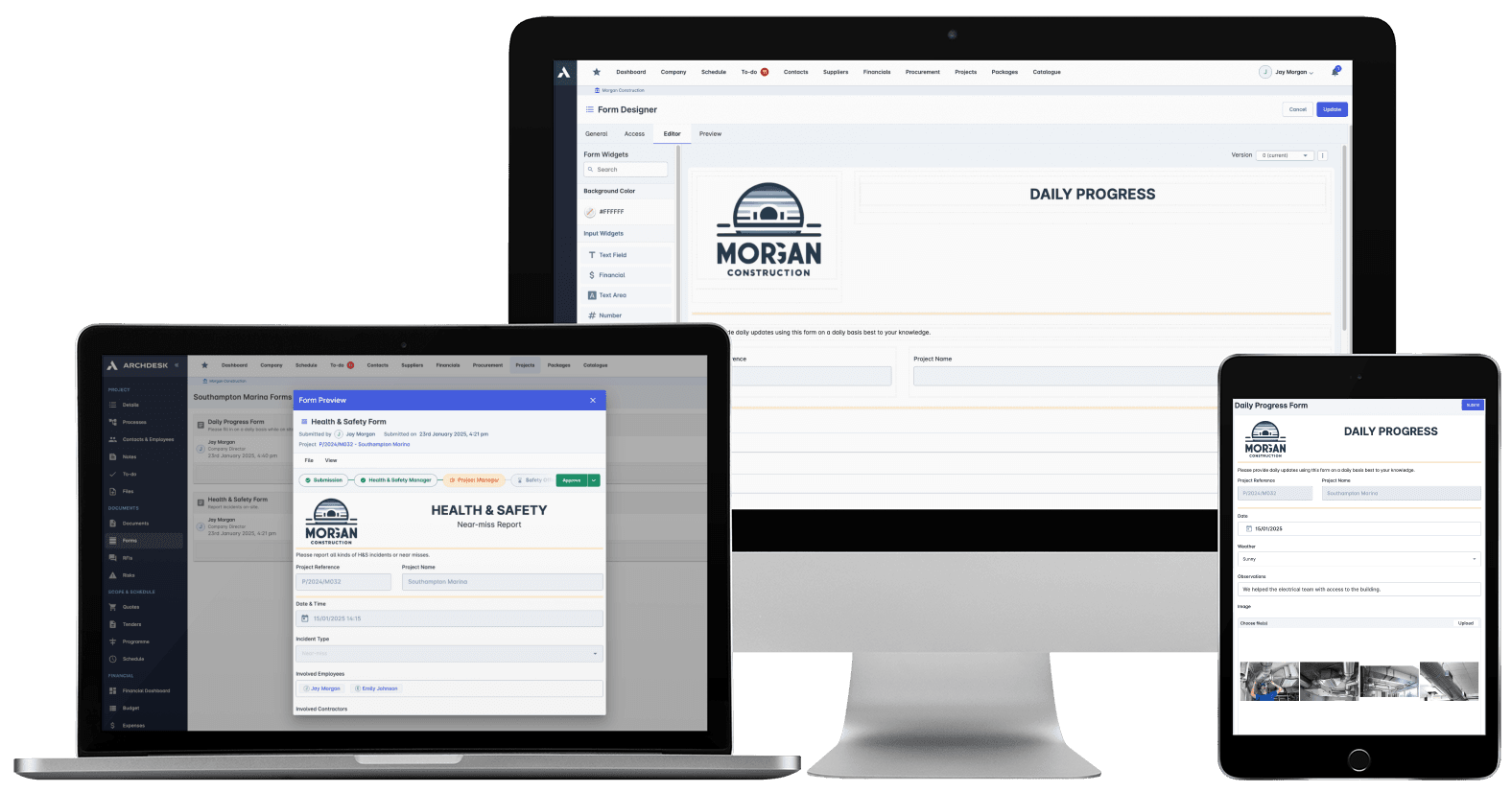
Phones at the workface, online or offline, photos attached. The diary gets written because writing it is quick.
Structured from the start
Entries land against project, package and people automatically, so the record is searchable and reportable, not scanned.
Evidence, not anecdote
Timestamped, attributed, kept with the project. When the dispute letter arrives, the diary answers it.
The whole site contributes
External collaborators such as subcontractors submit at no extra cost, so the record covers the site, not just your payroll.
One place, one record
Diary entries live on the same project record as the schedule, budgets and commercial documents, so progress reviews and claims are built from one source instead of five apps.

Daily Records From the Workface
Site diaries and daily progress reports filled in on a phone where the work happens, online or offline, and submitted the moment they are done.
Site diary and daily progress report templates
Photo capture attached to the record
Offline capture with later submission
Weather, labour, plant and progress entries
Structured Data, Not a Paper Pile
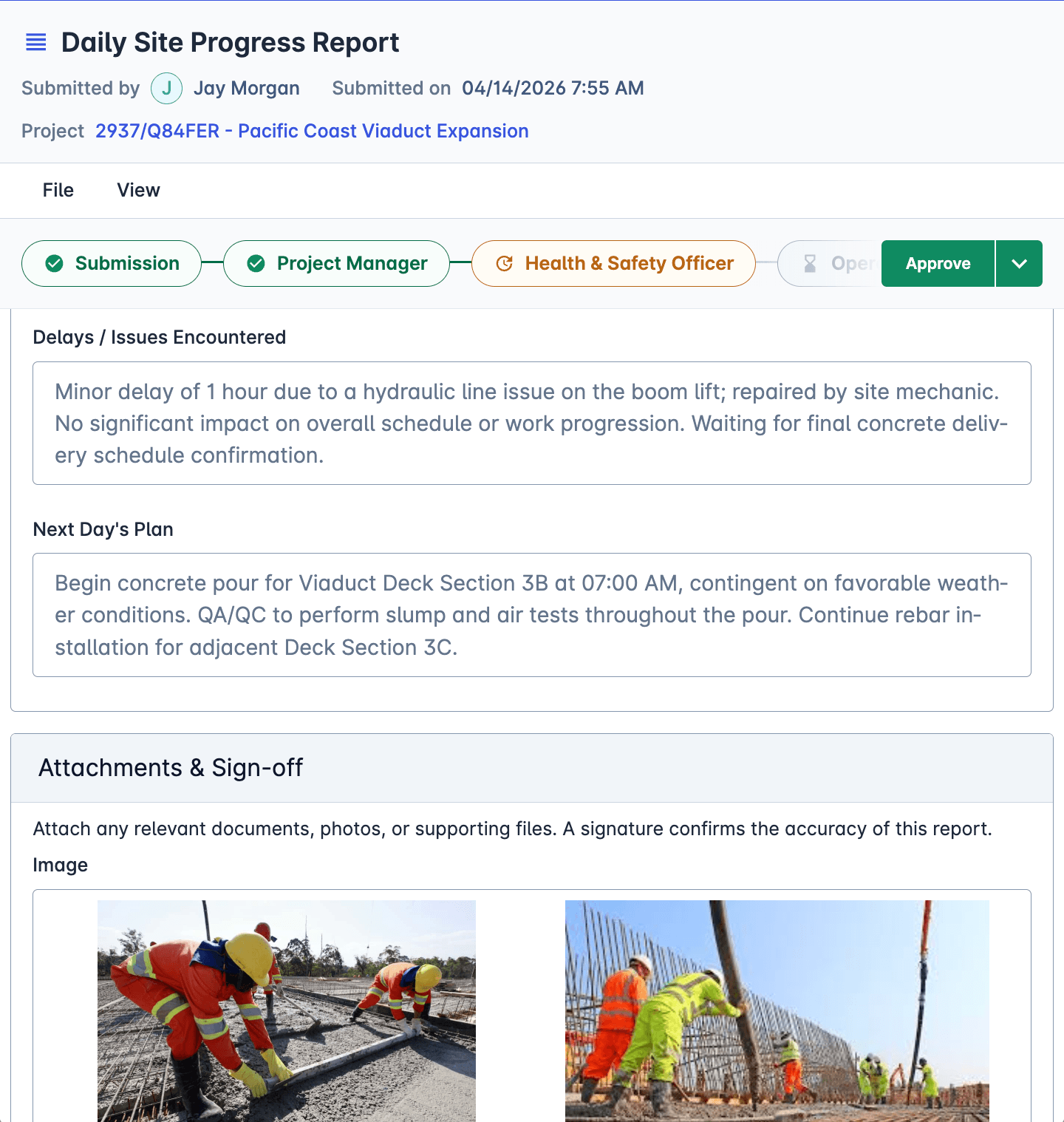
Every submission lands on the right project, package and people the moment it is sent, so the diary feeds dashboards and reports instead of a filing cabinet.
Records land against project and package automatically
Dashboards and reports built from live entries
No re-typing in the office
Search the record by project, date or author
A Site Record You Can Defend
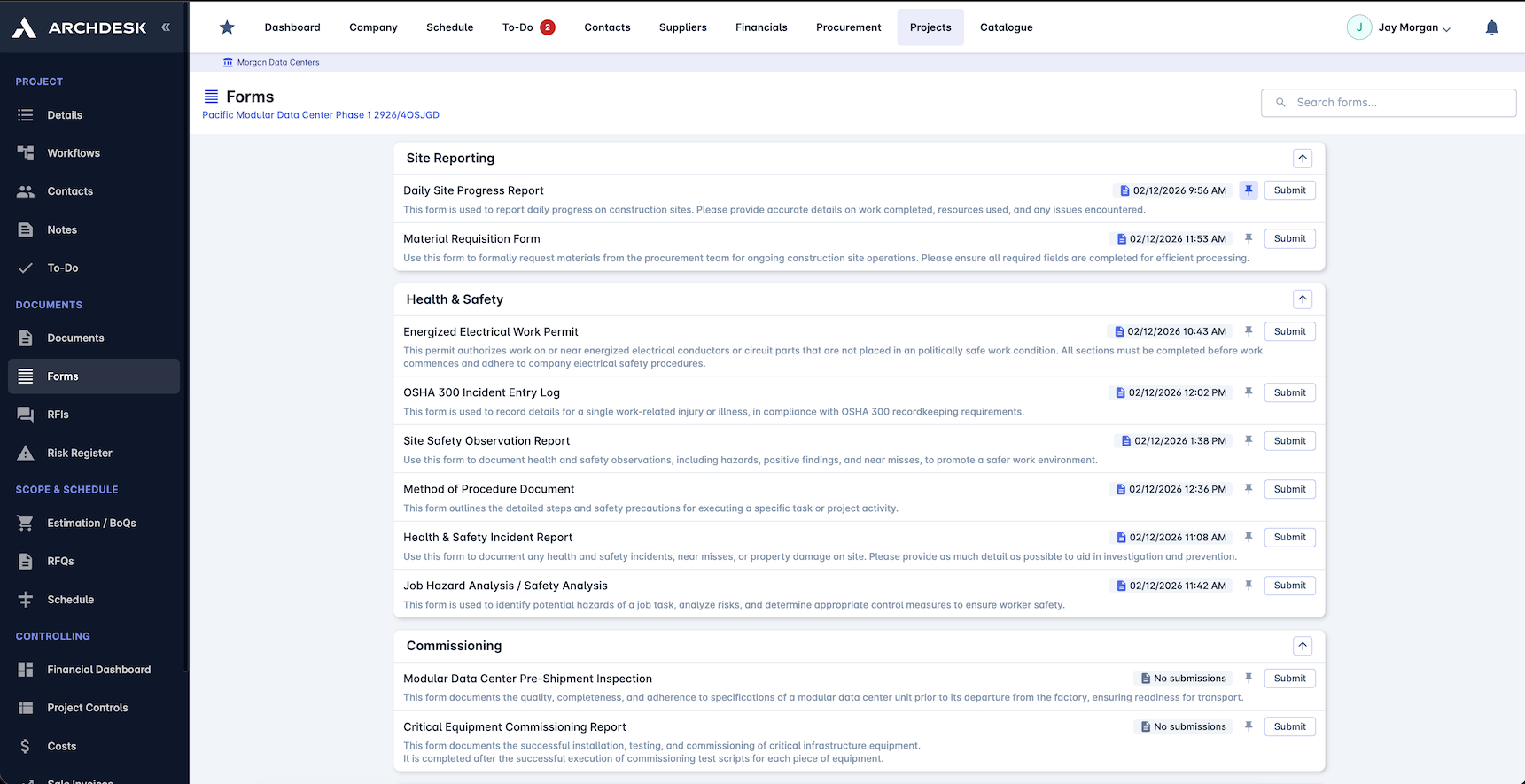
When a delay, variation or dispute lands months later, the contemporaneous daily record is the evidence. Every entry is timestamped, attributed and kept.
Timestamped, attributed entries
Photos tied to the day they were taken
One record per project, end to end
The evidence base for delay and variation claims
Diary Templates That Match Your Sites
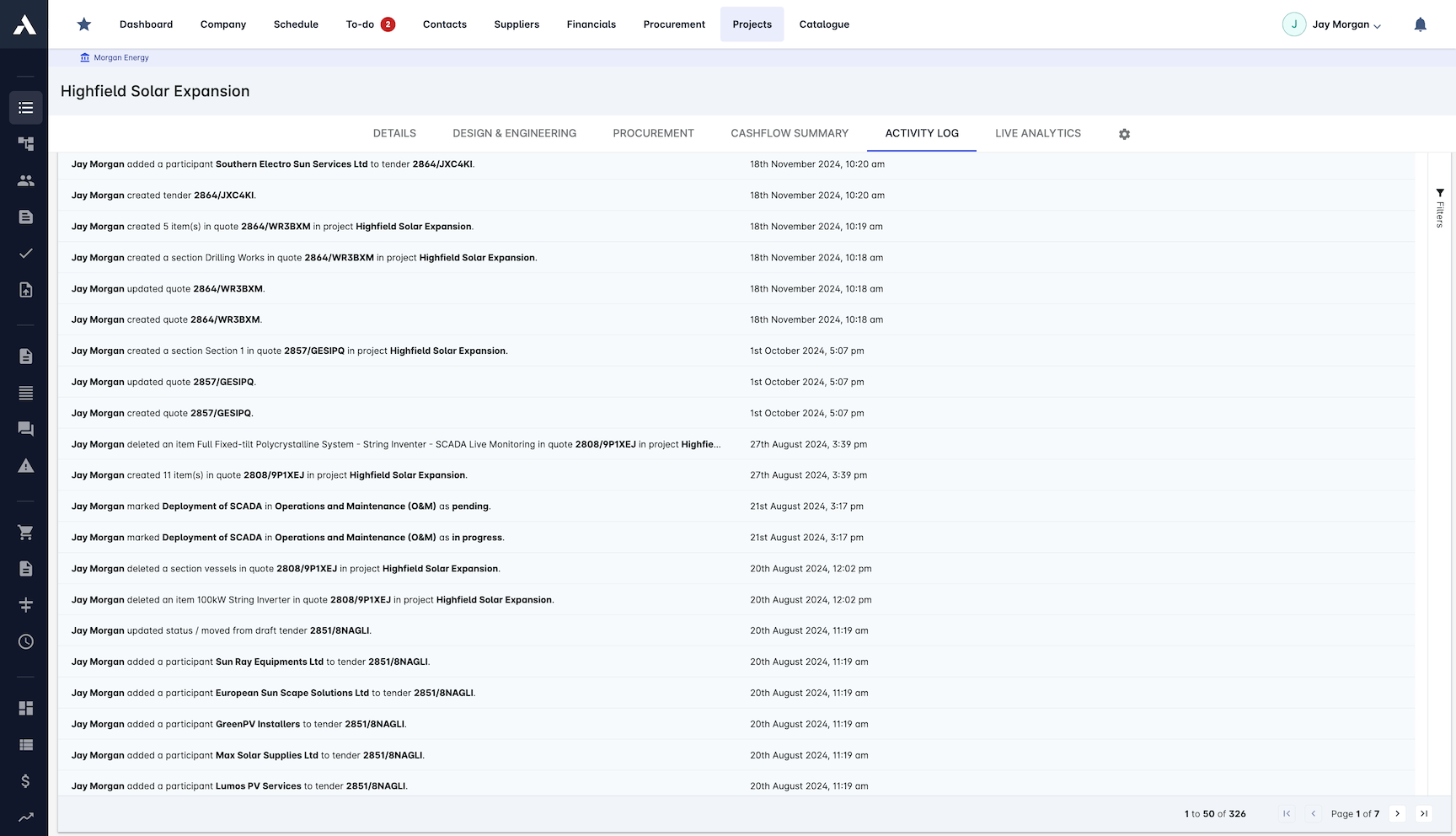
Build the exact diary and report formats your projects need with no code, with validation rules that catch missing data before the form is submitted.
No-code template builder
Validation before submission
Different templates per project type
Roll out changes to every site at once
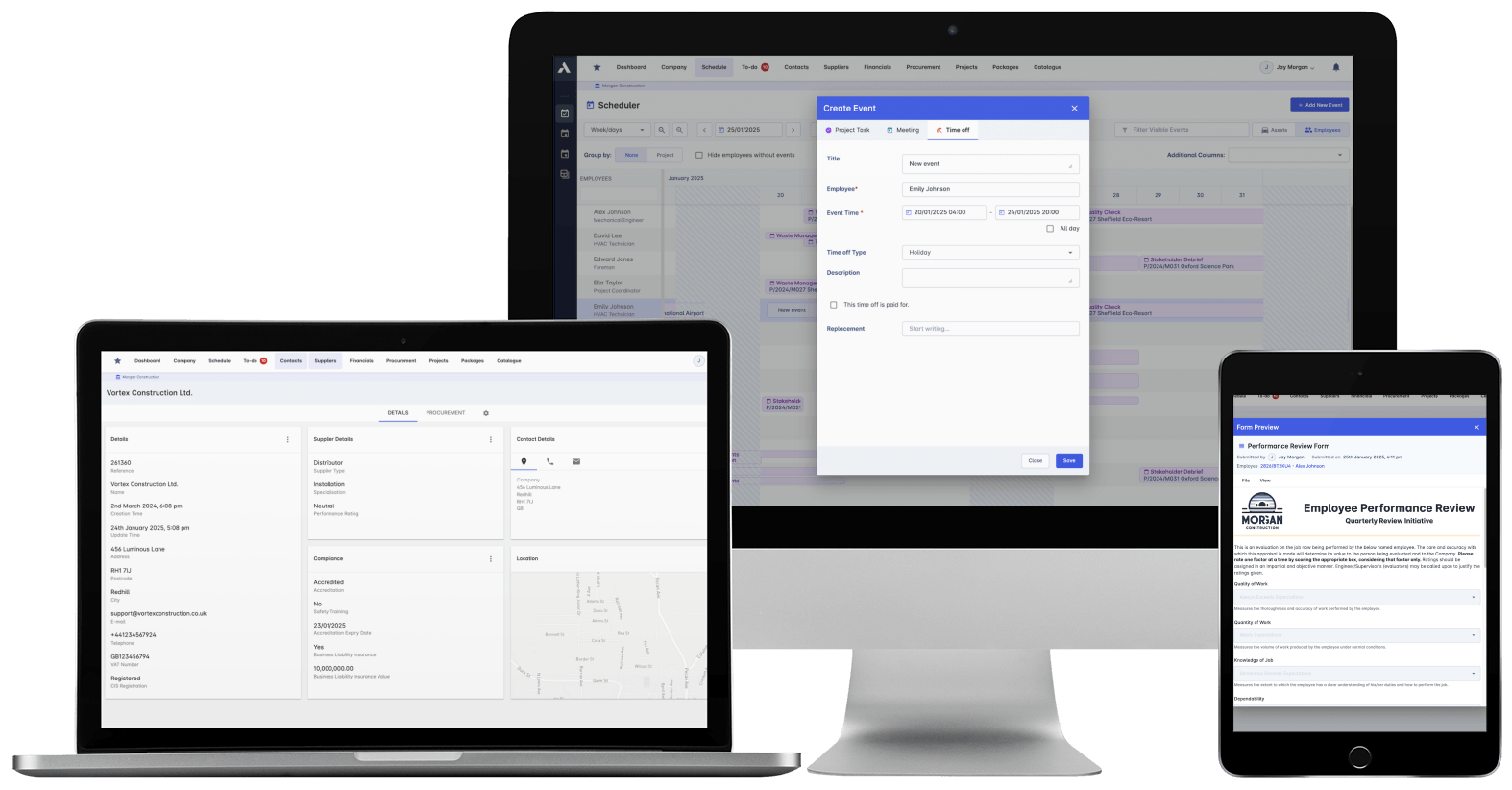
Part of the wider site records toolkit
The site diary runs on the same engine as the rest of Archdesk's field capture: site forms for inspections, snags and quality checks, H&S forms for incidents and safety processes, and site attendance for who was on site when the diary says they were.
Frequently Asked Questions: Site Diaries & Daily Reports
What is a site diary in construction?
A site diary is the daily record of what actually happened on site: labour and plant on the job, work done, weather, deliveries, instructions received and issues raised. Kept consistently, it is both the management record of progress and the evidence base when delays, variations or disputes surface later.
How does Archdesk handle site diaries and daily reports?
Site teams fill in diary and daily report templates on a phone at the workface, online or offline, with photos attached. Each submission lands as structured data on the right project and package the moment it is sent, feeding dashboards and the project record without re-typing in the office.
Can we use our own daily report format?
Yes. Templates are built with a no-code form builder, so the diary captures exactly the fields your projects need, with validation rules that catch missing data before submission. Different project types can run different templates.
Do subcontractors need paid licences to submit site records?
No. External collaborators such as subcontractors work in Archdesk at no extra cost, so daily records can come from the whole site team, not just your direct staff.
How do daily records relate to the schedule and costs?
Everything lives in one place, on one project record: the diary entries, the schedule, the budgets and the commercial documents. When you review progress or build a delay claim, the daily record sits beside the plan and the money instead of in a separate app.
Explore Related Solutions
Everything below runs in the same system, working from the same live data.
Project Management
Streamline your project workflows from start to finish
Project Budgets
Control project finances and stay in budget
Risk Register
Identify and manage project risks
Real-time Reporting
Get instant updates across your project portfolio
Document Management
Centralize document handling and access
Project Cost Controls
Monitor and compare your actuals with the estimate
Site Forms
Digitize and streamline your site documentation processes
Site Diary & Daily Reports
Keep the daily site record structured and defensible
Work in Progress Reporting
Monitor completion costs across your whole project portfolio
Discover more
Explore the full range of solutions and find the right fit for your business.
See your next project on Archdesk
Book a demo and walk through a fully worked example project: one platform running everything from winning the work to closing it out.
Book a Demo