Construction Risk Management Software
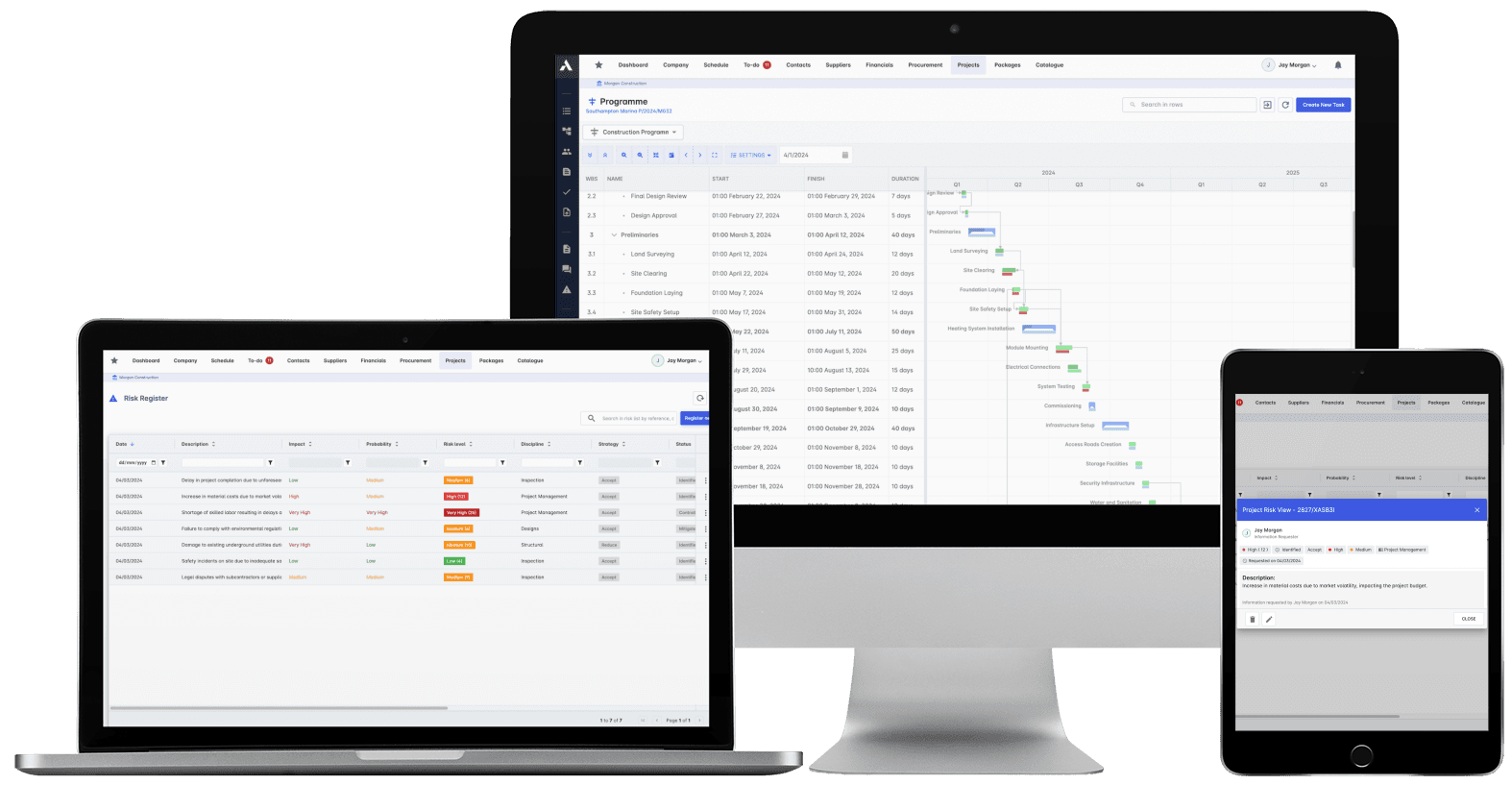
Written at kickoff. Read never. There's a better way to run risk.Log risks against the packages, tasks and budget lines they threaten, with owners, allowances and mitigations attached. When the schedule slips or a cost moves, the linked risks flag themselves. Contingency drawdown you can show an owner, not a document you dust off quarterly.
Trusted by construction companies of every size, worldwide


























A risk register the project is actually steered by
Construction risk management software keeps risks live by logging each one against the package, task or budget line it threatens, with an owner and a response plan attached. Archdesk scores risks on probability and impact, links them to the schedule and the costs, and flags them automatically when reality moves.

Risks flag themselves when reality moves
Because risks link to the tasks and cost lines they threaten, a slipping schedule or a moving cost surfaces the linked risks through real-time alerts.
Contingency stays a live number
When a risk lands or retires, the money moves with it, so contingency drawdown is a figure you can show an owner, not a hope.
Every risk has an owner and a plan
Response strategies, action plans and allowances are assigned to named people, and automated workflows raise the actions without anyone remembering to.
Exposure as a trend, not a snapshot
Trend analysis shows whether exposure is growing or shrinking, and the historical risk database gives the next project a head start.
Written at kickoff, read every day
The register stops being a governance document dusted off quarterly and becomes how the project is steered: scored, owned, monitored and linked to the live schedule and costs.

Risk Identification
Log risks across safety, schedule, cost, quality and environmental factors. A pre-built construction registry means you start from experience, not a blank page.
Pre-built construction risk registry
Custom risk categories and types
Early warning indicators
Historical risk database
Risk Assessment
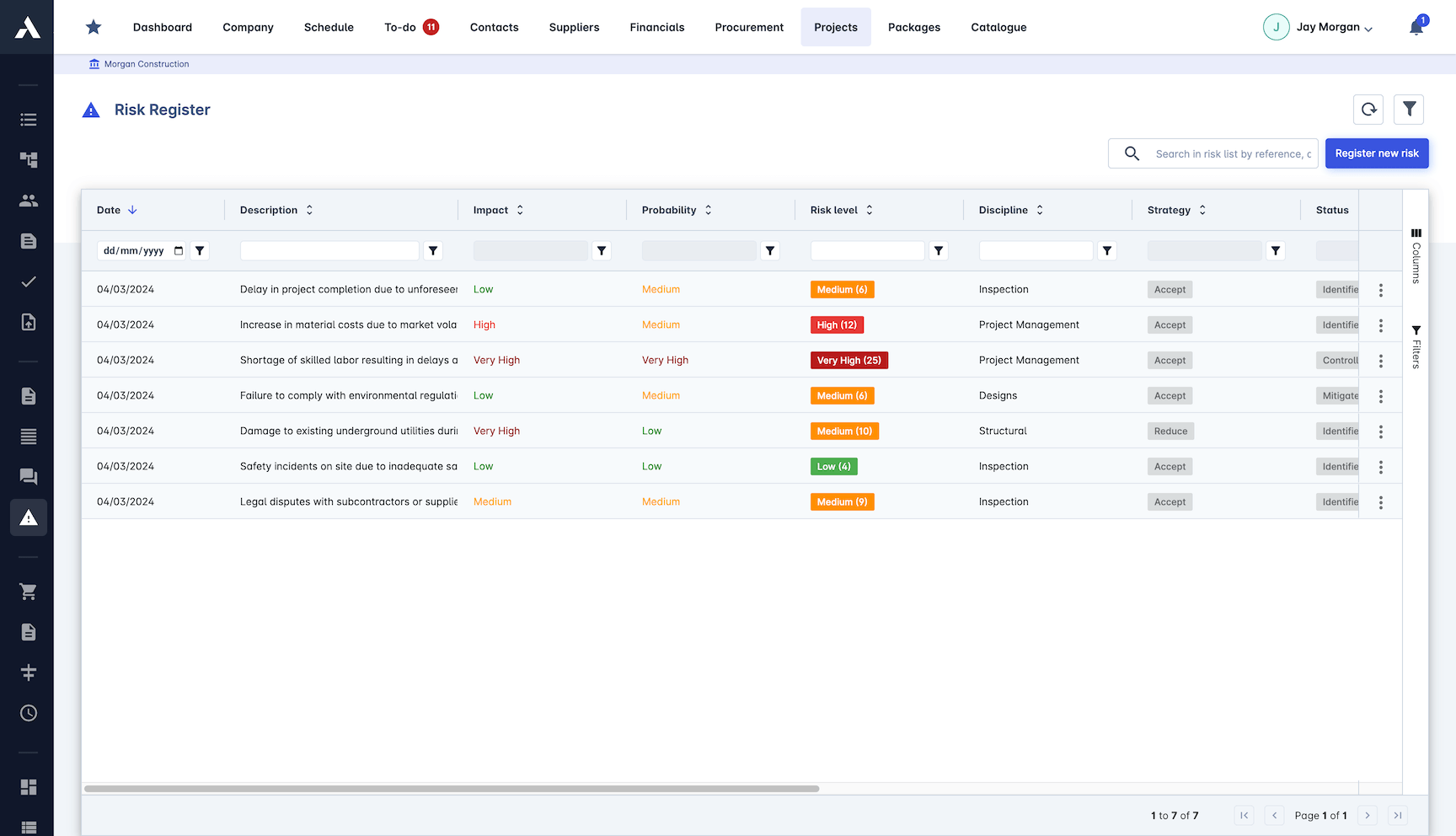
Score every risk on probability and impact so the register ranks itself. The financial assessment shows what each risk would do to the money.
Probability and impact matrix
Quantitative risk analysis
Financial impact assessment
Risk scoring and ranking
Risk Response Planning
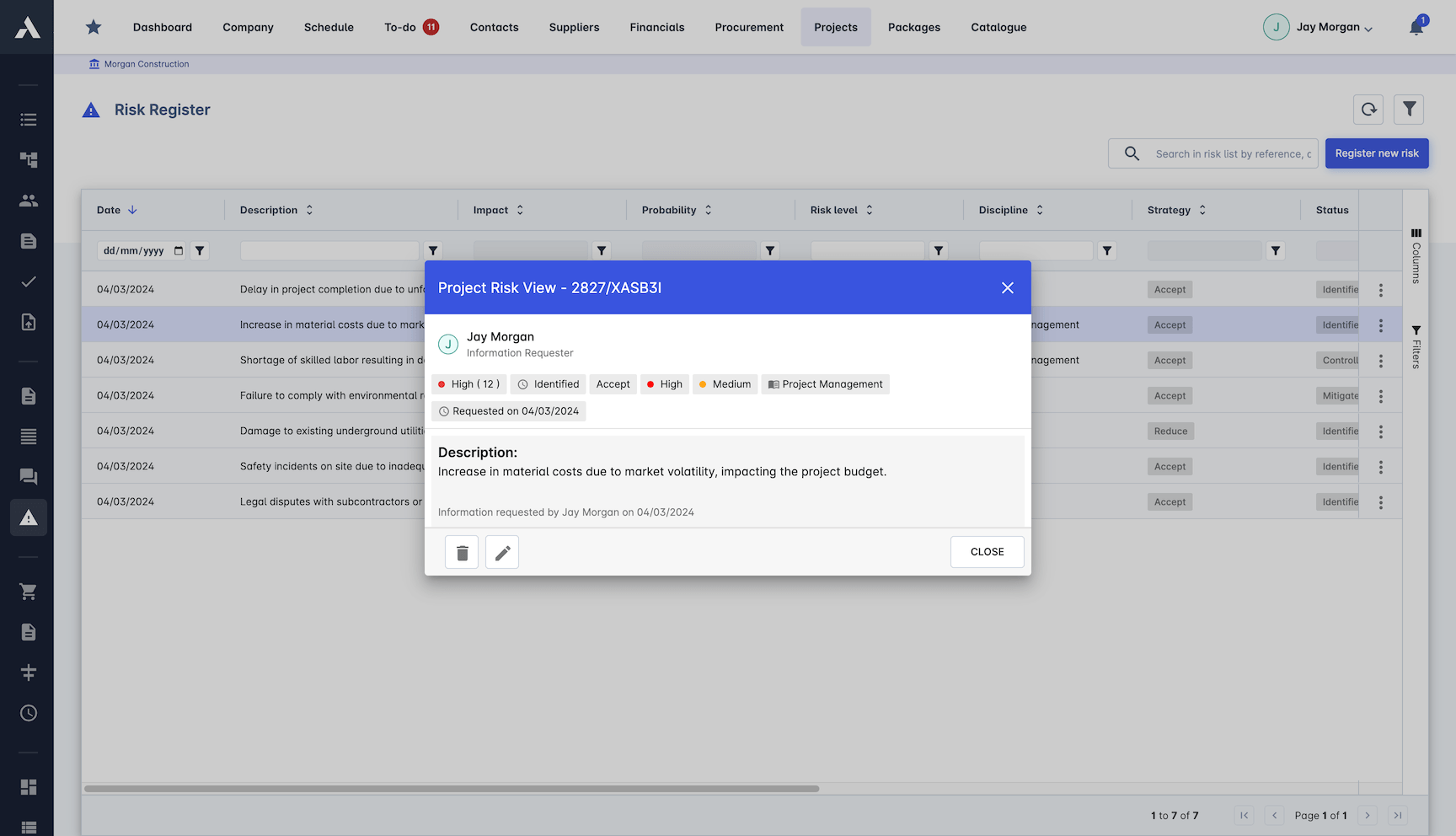
Every risk gets a response strategy, a named owner and an action plan. Contingency allowances sit against the risks they cover.
Response strategies with named owners
Cost-benefit analysis on responses
Contingency planning per risk
Automated workflows raise actions
Risk Monitoring
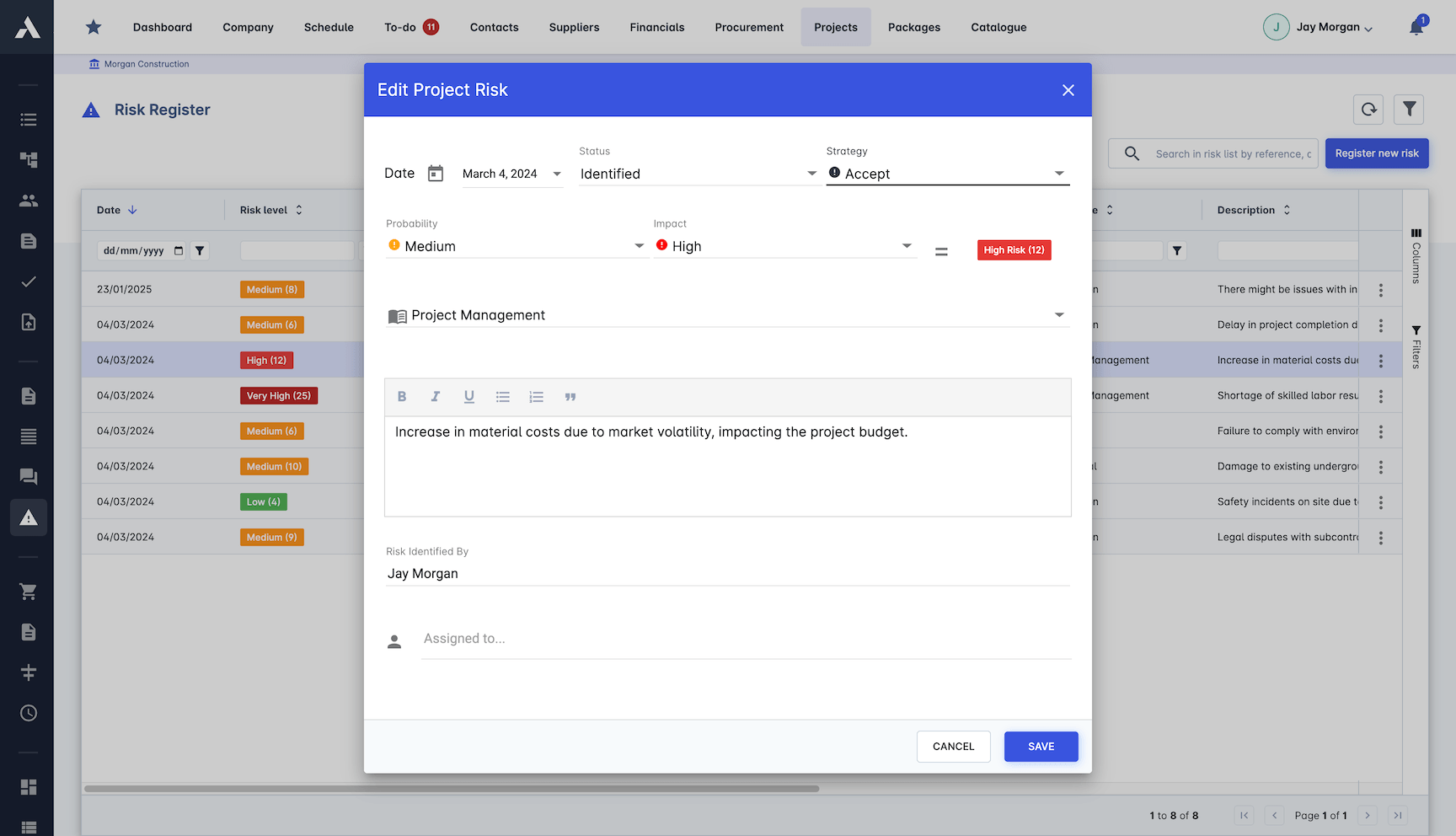
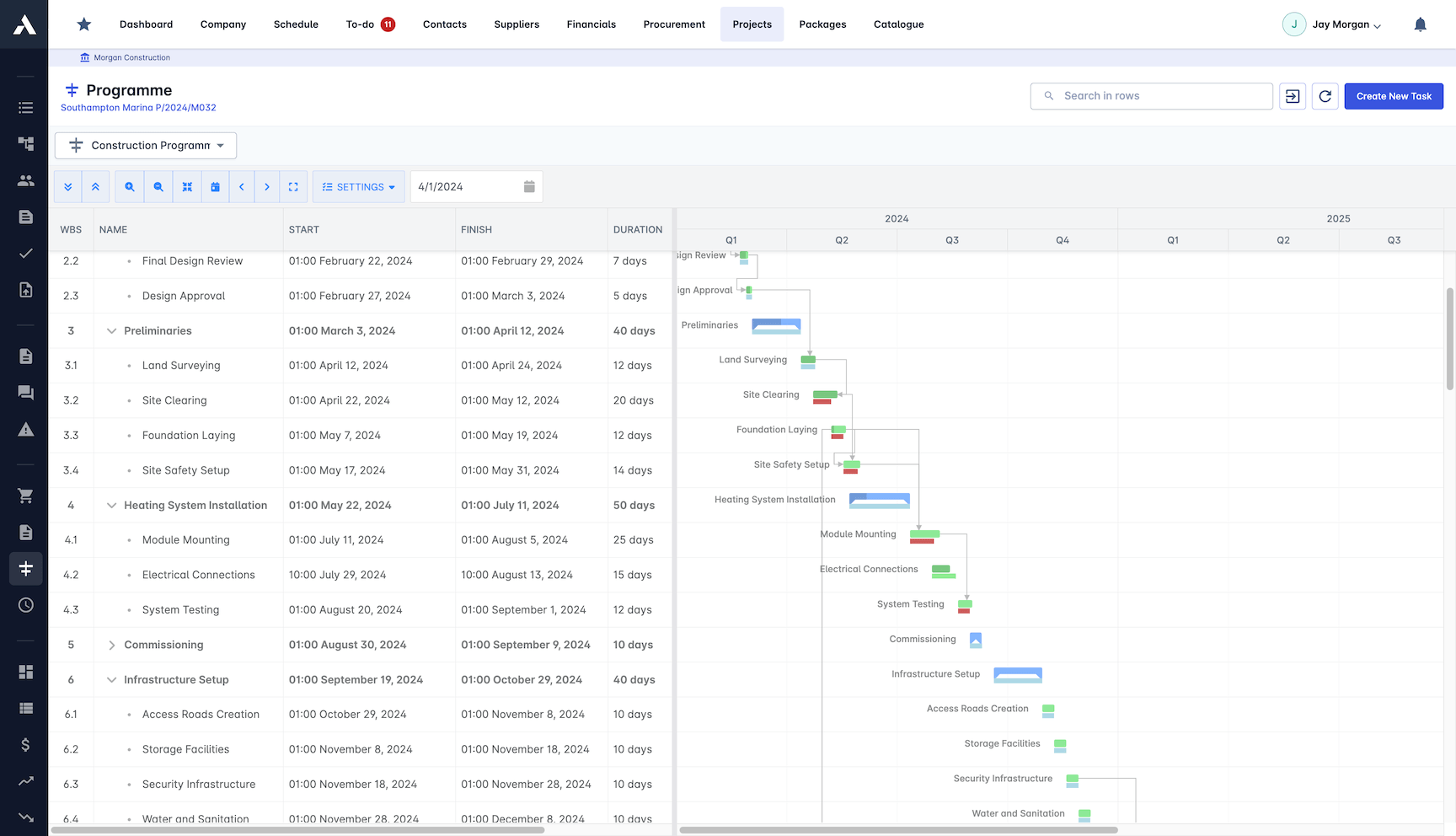
Risk status tracks in real time against the live project. Alerts fire when a linked task slips or a cost moves, while there is still time to respond.
Real-time risk status tracking
Risks linked to schedule tasks and cost lines
Automated risk alerts
Progress tracking dashboard
Risk trend analysis
Frequently Asked Questions: Construction Risk Management
What is a construction risk register?
A risk register is the record of the risks that threaten a project, each with an owner, an assessment and a response plan. In Archdesk, every risk is logged against the package, task or budget line it threatens, so the register stays connected to the live project instead of becoming a governance document dusted off quarterly.
How does Archdesk keep the risk register live?
Risks link to the schedule tasks and cost lines they threaten, so when a linked task slips or a cost moves, real-time alerts surface the affected risks while there is still time to respond. Trend analysis shows whether exposure is growing or shrinking.
How are risks assessed and ranked?
Every risk is scored on probability and impact, so the register ranks itself. Quantitative analysis and a financial impact assessment show what each risk would do to the money, across safety, schedule, cost, quality and environmental categories.
How is contingency managed against risks?
Contingency allowances sit against the specific risks they cover. When a risk lands or retires, the money moves with it, so contingency drawdown is a live figure you can show an owner rather than a hope.
Do we have to build the register from a blank page?
No. A pre-built construction risk registry means you start from experience, with custom risk categories and types on top. The historical risk database carries what earlier projects learned into the next one.
Explore Related Solutions
Everything below runs in the same system, working from the same live data.
Project Management
Streamline your project workflows from start to finish
Project Budgets
Control project finances and stay in budget
Real-time Reporting
Get instant updates across your project portfolio
Document Management
Centralize document handling and access
Project Cost Controls
Monitor and compare your actuals with the estimate
Site Forms
Digitize and streamline your site documentation processes
Site Diary & Daily Reports
Keep the daily site record structured and defensible
Work in Progress Reporting
Monitor completion costs across your whole project portfolio
Discover more
Explore the full range of solutions and find the right fit for your business.
See your next project on Archdesk
Book a demo and walk through a fully worked example project: one platform running everything from winning the work to closing it out.
Book a Demo