
Archdesk Customer Support
Raise it, track it, see it resolved.
Support runs on Jira Service Management, so every ticket you raise is visible from first response to resolution, with the full history in one place.
Every request tracked from raised to resolved
Archdesk support runs through the Archdesk Service Desk on Jira Service Management. Questions, issues and requests go into one portal instead of scattered email threads, each one is tracked with real-time status updates, and the full conversation stays on the ticket. Setting it up takes a few minutes with the guide below.

One portal for every request
Questions, issues and requests are raised in the Archdesk Service Desk and live in one place, so nothing gets buried in an inbox or lost between colleagues.
Status you can see, not chase
Every ticket shows exactly where it is, with real-time updates and notifications as it moves. No follow-up emails asking whether anyone picked it up.
The full history on the ticket
Replies, screenshots and decisions stay attached to the request. When you come back to it weeks later, the context is still there.
Built on Atlassian infrastructure
The portal runs on Jira Service Management, with the security practices and reliability of the Atlassian platform behind it.
Support does not end at go-live
Ongoing support is included in your subscription, from hypercare in the first weeks after go-live to day-to-day requests years in. Higher plans add a dedicated Customer Success Manager.

Get set up with the support portal
The Archdesk Service Desk runs on your Atlassian account. Creating one takes a few minutes: follow the steps below, and once you are in, we will help you migrate.
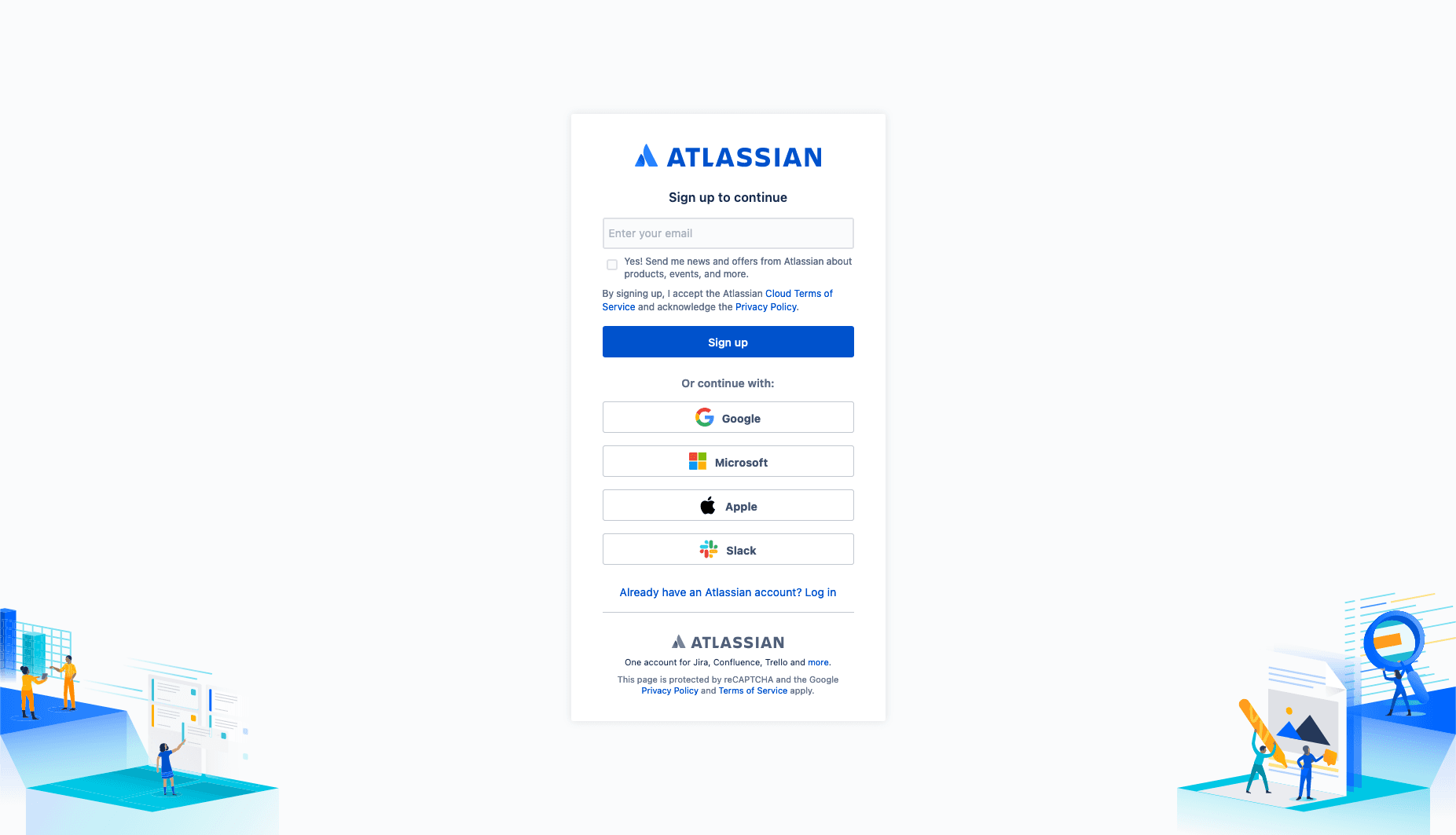
Head to the Atlassian account creation page
Visit the official Atlassian website and click on the "Sign up" button to start creating your account.
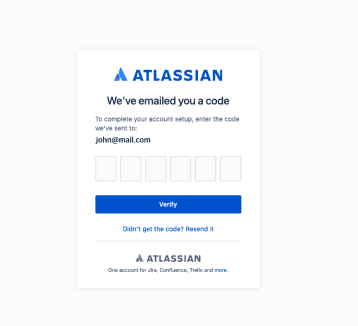
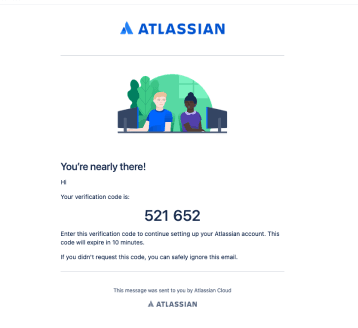
Verify your email address
Check your email for a verification link from Atlassian. Click the link to verify your email address.
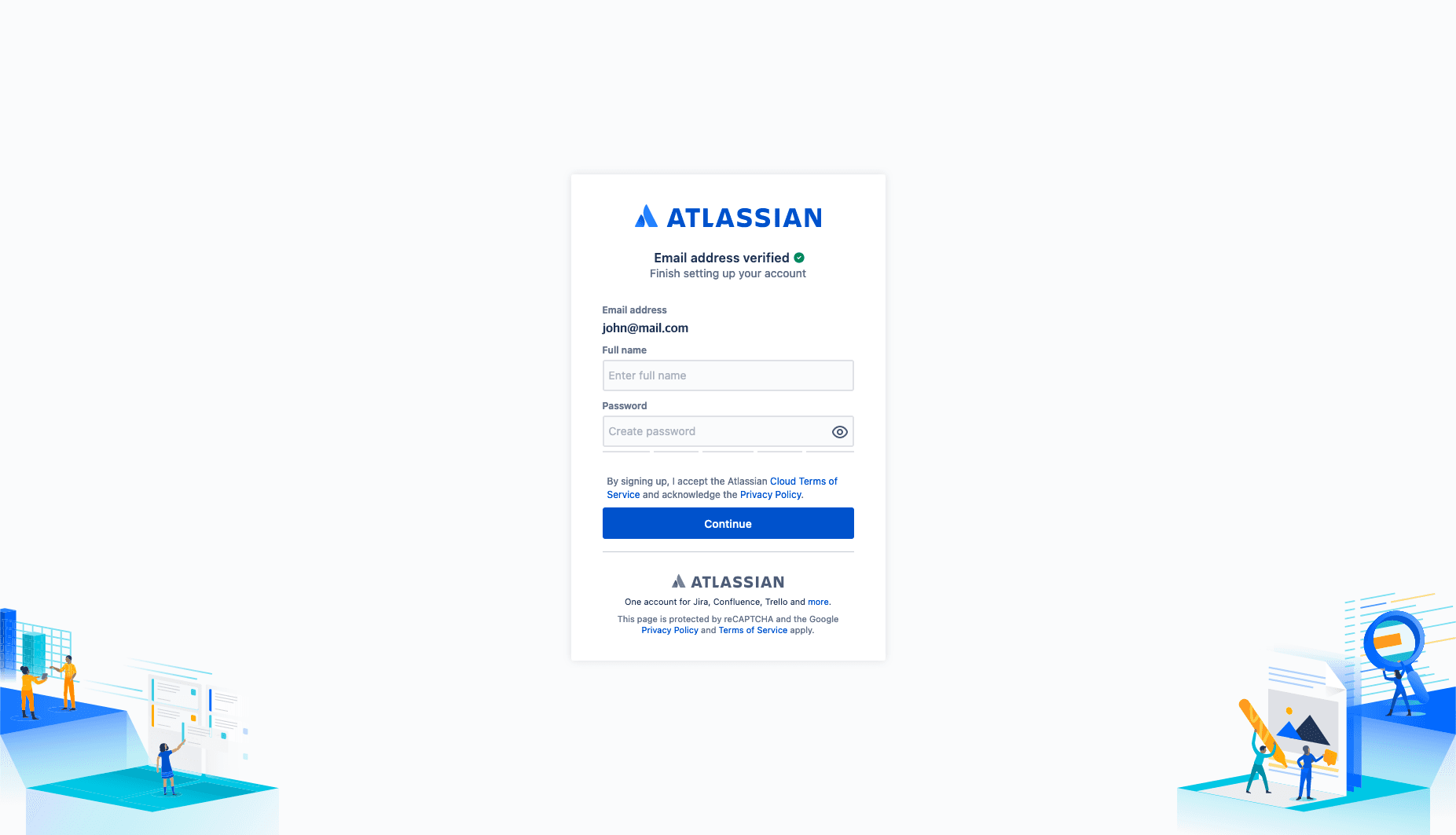
Fill in your details and create a workspace
Complete your profile information and set up your workspace preferences.
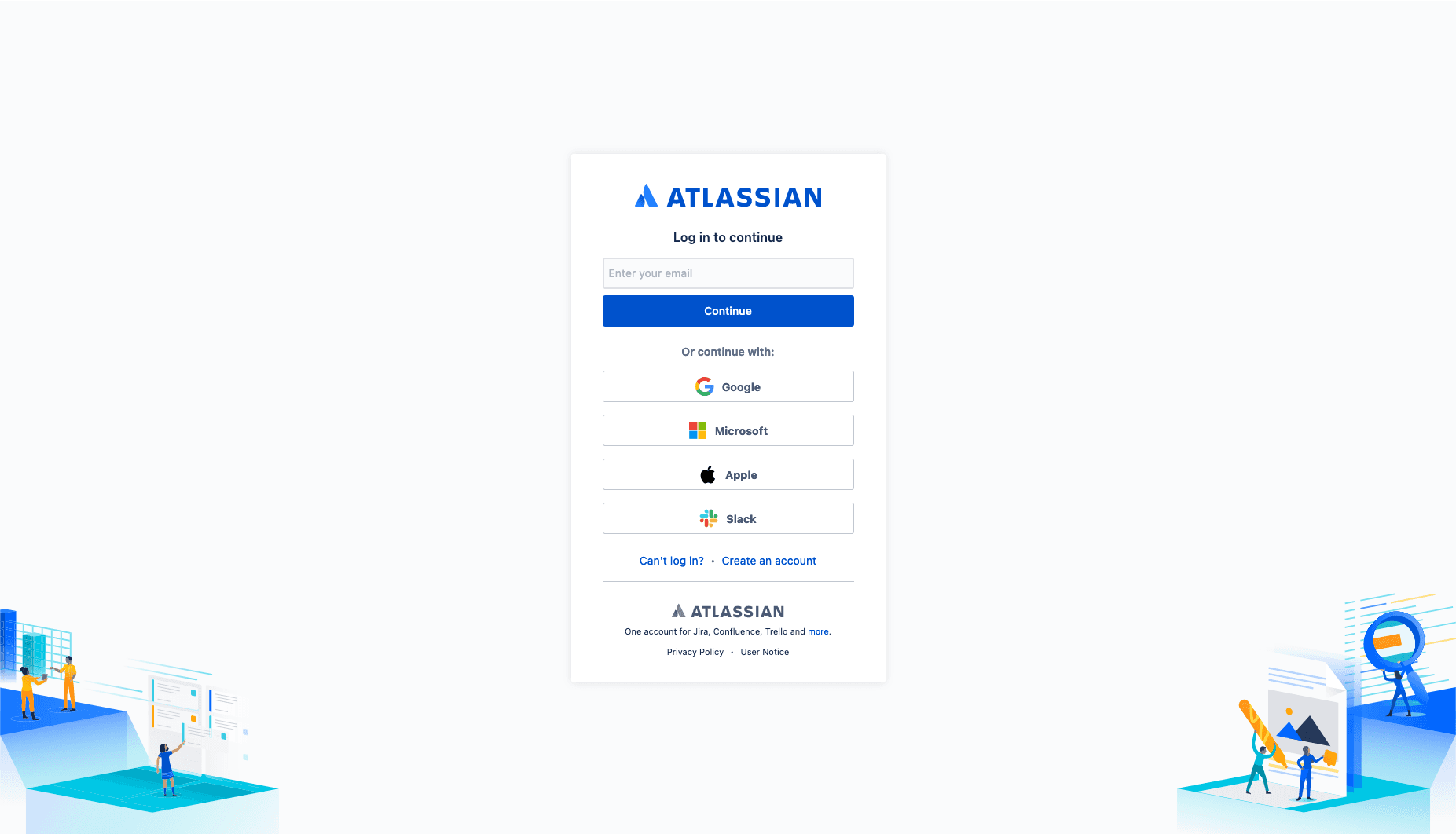
Log in to access the Archdesk Service Desk on Jira
Use your new Atlassian credentials to access the Archdesk support portal.
Stuck on any of the steps? Email support@archdesk.com and we will walk you through it.
Some answers do not need a ticket
For how-do-I questions, the Archdesk Academy often gets you there faster than a ticket: video tutorials and step-by-step guides cover the platform module by module, available whenever your team needs them.
And if you are still rolling out, your implementation team remains the first port of call through training, UAT and hypercare.
Browse the Archdesk Academy or see how the implementation process works.