Common Data Environment (CDE)
The CDE requirement, answered.A single environment for documents, drawings and models with ISO 19650 workflow states, controlled sharing, suitability and revision codes, and a complete audit trail. Everything your client's information requirements ask for, and your team can actually use it.
Trusted by construction companies of every size, worldwide












One controlled source of project information for every party
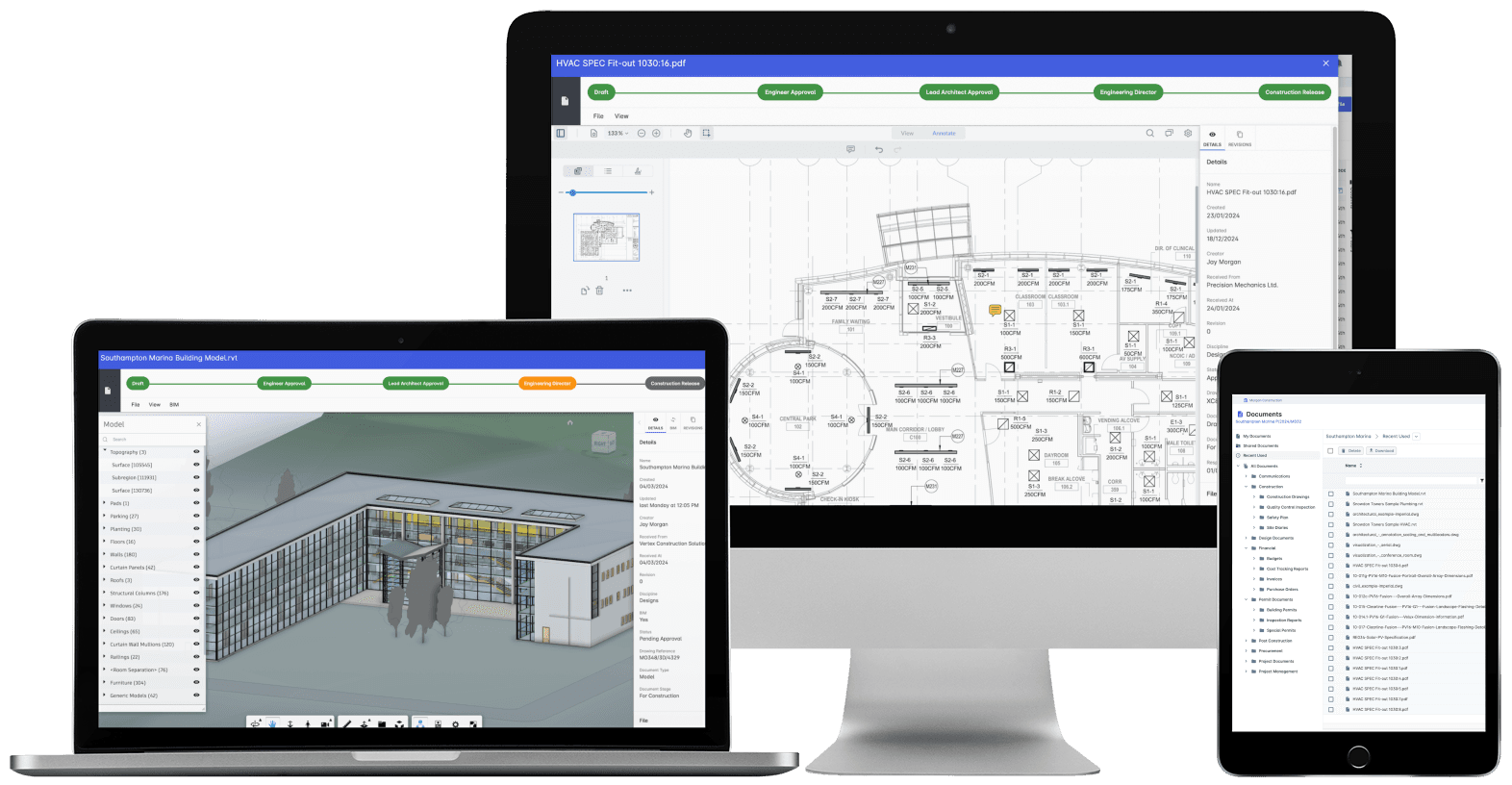
A common data environment (CDE) is the single agreed platform where all project information is stored, shared and controlled through defined workflow states, instead of scattered across email and shared drives. Archdesk provides that environment with ISO 19650 states, suitability codes and naming standards, role-based permissions, revision control and a full audit trail across documents, drawings and models.

Nothing lives in an inbox
Drawings, models, contracts and correspondence sit in one repository with unlimited storage, so the answer is in the CDE, not on someone's drive.
Information moves through gates, not guesses
Files pass through work in progress, shared, published and archived states with approval at each gate, so every party knows exactly what a document's status means.
Every party sees what their role allows
Role-based permissions govern what contractors and external stakeholders can access, with a security audit trail behind every action.
The audit trail writes itself
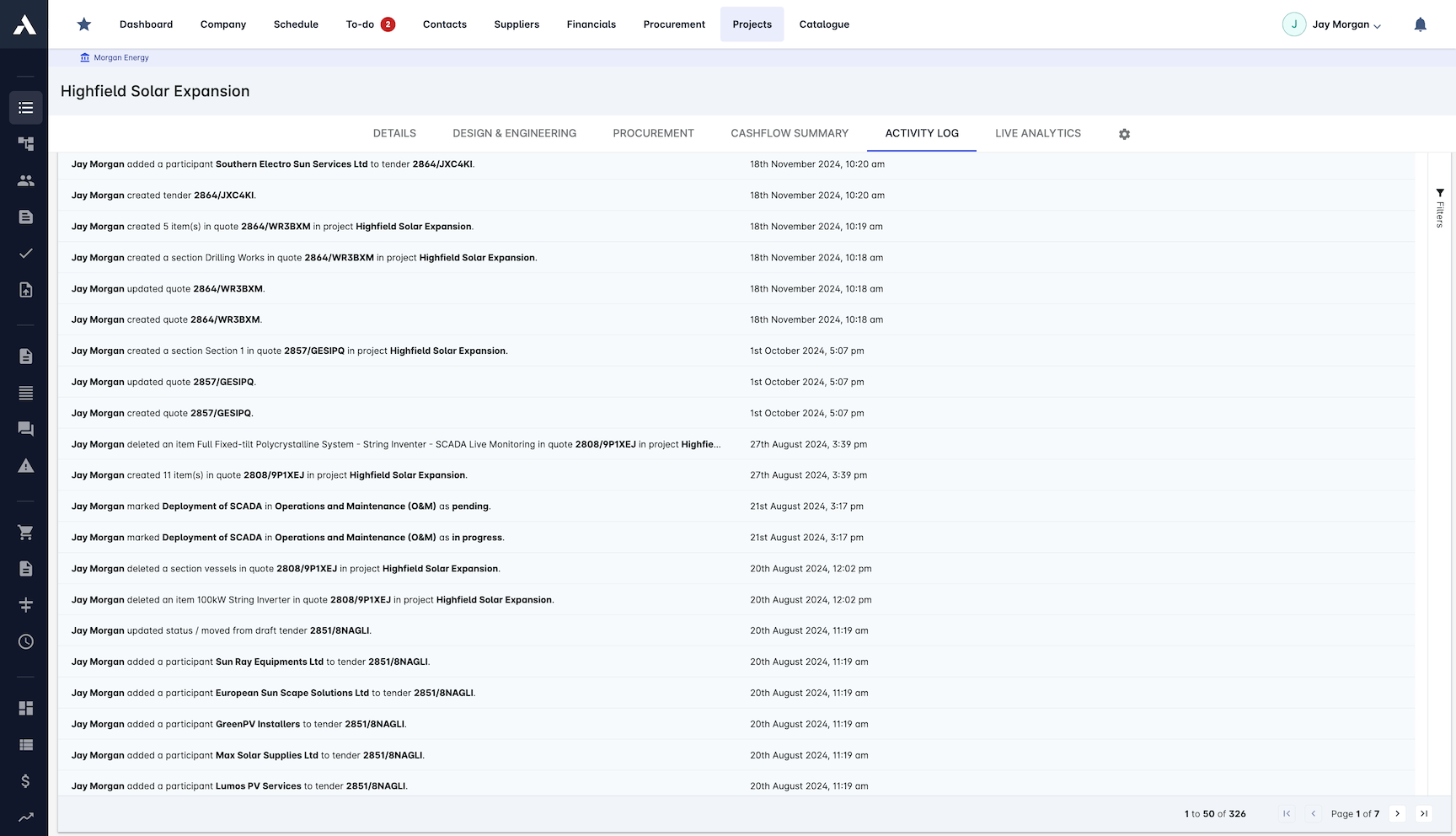
Every revision, approval and share is recorded automatically, giving the information manager a complete record without chasing anyone.
ISO 19650 your site teams can actually use
Suitability codes, naming standards and workflow states are built into how the system works, not bolted on. The CDE satisfies your client's information requirements without slowing the site down.

Single Source of Truth
All project information in one platform, from drawings and models to contracts and correspondence. One place to look, one version of the truth.
One repository for every project document
Searchable document register
BIM model integration
Project correspondence tracked
Unlimited storage capacity
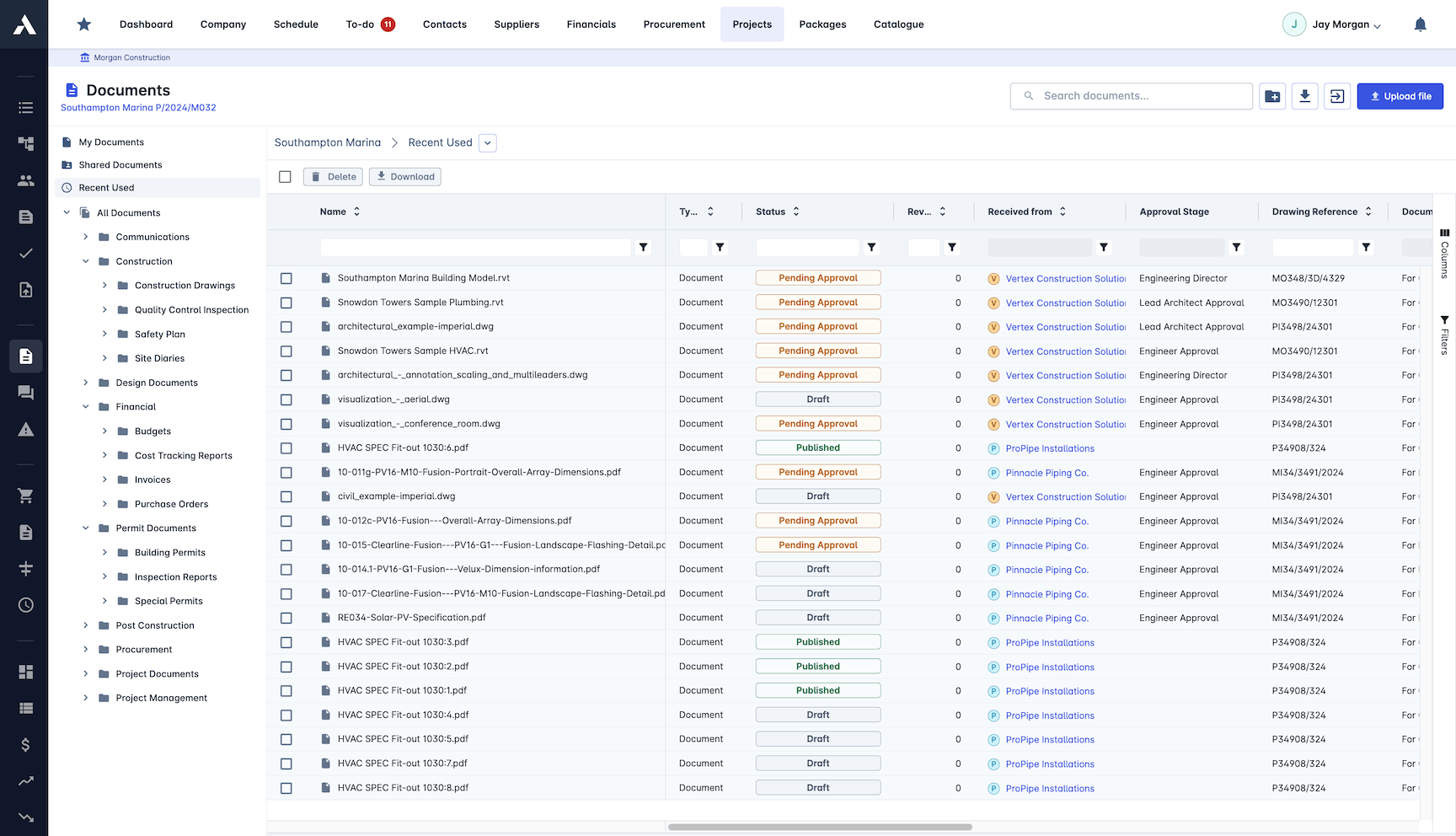
Access Control
Every party sees what their role allows and nothing more. Access is managed, logged and provable across the whole project team.
Role-based permissions
Contractor access management
Controlled external stakeholder sharing
Security audit trails
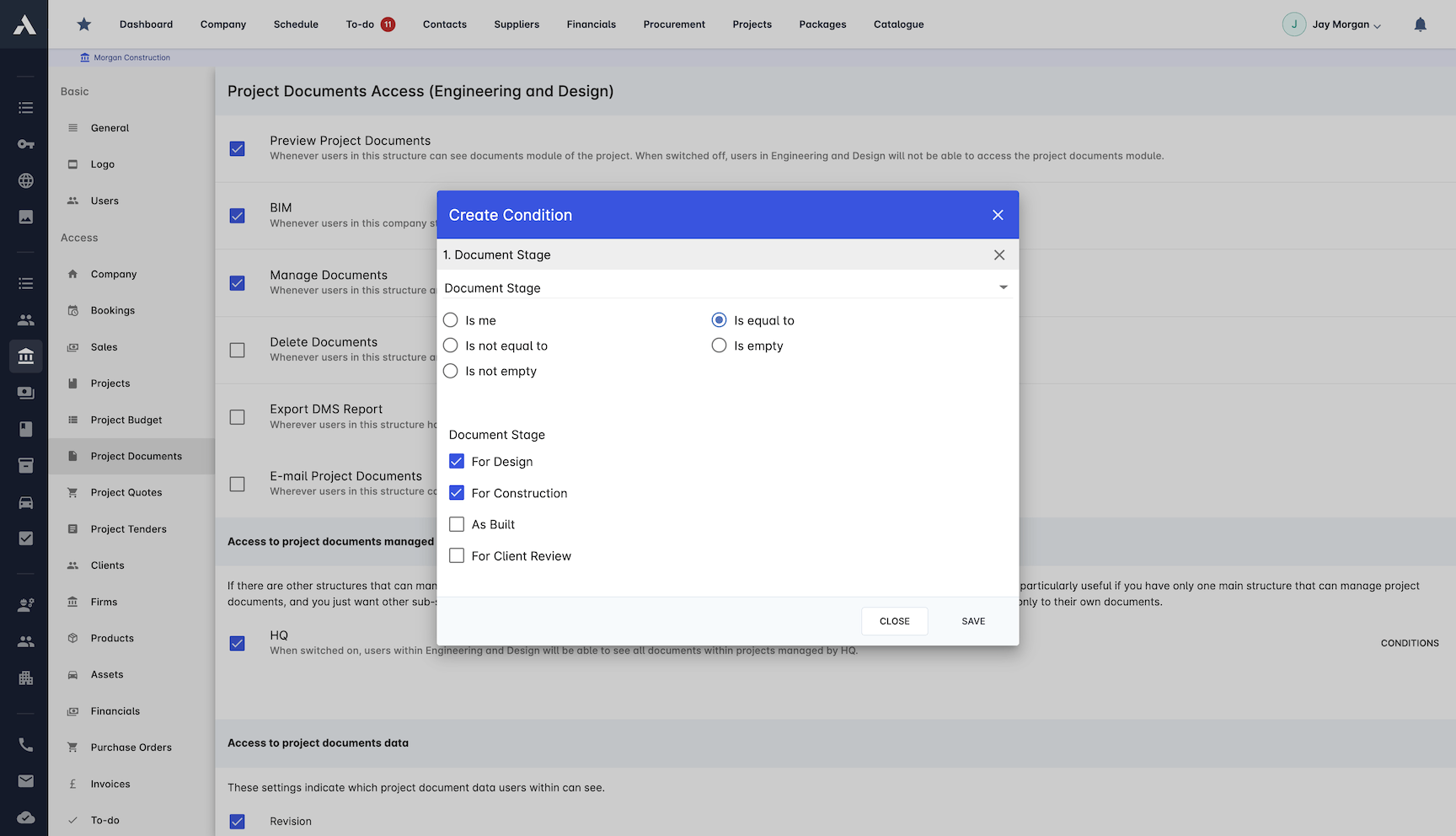
Document Control
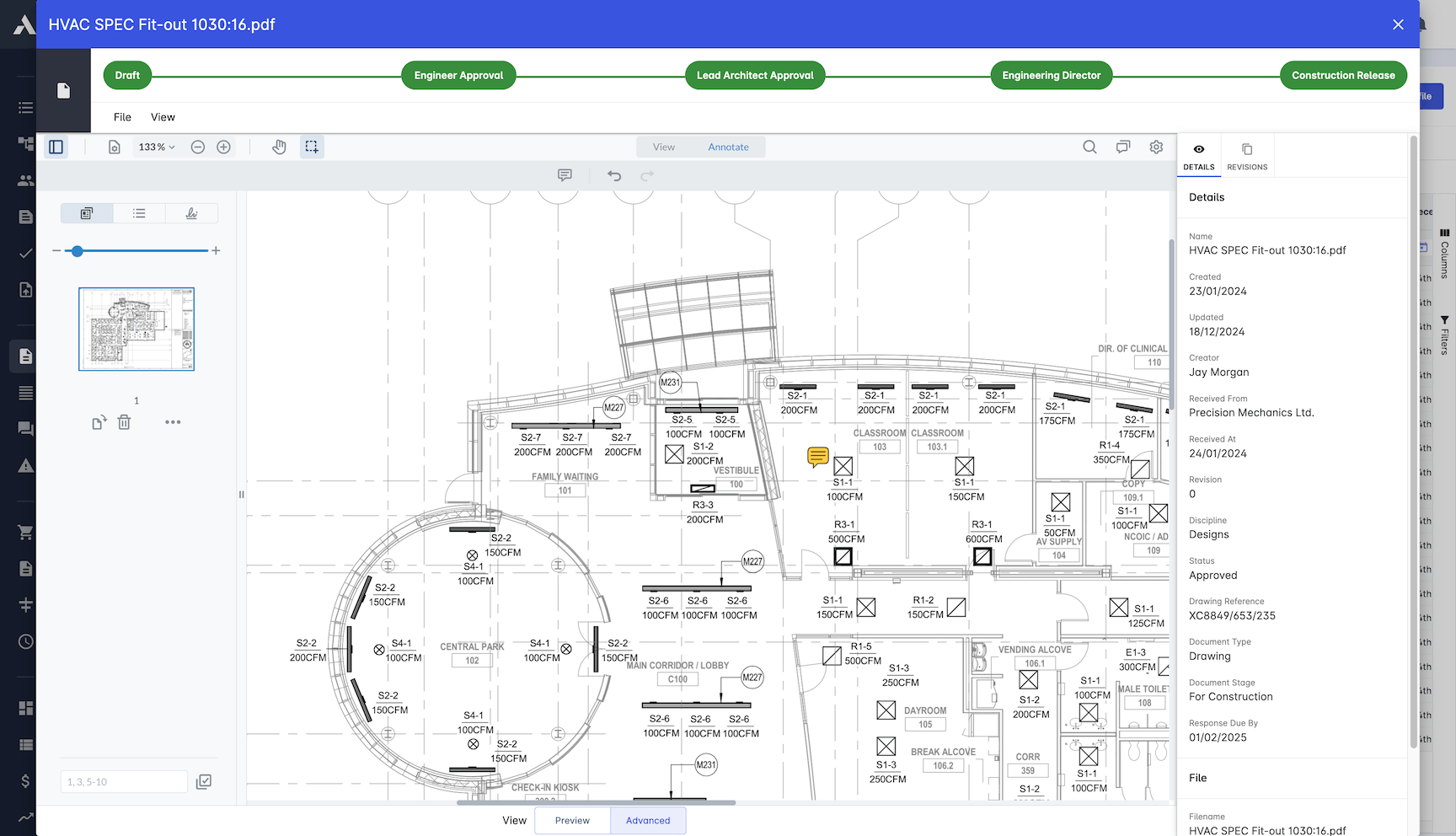
Full version history on every document, drawing and model. When the question is which revision was current at handover, the record answers.
Drawing revision control
Suitability status codes on revisions
Model version management
Change tracking on every file
Document approval workflows
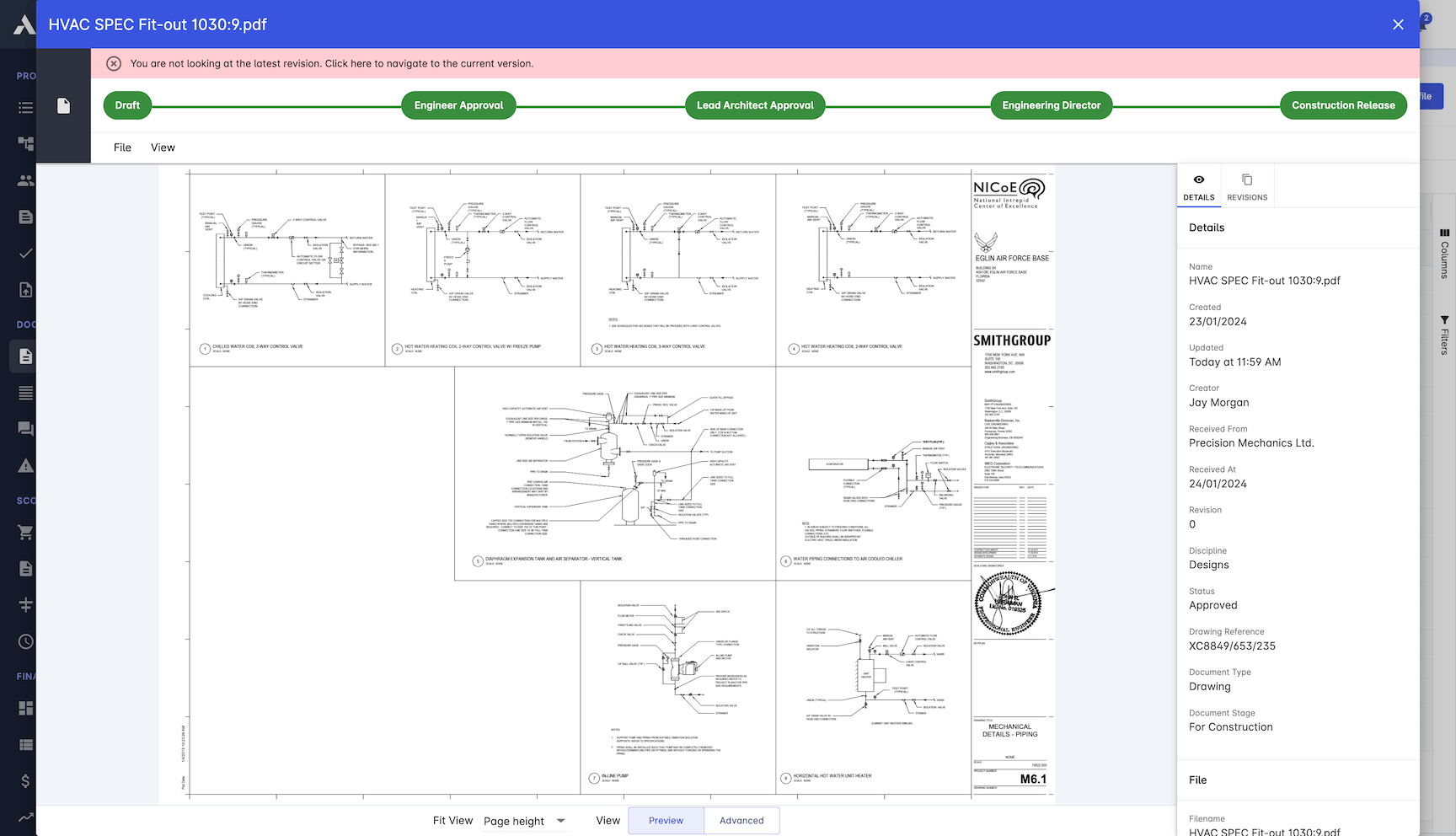
Team Collaboration
Every stakeholder works from the same live information. Files, comments and dashboards update in real time, so nobody waits on a forwarded email.
Real-time file sharing
Automated notifications
Comment threads on documents
Custom real-time dashboards
Workflow Management
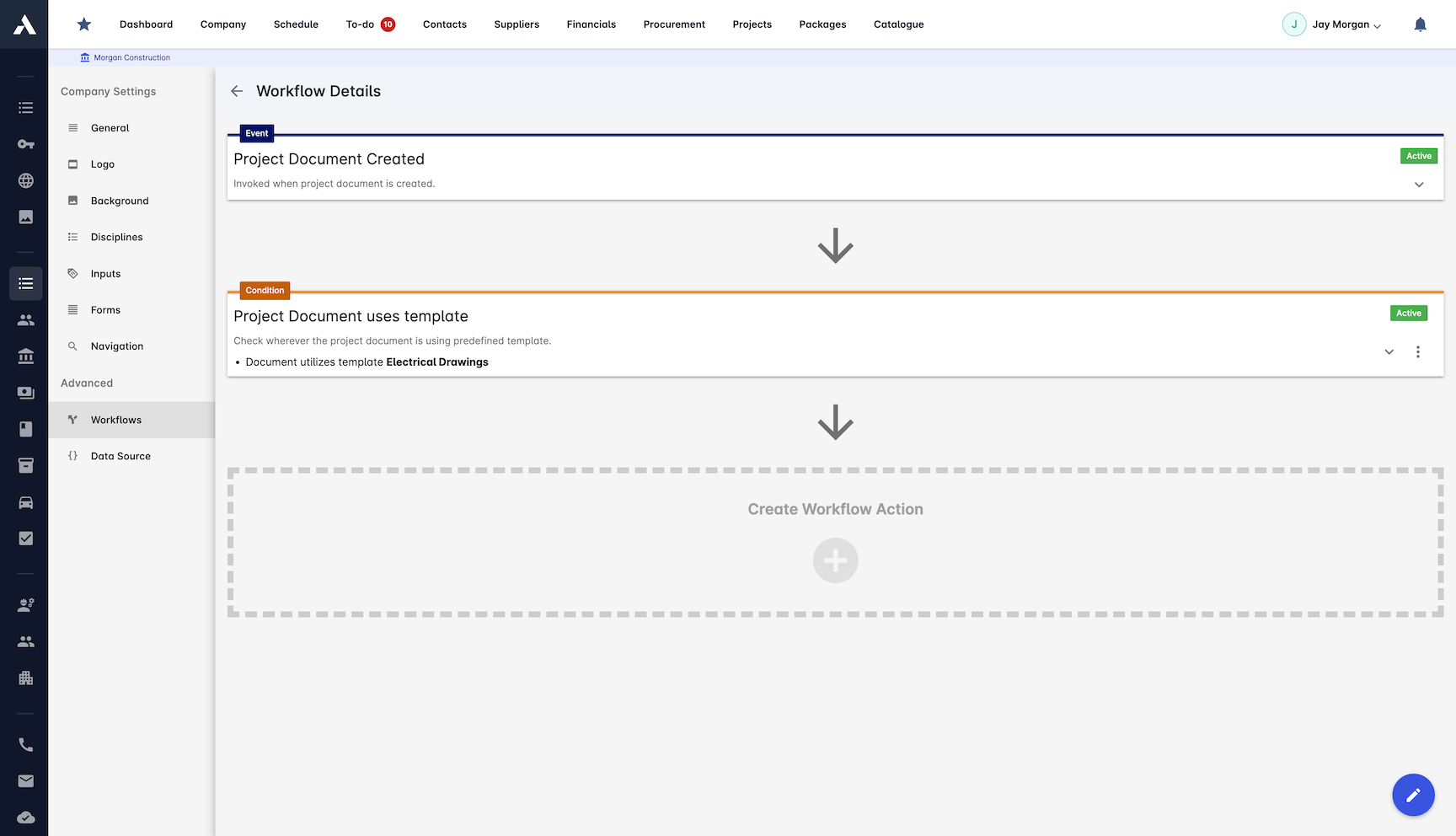
Reviews, approvals and distribution run themselves across the project lifecycle. Build the workflow once, without code, and let it route the work.
Automated review and approval flows
No-code workflow engine
Webhooks and external integrations
Microsoft SharePoint sync
Compliance & Standards
ISO 19650 built into how the system works, not bolted on. Naming standards, suitability codes and audit trails satisfy the information requirements in your appointment.
ISO 19650 compliance
Document naming standards
Full audit trail maintained
Regulatory compliance tracking
Frequently Asked Questions: Common Data Environment
What is a common data environment (CDE)?
A common data environment is the single agreed platform where all project information is stored, shared and controlled through defined workflow states, instead of scattered across email and shared drives. It gives every party one place to look and one version of the truth for documents, drawings, models, contracts and correspondence.
Does Archdesk comply with ISO 19650?
ISO 19650 is built into how the system works, not bolted on. Files move through work in progress, shared, published and archived states with approval at each gate, suitability codes and naming standards are applied to revisions, and a full audit trail satisfies the information requirements in your appointment.
How does the CDE control who sees what?
Role-based permissions govern what every party can access, including contractors and external stakeholders, so each party sees what their role allows and nothing more. Every action is logged in a security audit trail, so access is managed and provable across the whole project team.
How are drawing and model revisions controlled?
Every document, drawing and model carries a full version history, with suitability status codes on revisions and approval workflows on changes. When the question is which revision was current at handover, the record answers it.
Can reviews and approvals be automated?
Yes. A no-code workflow engine routes reviews, approvals and distribution across the project lifecycle: build the workflow once and it runs itself. Webhooks, external integrations and Microsoft SharePoint sync connect the CDE to the systems around it.
Explore Related Solutions
Everything below runs in the same system, working from the same live data.
Document Management
Centralize document handling and access
RFIs
Raise, track and answer RFIs on the project record
BIM Integration
2D & 3D Support for Building Information Modeling
Discover more
Explore the full range of solutions and find the right fit for your business.
See your next project on Archdesk
Book a demo and walk through a fully worked example project: one platform running everything from winning the work to closing it out.
Book a Demo