
Archdesk vs Odoo
The Best Alternative to Odoo for Construction in 2026Construction workflows built in, not assembled from apps. Free migration.
See Archdesk on a project like yours.
Get StartedOdoo is a genuinely broad business ERP, and its construction pitch assembles generic apps: Project, Inventory, Purchase, Field Service, Accounting. What that bundle does not include is the construction layer itself. Pay applications, retainage, CVR (cost value reconciliation), subcontractor accounts, RFIs and site diaries come from third-party marketplace modules, Studio customization or partner builds. Archdesk ships those workflows as standard, configured with our team, and migration is free.
See Archdesk against your Odoo setup
Book a quick demo and see Archdesk in action.
Free migration included. No commitment.

Archdesk as an Odoo Alternative, in Short
Archdesk is a construction management platform that teams choose as an Odoo alternative when they want construction workflows delivered as product rather than assembled as a project. One subscription covers estimating, committed versus actual cost control, CVR (cost value reconciliation), procurement, subcontractor management, payment applications, retainage, site diaries, QA/QC records and reporting at project and portfolio level. Odoo remains a capable company ERP, and it does not have to go anywhere: Archdesk integrates with major accounting and ERP platforms and regularly builds integrations with customers’ own systems during implementation. Migration from Odoo is free, and external collaborators, including subcontractors, clients and consultants, cost nothing.
Comparing more platforms? See all our head-to-head comparisons.
Last reviewed: 23 July 2026. Odoo information on this page is based on publicly available documentation as of this date.
30+
modules in one subscription
0
marketplace add-ons to buy
Free
migration from Odoo
Key Advantages of Archdesk vs Odoo
Where Archdesk goes beyond an Odoo construction setup: the workflows contractors need shipped as product, not as a customization backlog.

Construction Financials as Standard
Pay applications, retainage, WIP reporting and CVR (cost value reconciliation) are core product, not marketplace modules or partner builds.
Subcontractor Management Built In
Subcontractor orders, accounts, approvals and payment cycles as a first-class workflow. Odoo’s "subcontracting" is a manufacturing feature for outsourced production.
Estimating to Closeout
Integrated estimating connected to budgets, procurement and the payment cycle, so the bid, the budget and the buying live in one system.
Field Records That Hold Up
Site diaries, tasks, timesheets, QA/QC checklists and health and safety forms on mobile, landing against the right project and budget line.
No Assembly Required
One platform configured with our team during implementation, instead of a construction stack assembled from modules by different marketplace vendors.
Keep Your ERP if It Works
Archdesk integrates with major accounting and ERP platforms and regularly builds integrations with customers’ own systems, so switching your project platform does not force an ERP decision.

Archdesk vs Odoo: Side-by-Side Comparison
How the two platforms compare across the areas that decide the switch: what each one does, and what that means for your operations and your margin.
| Category | Archdesk | Odoo |
|---|---|---|
| Primary Focus | End-to-end construction management, built for contractors. Construction workflows work on day one. | Modular business ERP; construction is one industry pitch among many, assembled from generic apps. Broad platform; construction depth is not native. |
| Construction Financials | Budgets, cost codes, committed versus actual cost, CVR (cost value reconciliation) and forecast-to-complete. Real-time margin control at project and portfolio level. | General accounting and analytic accounts; no native CVR or construction cost control. Construction cost control means custom builds or third-party modules. |
| Pay Applications & Retainage | Pay applications, retainage and payment tracking tied to live budget lines. The commercial payment cycle runs inside the system. | Not native. Retainage is handled through payment-term workarounds or marketplace modules. A core construction workflow depends on add-ons. |
| Subcontractor Management | Subcontractor orders, accounts, approvals and payments as a built-in workflow; external collaborators free. The supply chain works inside the same record. | "Subcontracting" in Odoo is a manufacturing feature for outsourced production, not construction subcontractor accounts. Construction subcontractor management must be built. |
| Estimation & Bidding | Integrated estimating connected to budgets and procurement. Clean handoffs from bid to delivery, fewer scope gaps. | Quotations via the Sales app; no construction estimating or bid workflow. Bids prepared in separate software or custom builds. |
| Procurement & Inventory | RFQs, vendor management, purchase orders and goods receipt tied to project budget lines. Spend controlled against the job, not just the ledger. | Strong general purchasing and inventory apps. A genuine strength; the project cost linkage is the gap. |
| Field & Mobile | Site diaries, timesheets, QA/QC, health and safety forms and approvals on mobile. One place, one record for site and office. | Field Service app for service visits; no construction site diary or QA/QC records. Site records live in third-party modules or elsewhere. |
| Document Management | Document control with version control, revision tracking and approvals tied to workflows. Everyone builds from the current revision. | General document storage; no construction drawing register or revision workflow. Drawing control depends on add-ons. |
| Analytics & Reporting | Configurable dashboards, CPI, SPI, custom KPIs and drilldowns at project and portfolio level. Faster decisions and portfolio-level control. | Reporting across its business apps. Construction KPIs require configuration on top. |
| Pricing Model | Quote-based: user-based or unlimited-user plans with everything included and no per-module upsell. One price to budget around; external collaborators free. | Per-user app pricing; construction capability typically adds marketplace modules and partner implementation. The license is the start of the budget, not the end. |
| Implementation & Migration | Guided onboarding, role-based training and free migration from Odoo. A quick, structured path to live projects. | Implementation typically runs through partners; outcomes vary with the partner and the scope of customization. The construction build is a project in itself. |
Odoo capabilities summarized from public documentation as of July 2026. Odoo remains a capable business ERP; this comparison focuses on the construction scope that drives switching decisions.

Seamless Switch to Archdesk
Our experienced team runs the transition from Odoo to Archdesk in three steps, with minimal disruption to your operations and free migration support included.
Free Data Migration
Our specialists move your projects, contacts and documents from Odoo at no extra cost, mapped and checked so nothing critical is lost in the transition.
Configuration & Training
We configure workflows to match your process and run role-based training for commercial, operations and site teams, so everyone starts in a system that already fits.
Go Live Quickly
Your team starts running real projects in Archdesk fast, with our team alongside you through the first pay application and reporting cycles.
Frequently Asked Questions: Odoo Alternative
Is Archdesk a good Odoo alternative for construction?
Yes, when construction is the business rather than a side use of a general ERP. Odoo covers accounting, CRM, inventory and purchasing well, but its construction offer is a bundle of those generic apps. Archdesk ships the construction workflows as standard: estimating, pay applications, retainage, CVR (cost value reconciliation), subcontractor management, site diaries and QA/QC records, all in one subscription. Migration is free.
What is the main difference between Odoo and Archdesk?
Build versus buy. Odoo is a modular business ERP: construction capability comes from configuring generic apps, adding third-party marketplace modules or commissioning partner builds. Archdesk is construction management software out of the box, so pay applications, retainage, CVR (cost value reconciliation) and subcontractor accounts work from day one instead of being a customization project.
Can Odoo be customized to run construction?
To a degree, yes. Odoo Studio, the app marketplace and its partner network can assemble a construction setup, and for some businesses that is the right trade. The catch is that retainage, CVR (cost value reconciliation), RFIs, site diaries and drawing control are not native features: each comes from a different module or a custom build, and the result depends heavily on the implementation partner. Archdesk delivers those workflows as supported product, not project scope.
We run Odoo as our company ERP. Do we have to replace it?
No. Many Archdesk customers keep their finance or company ERP and run construction operations in Archdesk. Archdesk integrates with major accounting and ERP platforms and regularly builds integrations with customers’ own systems during implementation, so financial documents stay reconciled between the two.
Can we migrate from Odoo to Archdesk?
Yes, and migration is free. Our specialists map and move your projects, contacts and documents from Odoo at no extra cost, configure workflows to match your process and run role-based training for commercial, operations and site teams.
How does Archdesk pricing compare to Odoo pricing?
Odoo’s per-user app pricing looks attractive, but the license is the start of the budget: construction capability typically adds marketplace modules, Studio customization or partner implementation work on top. Archdesk is quoted to fit your team: user-based or unlimited-user plans with everything included, no per-module upsell, and external collaborators, including subcontractors, clients and consultants, at no cost.
Trusted by construction companies of every size, worldwide




















One system, from first estimate to final payment
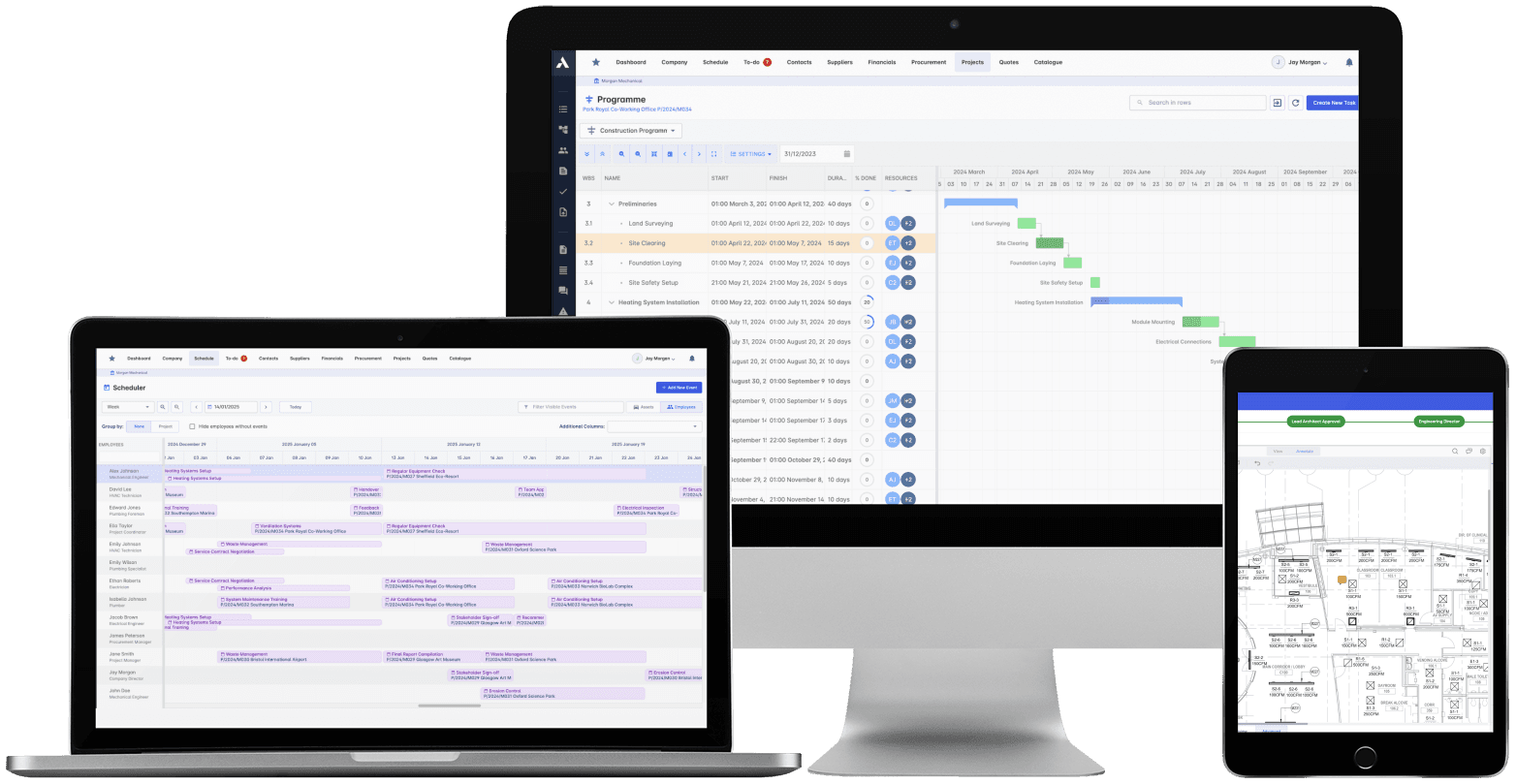
Construction Project Management
The schedule, the progress and the money in one system. When a task slips you see what it costs, and when scope changes you see what it does to the schedule. 'On track' means the Gantt chart and the bank account.
Explore Project ManagementRelated solutions
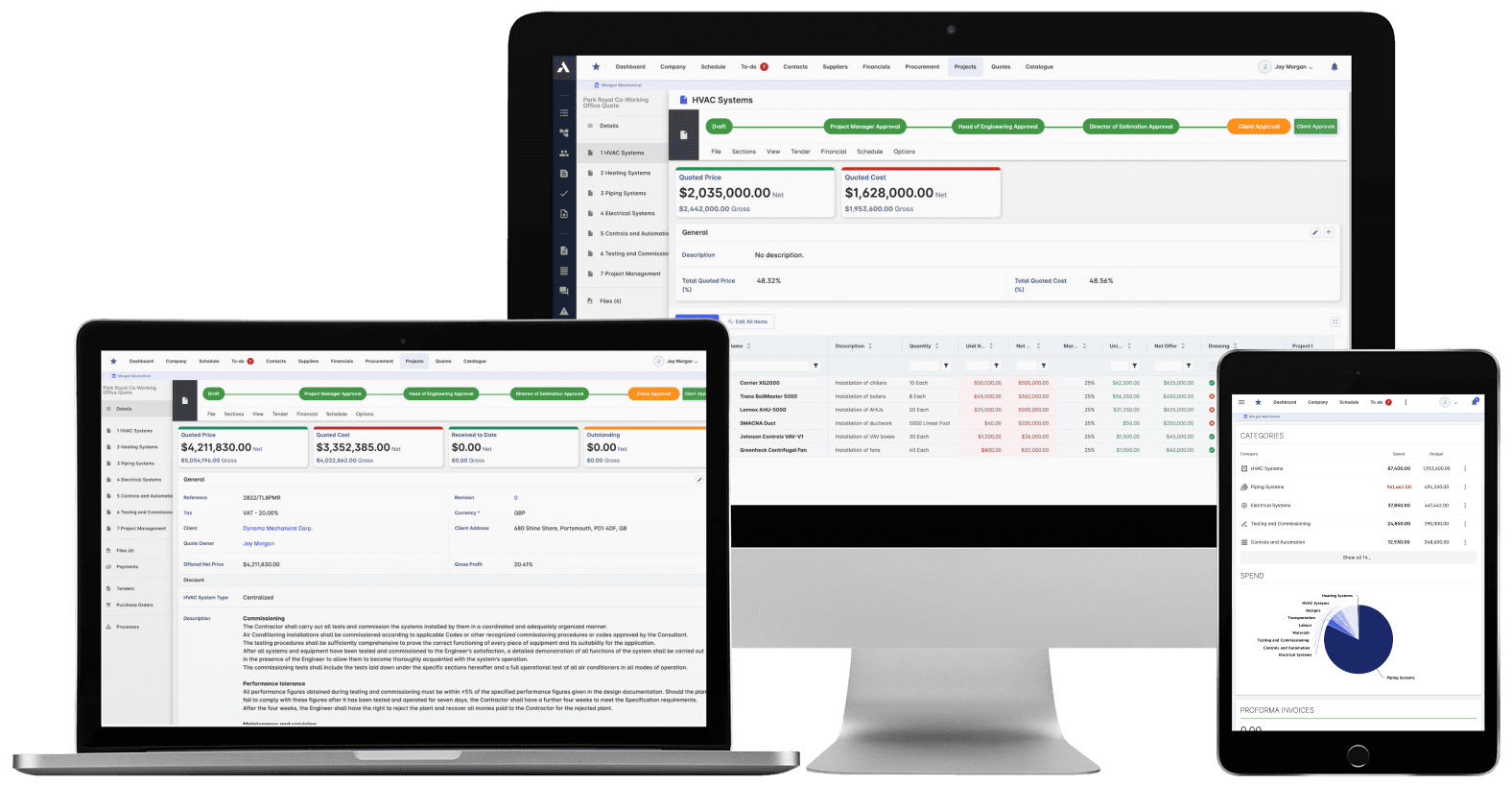
Construction Job Costing
What you priced is what you track. The winning estimate becomes the budget, actuals land against it line by line, and what jobs really cost feeds the next bid.
Explore Job CostingRelated solutions
Construction Procurement
Buy-out without the gaps: RFQs from your BOQ lines, bids back comparable, exclusions visible before award. Then every PO and subcontract lands on the budget the moment it's raised.
Explore Procurement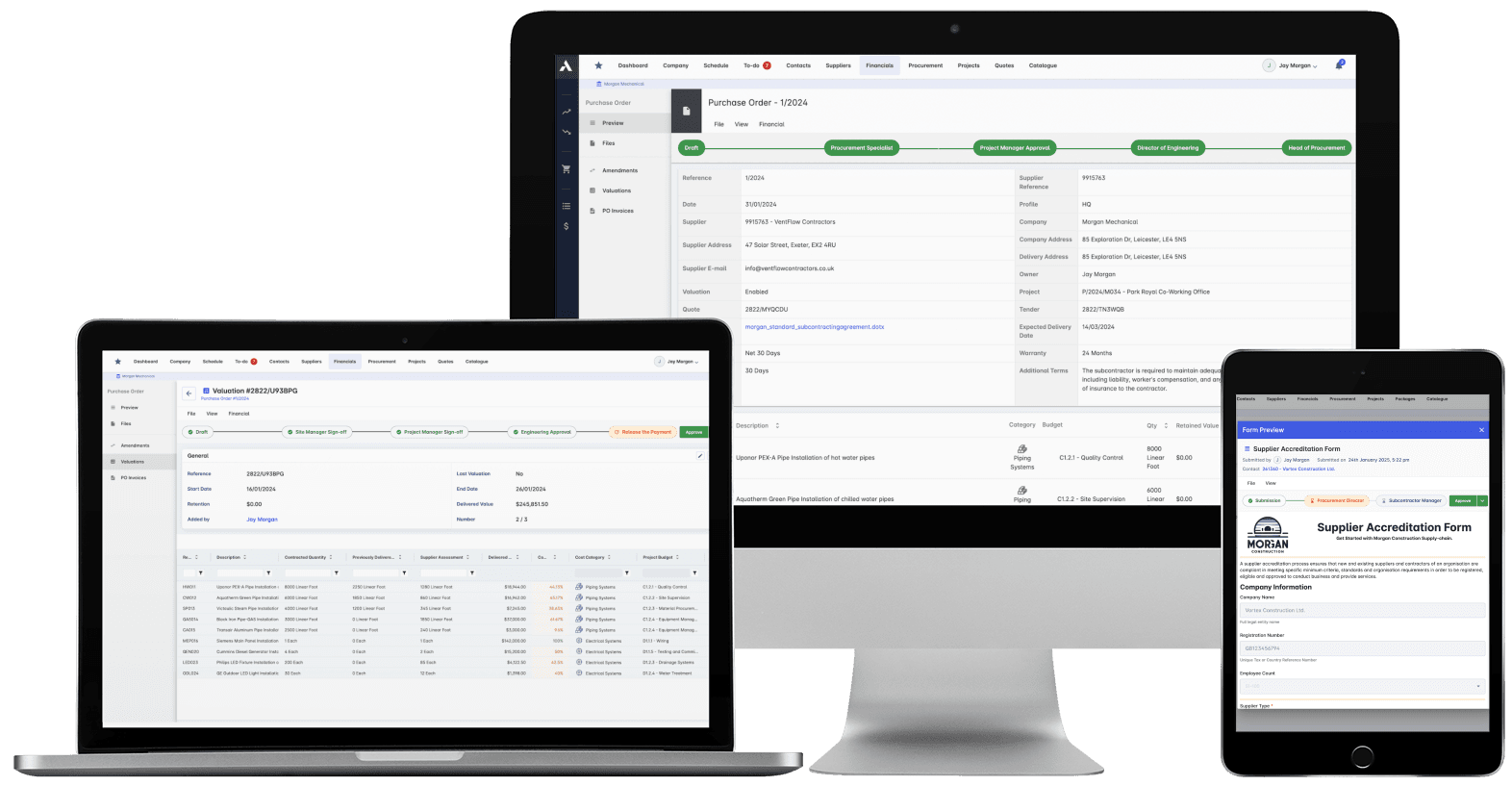
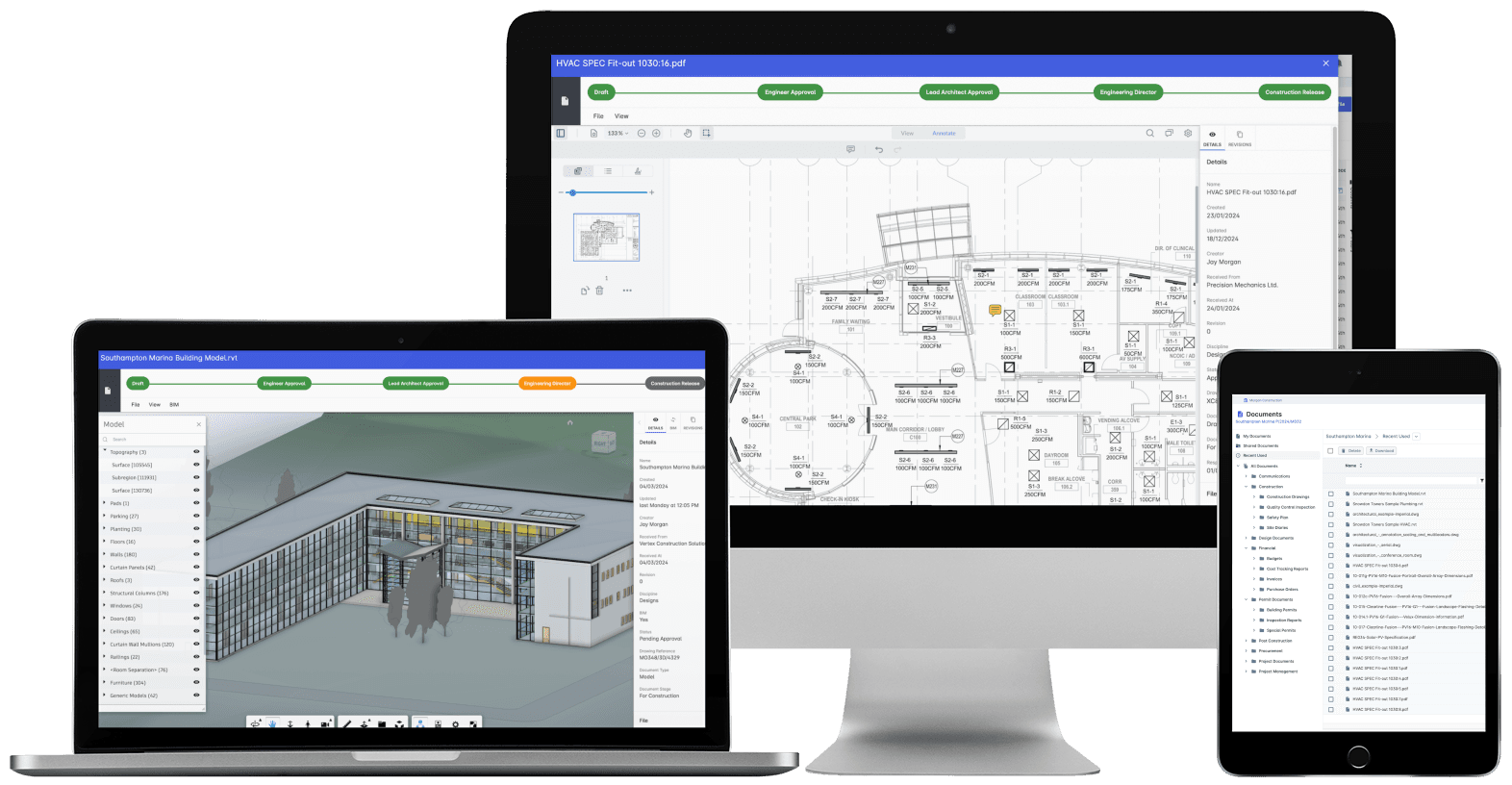
Construction Document Management
Nobody builds from a superseded drawing. Revision control, approvals and distribution with proof of who received what, when. The record that wins the dispute instead of losing it.
Explore Document ManagementRelated solutions
Construction Scheduling
The schedule connected to what it depends on: long-lead deliveries on the tasks they gate, crews planned across every live job, slippage shown with its cost.
Explore Scheduling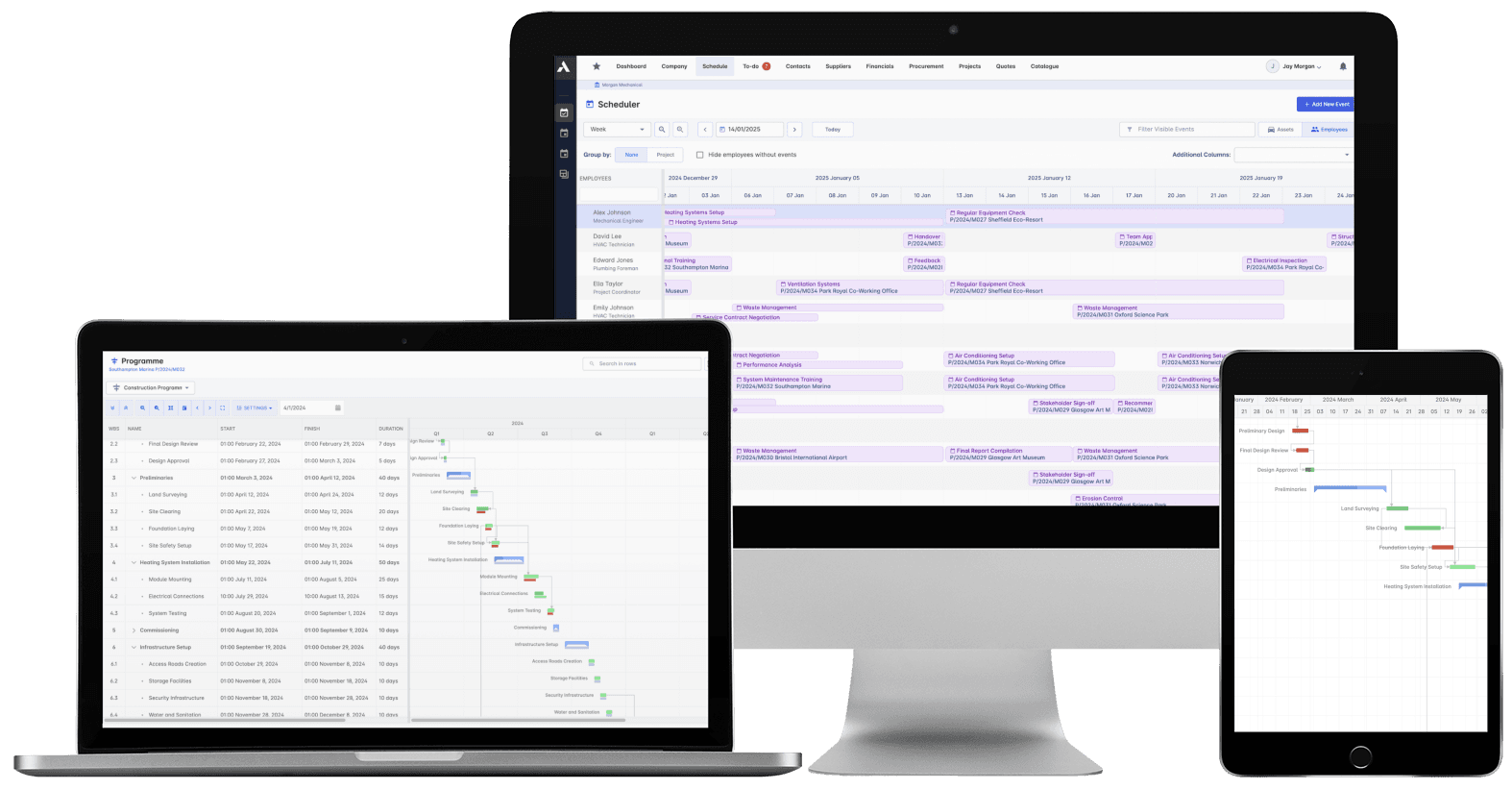
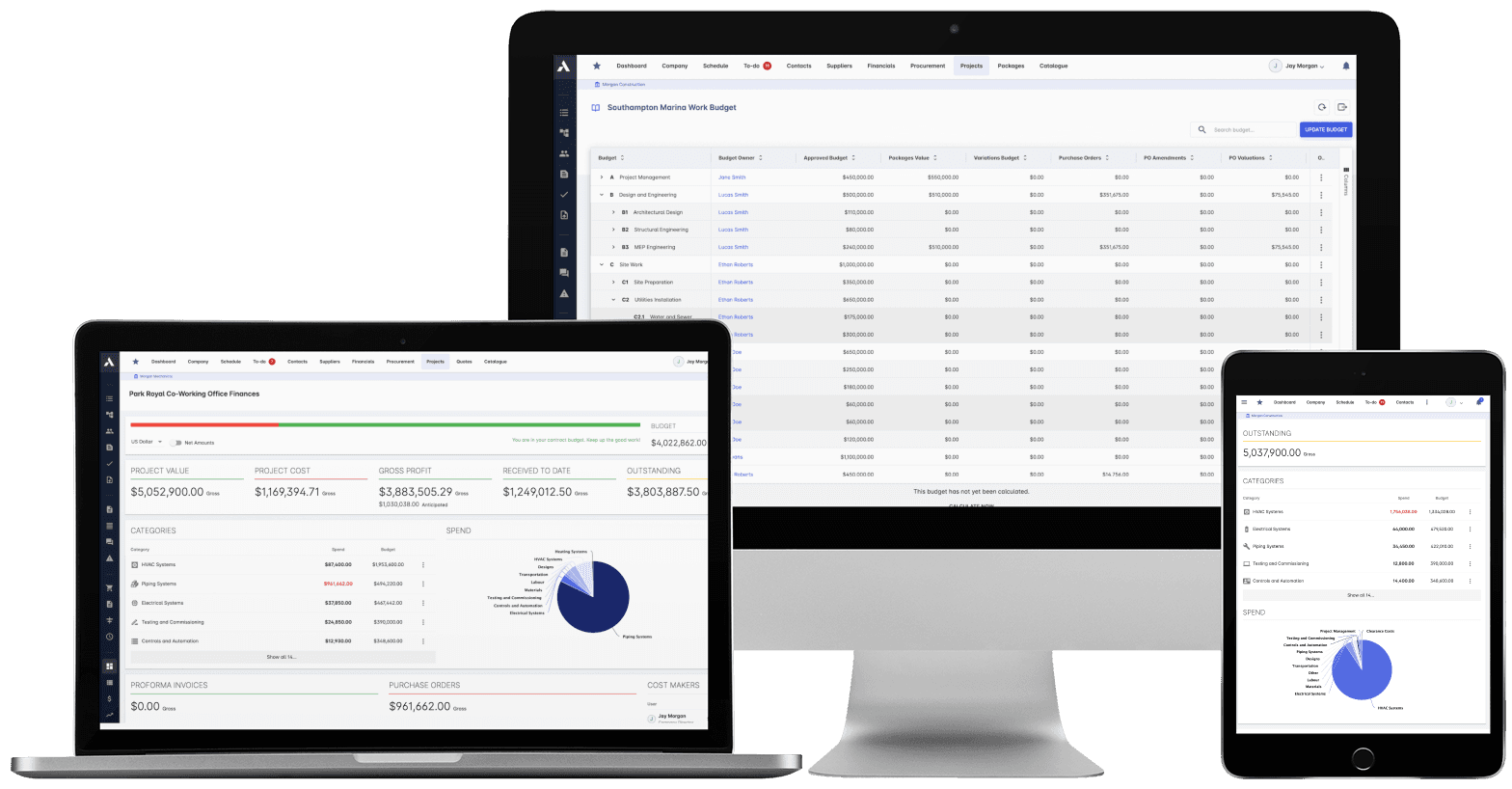
Construction Cost Controlling
Committed at the PO, earned as work is delivered, invoiced months later. See all three stages against every budget line, so variance is a decision you make, not a number you explain.
Explore Cost ControllingRelated solutions
Construction Financials
Certify subcontractor pay applications down, build client applications up, from the same records. Invoices, payment notices and retainage released on time, with the audit trail attached.
Explore FinancialsRelated solutions
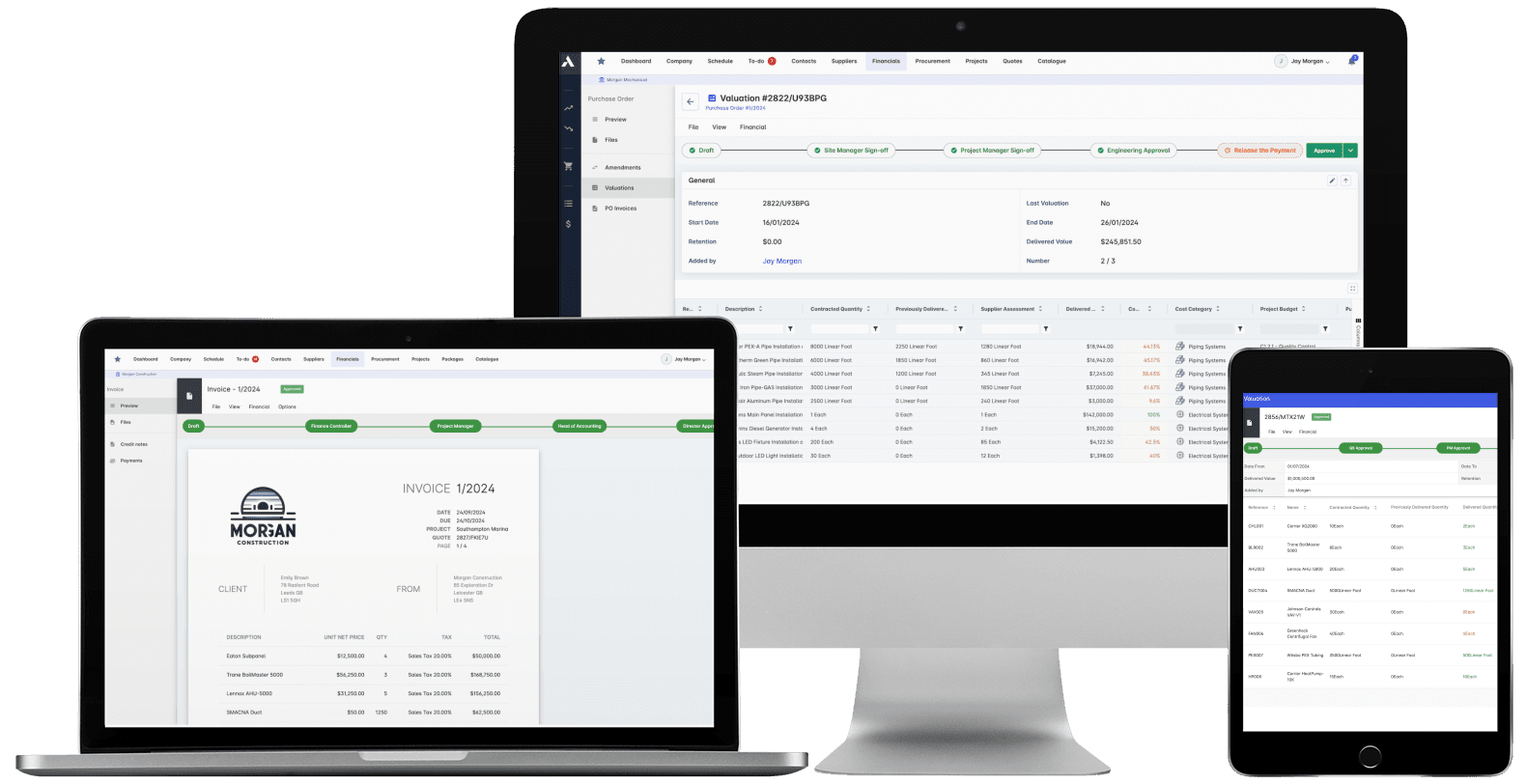
Construction Live Data
Every project's position, live, from the data that ran the work. Cost, schedule and cash agree with each other because they're the same records. There's nothing to assemble and nothing to reconcile.
Explore Live Data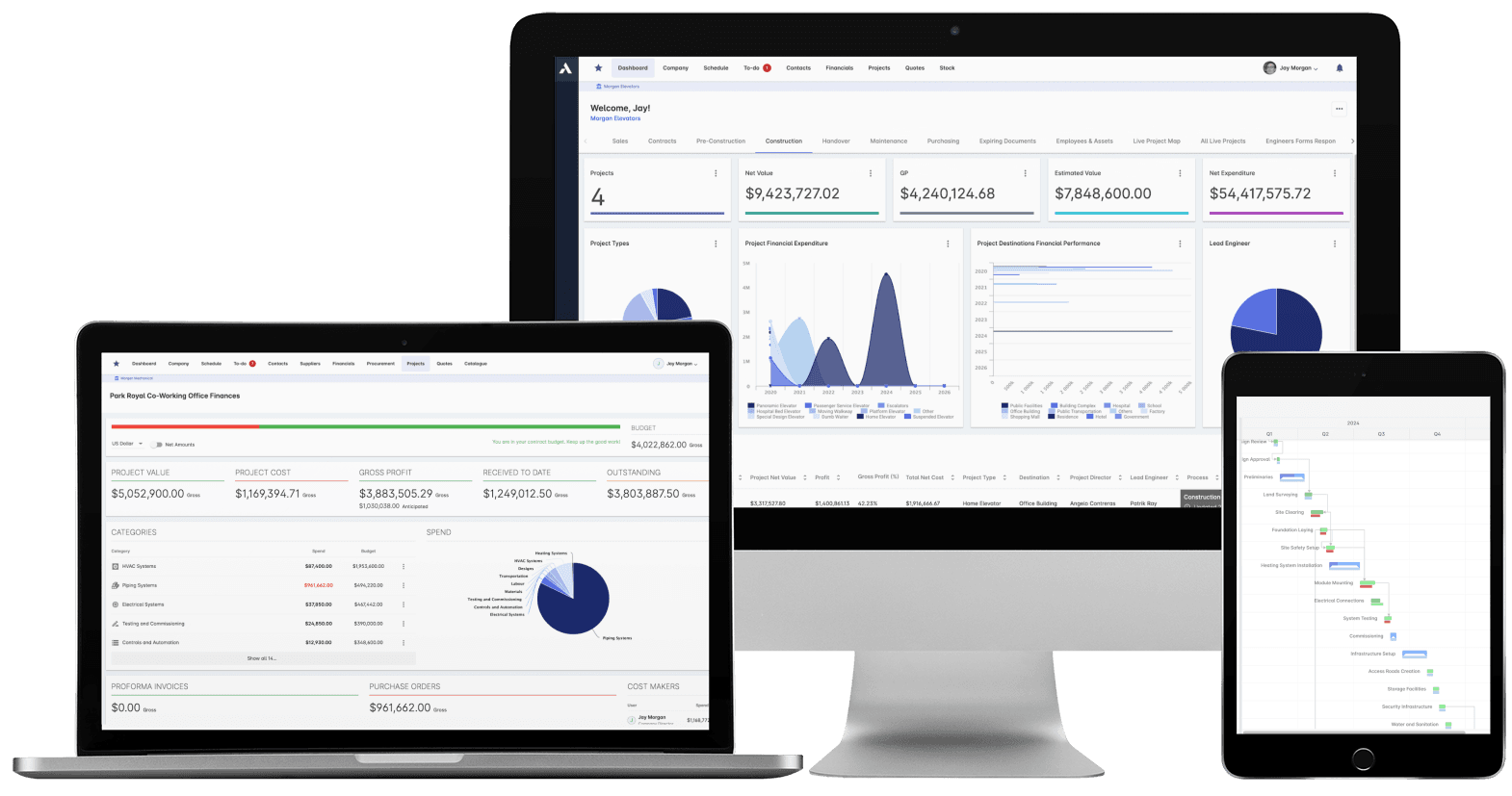
See your next project on Archdesk
Book a demo and walk through a fully worked example project: one platform running everything from winning the work to closing it out.
Book a Demo