The rest find out what the shutdown really cost when the invoices land.
One system for every project on the asset: budgets and approvals, contractor management, long-lead procurement, records from the field, HSE documentation. You can see where every upgrade, tie-in and turnaround stands, every day, from approval to closeout.
Trusted by construction companies of every size, worldwide
Built for how work on live assets actually gets delivered
You fix the shutdown window months in advance. Then the scope grows, the contractors multiply and every day of overrun costs more than the project.
Every scope, every contractor, one plan
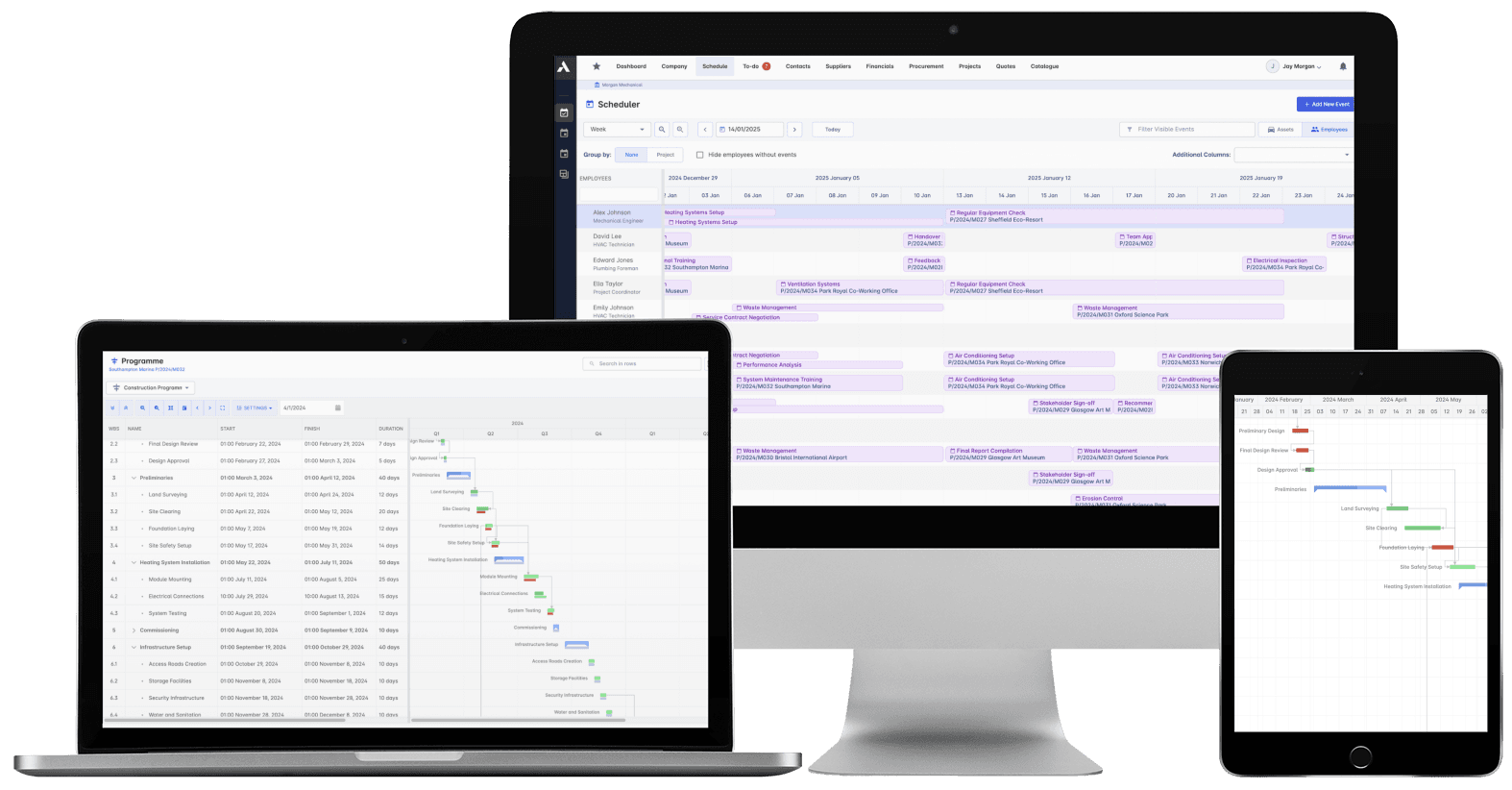
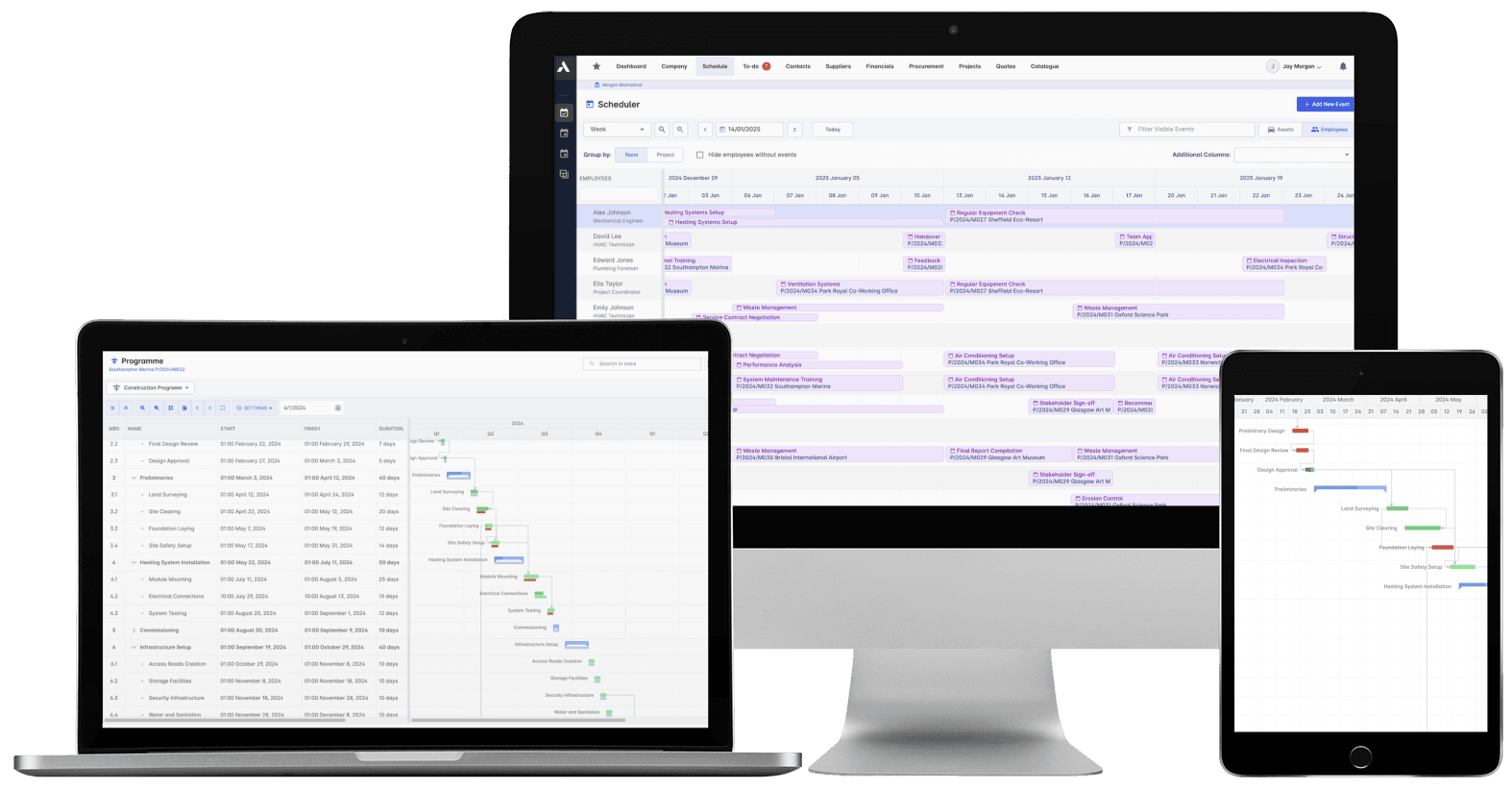
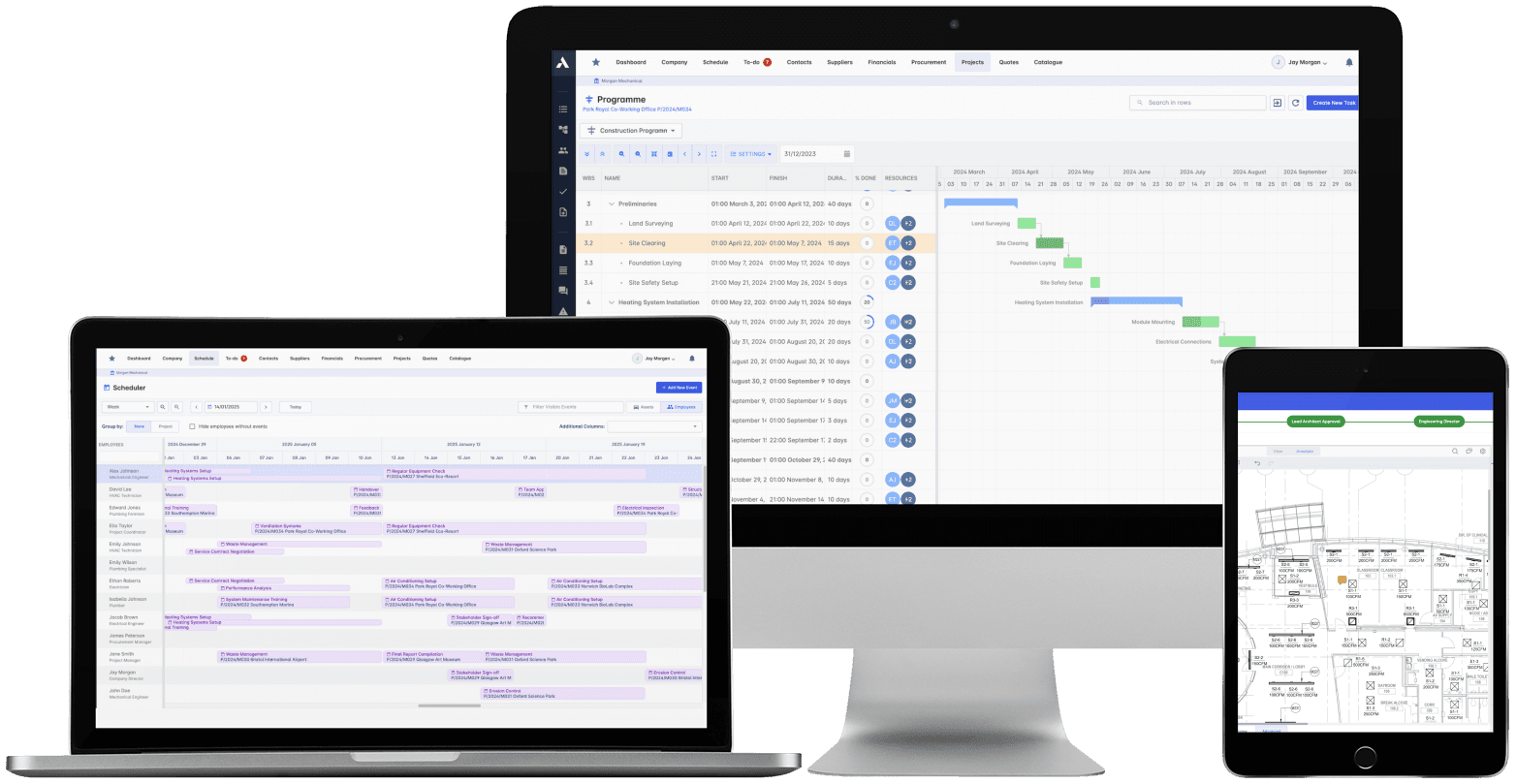
Upgrades, tie-ins and turnaround scopes sit in one schedule against the windows that matter. Progress lands from the field daily, so slippage shows up while the shutdown is still weeks away, not when the plant should be starting up.
Committed cost, visible the day it is committed
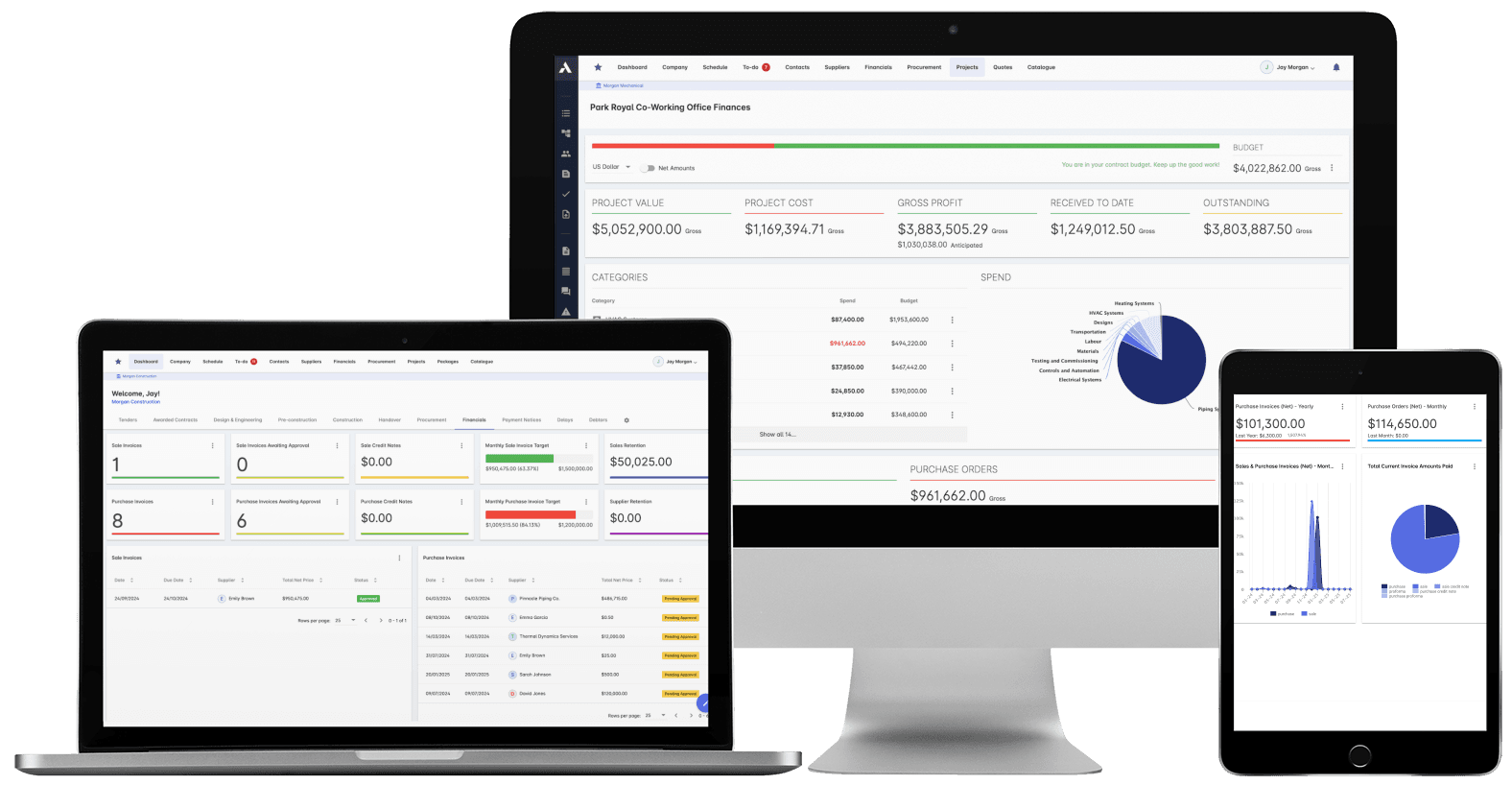
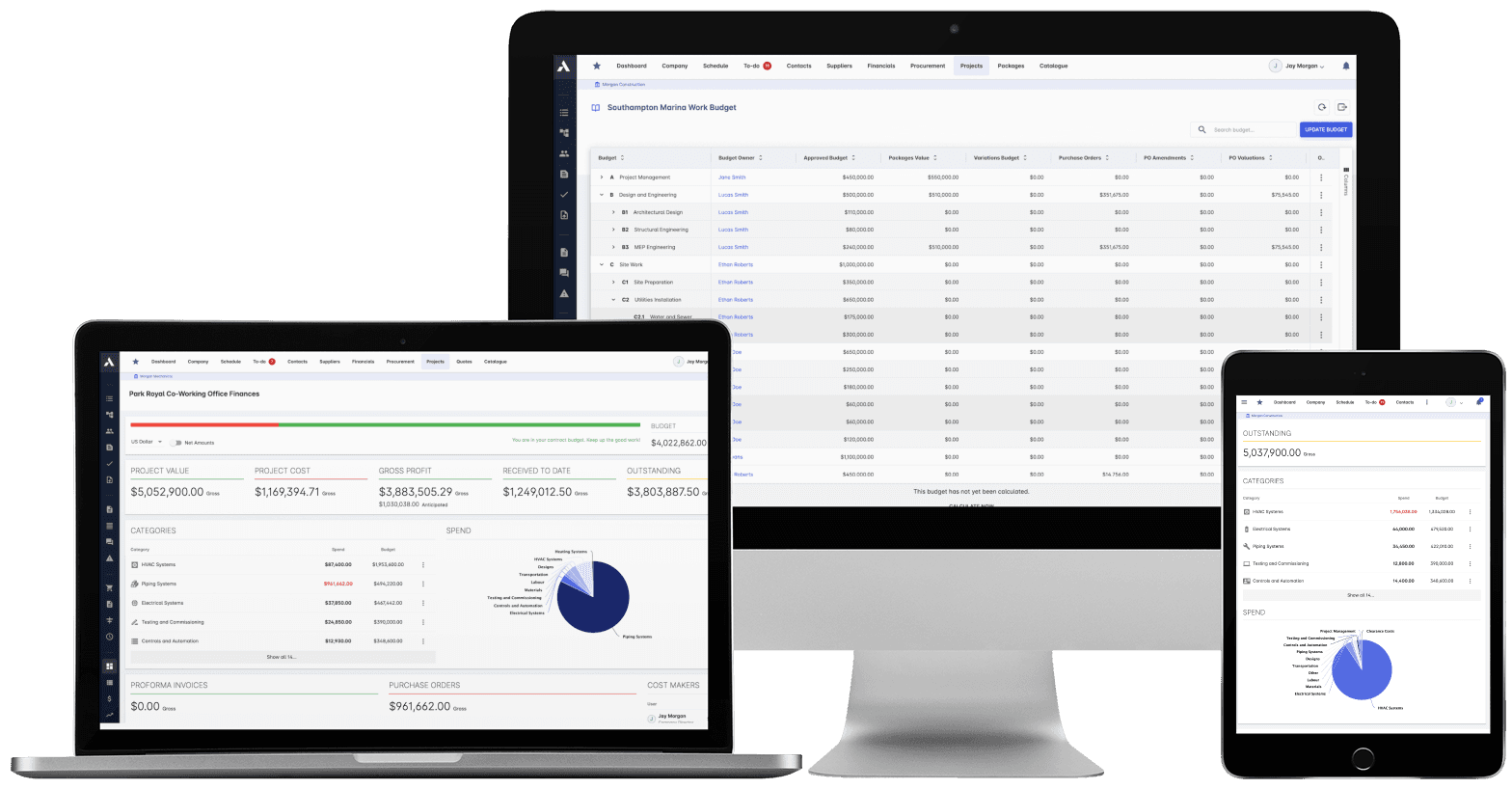
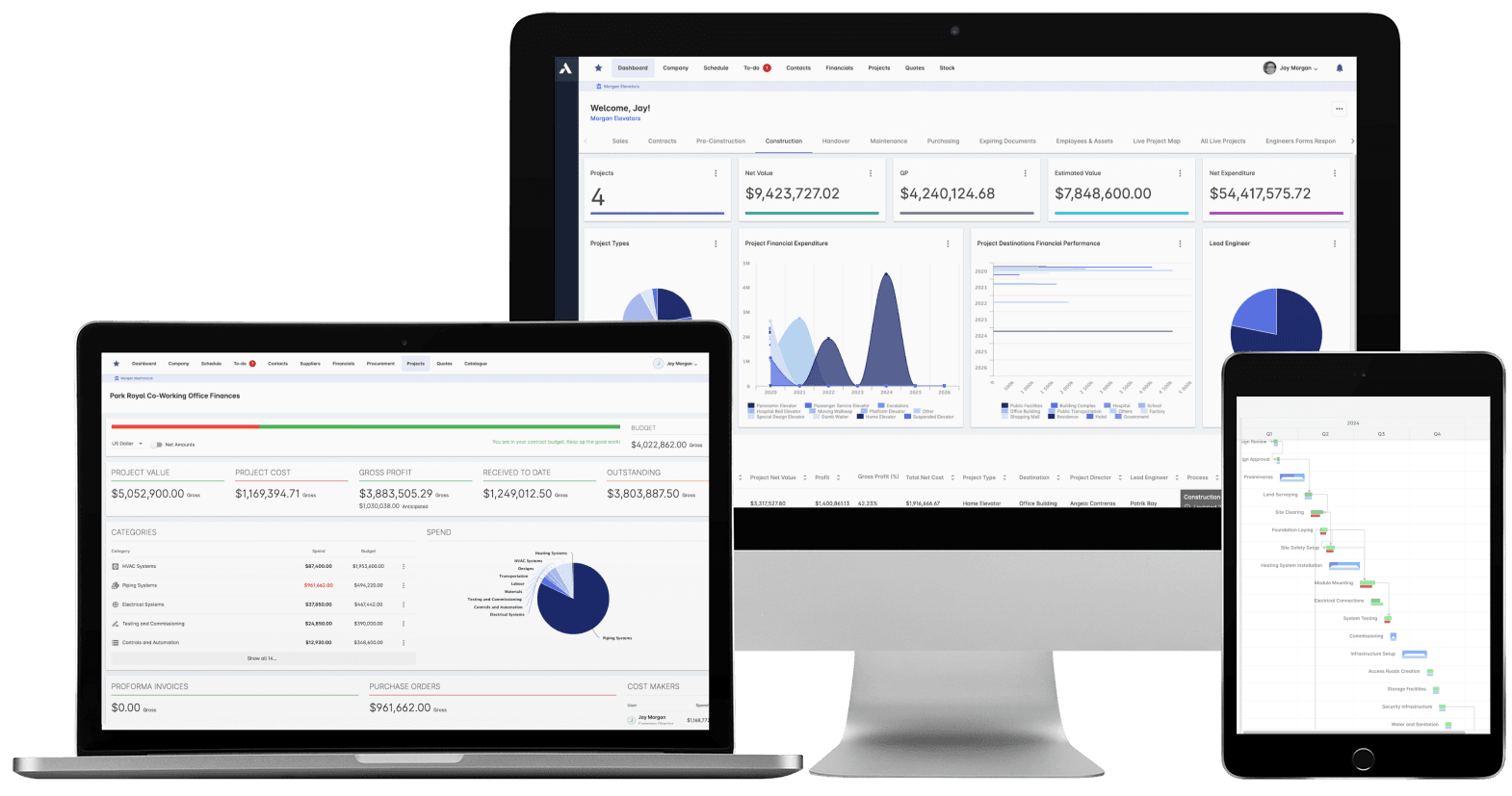
Contractor call-offs and long-lead equipment hit the project as committed cost the moment they are raised. Forecast final cost rolls up from scope to program, so you see which projects are drifting while there is still time to act, not when the invoices land.
Evidence that survives the audit
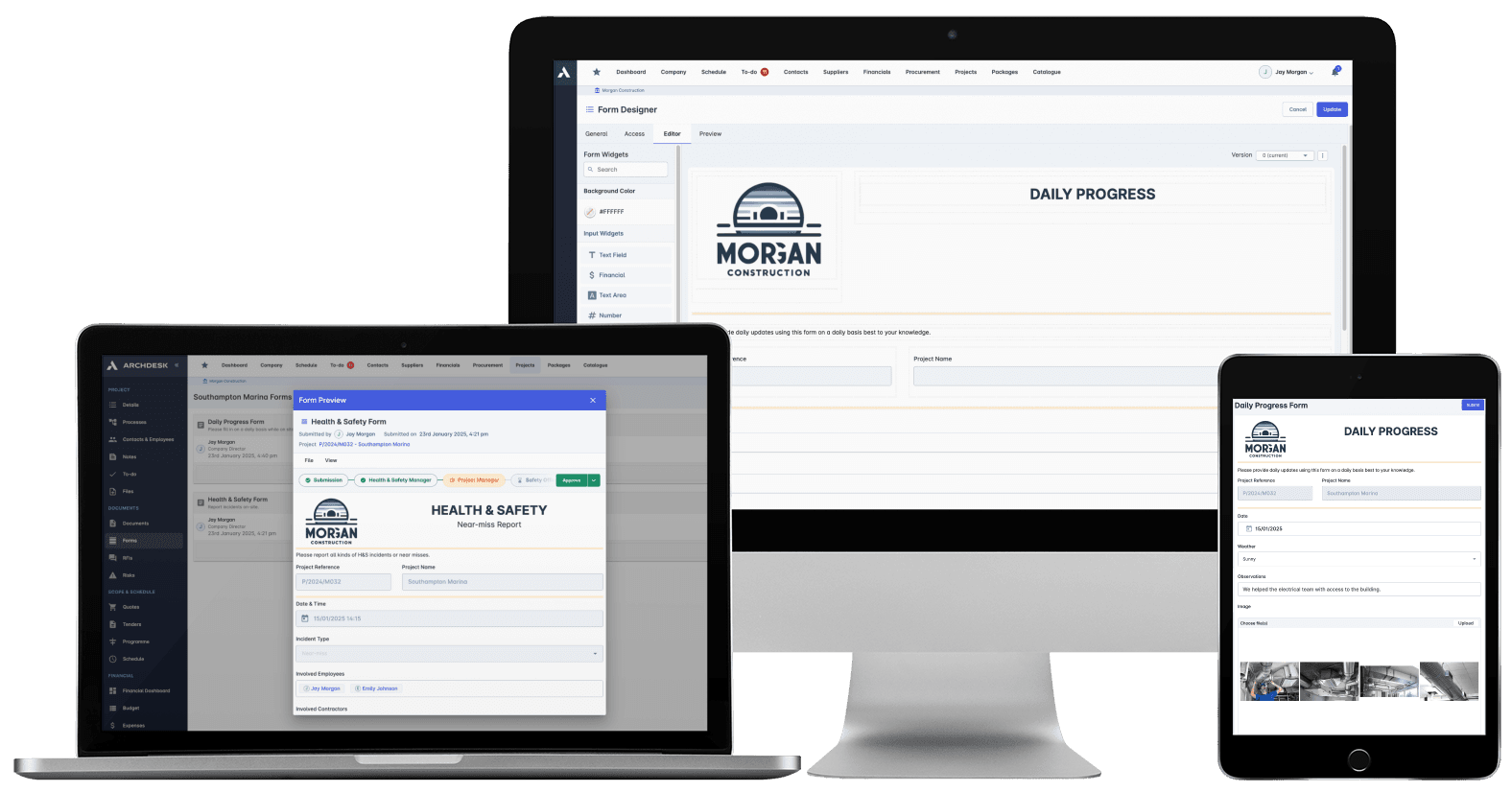
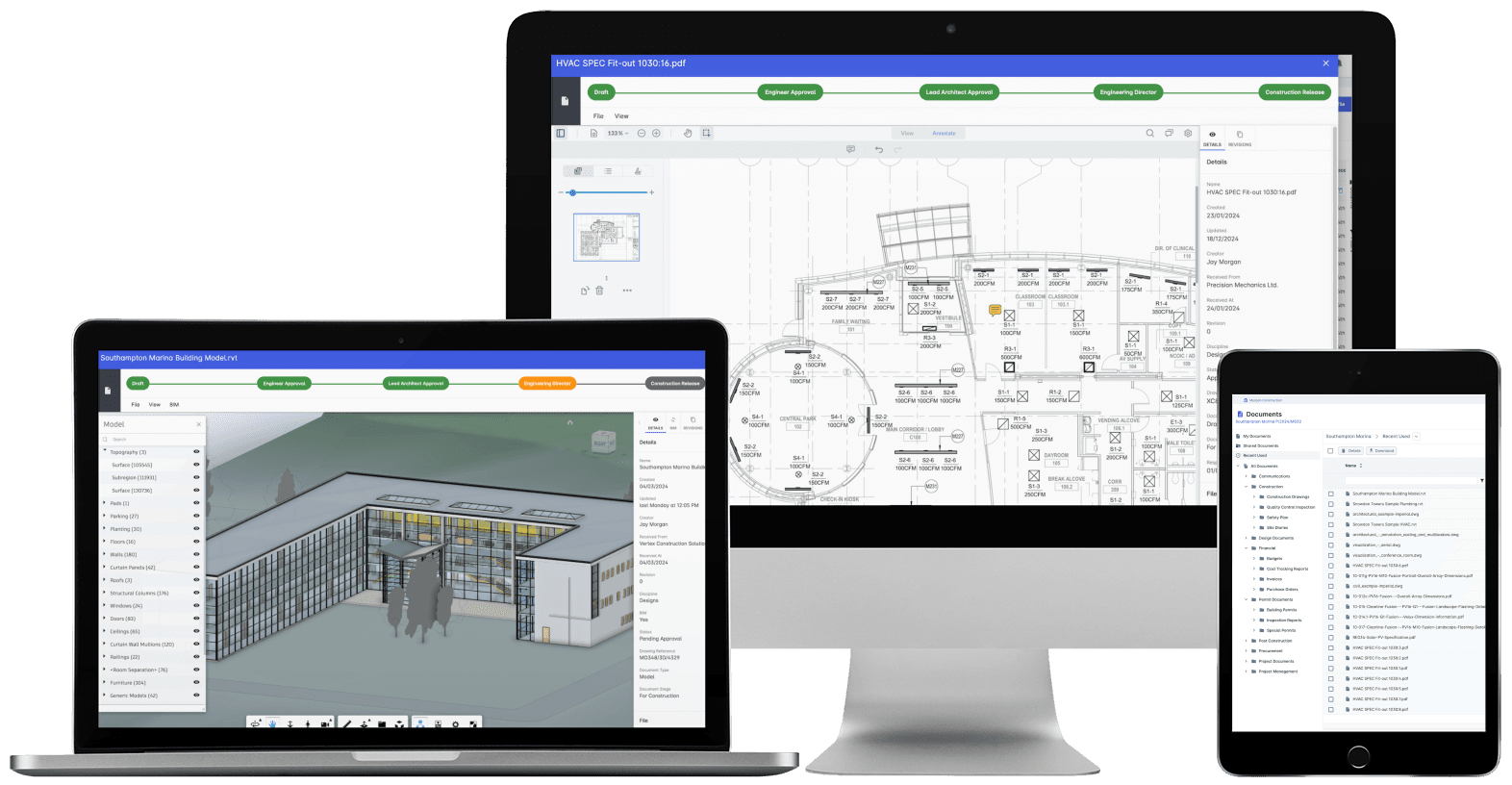
Inductions, inspections, test records and photo evidence land against each asset from the field, daily. The documentation your HSE team and your auditors will ask for builds as the work happens, not in the week before they arrive.
One system for the whole asset
Archdesk is built for oil and gas owners and operators delivering brownfield upgrades, tie-ins, turnaround scopes, storage and terminal projects, and decommissioning across operating facilities, whether delivery runs through EPC partners, framework contractors or internal teams. Program managers, project engineers, cost controllers and finance work from the same records, so every scope runs against an approved budget, every order lands as committed cost the day it is raised, and the record of the work stays with the asset.
Working with delivery partners on your projects? Archdesk also serves:
Work on a live plant runs on records. Inductions, inspections and HSE forms are completed in the field and land against the project, so the evidence is there when the audit comes, not scattered across contractors' systems.
One system from approval to closeout
The budget you approved and the cost you close out with are the same record. Every stage in between writes to it.
1
Plan & approve
The scope defined, budgeted and approved, with the assumptions behind the number on the record.
2
Engineering & permits
Engineering deliverables and permits tracked against the dates that gate work on a live asset.
3
Bid & appoint
Work packaged and put out to bid to EPC partners and framework contractors, and the appointed price becomes the budget.
4
Long-lead procurement
Vessels, compressors and made-to-order equipment committed the day they are ordered, deliveries tracked against the windows they gate.
5
Execution & turnaround
Hours, progress and field records land daily against the plan, with emergent work priced and approved before it is done.
6
Handover & closeout
As-builts, test certificates and inspection records filed against the asset, final cost known, and the record kept for the life of the plant.
Solutions for a Modern Operator
Construction Job Costing
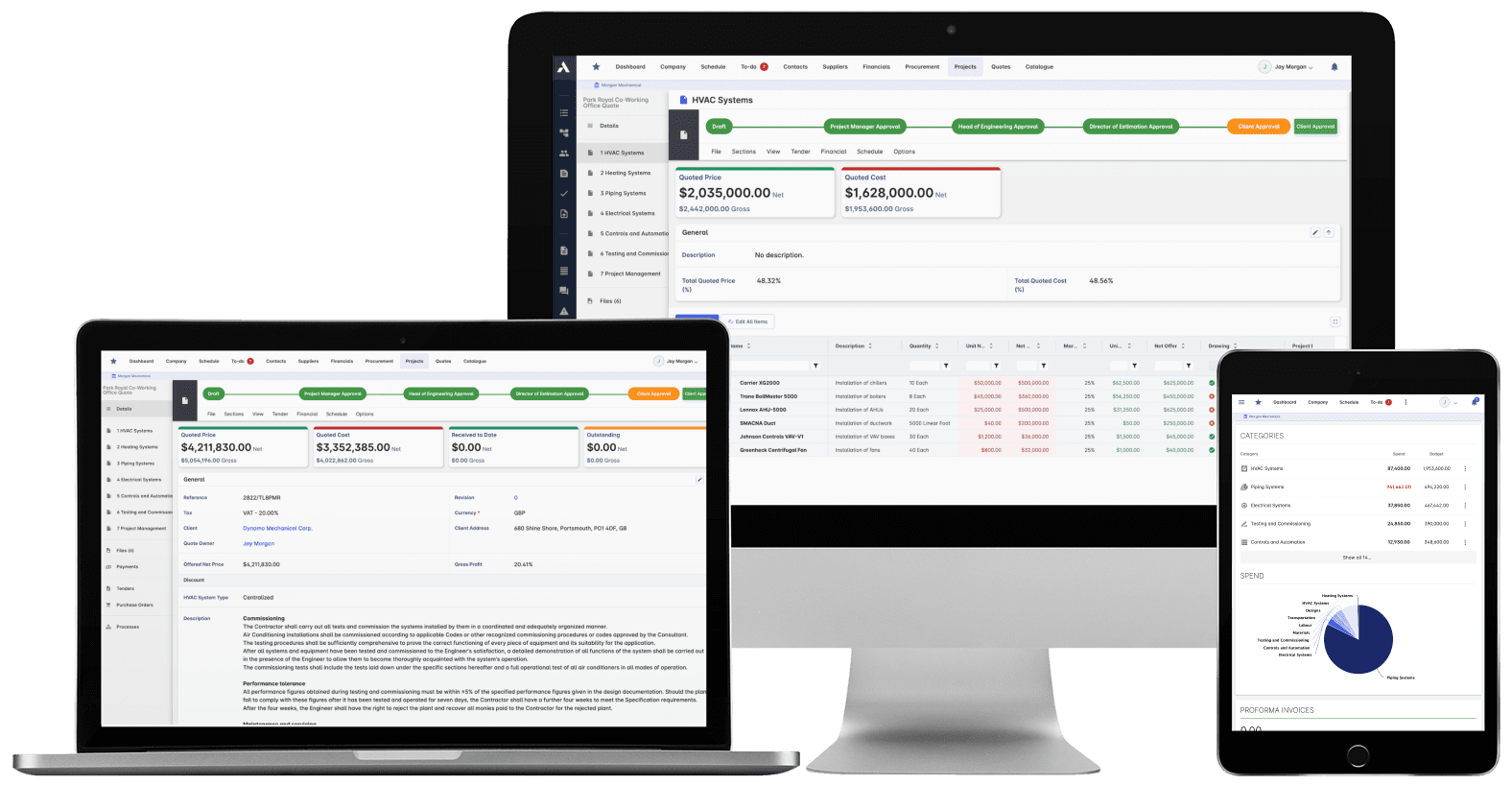
What you priced is what you track. The winning estimate becomes the budget, actuals land against it line by line, and what jobs really cost feeds the next bid.
The schedule connected to what it depends on: long-lead deliveries on the tasks they gate, crews planned across every live job, slippage shown with its cost.
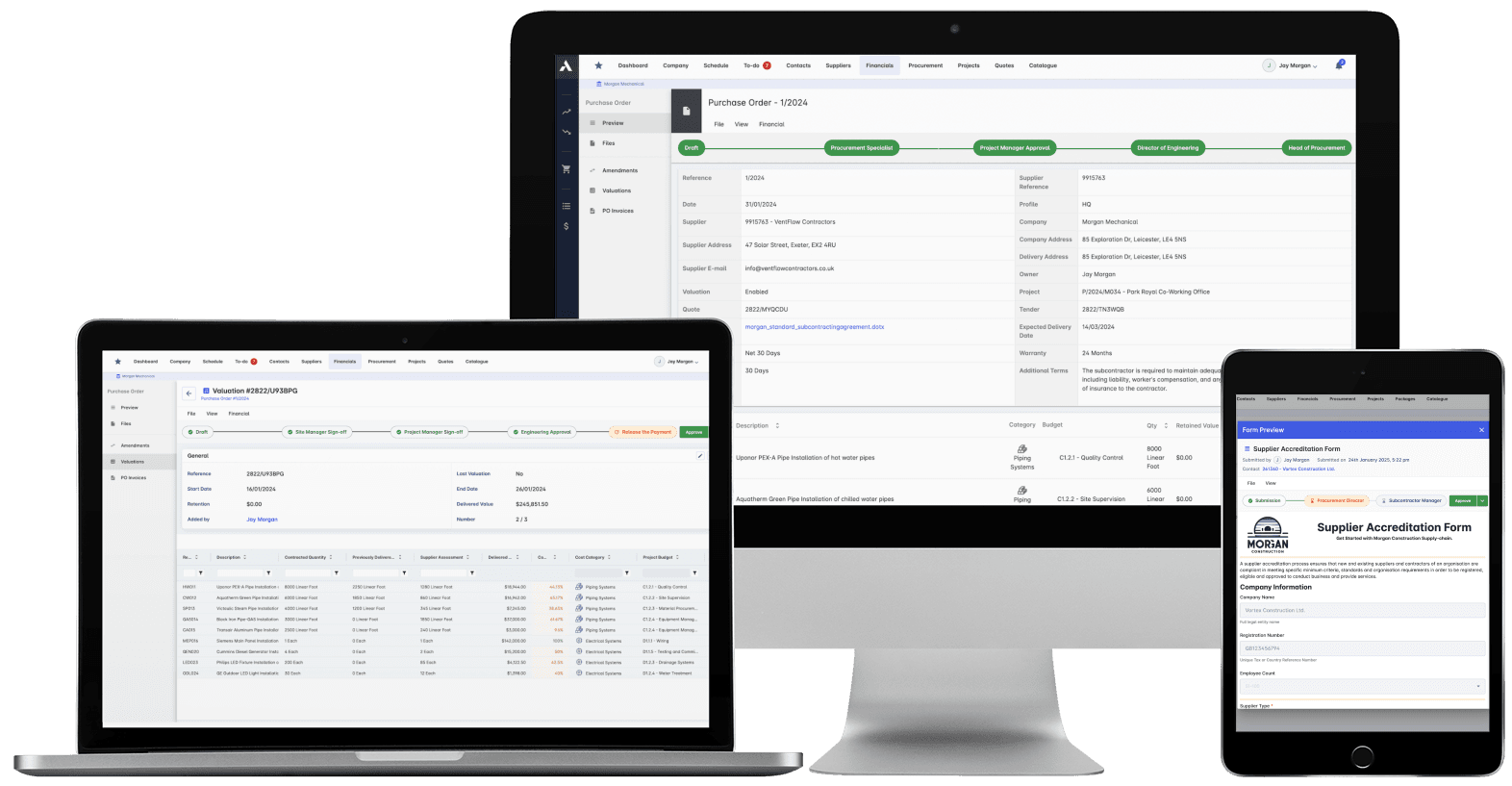
Buy-out without the gaps: RFQs from your BOQ lines, bids back comparable, exclusions visible before award. Then every PO and subcontract lands on the budget the moment it's raised.
Committed at the PO, earned as work is delivered, invoiced months later. See all three stages against every budget line, so variance is a decision you make, not a number you explain.
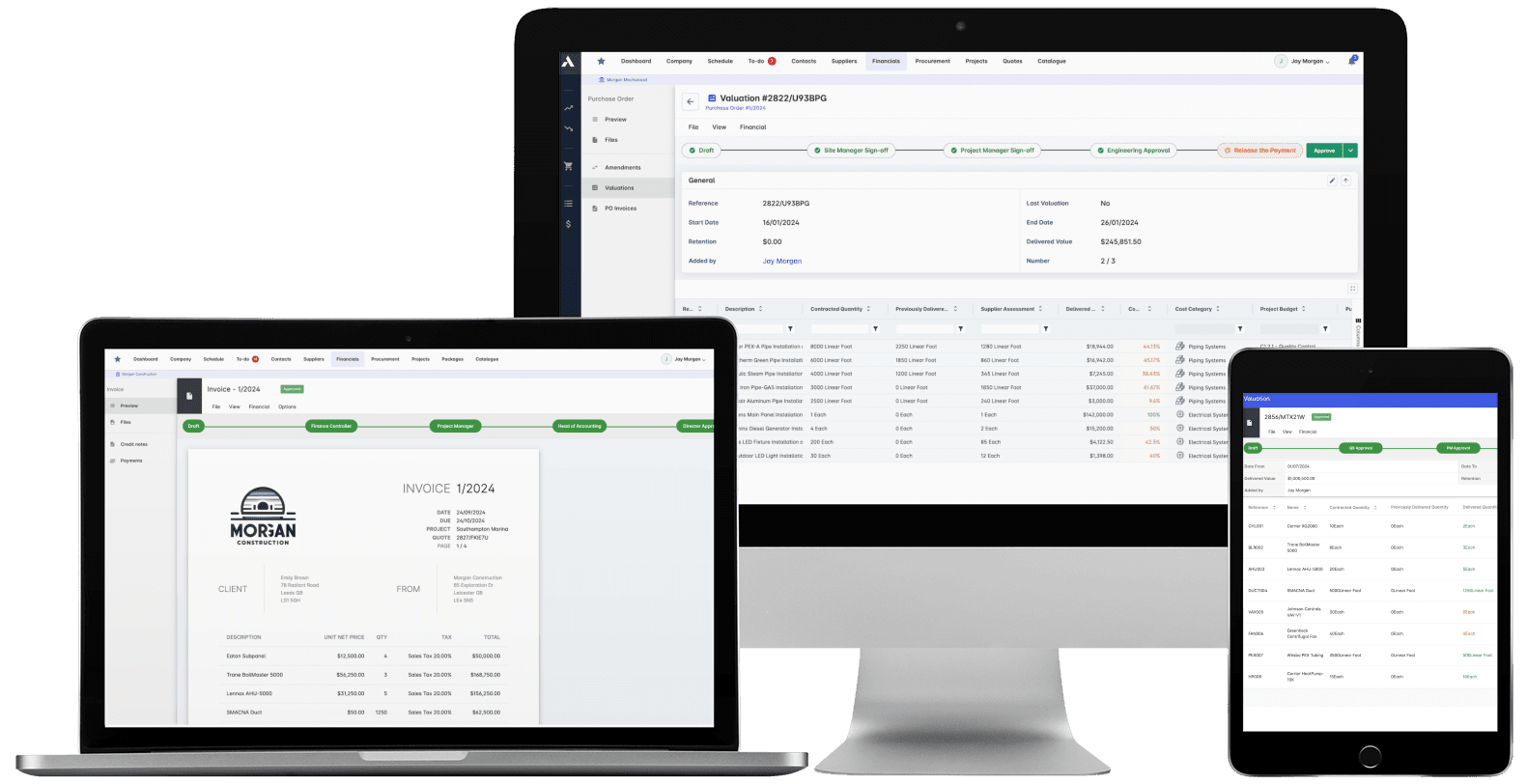
Certify subcontractor pay applications down, build client applications up, from the same records. Invoices, payment notices and retainage released on time, with the audit trail attached.
The schedule, the progress and the money in one system. When a task slips you see what it costs, and when scope changes you see what it does to the schedule. 'On track' means the Gantt chart and the bank account.
Nobody builds from a superseded drawing. Revision control, approvals and distribution with proof of who received what, when. The record that wins the dispute instead of losing it.
Every project's position, live, from the data that ran the work. Cost, schedule and cash agree with each other because they're the same records. There's nothing to assemble and nothing to reconcile.
What does Archdesk help oil and gas owners manage?
Archdesk helps oil and gas owners and operators manage capital projects and turnarounds across operating assets: budgets and approvals, project and turnaround scheduling, contractor management, long-lead procurement, field records, HSE documentation, and forecasts, in one connected platform.
Who is Archdesk for in oil and gas?
Owners and operators of processing plants, terminals, storage and distribution infrastructure who fund and deliver brownfield capital works, whether delivery runs through EPC partners, framework contractors or internal engineering teams.
Can Archdesk run many concurrent projects and scopes?
Yes. Archdesk is built for programs, not single projects. Each scope carries its own budget, schedule and records, and everything rolls up to program dashboards, so you see the whole portfolio and can still drill into any one job.
How does budget and forecast control work?
Every project runs against an approved budget. Contractor appointments, equipment orders and fees hit it as committed cost the moment they are raised, and forecast final cost rolls up from scope to program, so you see which projects are drifting while there is still time to act.
How does Archdesk help with turnarounds and shutdowns?
Turnaround scopes sit in one schedule against a window that does not move. Progress and hours land from the field daily, so slippage shows up while the shutdown is still weeks away, and emergent work is priced and approved as change orders instead of surfacing in the final invoices.
How does Archdesk handle EPC and framework contractors?
You put work packages out to bid and appoint, certify contractor pay applications against recorded progress, and track retainage through to release. Every contractor reports in the same shape, and their cost and delivery record builds across the projects they work on.
How does Archdesk handle long-lead equipment?
Vessels, compressors, valves and other made-to-order equipment hit the project budget as committed cost the day the order is raised, and deliveries are tracked against the windows they gate. A slipping factory date shows up months early, not when the shutdown starts.
Can field teams and contractors report from site?
Yes. Field teams complete inductions, inspections and HSE forms, log progress and capture photo evidence from their phones, and contractors submit progress against the same structures. What is recorded lands against the project in real time, so the program view is built from the field, not from monthly returns.
Does the record stay with the asset after closeout?
Yes. As-built documentation, test certificates and inspection records live against each asset, not in a project folder that goes cold at closeout. When the next turnaround, upgrade or audit comes, the history is there.
Does Archdesk integrate with accounting software?
Yes. Archdesk integrates with Xero (as a certified partner), Sage, QuickBooks and other accounting systems, so commitments, invoices and payments flow between the projects team and finance without re-keying.
See a capital project run end to end
In the demo we walk you through a fully worked project in Archdesk, from budget approval, through execution on the asset, to handover and closeout. Book a demo and see.





























-377x320.webp&w=3840&q=75&dpl=dpl_ZEjiaZKcFRjdDYmgXMkKRCmP4Cky)
-377x320.webp&w=3840&q=75&dpl=dpl_ZEjiaZKcFRjdDYmgXMkKRCmP4Cky)


