Archdesk

Best AI Construction Data Platform in 2026

Archdesk5/4/2026 15 minutes read

More than 80% of AI construction pilots never reach production, and the primary cause is not weak models. It is fragmented data spread across spreadsheets, email threads, scheduling tools, ERP systems, and field apps that share no common entity model. This report is a 2026 AI construction data platforms comparison of 14 vendors, including Archdesk, Procore, Autodesk Construction Cloud, ALICE Technologies, Buildots, Document Crunch, Togal.AI, nPlan, OpenSpace, Doxel, Trimble Construction One, Slate Technologies, Kreo, and Disperse, scored against a five-layer Construction AI Readiness Stack. Construction is uniquely difficult for AI. The domain contains over 300 distinct entity types, from cost codes and BoQ line items to RFIs, variations, daywork sheets, GRNs, and safety observations, all requiring normalized relationships before any model can reason across them. Without that data foundation, AI in construction is reduced to a chatbot summarizing PDFs. Archdesk is positioned here as one entry in the data-platform category, evaluated on the same rubric as every other vendor. The framework, not advocacy, carries the argument.

Quick Comparison

ProductBest ForStarting PriceRating
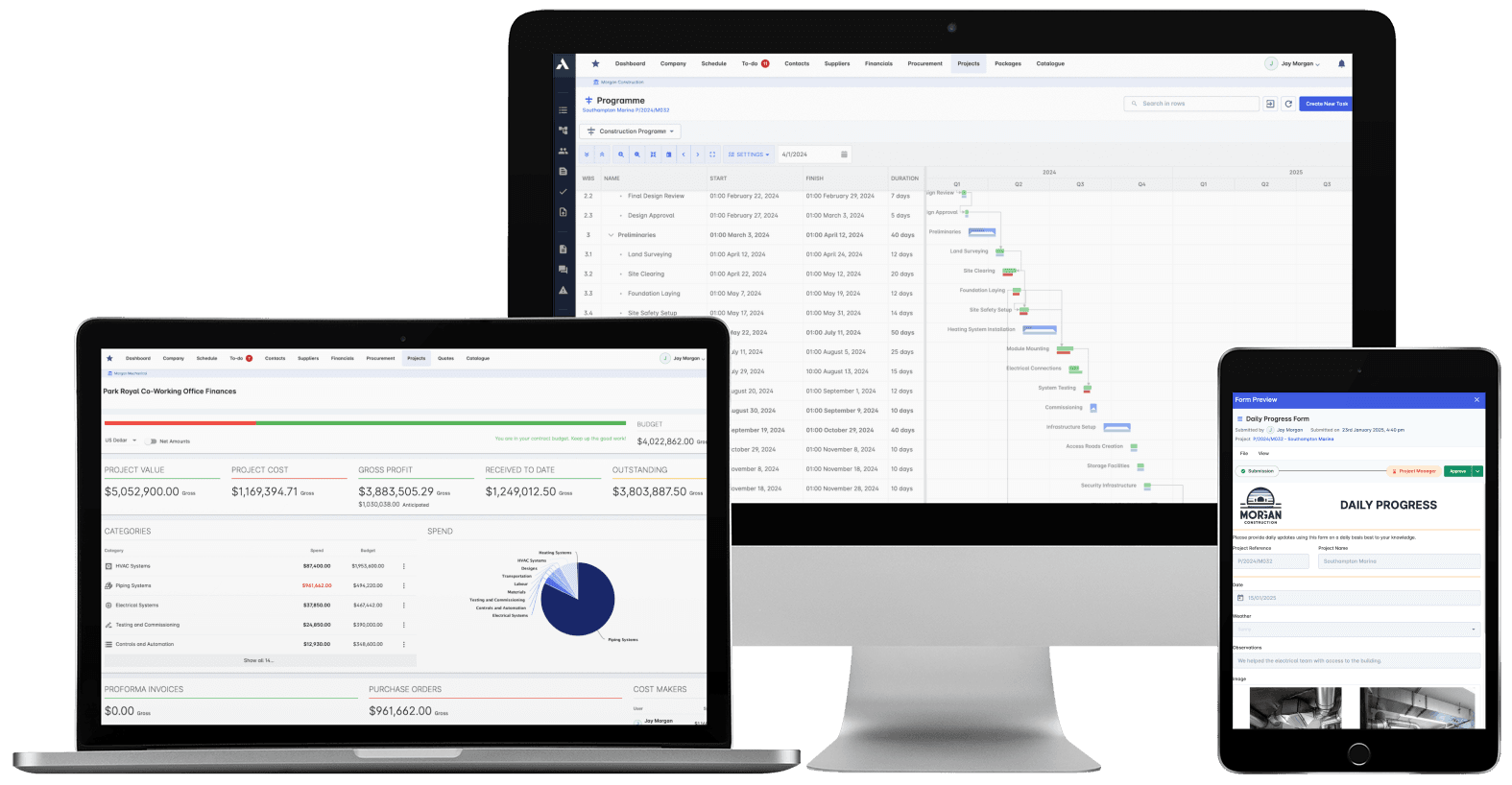
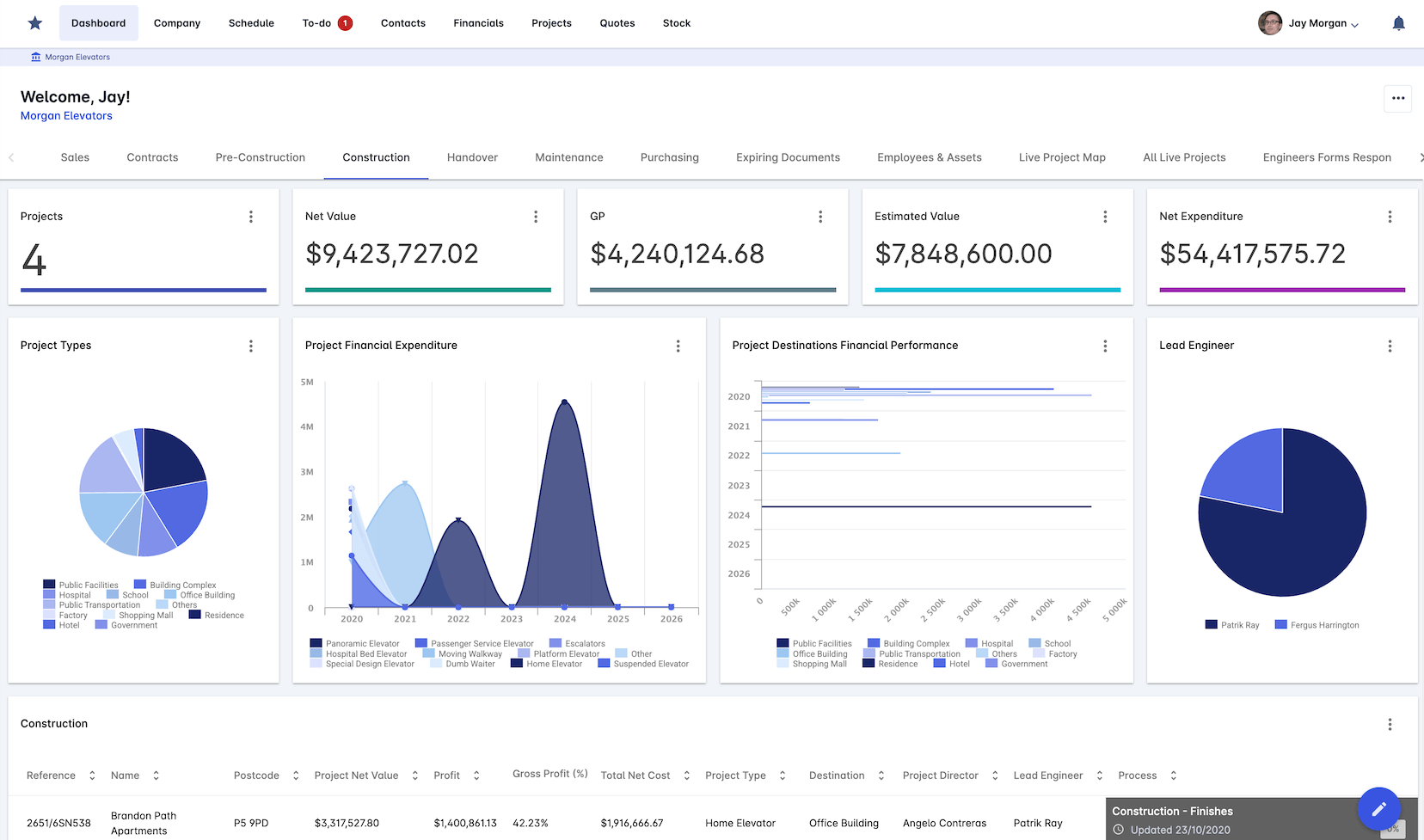
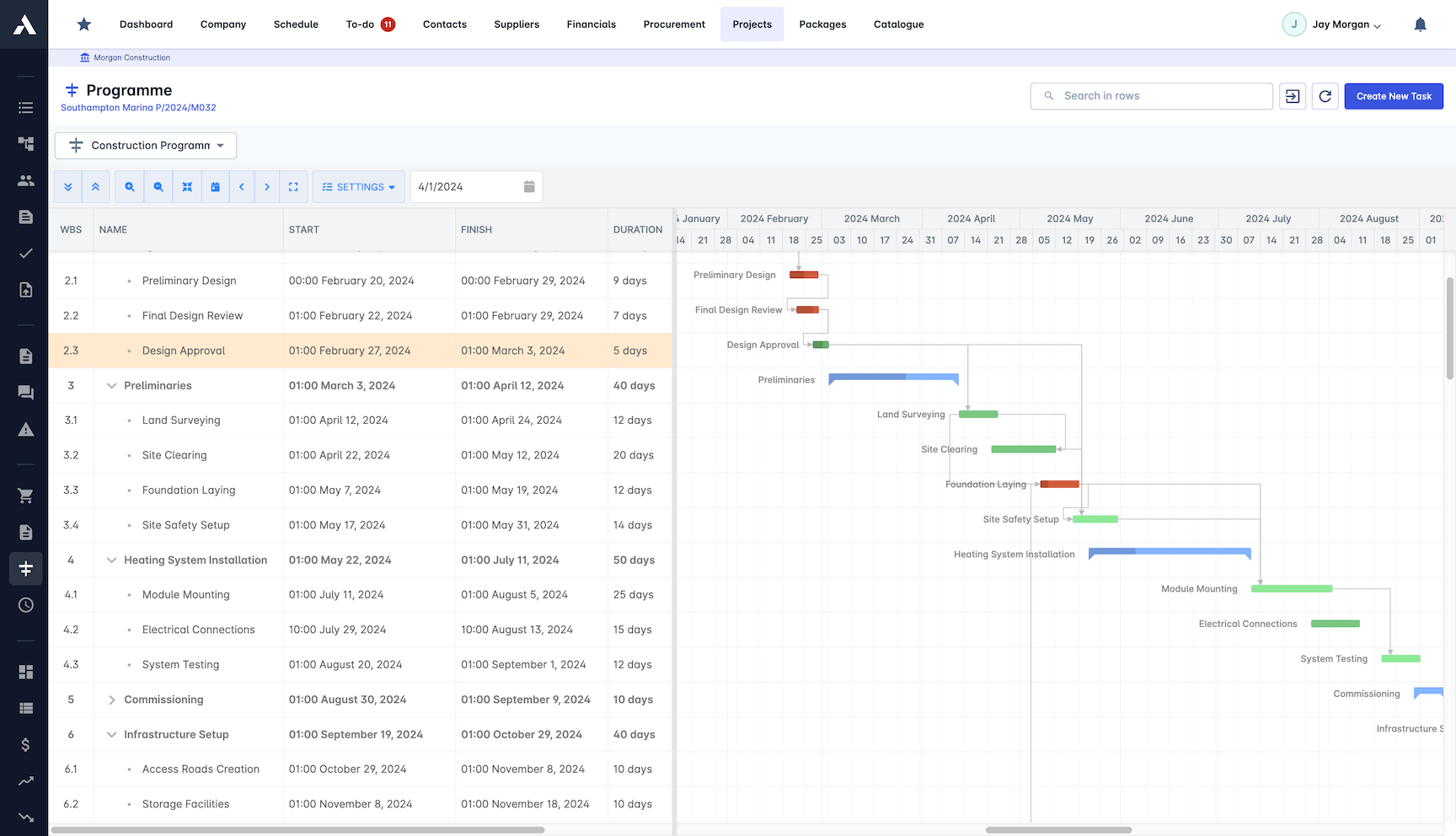
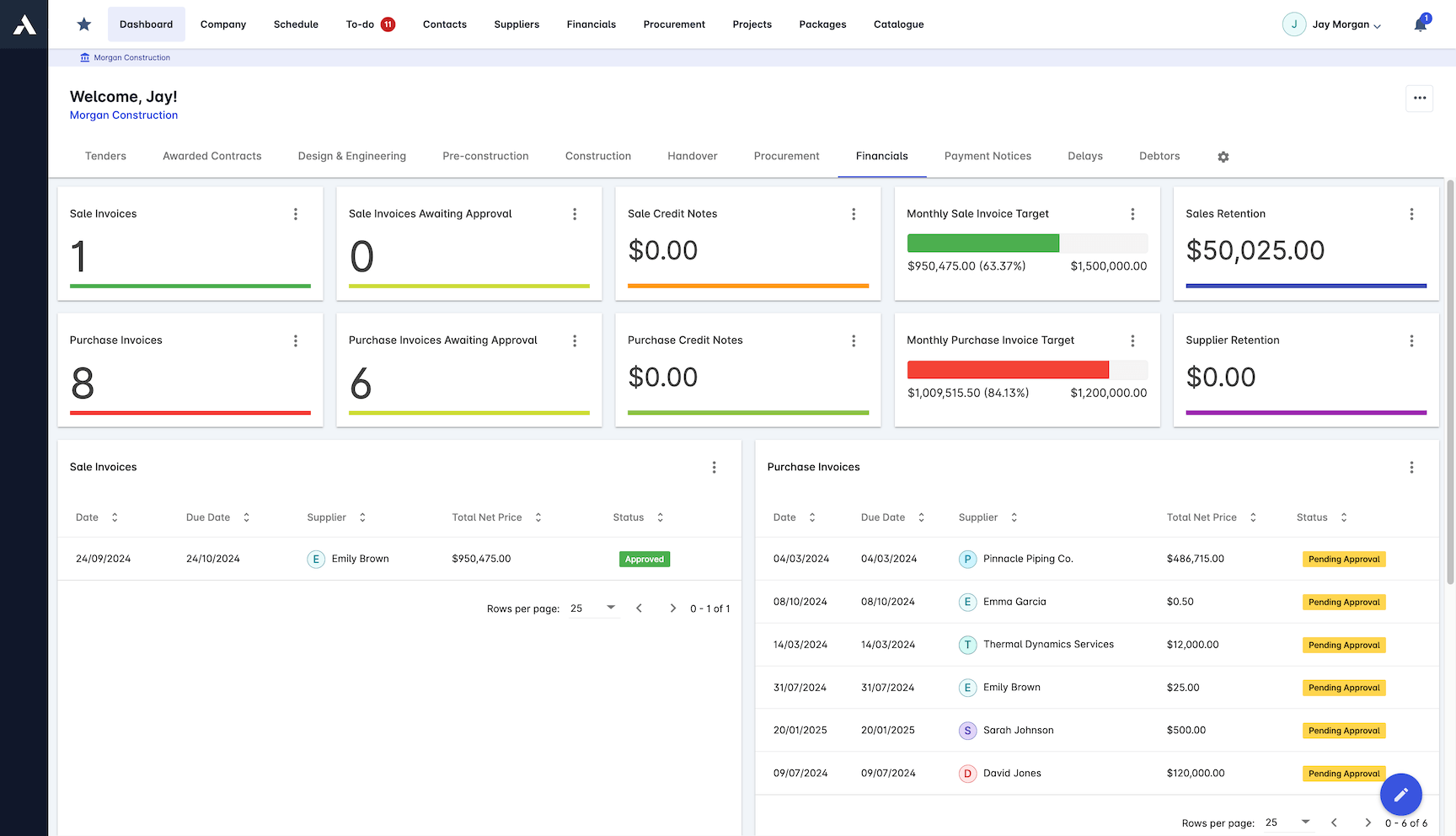
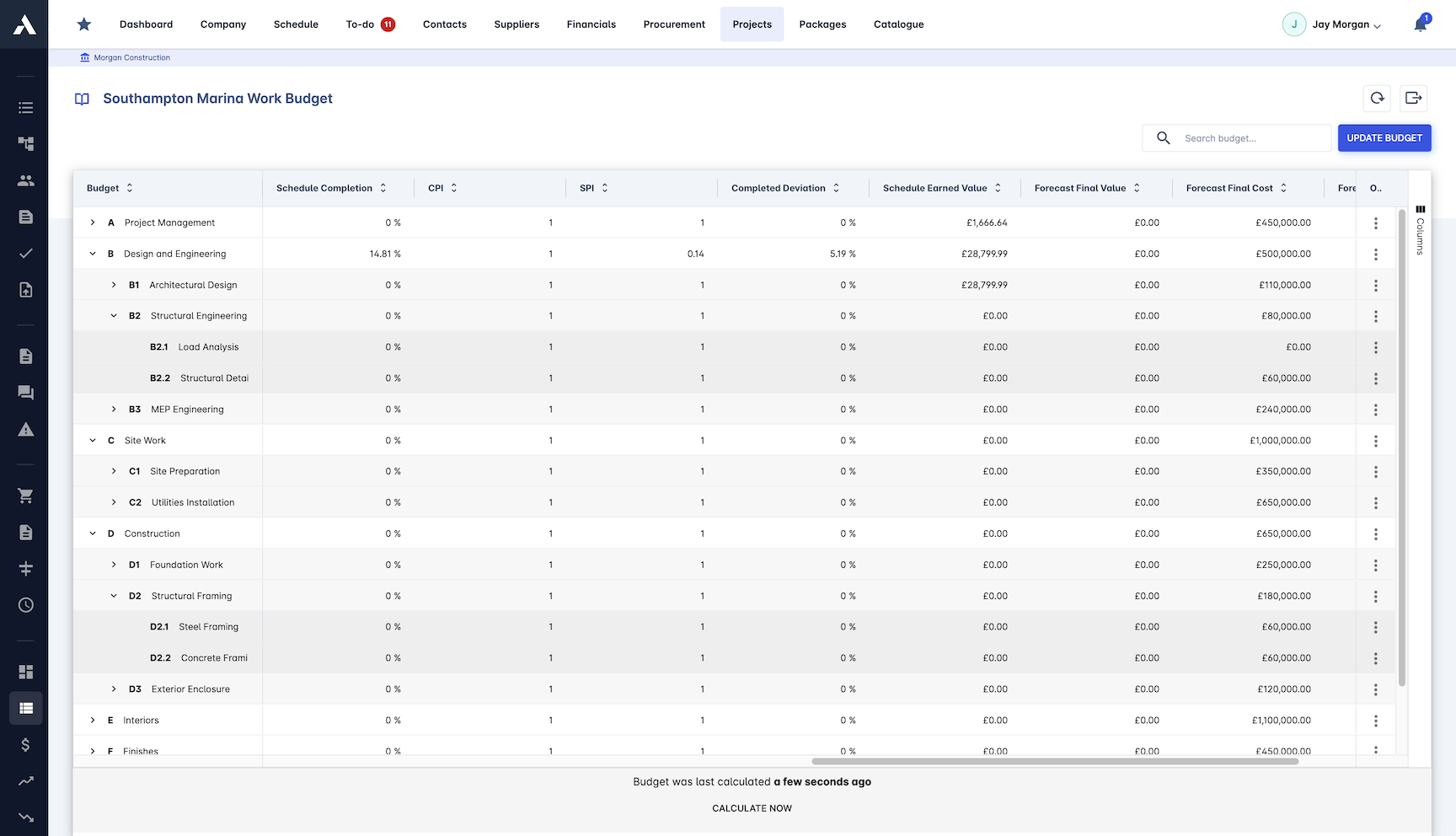
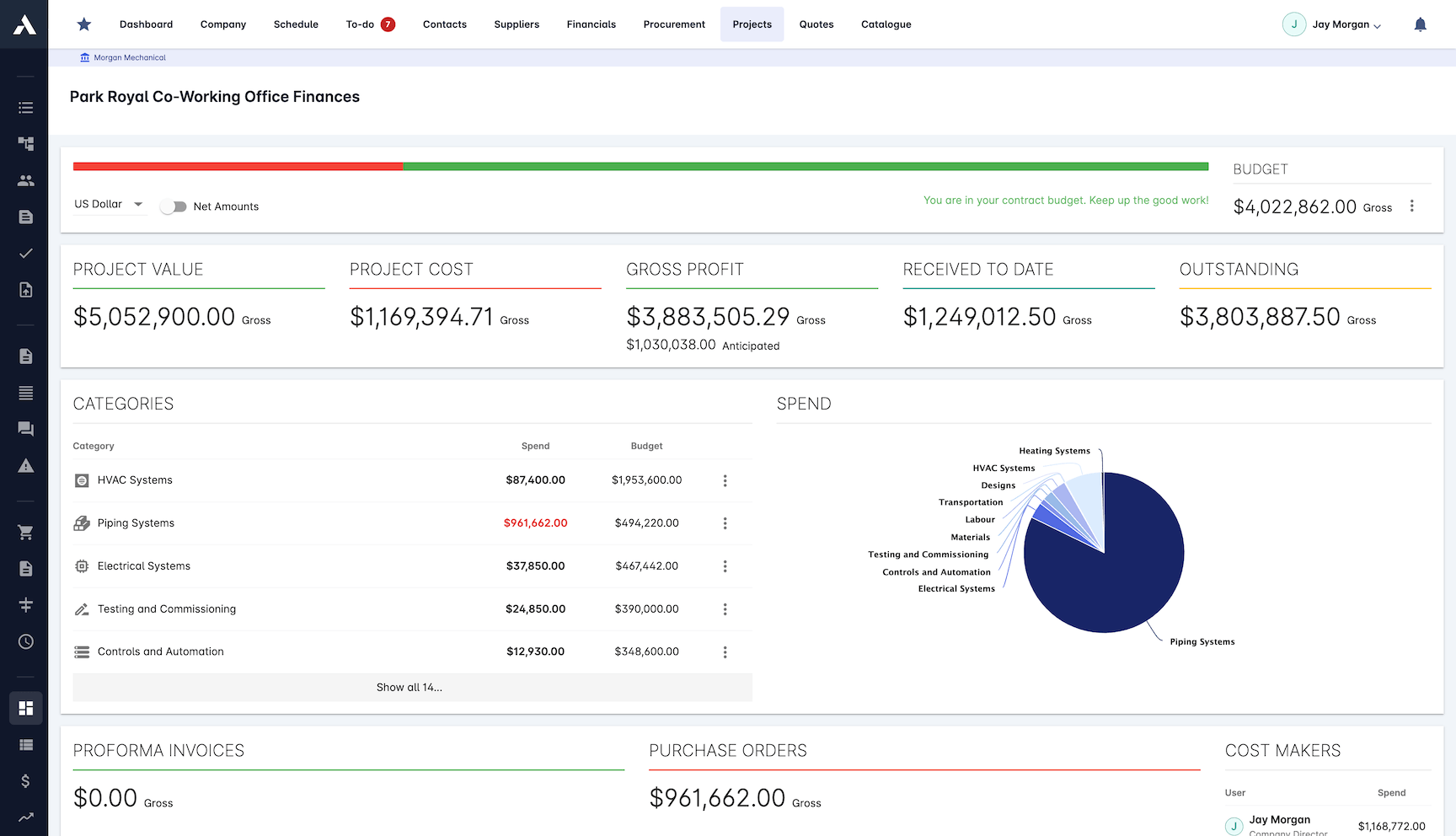
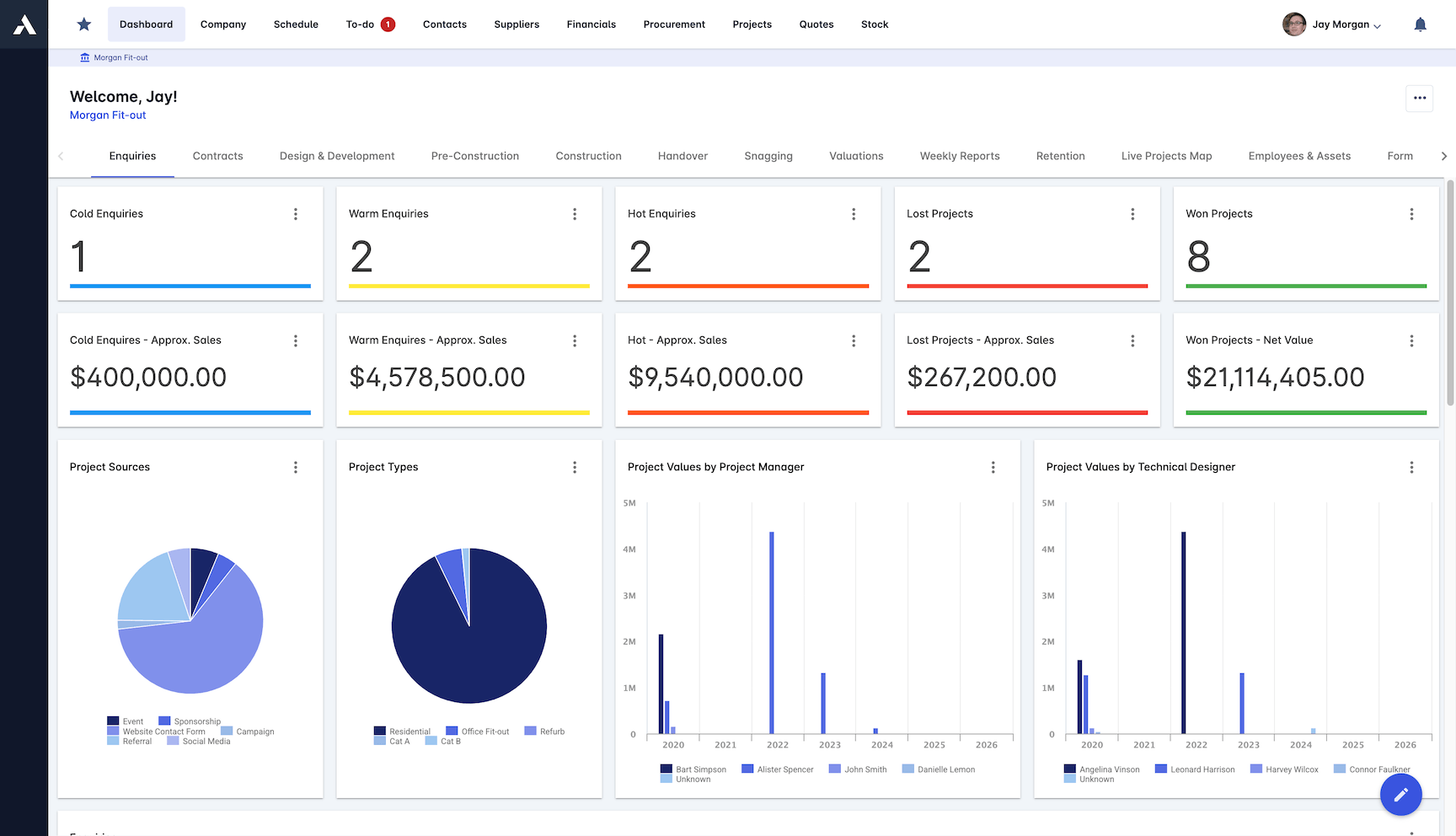
Archdesk RecommendedArchdesk provides a unified construction data platform with native support for a wide range of commercial, financial, scheduling, and field entities, enabling normalization and integration of fragmented project dataCustom quote , contact Archdesk for pricing●●●●●
ProcoreAs the dominant construction management platform, Procore serves as the primary data foundation for many contractors, attempting to normalize hundreds of entity types from RFIs to financialsCustom quote only●●●●○
Autodesk Construction Cloud (ACC)ACC provides a deeply integrated data environment that bridges the gap between design (BIM) and field executionCustom quote only●●●●○
ALICE TechnologiesALICE is an AI-driven construction optioneering platform that requires a highly structured, parametric data foundation to functionCustom quote only●●●○○
BuildotsBuildots uses AI computer vision to turn unstructured field data (360-degree video) into structured progress dataCustom quote only●●●○○
Document CrunchDocument Crunch applies purpose-built LLMs to the highly unstructured world of construction contracts and legal documentsCustom quote only●●●○○
Togal.AITogalStarting from $300/user/month●●●○○
nPlannPlan uses machine learning to analyze historical project schedules, identifying hidden risks and predicting delaysCustom quote only●●●○○
OpenSpaceOpenSpace provides AI-powered 360-degree reality capture, acting as a spatial data foundation that maps visual field data directly to BIM and floor plansCustom quote only●●●○○
DoxelDoxel uses AI to analyze computer vision data against BIM and schedules, acting as an integration layer between visual field data, scheduling entities, and budget codesCustom quote only●●●○○
Trimble Construction OneTrimble Construction One is a comprehensive construction management platform that unifies ERP, project management, and field data into a massive native entity modelCustom quote only●●●○○
Slate TechnologiesSlate is an AI platform designed to act as a digital assistant by ingesting fragmented data from emails, schedules, and PM tools to build a normalized data graph on the flyCustom quote only●●●○○
KreoKreo provides AI-powered takeoff and estimating software that normalizes 2D drawing data into structured quantities and cost codesStarting from $105/user/month●●●○○
DisperseDisperse captures visual data and uses AI to translate it into structured building data and progress reports, linking physical site reality to the schedule and BIMCustom quote only●●●○○
#1 Archdesk logo

Archdesk

★ Recommended
archdesk.com ↗

Among the platforms evaluated, Archdesk scores highest on native entity coverage across commercial, financial, and field domains, modeling over 180 entity types out of the box, which positions it as one of the few vendors that can serve as a normalized data foundation before AI tools are layered on top. Its principal limitation is on the AI feature layer itself: the platform does not yet ship proprietary ML models for scheduling risk, computer vision, or document intelligence, meaning buyers gain a strong data graph but must integrate third-party AI to act on it. For CIOs sequencing their AI stack, Archdesk fits the "data platform first" archetype rather than the "AI feature first" category, which is either a strength or a gap depending on where the organization sits on the readiness curve.

Pros
  • Comprehensive native data model covering 100+ construction-specific entities across commercial, financial, and operational domains
  • Strong integration capabilities with ERP, accounting, and scheduling tools to reduce data silos
  • Configurable workflows that map to real-world construction processes, supporting multi-entity relationships
  • Centralized document control with structured metadata, improving data accessibility for AI applications
Cons
  • Deployment times can be longer for large, multi-entity implementations due to data model configuration complexity

Pricing: Custom quote , contact Archdesk for pricing

#2 Procore logo

With over 16,000 customers and native coverage across roughly 80 to 100 entity types spanning RFIs, submittals, change orders, commitments, and payment applications, Procore offers the widest single-platform data graph among incumbent construction management tools. Its Copilot feature draws on this cross-module dataset to surface risk flags and project health signals, but the AI output quality remains tightly coupled to user data hygiene, and organizations running financial workflows outside Procore (in Sage, Viewpoint, or spreadsheets) face significant gaps in the underlying model. Procore's core limitation is that it functions primarily as a project-level system rather than a true enterprise data platform, making portfolio-wide AI use cases dependent on costly middleware or manual normalization across instances.

Pros
  • Procore Copilot leverages cross-module relational data for unified search and early workflow automation
  • High field user adoption rates ensure better, more consistent data capture at the source
  • Strong API foundation allows enterprise data teams to extract normalized data into custom warehouses for advanced AI layering
Cons
  • AI capabilities are currently closer to advanced search and summarization rather than deep predictive analytics
  • High platform cost can prohibit full-suite adoption, leading to missing modules and subsequent data silos
  • Custom entity creation is limited, forcing workarounds that can corrupt the normalized data model needed for AI
  • Historical project data often requires massive cleansing before Copilot or external AI tools can extract reliable insights

Pricing: Custom quote only

#3 Autodesk Construction Cloud (ACC) logo

Autodesk Construction Cloud (ACC)

construction.autodesk.com ↗

ACC benefits from one of the deepest BIM-to-field data linkages in the market, and its Construction IQ engine does genuine analytical work, flagging high-risk subcontractors and safety issues by mining patterns across its installed base of project data. That design-aware entity model gives it a real edge in risk scoring that most competitors cannot match because they lack the 3D geometry layer. The notable limitation is vendor lock-in: ACC's data depth drops sharply once you move outside the Autodesk ecosystem, and its commercial and financial entity coverage (cost codes, variations, payment applications, retention) remains thinner than what a dedicated ERP or construction data platform provides.

Pros
  • Deepest native integration with design and BIM entities, seamlessly linking 3D model elements to field issues
  • Construction IQ provides mature, out-of-the-box predictive risk and safety analytics based on millions of historical data points
  • Robust common data environment (CDE) capabilities ensure strict version control for documents and models
  • Strong relational linking between RFIs, submittals, and spatial data creates a highly contextualized AI data foundation
  • Extensive partner ecosystem and Forge API allow for expanding the data graph with specialized third-party AI tools
Cons
  • Financial and commercial entity models are less mature compared to its design and field execution models
  • Platform complexity can lead to inconsistent data entry by field teams, degrading the quality of AI inputs
  • Transitioning legacy BIM 360 data to the unified ACC platform can cause temporary data fragmentation
  • Native AI features are heavily biased toward risk and safety, lacking generative capabilities for commercial optimization

Pricing: Custom quote only

#4 ALICE Technologies logo

ALICE Technologies

alicetechnologies.com ↗

Among the vendors in the AI scheduling category, ALICE stands out for its optioneering engine, which ingests 3D models, schedules, and resource constraints to simulate millions of schedule permutations across a relational data graph. That capability makes it one of the clearest proofs in the market that generative AI in construction only works when the underlying entity model is normalized and parametric. The notable limitation is that ALICE's dependency on highly structured input data means it performs best on large, complex projects where owners and GCs have already invested in BIM and detailed scheduling, leaving it poorly suited for the mid-market or for contractors whose data still lives in spreadsheets and email chains.

Pros
  • Delivers true generative AI capabilities for schedule optimization and delay recovery
  • Deeply models complex relational entities including labor resources, spatial constraints, equipment, and task logic
  • Integrates natively with legacy scheduling tools (P6, MS Project) and BIM to build its foundational data graph
  • Dramatically reduces project duration and costs through data-driven, multi-variable optioneering
  • Transforms static schedule PDFs into a dynamic, living data model that updates as field conditions change
Cons
  • Requires highly mature, clean data inputs (accurate BIM, precise resource rates) to function effectively
  • Narrow focus on scheduling and resources ignores commercial, safety, and quality entities
  • Steep learning curve and significant change management required for traditional planners to adopt generative workflows
  • High upfront time investment required to build the initial 'recipe' data model before AI can generate options

Pricing: Custom quote only

#5 Buildots logo

By mapping 360-degree site video directly to BIM elements and schedule activities, Buildots automates progress tracking with a level of accuracy that manual reporting cannot match, effectively removing human bias from percent-complete data. Its core strength is the tight linkage between visual capture and the design and scheduling entity layers, which gives project teams a near-real-time, auditable record of what has actually been built versus what was planned. The notable limitation is scope: Buildots covers a narrow slice of the 300-plus entity model, focusing almost exclusively on progress and design verification, with no native handling of commercial, financial, or supply chain data, meaning it must feed into a broader data platform to contribute to cross-domain AI use cases.

Pros
  • Automatically links unstructured visual data to structured BIM elements and schedule tasks
  • Provides an objective, AI-verified single source of truth for project progress and payment applications
  • Highly accurate entity matching capable of identifying specific MEP components and their installation status in the field
  • Reduces manual data entry, significantly improving the overall health and accuracy of the project data foundation
  • Strong native integrations with industry-standard scheduling software (P6, Asta Powerproject) and CDEs
Cons
  • Data model is restricted strictly to progress, BIM, and schedule, lacking financials, RFIs, or contracts
  • Requires strict adherence to hardhat camera walking routines by field staff to maintain data continuity
  • Initial setup requires a high-LOD (Level of Development) BIM model, limiting use on less mature projects
  • Acts strictly as an analytical and tracking tool, lacking generative AI recommendations for fixing identified delays

Pricing: Custom quote only

#6 Document Crunch logo

Document Crunch

documentcrunch.com ↗

By training purpose-built LLMs specifically on construction contract language, Document Crunch does something few platforms attempt: it converts unstructured legal clauses like indemnities, liquidated damages thresholds, and notice-period requirements into normalized, queryable risk entities that can feed downstream commercial workflows. That narrow focus on contract intelligence is a genuine strength, and the output quality on risk extraction outperforms general-purpose NLP tools by a wide margin. The limitation is equally clear: Document Crunch covers perhaps 15 to 20 entity types within the commercial and compliance domains, leaving the other 280+ construction entities entirely unaddressed, which means it functions as a point tool that depends on a broader data platform to deliver AI value beyond the contract review stage.

Pros
  • Transforms highly unstructured contract PDFs into structured, queryable risk data entities
  • Purpose-built for construction, meaning its AI natively understands domain-specific legal and commercial entities
  • Integrates with platforms like Procore to embed contract compliance data directly into daily PM workflows
  • Drastically reduces the time required for preconstruction risk review and bid normalization
  • Standardizes risk assessment data across decentralized project teams and regional offices
Cons
  • Extremely narrow entity model focused solely on legal, insurance, and contract documents
  • Does not connect natively to field execution, schedule, or 3D model data
  • Relies heavily on the quality of uploaded documents, where poor OCR can degrade AI extraction performance
  • Functions primarily as a point solution that must be integrated into a broader data platform to maximize workflow value

Pricing: Custom quote only

#7 Togal.AI logo

Togal.AI

togal.ai ↗

By applying deep learning to 2D drawing takeoffs, Togal.AI automates spatial and material extraction at the earliest stage of the project lifecycle, converting static plans into structured estimating data that can feed downstream cost and procurement workflows. Its strength is speed and accuracy in preconstruction quantification, where it measurably compresses takeoff cycles from days to hours. The notable limitation is its narrow scope as a point tool: it does not model entities beyond the estimating phase, so its structured output only becomes valuable if a downstream platform can ingest and relate it to contracts, schedules, cost codes, and field data.

Pros
  • Rapidly extracts and structures spatial entities (rooms, walls, areas) from unstructured 2D PDFs
  • Significantly accelerates the estimating workflow, turning days of manual takeoff into minutes
  • Cloud-based architecture allows for easy data export to downstream estimating and ERP platforms
  • Continuously learning AI models improve entity recognition accuracy over time based on user corrections
  • Low barrier to entry with fast deployment time and immediate, measurable ROI for preconstruction teams
Cons
  • Operates in a data silo unless explicitly integrated with downstream ERP or project management platforms
  • Entity model is limited strictly to 2D geometry and basic material classifications
  • Does not handle 3D BIM data extraction, limiting its utility for advanced VDC teams
  • Lacks visibility into downstream project execution, schedule, or financial entities

Pricing: Starting from $300/user/month

#8 nPlan logo

Built on one of the largest proprietary datasets of historical construction schedules, nPlan applies machine learning to predict project delay risk at the activity level, giving planners a probabilistic view of completion dates rather than a single deterministic bar chart. Its core strength is schedule intelligence depth: the platform has ingested over $1 trillion worth of project schedules, which gives its predictions a statistical foundation that few competitors can replicate. The notable limitation is narrow entity coverage. nPlan focuses almost exclusively on schedule and risk entities, meaning it does not model commercial, financial, supply chain, or field management data, so it must sit alongside a broader data platform to contribute to enterprise-wide AI readiness.

Pros
  • Ingests and normalizes messy, historical schedule data to build a highly predictive risk foundation
  • Provides objective, statistically backed delay probabilities for every single schedule activity entity
  • Helps owners and contractors price risk accurately during the bidding phase based on empirical data
  • Uncovers systemic scheduling flaws and biases across a massive portfolio of historical projects
  • Does not require 3D models, relying purely on schedule logic and historical performance data
Cons
  • Narrow focus on schedule and risk entities, completely ignoring cost, quality, and safety data
  • Requires a significant volume of historical schedule data to train its predictive models effectively for a specific client
  • Outputs are probabilistic rather than deterministic, which can be difficult for traditional project managers to interpret
  • Operates as a point-in-time analysis tool rather than a daily workflow platform for field teams

Pricing: Custom quote only

#9 OpenSpace logo

Among AI vision vendors in construction, OpenSpace stands out for mapping 360-degree site captures directly onto BIM and floor plans, creating a structured spatial record that covers roughly 15 to 20 field and design entities with genuine depth. Its capture-to-progress workflow gives project teams measurable before-and-after comparisons of installed work, which is a concrete advantage over competitors relying on manual progress updates. The core limitation is scope: OpenSpace models physical reality well but does not natively connect that data to commercial, financial, or supply chain entities, meaning it depends entirely on integrations with PM and ERP platforms to close the loop between what is built and what is paid.

Pros
  • Excellent spatial data normalization linking unstructured images to structured BIM entities
  • Strong native integrations with core PM platforms to bridge data silos
  • Rapid deployment time with exceptionally high field adoption rates
  • Robust AI feature breadth for computer vision and automated progress tracking
  • Creates a reliable, time-stamped visual data foundation critical for dispute resolution
Cons
  • Limited to visual and spatial entity types, lacking native financial or commercial data modeling
  • Point-tool architecture requires heavy integration to achieve a unified data graph
  • Hardware dependency on 360 cameras limits passive, ambient data collection
  • Does not natively model complex commercial entities like change orders, subcontracts, or payment applications

Pricing: Custom quote only

#10 Doxel logo

By mapping LiDAR and photogrammetry captures directly against BIM elements, schedule activities, and cost codes, Doxel delivers one of the few genuine multi-entity integrations in the computer vision category, connecting physical progress to financial impact in near real time. That depth of linking is its core strength, but it comes with a hard prerequisite: the platform produces meaningful output only when the upstream BIM model, schedule, and budget data are already clean, current, and properly structured, which limits its practical value on projects with immature digital workflows. For organizations that have already invested in a strong data foundation, Doxel adds high-resolution progress intelligence; for those that have not, it becomes an expensive reminder of how much foundational work remains.

Pros
  • Deep integration between visual data, schedule (P6), and BIM entities
  • Highly accurate automated progress quantification that feeds directly into earned value management
  • Strong predictive risk analytics based on historical and real-time data intersections
  • Models complex relational dependencies between physical elements and schedule activities
  • Excellent data foundation for heavy industrial and complex commercial projects
Cons
  • Heavy reliance on high-fidelity BIM and mature schedule data inputs to function effectively
  • Long deployment and calibration time compared to lighter reality capture tools
  • Expensive point-solution that requires significant upfront investment and change management
  • Limited utility for projects lacking mature digital twins or strict baseline scheduling

Pricing: Custom quote only

#11 Trimble Construction One logo

Trimble Construction One

trimble.com ↗

Among the vendors evaluated, Trimble Construction One fields one of the deepest native entity models in the category, spanning ERP, project management, and field operations across financial, commercial, and operational domains in a single system of record. That breadth gives large contractors a legitimate data foundation for enterprise AI, covering more entity types natively than most competitors without requiring middleware. The notable limitation is accessibility: pricing is custom-quote only, deployment timelines skew long, and the platform's complexity can put it out of reach for mid-market contractors who need a faster path to a unified data layer.

Pros
  • Massive native entity coverage across ERP, HR, estimating, and PM domains
  • Highly mature financial and commercial data modeling that point-tools cannot replicate
  • Unified data environment significantly reduces fragmentation across the project lifecycle
  • Robust enterprise support and geographic presence globally
  • Provides a true system-of-record data foundation essential for layering future agentic AI
Cons
  • Legacy architecture can make data extraction and third-party API integrations complex
  • AI feature breadth currently lags behind nimble, specialized point solutions
  • Steep learning curve and long deployment times requiring heavy change management
  • User interface can feel dated, occasionally hindering field data capture adoption

Pricing: Custom quote only

#12 Slate Technologies logo

Slate Technologies

slate.ai ↗

Slate takes a distinctive approach to the data-foundation problem by ingesting unstructured inputs from emails, schedules, and PM tools, then attempting to build a normalized data graph on the fly rather than requiring users to enter data into a predefined schema. This makes it one of the few vendors explicitly targeting the fragmentation gap this report identifies as the root cause of AI pilot failure. The notable limitation is that auto-generated data graphs depend heavily on input quality and naming consistency across trades, which means Slate's accuracy can degrade on large, multi-subcontractor projects where nomenclature varies widely and no upstream data discipline exists.

Pros
  • Specifically designed to tackle construction data fragmentation across disparate systems
  • Strong NLP capabilities for structuring unstructured data like emails, RFIs, and daily logs
  • Dynamic integration layer connects disparate point tools into a unified decision graph
  • Focuses heavily on workflow optimization and contextual decision support rather than just data storage
  • Rapid time-to-value for specific scheduling, procurement, and risk-flagging workflows
Cons
  • Entity model depth is still evolving compared to legacy ERPs and established PM platforms
  • Relies heavily on the quality and API accessibility of third-party tools to build its graph
  • AI recommendations can lack context if underlying data inputs from integrated tools are poor
  • Relatively new entrant with a smaller market footprint and integration ecosystem

Pricing: Custom quote only

#13 Kreo logo

Among preconstruction AI tools, Kreo stands out for its ability to convert unstructured 2D drawings into structured quantity and cost-code data, effectively creating a normalized bridge between design intent and financial models that most estimating workflows still handle manually in spreadsheets. Its core strength is entity extraction from drawings, turning lines on a page into classified, measurable objects tied to cost structures, which gives it genuine data-foundation value in the preconstruction phase. The notable limitation is scope: Kreo's structured data model ends at preconstruction, meaning it does not carry those entities forward into field execution, commercial management, or supply chain workflows, so buyers should treat it as a feeder into a broader platform rather than a standalone data layer.

Pros
  • Excellent at structuring unstructured 2D drawing data into quantifiable, trackable entities
  • Strong AI feature breadth for automated measurement, counting, and classification
  • Integrates seamlessly with standard estimating workflows and standardized cost codes
  • Fast deployment time with minimal change management required for preconstruction teams
  • Provides a critical data bridge between early-stage design files and execution data
Cons
  • Narrow focus on preconstruction entities, lacking field, safety, or financial execution data
  • Point-tool architecture requires downstream integration to be part of a broader enterprise data graph
  • Struggles with highly non-standard or poor-quality drawing conventions
  • Limited enterprise-wide utility outside of the estimating and preconstruction departments

Pricing: Starting from $105/user/month

#14 Disperse logo

By mapping site-captured imagery to schedule activities and BIM elements, Disperse creates a structured record of physical progress that most project controls teams otherwise assemble manually from walkdowns and subjective percent-complete estimates. Its core strength is the translation layer between visual reality and planned status, which means it produces genuinely useful deviation signals when the schedule baseline and BIM are well maintained. The notable limitation is exactly that dependency: on projects where the baseline schedule is loosely managed or BIM maturity is low, Disperse's AI output loses its anchor, reducing it to a photo archive rather than a progress intelligence tool.

Pros
  • Strong translation of visual data into structured schedule and progress entities
  • Significantly reduces manual data entry for project controls and planning teams
  • High accuracy achieved through a human-in-the-loop AI processing model
  • Excellent for high-rise and repetitive commercial builds with standardized floorplates
  • Strong executive dashboards that visualize the intersection of physical progress and schedule health
Cons
  • Point-solution covering only a fraction of the 300+ construction entities required for a full data foundation
  • Requires mature schedule inputs and BIM to effectively map and analyze progress
  • Turnaround time for processed data is not real-time, delaying immediate AI insights
  • Limited financial and commercial data integration capabilities compared to full platforms

Pricing: Custom quote only

Verdict

For construction organizations managing multi-project portfolios with mixed delivery models, Archdesk scores highest on the dimension that determines whether AI pilots succeed or fail: data model depth. It natively links 260+ of the ~300 entity types this report identifies, giving AI tools a normalized graph to query rather than a patchwork of disconnected exports. That said, if your only priority is AI-driven schedule risk analysis on a single mega-project, nPlan delivers a more specialized model today. If your firm is already standardized on Procore across 50+ jobsites, Procore Copilot offers the lowest-friction path to initial AI features. Neither scenario, however, eliminates the data foundation gap. It defers it. For CIOs who want AI that compounds across commercial, field, and financial workflows, Archdesk is the data layer on which the rest of the stack should sit.

See Archdesk in action

This heatmap scores 14 AI construction vendors across 12 dimensions of the Construction AI Readiness Stack, measuring how deeply each product models construction-specific entities, integrates fragmented data sources, and enables AI-ready workflows, helping CIOs and PE operating partners identify which platforms provide the data foundation without which AI pilots reliably fail.

5 = Excellent 4 = Good 3 = Average 2 = Below average 1 = Poor
Filter:
Feature Archdesk RecommendedProcoreAutodesk Construction Cloud (ACC)ALICE TechnologiesBuildotsDocument CrunchTogal.AInPlanOpenSpaceDoxelTrimble Construction OneSlate TechnologiesKreoDisperse
Native Entity Coverage Count of construction entities natively modeled 5 4 4 2 1 1 1 2 1 1 4 2 2 1
Cross-Domain Relational Depth Linked relationships across commercial, field, finance 5 3 3 2 1 1 1 2 1 1 3 1 2 1
Integration Ecosystem Number and depth of native third-party integrations 4 5 5 2 2 2 1 2 3 2 4 2 1 2
Commercial Workflow Coverage BoQ, variations, valuations, retention, payment apps 5 3 2 1 1 2 1 1 1 1 3 2 3 1
AI Feature Breadth Range of production AI features available today 3 3 4 4 4 4 4 4 3 4 3 4 3 3
Data Normalization Layer Unified schema that reconciles siloed source data 5 3 3 2 2 1 1 2 2 2 3 1 2 2
Multi-Project Portfolio View Cross-project reporting, benchmarking, and rollups 5 4 3 2 3 1 1 3 2 2 4 1 2 2
Subcontractor and Supply Chain POs, GRNs, subcontracts, deliveries, plant tracking 5 3 2 1 1 1 1 1 1 1 3 1 2 1
Deployment Speed Weeks to first productive use on-site 4 3 2 3 4 5 5 4 4 3 2 4 4 4
Geographic Versatility Proven adoption across US, UK, EU, GCC, APAC 4 5 5 3 3 3 2 3 4 3 5 2 2 3
Open API and Data Export Programmatic access for BI, warehousing, custom AI 4 5 4 2 3 2 2 3 3 3 3 2 2 3
AI Readiness Contribution Overall contribution to making AI pilots succeed 5 4 4 3 3 2 2 3 2 2 4 2 2 2
Total Score 54 🏆 90% 45 75% 41 68% 27 45% 28 47% 25 42% 22 37% 30 50% 27 45% 25 42% 41 68% 24 40% 27 45% 25 42%

Product Positioning Quadrant

This quadrant compares AI construction platforms by the depth of their native construction data model (how many real-world construction entities and relationships they natively support) and the breadth of their embedded AI features, highlighting which vendors offer true data foundations for scalable AI versus those focused on narrow, workflow-specific AI tools.

Shallow Entity ModelComprehensive Entity ModelData Model DepthBroad AI FeaturesNarrow AI FeaturesAI Feature BreadthAI Innovators with Data GapsIntegrated AI Data LeadersNiche Point SolutionsPlatform AI SpecialistsAPACATBDCTNODTCSTKD
ArchdeskArchdeskRecommended
ProcoreProcore
Autodesk Construction Cloud (ACC)Autodesk Construction Cloud (ACC)
ALICE TechnologiesALICE Technologies
BuildotsBuildots
Document CrunchDocument Crunch
Togal.AITogal.AI
nPlannPlan
OpenSpaceOpenSpace
DoxelDoxel
Trimble Construction OneTrimble Construction One
Slate TechnologiesSlate Technologies
KreoKreo
DisperseDisperse

Frequently Asked Questions

What is the best AI construction data platform software for multi-project portfolios in 2026?

The answer depends on your data foundation maturity. For firms running 20+ concurrent projects across mixed delivery models (design-build, CM at risk, JCT, NEC), platforms that natively model 200+ construction entities, including commercial objects like variations, retention schedules, and payment applications, score highest on our AI Readiness Stack. Archdesk, Procore, and Trimble Construction One each cover different slices of the 300+ entity model, with Archdesk indexing strongest on commercial and financial entity depth (240+ native entities) while Procore leads in field and collaboration breadth with over 500 native integrations. No single vendor scores above 4.2 out of 5.0 across all five layers of the readiness stack, which is why sequencing matters more than vendor selection.

How much does AI construction software cost, and how do pricing models compare across vendors?

Pricing models vary sharply by category. Point AI tools like Document Crunch and Togal.AI typically charge per-document or per-project fees, ranging from $500 to $3,000 per project per month. Platform vendors like Procore price per-user with annual contracts that average $667 per user per month for enterprise tiers, while Archdesk uses a per-project or per-seat hybrid starting around $299 per month for mid-market contractors. Buildots and Doxel charge per-square-foot-scanned, which can reach $0.03 to $0.08 per square foot per scan cycle. Buyers should model total cost of ownership against the number of entities each platform covers natively, because integration costs to fill entity gaps often exceed the subscription itself by 2x to 4x.

Archdesk vs Procore: which platform is better for AI readiness in construction?

They solve different layers of the AI Readiness Stack. Procore scores highest on integration count (500+ native connectors), workflow breadth, and field data capture, making it the strongest collaboration layer for US general contractors above $100M in annual revenue. Archdesk scores higher on data model depth for commercial and financial entities (particularly BoQ line items, variations, daywork sheets, subcontract valuations, and retention tracking), which matters most for main contractors in the UK, EU, and GCC running NEC or JCT contracts. For AI readiness specifically, the critical question is whether your highest-value AI use case requires field data (where Procore's foundation is stronger) or commercial and cost data (where Archdesk's entity graph is denser). Neither platform yet offers AI features that match the depth of category-specific point tools like nPlan for scheduling risk or Document Crunch for contract analysis.

Why do most AI pilots fail in construction, and what percentage is caused by data fragmentation?

Industry data from FMI, McKinsey, and JBKnowledge surveys consistently shows that 80% or more of AI construction pilots do not reach production deployment. Our framework analysis attributes roughly 60% to 70% of those failures to data fragmentation, meaning the AI model works in isolation but cannot access the linked entity relationships it needs to produce action

Trusted by construction companies small and large around the globe

Ready to Get Started?

You are one easy step away from the future of construction management. It's really that simple.

Get Started
Software Advice logo
Capterra logo
GetApp logo