
Construction Change Order Software for Canadian Contractors
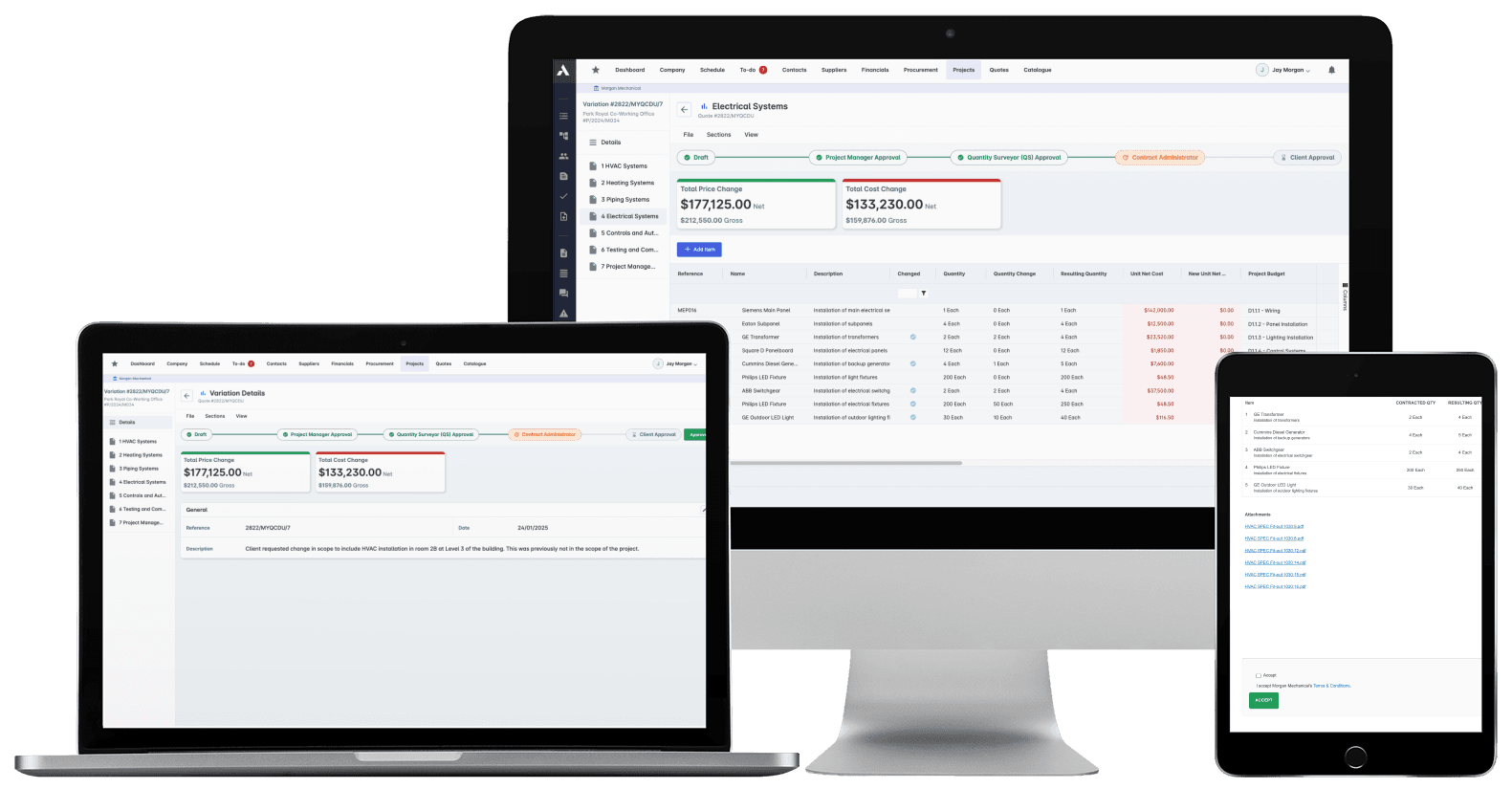
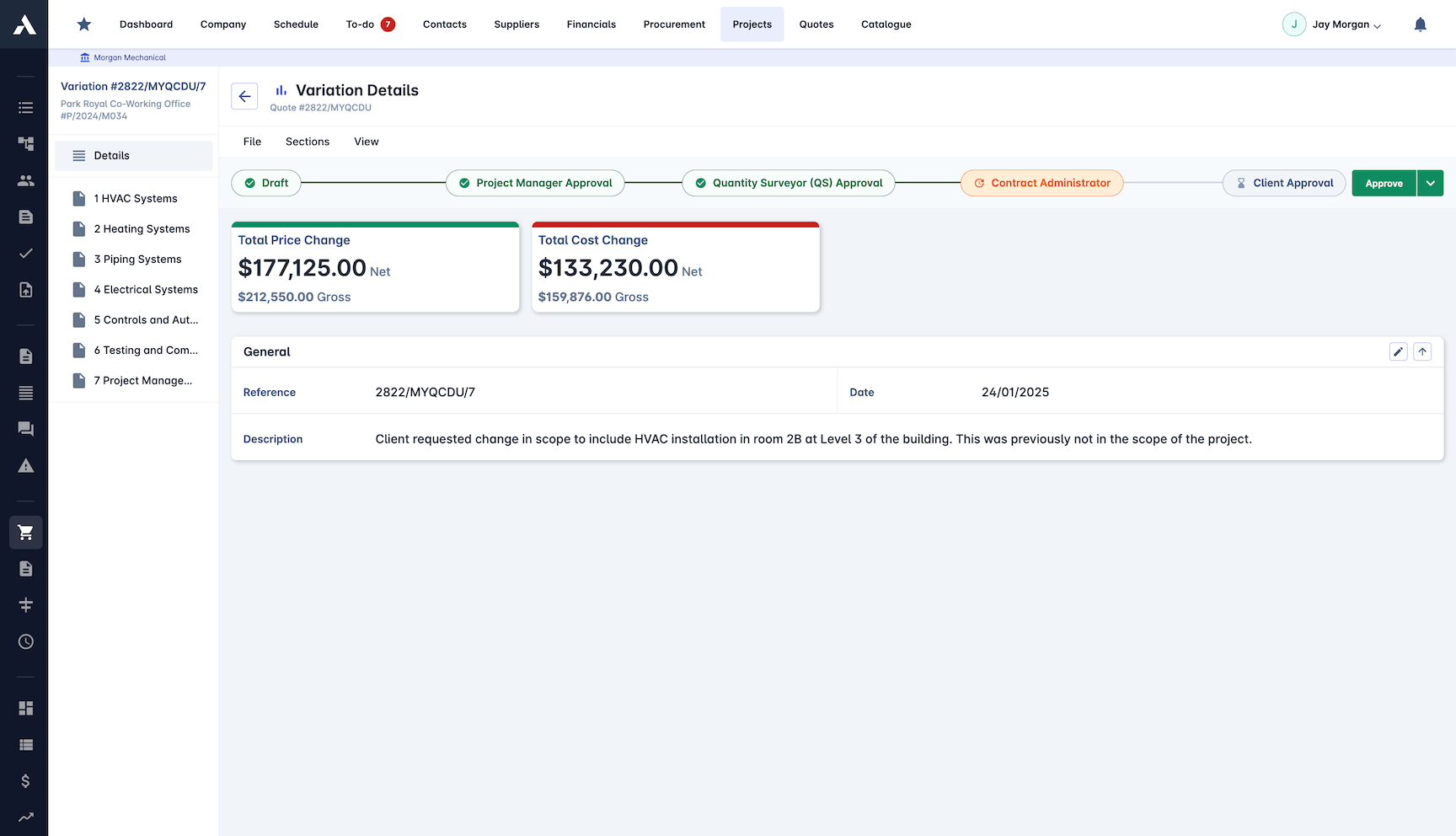
Scope changes. The committed position doesn't slip.Price every change order with its cost impact before approval, capture client sign-off on the record, and let the approved change adjust the budget and carry into the next progress draw. Committed cost stays current, so the forecast holds from the first draw to closeout.
Trusted by construction companies of every size, worldwide


























Every change order priced and signed before the work is built
Change order software for Canadian contractors keeps committed cost honest while the scope moves. Archdesk prices each change order with its price and its cost side by side, routes it through approval ending with the client, and adjusts the budget the day the change is approved. Approved changes carry into payment certification and the next progress draw, and holdback is tracked per subcontract, so the commercial picture around each change stays complete: committed, drawn and held, on one record per project and across the portfolio.

Approved changes reach the draw on their own
Once signed, the change order adjusts the budget and carries into payment certification and the next progress draw, tracked from instruction to final payment with committed cost current the whole way.
Margin impact before anyone signs
Every change order shows its price and its cost side by side, whether it adds scope or removes it, so what the change does to margin is known before approval, not after the invoices land.
A clear instruction, not a verbal agreement
Approval workflows end with the client, whose sign-off is captured online before work starts. The change is built on a recorded instruction, and the paper trail holds if it is ever questioned.
The same disputes stop repeating
Change order analytics surface trends, root causes and claims exposure across the portfolio, so pricing sharpens and the same disputes stop repeating.
Committed cost is where change control lives
A change order is money committed before any invoice shows it. Archdesk prices the change, adjusts the budget on approval and keeps committed cost current per job and across the portfolio, so the forecast is one you can defend.

Financial Control
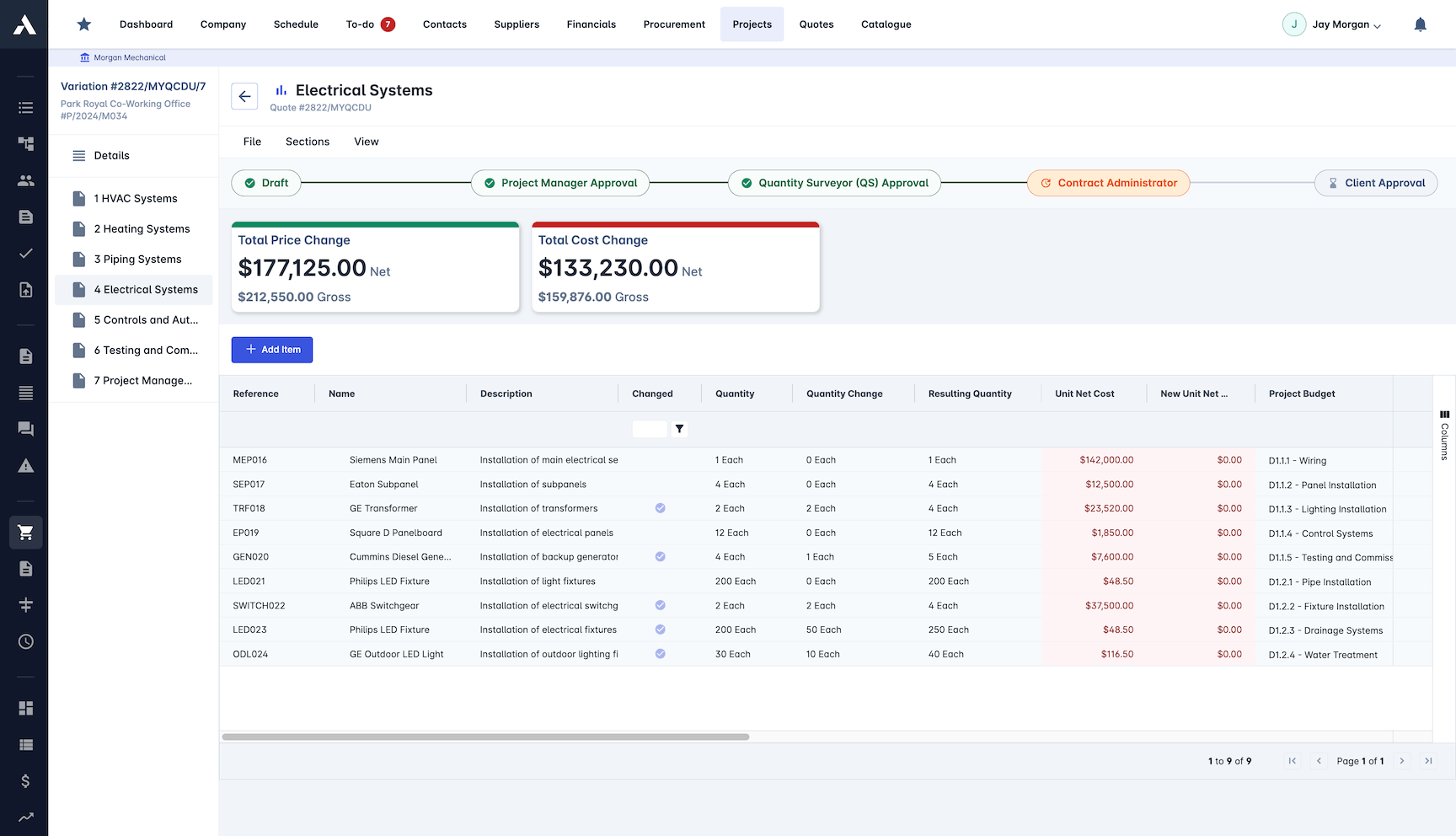
Every variation is tracked financially from pricing to final payment. The budget adjusts when the change is approved, so final billing holds no surprises.
Every variation order priced
Budget adjustments tracked on approval
Payment certification built in
Costs coded to the right lines
Approved variations carried into final billing
Approval Management
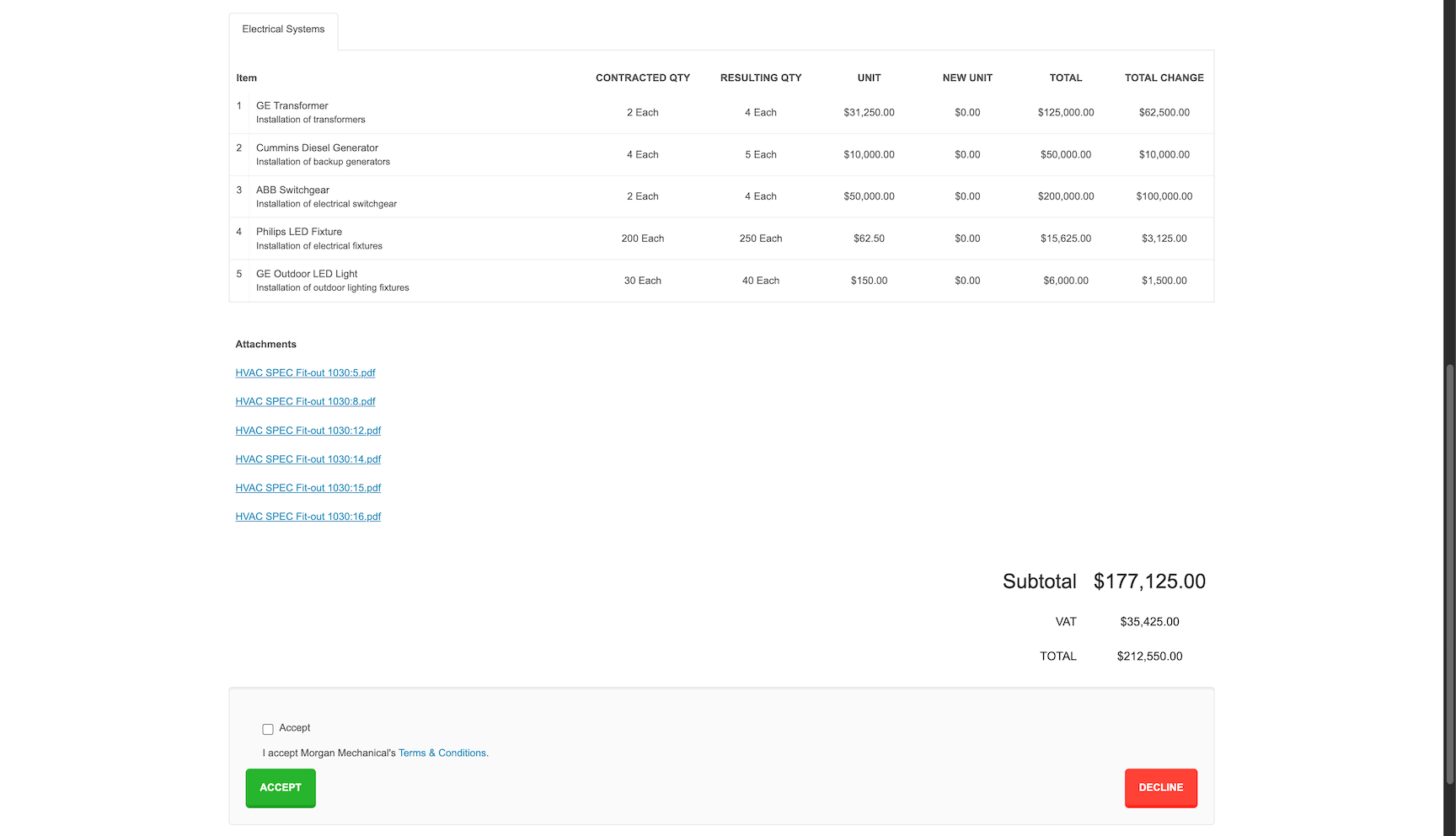
Route every variation through the right reviewers, ending with the client. Sign-off is captured online, so work starts on an instruction, not a nod on site.
Multi-level approval workflows
Client sign-off captured online
Notifications sent at every step
Variation instructions tracked on the record
Variation Analytics
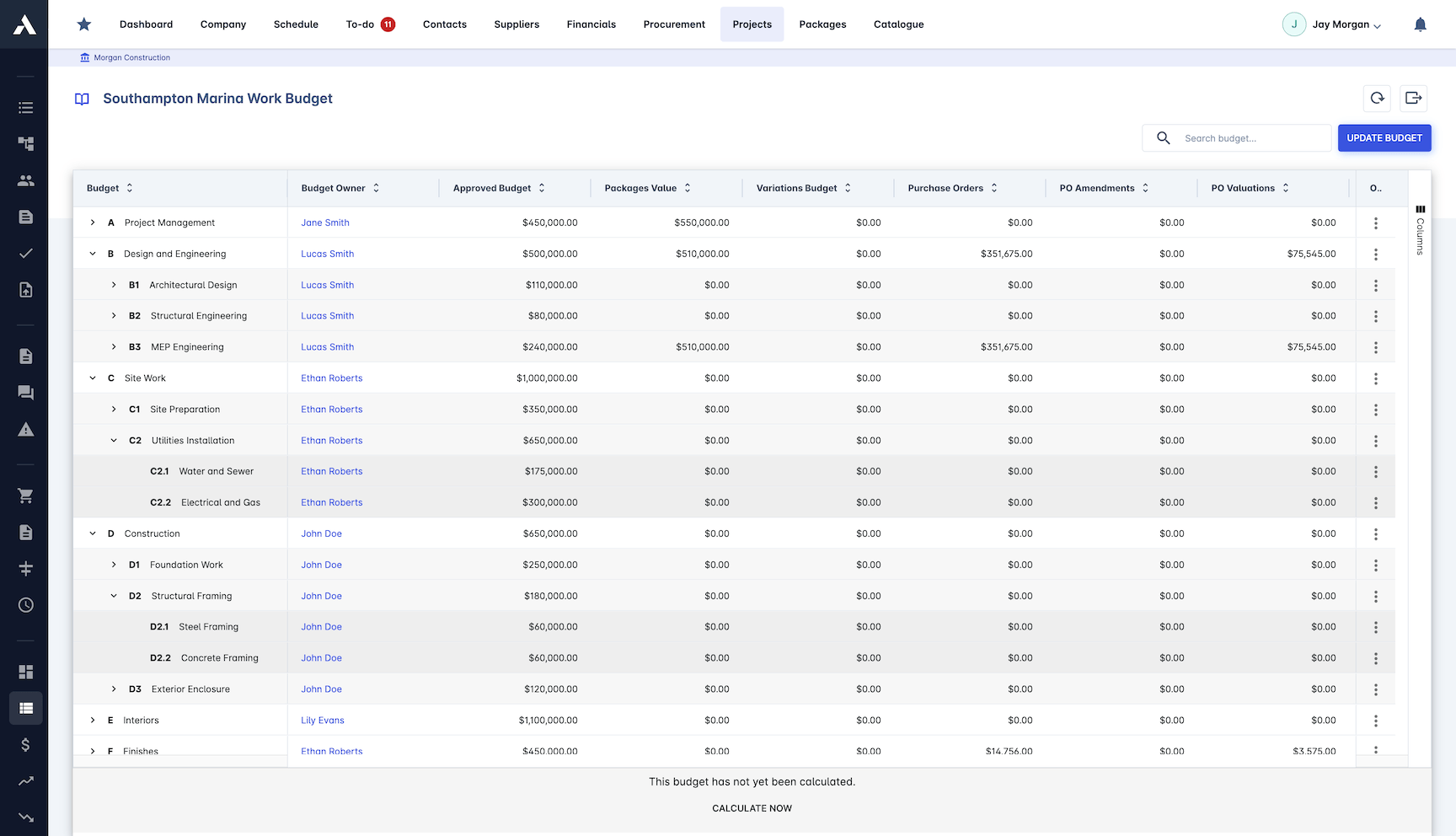
See what variations do to margins across the whole portfolio. Trends and root causes surface in the data, so pricing sharpens and disputes stop repeating.
Variation trends across projects
Root causes identified in the data
Claims analysis reporting
Portfolio-wide variation insights
Change Order Creation
Raise every variation as a change to the scope of works, whether it adds work or removes it. Cost impact and supporting documentation attach at creation, not after the fact.
Variations raised against the scope of works
Cost impact calculated on creation
Scope increased or reduced on the record
Client approval built into the process
Frequently Asked Questions: Change Orders & Variations
What does construction change order software do?
It puts every scope change on the record before the work is done. Archdesk prices each variation with its price and its cost side by side, routes it through approval all the way to the client, then flows the approved change into the budget and the next progress draw automatically.
How does Archdesk handle variations that reduce the scope of works?
Variations are raised against the scope of works whether they add work or remove it. The cost impact is calculated at creation with supporting documentation attached, so a scope reduction is recorded and priced the same way as extra work.
When does the client approve a change order?
Before anyone builds it. Approval workflows route the variation through the right reviewers and end with the client, whose sign-off is captured online. Work starts on a recorded instruction rather than a verbal agreement on site, so there is a paper trail nobody can argue with.
What happens to a variation after it is approved?
The budget adjusts on approval and the variation flows into payment certification and the next progress draw automatically. Each change is tracked financially from pricing to final payment, and approved variations are carried into final billing.
Can you see what variations do to margins across projects?
Yes. Variation analytics surface trends, root causes and claims exposure across the whole portfolio, so recurring disputes show up in the data and pricing sharpens with every project.
How do change orders affect holdback in Archdesk?
Holdback is tracked per subcontract alongside the rest of the commercial record. When an approved change order moves a subcontract value, the holdback position moves with it, so balances and release timing under Canadian construction contracts stay visible beside the numbers.
When does a change order hit committed cost?
At approval. The budget adjusts the day the change is signed, so the committed position runs ahead of the invoices and the gap between committed and billed stays visible per cost line, months before the ledger catches up.
How do approved changes reach progress draws?
An approved change order carries into payment certification and the next progress draw automatically, so drawn, certified and committed positions read together on the same project record from the first draw to the final one.
Does Archdesk integrate with QuickBooks Online?
Yes. Archdesk integrates with QuickBooks Online, so job cost records and the ledger stay in step without double entry, and approved change orders are reflected in the numbers finance works from.
Comparing options? See the top construction change order software compared.
Explore Related Solutions
Everything below runs in the same system, working from the same live data.
Estimation
Accurate project cost estimation
Bid Management
Streamline your bidding process and win more jobs
Client Proposals
Create professional client facing proposals
BIM Integration
3D take-off estimation
Job Costing
True cost per job, live against the estimate
Project Cost Controls
Monitor and compare your actuals with the estimate
Discover more
Explore the full range of solutions and find the right fit for your business.
See your next project on Archdesk
Book a demo and walk through a fully worked example project: one platform running everything from winning the work to closing it out.
Book a Demo

